The Pichonnière Valley Map v1.1.0.2 for FS25
0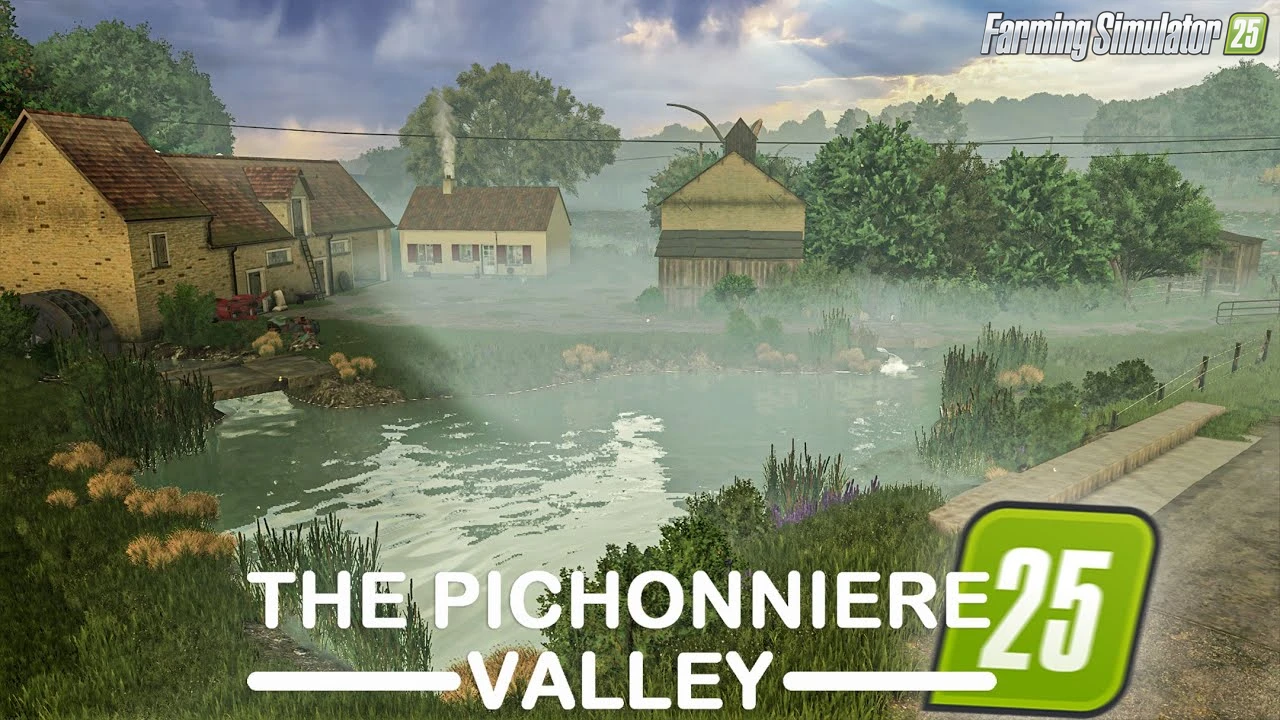
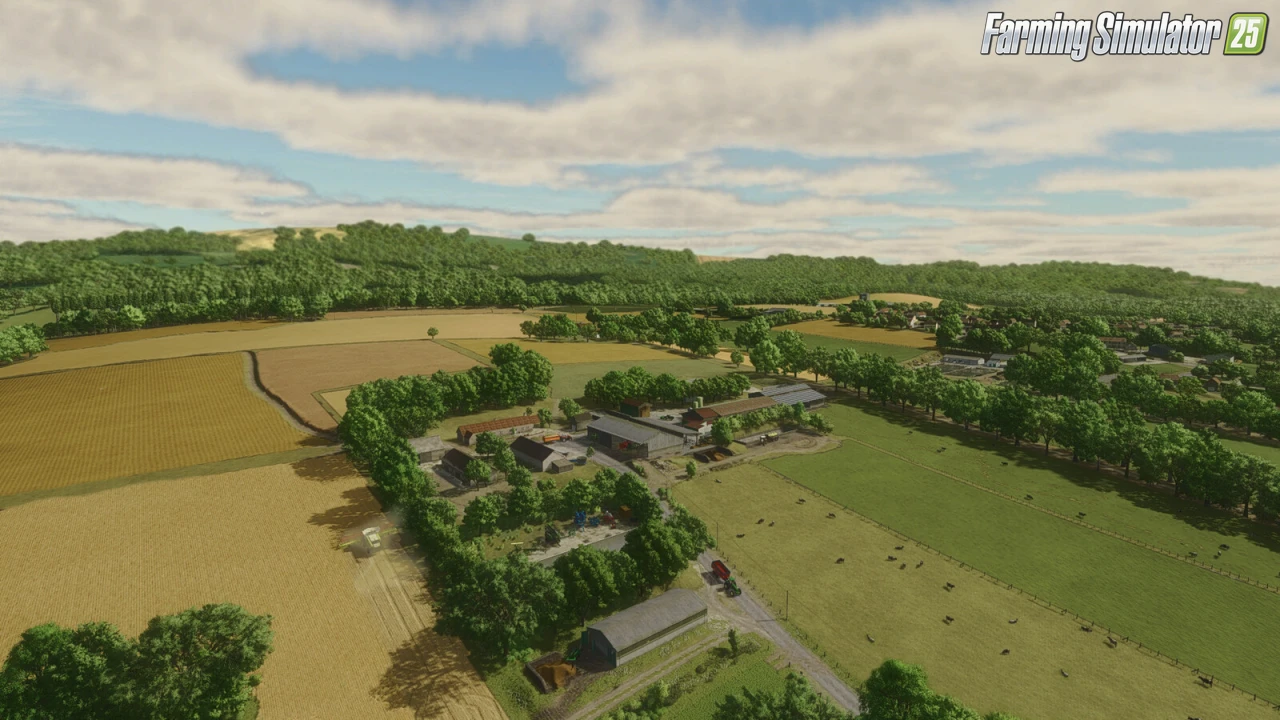
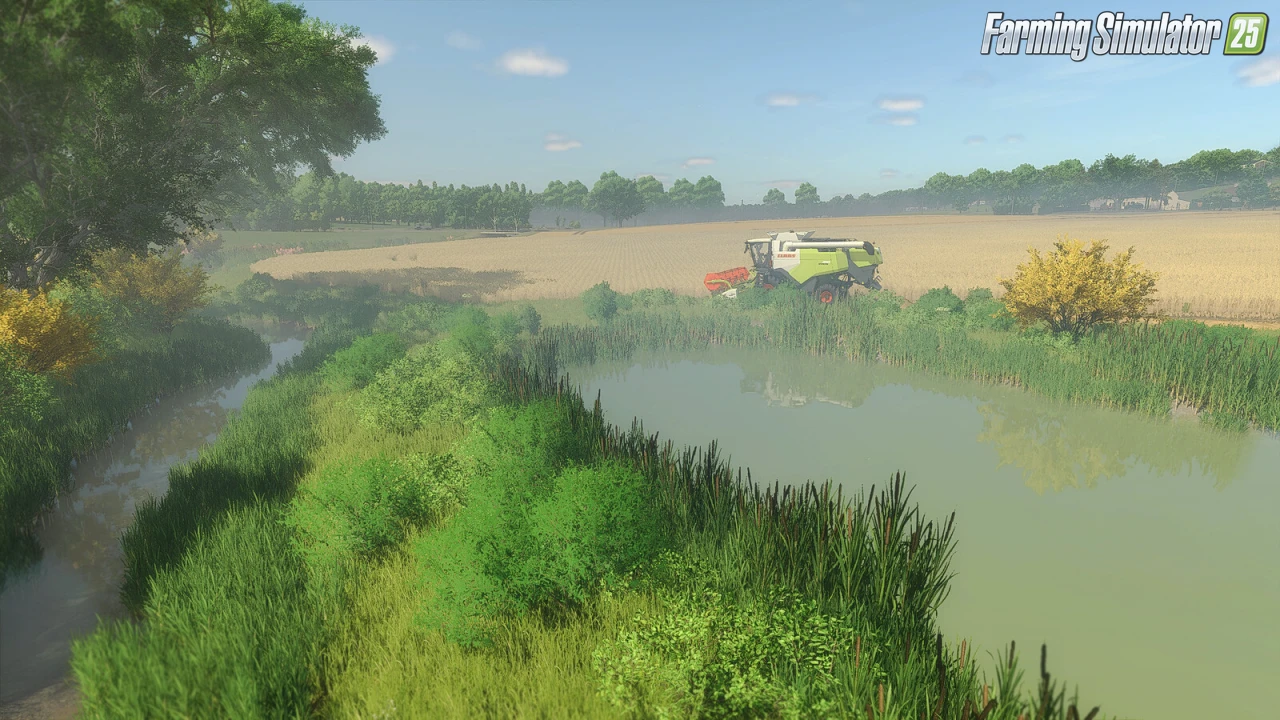
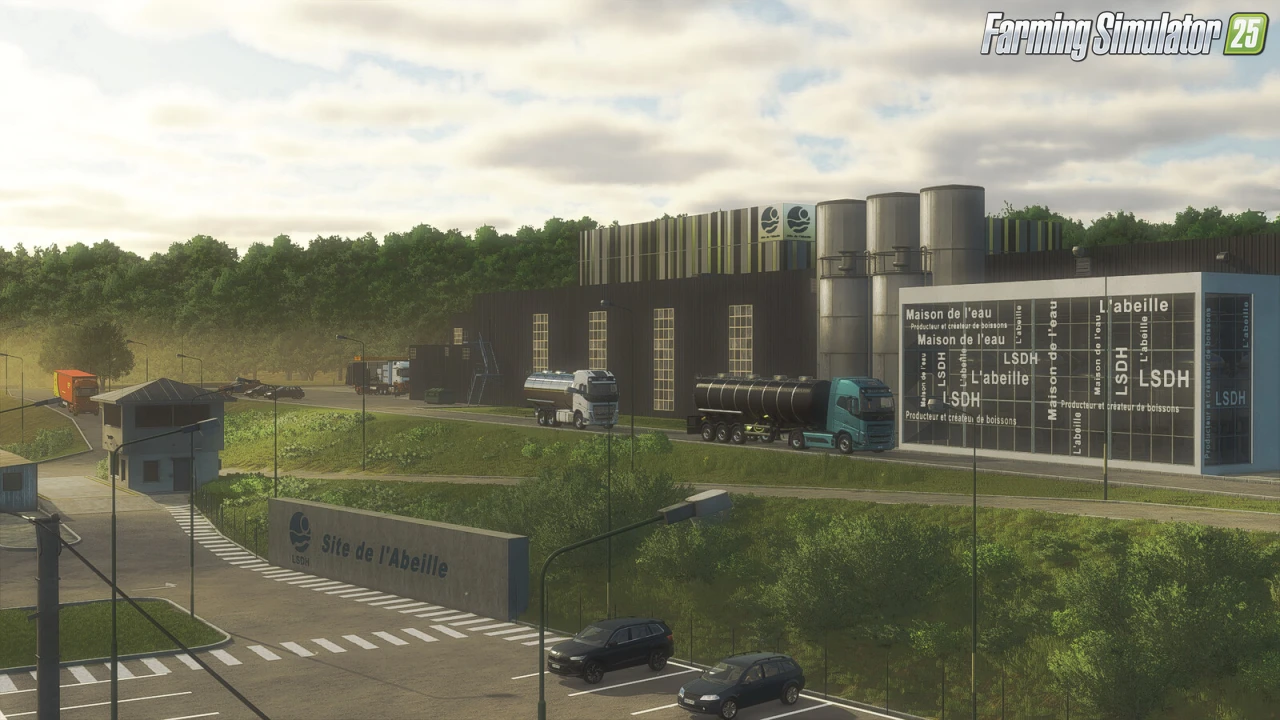
The Pichonnière Valley Map for FS25 - this mod brings the authentic French Sarthe region farm to FS25 players as a highly detailed immersive map inspired by a real dairy operation near the Le Mans racetrack, perfect for large-scale cropping and grassland management, dairy and livestock farming, forestry, intricate production chains, and custom farm development across varied terrain optimized for realistic fieldwork.
Features The Pichonnière Valley Map:
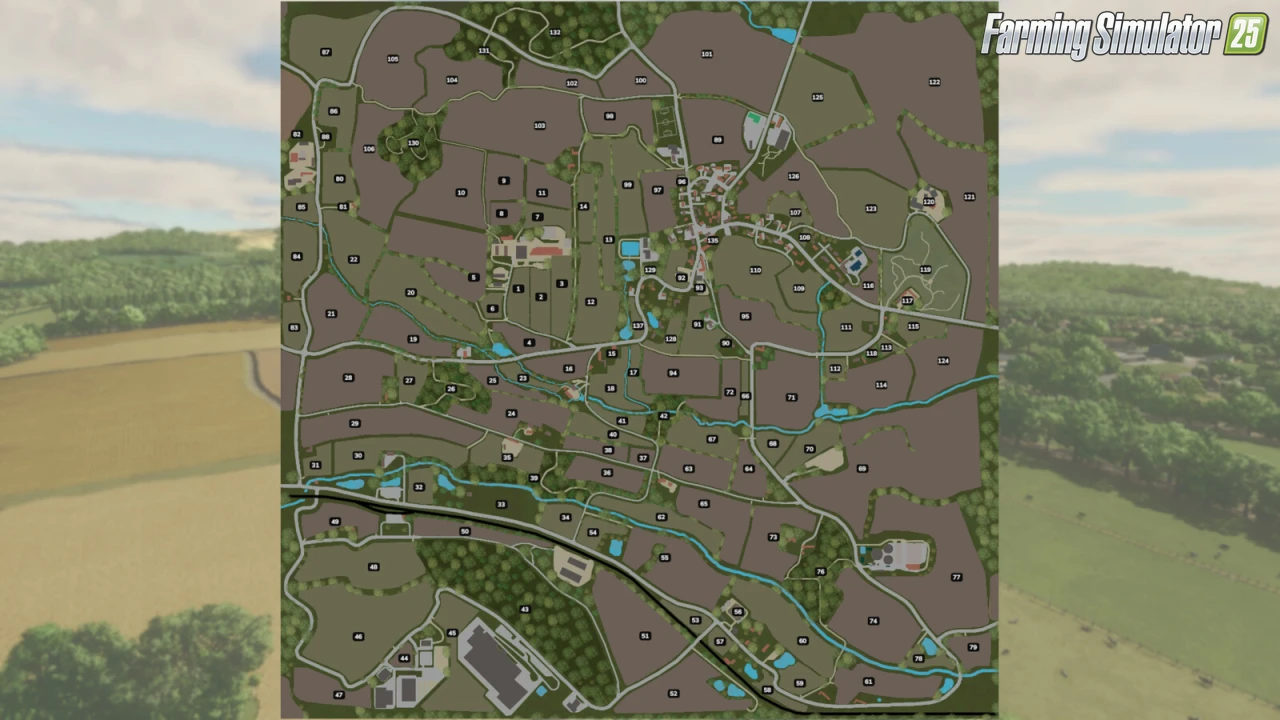
– 111 Purchasable Arable Fields (Crops or Grasslands)
– 7 Forestry Plots
– Multiple Buildable Areas for Custom Farms
– 1 Main Dairy Farm (Starting Option)
– 1 Arable Farm
– 3 Small Farms to Develop
– 1 Vegetable Farm
– 1 Pig Farm
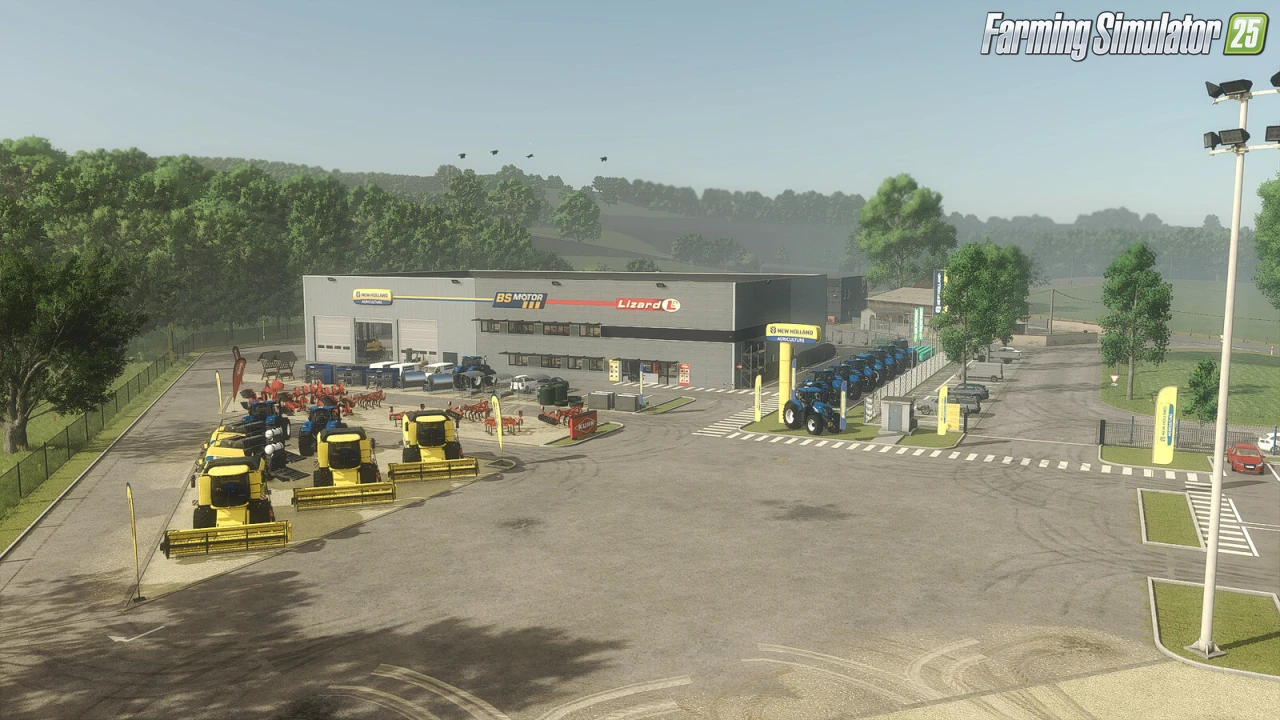
– 1 Dealership
– Productions: Dairy, Sugar Factory, Carpentry Workshop, Sawmill, Soup Factory, Flour Mill, Oil Mill, Cement Factory, Fertilizer/Herbicide
– Fish Farming & Processing Site
– Livestock Market
– Railway Silo (Crop Sales) & Rail Wood Selling Point
– New Crops: Mustard, Rye, Triticale, Spelt, Vetch-Rye, Green Rye, Alfalfa, Clover, Green Silage Maize
– Precision Farming DLC Compatible
– Collectibles & Riddle-Based Exploration Rewards
– Realistic Terrain Elevation for Optimized Fieldwork
– Crossplay Compatible (PC/MAC, PS5, Xbox)
Tested on game version 1.24.x
Screenshots of «The Pichonnière Valley Map v1.1.0.2 for FS25»

Gameplay Videos with «The Pichonnière Valley Map v1.1.0.2 for FS25»
Changelogs for «The Pichonnière Valley Map v1.1.0.2 for FS25»
Changes in v1.1.0.2:
– 🌧️ Improved rain effects while driving at high speeds.
Changes in v1.1.0.1:
- Fixed an issue that prevented the map from fully loading when using certain mods (related to pig food).
Download Link #2 | Download Link #3
Changes in v1.0.0.1:
- Major map optimization (~250 MB less).
- Various improvements to prevent blurry textures.
- It is now possible to buy roads and all land for €0.
- Replacement of the west farm cowshed to ensure better harmony with the farm style, as well as two other buildings.
- The farm manure pits can now be placed independently from the rest.
- Replacement of a barn on the main farm with a larger vehicle shed.
- There are now 36 ground textures available to paint in the terrain painting menu.
- Added a shop to purchase various pallets (warehouse) at AGRIALL.
- Added seed production to the fertilizer factory.
- Fixed flying cows.
- Renumbering of certain fields to fix mission issues.
- Fixed power lines (missing and floating).
- Fixed several terrain irregularities.
- Fixed the name of the ice cube production.
- Fixed an issue related to the Claas tractor hose at the farm.
- Adjustment of various objects and trees on the map.
- Removal of a plane visible in winter on the house of plot 90.
- Added collision to the railway bridge.
- Added collision to vehicle shop doors.
- Adjustment of selling prices at various selling points.
- Added all basic dairy productions to the main dairy.
- Fixed the selling trigger at the large agricultural kiosk (no need to buy the plot to sell anymore).
- Fixed all silage bunkers (contents sometimes passed through the walls).
- Fixed the manure pit of the main farm (manure passed through the wall).
- Fixed the Vetch–Rye crop; it can be used as forage (hay, silage).
- Adjustment of the fence of pasture 46 (coordinates 339 / 1831).
- Adjustment of the fence of pastures 84 and 85 (the worker got stuck in places).
- Increased production speed of fish food.
- Added several recipes for fish food production.
- The shed between the calves and the chickens is now placeable and sellable.
- The sheds on the two plots at the village entrance are now placeable and sellable.
- Added the box option to remove fences in several western fields.
- Changed the harvest calendar for silage maize.
- Readjustment of the position of several objects and buildings across the entire map.
- Fixed the animation of the small shed for riddle 18.
Download #2 | Download #3
Changes in v1.0:
- first release
Download #2 | Download #3
How to install «The Pichonnière Valley Map v1.1.0.2 for FS25»
- Download the modClick a download link below and save the
.zipfile to your computer. - Open the mods folderGo to
My Documents > My Games > FarmingSimulator2025 > mods. Create it if it doesn't exist. - Copy the .zip fileMove the downloaded
.zipstraight into themodsfolder. Do not extract it. - Launch FS25Start Farming Simulator 25, open Mods in the menu, find «The Pichonnière Valley Map v1.1.0.2 for FS25» and enable it.
- PlayStart a new save or load an existing one. The mod is now active. Enjoy! 🌾
Download Links — Policy & Disclaimer
This page may contain links to third-party content and websites. External links are reviewed when a page is published, however we are not responsible for the content of external websites. All mod files belong to their respective authors. FarmerPlayer is not affiliated with GIANTS Software GmbH. If you would like a link to your website removed, please contact us.
You Might Also Like
-
 v1.14.x
Riverbend Springs Map v1.0.1.4 Edit By Stevie for FS25
v1.14.x
Riverbend Springs Map v1.0.1.4 Edit By Stevie for FS25
-
 v1.20.x
Hinterkaifeck Map v1.0 for FS25
v1.20.x
Hinterkaifeck Map v1.0 for FS25
-
 v1.10.x
Stara and Connect Modding Pack v1.0 for FS25
v1.10.x
Stara and Connect Modding Pack v1.0 for FS25
-
 v1.8.x
Lucid Valley Map v1.1 for FS25
v1.8.x
Lucid Valley Map v1.1 for FS25
-
 News
Welcome to Kinlaig | Highlands Fishing Map Preview for FS25
News
Welcome to Kinlaig | Highlands Fishing Map Preview for FS25
-
 News
This Farm is a Tiny Farm - Diorama Trailer
News
This Farm is a Tiny Farm - Diorama Trailer
-
 v1.11.x
NF Marsch 4fach Map v1.7 for FS25
v1.11.x
NF Marsch 4fach Map v1.7 for FS25
-
 v1.19.x
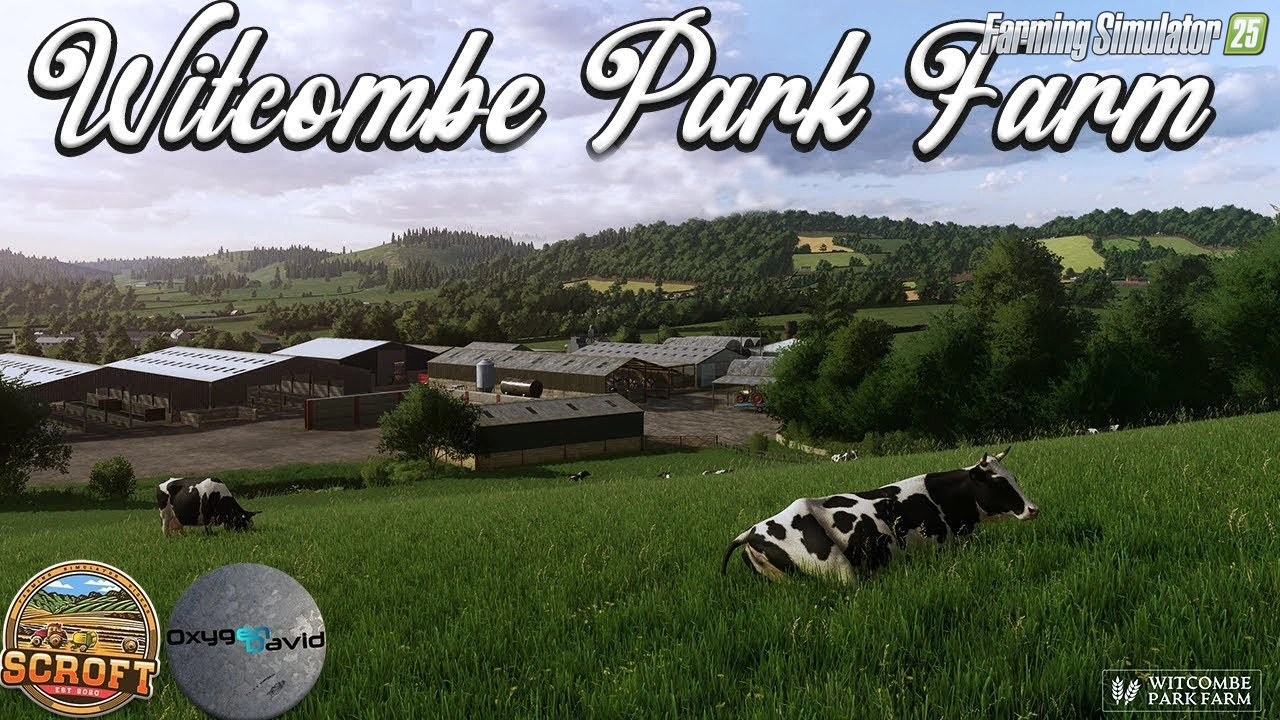
Witcombe Park Farm Map v1.3.0.1 for FS25
v1.19.x
Witcombe Park Farm Map v1.3.0.1 for FS25
Download links lead to external third-party websites. FarmerPlayer.com does not host any mod files directly. All links are reviewed before publishing, however we cannot guarantee the content of external sites at all times. By clicking a download link you agree to our Privacy Policy and Terms & Conditions. If you encounter a broken or suspicious link, please use the Report button above.