De Friese Wouden Map - Farming Simulator 25
0
Gameplay videos presenting the mod De Friese Wouden Map added for Farming Simulator 25 game.
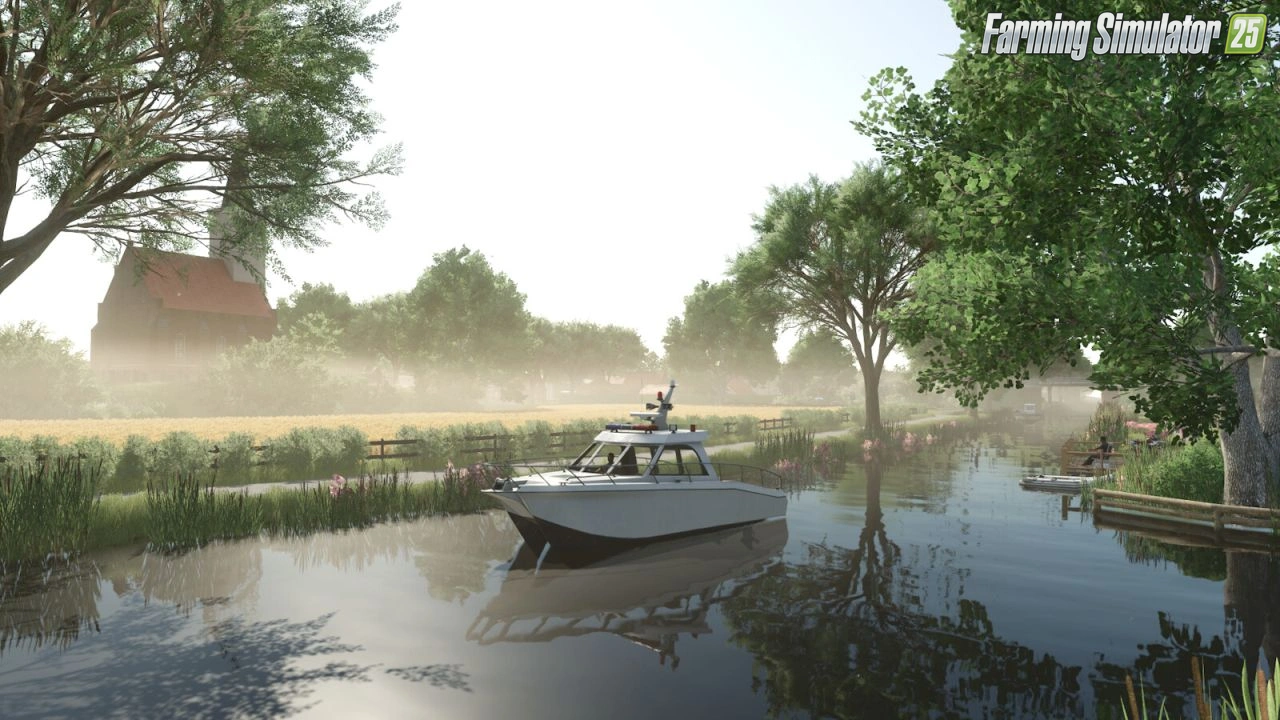
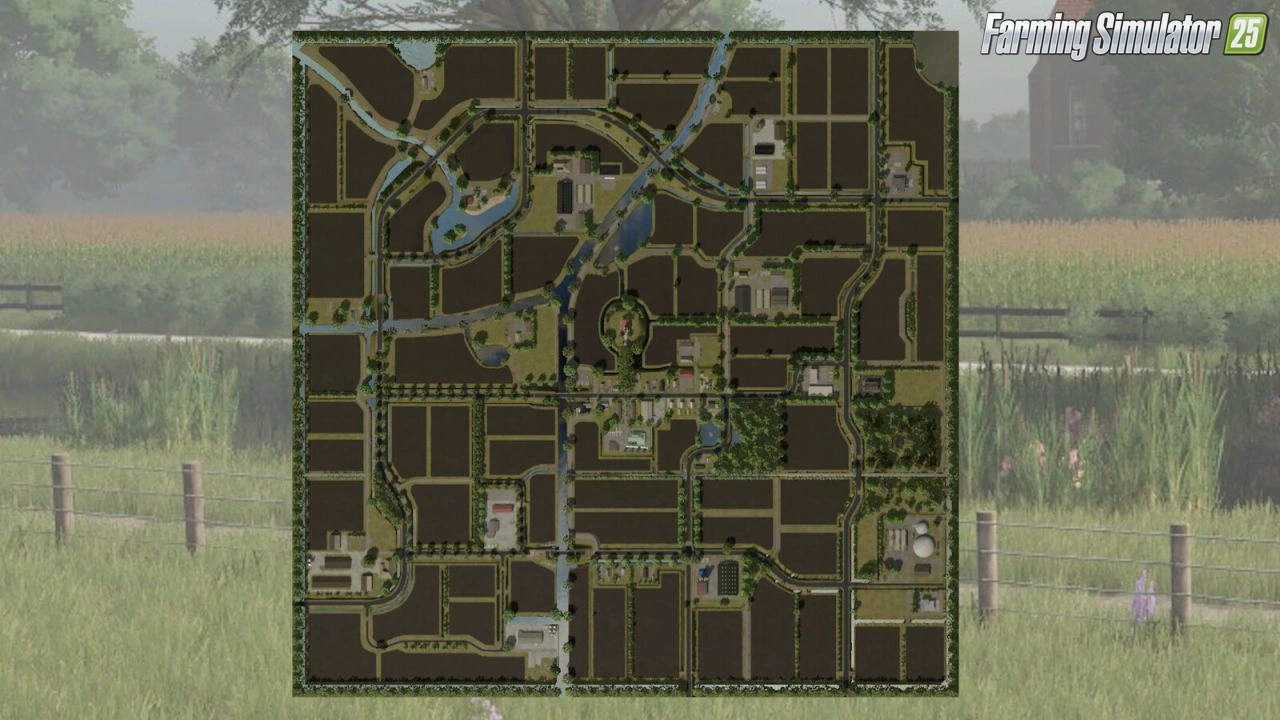
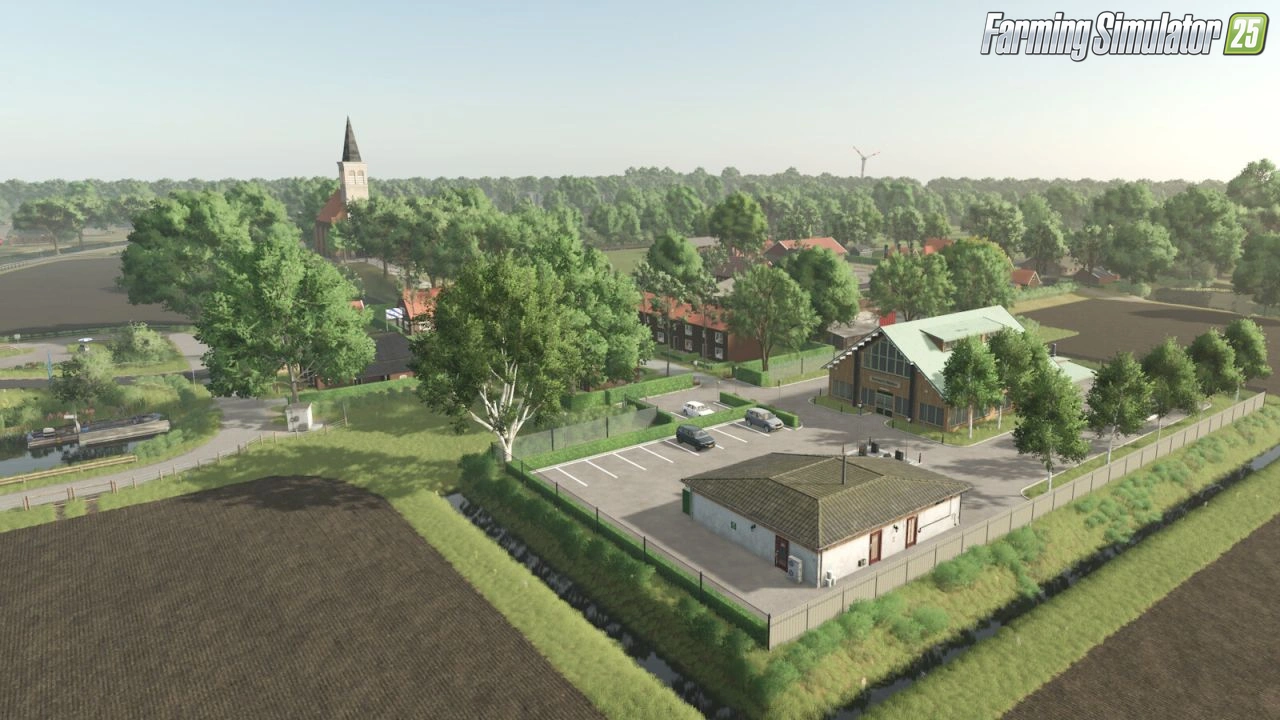
This is a fictional map based on my local area in Friesland (The Netherlands). You will find a lot of waterways and ditches that seperate the fields. Most fields are surrounded by tree lines that give the specific look in this area. There are several farms spread across the map you can start off with. Or use one of the meadows to create your own.
Screenshots of «De Friese Wouden Map - Farming Simulator 25»
You Might Also Like
-
 News
Farming Simulator 25 - Patch 1.24 Released for Download
News
Farming Simulator 25 - Patch 1.24 Released for Download
-
 v1.15.x
De Friese Wouden Map v1.0 for FS25
v1.15.x
De Friese Wouden Map v1.0 for FS25
-
 News
Welcome to Kinlaig | Highlands Fishing Map Preview for FS25
News
Welcome to Kinlaig | Highlands Fishing Map Preview for FS25
-
 v1.14.x
Riverbend Springs Map v1.0.1.4 Edit By Stevie for FS25
v1.14.x
Riverbend Springs Map v1.0.1.4 Edit By Stevie for FS25
-
 v1.13.x
Farming Simulator 25: Signature Edition - Trailer & Release Date
v1.13.x
Farming Simulator 25: Signature Edition - Trailer & Release Date
-
 News
Precision Farming 3.0 coming May 8th - What is new?
News
Precision Farming 3.0 coming May 8th - What is new?
-
 v1.20.x
Hinterkaifeck Map v1.0 for FS25
v1.20.x
Hinterkaifeck Map v1.0 for FS25
-
 v1.8.x
Frankenmuth Farming Map v1.3 for FS25
v1.8.x
Frankenmuth Farming Map v1.3 for FS25
External Links — Important Information
Third-party links
No registration
Always free
Virus-scanned
Download links lead to external third-party websites. FarmerPlayer.com does not host any mod files directly. All links are reviewed before publishing, however we cannot guarantee the content of external sites at all times. By clicking a download link you agree to our Privacy Policy and Terms & Conditions. If you encounter a broken or suspicious link, please use the Report button above.