Pinewood Forest Map v2.2 for FS25
0
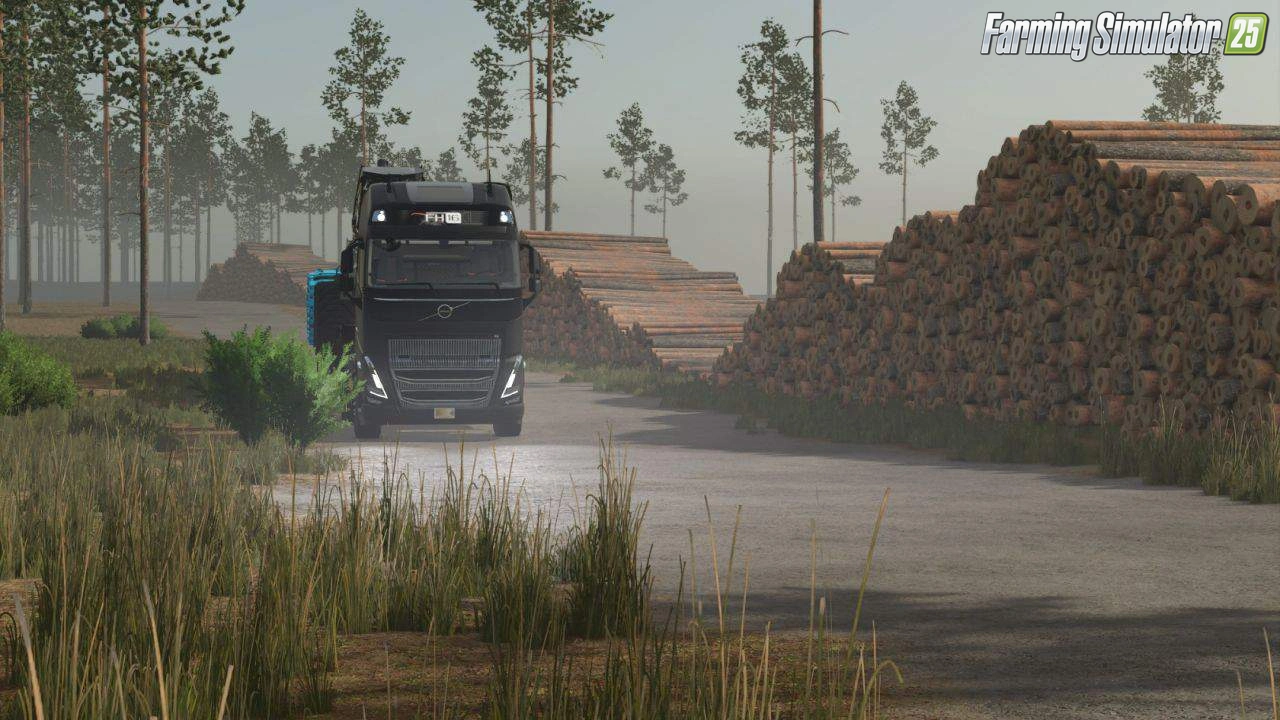
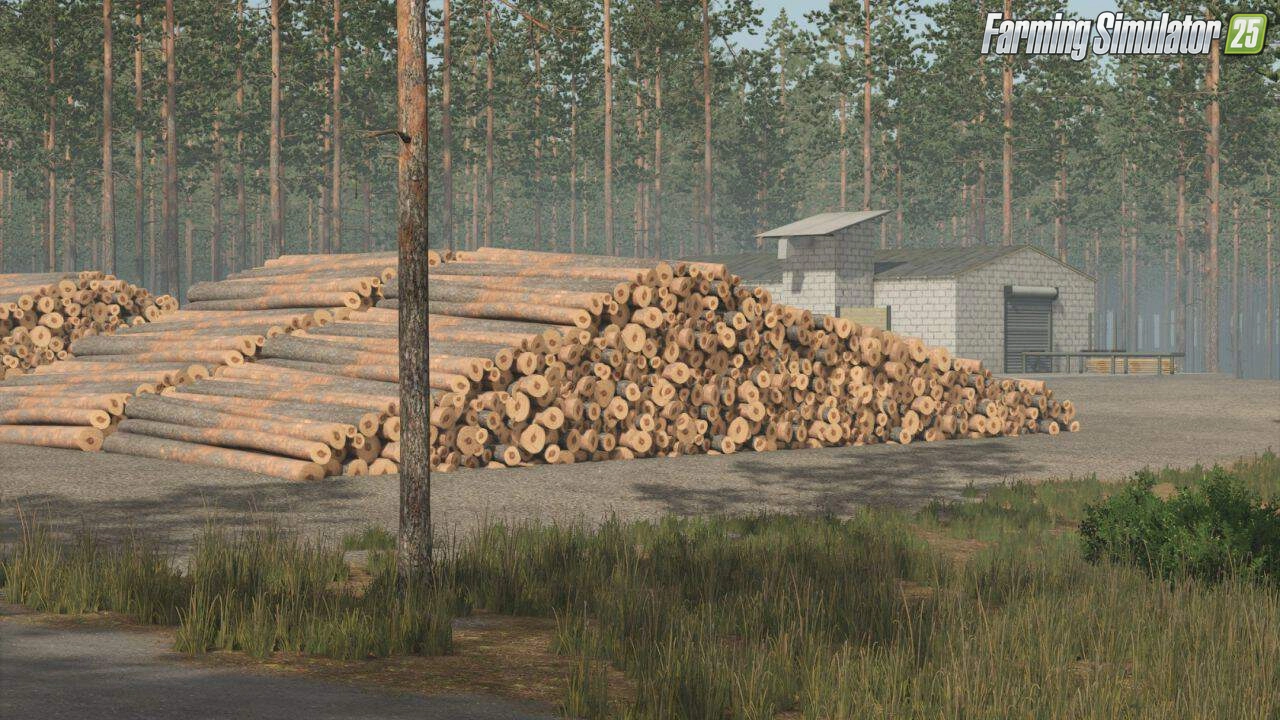
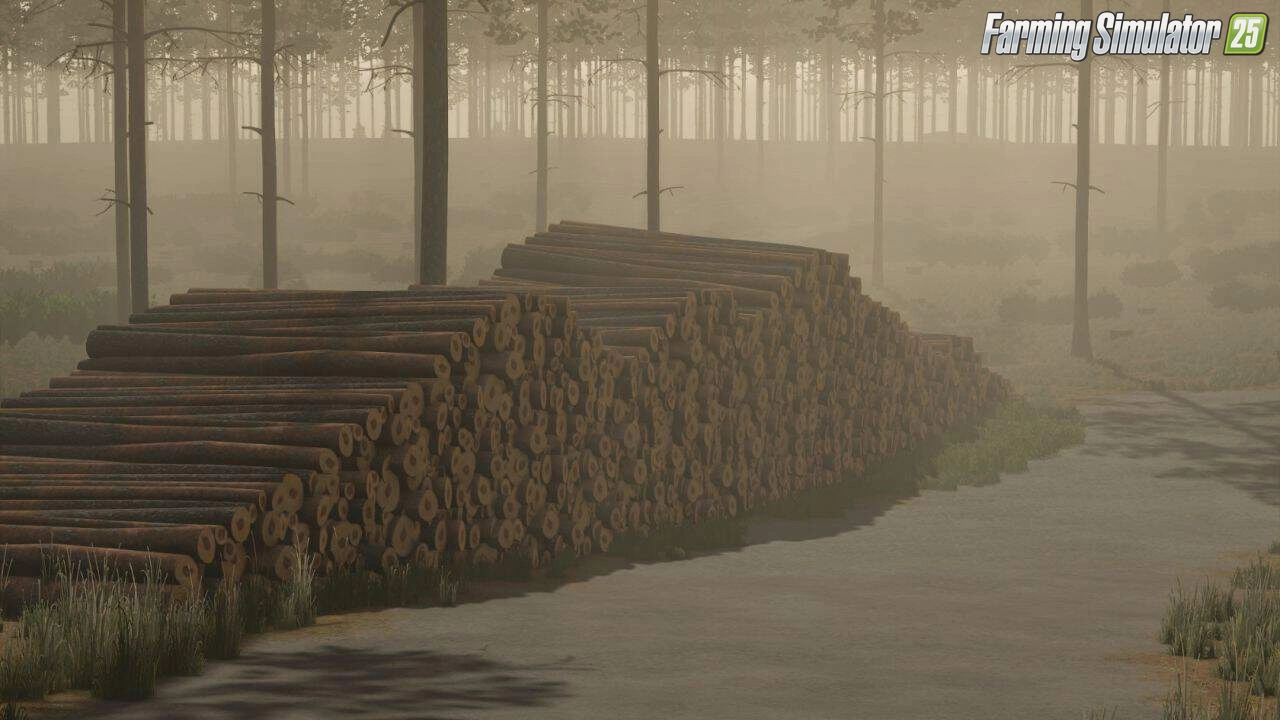
Pinewood Forest Map for FS25 - is inspired by the Swedish pine forests, offering players a unique logging and farming environment. This map is often described as a "real Loggers Paradise" where you can immerse yourself in the beauty of dense pine forests. Created by HJ-Modding;the;map;offers a dense, immersive forestry environment with evolving features across its versions, blending realistic landscapes with functional gameplay elements. The map emphasizes realism and immersion, featuring detailed landscapes like birch and spruce forests, rocky outcrops, and winding roads lined with wood piles. It’s ideal for players seeking a challenging yet serene environment to build their logging empire or diversified farm.
Features Pinewood Forest:
– Shop with workshop and decorations
– 2 farms (including cow stables), starting with forest + 1 field (buy up to 27 fields total)
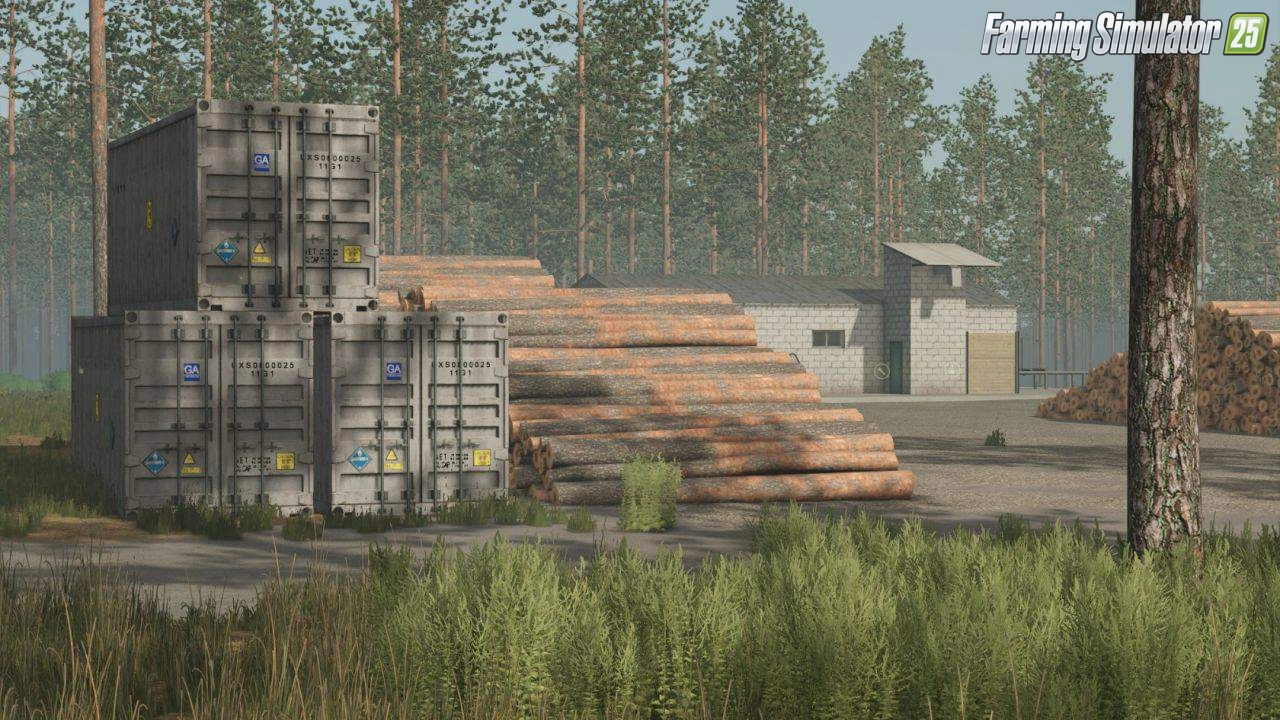
– Sawmill for wood processing, wood piles along roads, 1 sell point for grain/crops
– Dense pine/spruce forests, leaf tree areas, birch woods (reworked to pine), clearcuts with plants, thinning zones
– Roads, dirt paths (simulating machine damage), ditches with log bridges, stone walls, ruins, Viking graves, rocks/containers
– Required: Southern Sweden map (unzip buildings to mods folder), auto-downloads some farm buildings from ModHub
– Purchage shop;
– Sawmill;
– Sheds;
– New PDA.
Changes in v2.1:
- Changed All trees back to the ones before
- Added New Fields
- Minor changes on clearcuts and stuff
- New Save Required
Tested on game version v1.18.x
Screenshots of «Pinewood Forest Map v2.2 for FS25»


Gameplay Videos with «Pinewood Forest Map v2.2 for FS25»
Changelogs for «Pinewood Forest Map v2.2 for FS25»
- Added Starter Vehicles
- Added Fence around sawmill
- Updated Moddesc
- Removed Floating Tree
- Removed Unused Files
- Changed All trees back to the ones before
- Added New Fields
- Minor changes on clearcuts and stuff
- New Save Required
Download Link 1 | Download Link 2
Changes in v1.5.1:
- Fixed Terrain Shader after 1.7 update
Download #1 | Download #2 | Download #3
Changes in v1.5:
- Replaced Birch forest to Pinewood
- Added Plants on Clearcuts (Just for Show)
- Remade some other forest areas
Download #1 | Download #2
Changes in v1.4.5:
- New Road
- New sellpoint
- reworked some of the forest
Download #1 | Download #2 | Download #3
Changes in v1.4:
- Added More trees
- Fixed trees gliding
Download #1 | Download #2
Changes in v1.3.1:
- Reduced wood at sawmill for space to lay your cut wood
- Added More Spruce forest
- Reduced the Leaf forest
- More Forest for Thinnig
- Fixed Texture with stonewalls
- Added More areas with clear cut forest
- Added dirt roads in forest to simulate ground damage from machines
- Added More stonewalls
- Smaller changes at shop
- Added Minor details
Download #1 | Download #2
Changes in v1.3:
- 2 farms
- 20 fields
- New trees
- a sellpoint for your grain and stuff
Download #1 | Download #2
Changes in v1.2.2:
- Added 3 New Fields and extended the yard
- New savegame required
Download #1 | Download #2
Changes in v1.2:
- The Shop have gotten a Workshop and also some decoration
- Added New Sawmill and decorations
- Rocks placed around the map
- Wood Piles by the road
- Also added more details in the Birch forest
- The sawmill and workshop is required but will ask you to download them is needed
Download #1 | Download #2
Changes in v1.1:
- updates the map with a small sawmill
- sheds, a new PDA
- more trees
- new roads in some areas
- requiring players to start with a new save game.
How to install «Pinewood Forest Map v2.2 for FS25»
- Download the modClick a download link below and save the
.zipfile to your computer. - Open the mods folderGo to
My Documents > My Games > FarmingSimulator2025 > mods. Create it if it doesn't exist. - Copy the .zip fileMove the downloaded
.zipstraight into themodsfolder. Do not extract it. - Launch FS25Start Farming Simulator 25, open Mods in the menu, find «Pinewood Forest Map v2.2 for FS25» and enable it.
- PlayStart a new save or load an existing one. The mod is now active. Enjoy! 🌾
Download Links — Policy & Disclaimer
This page may contain links to third-party content and websites. External links are reviewed when a page is published, however we are not responsible for the content of external websites. All mod files belong to their respective authors. FarmerPlayer is not affiliated with GIANTS Software GmbH. If you would like a link to your website removed, please contact us.
You Might Also Like
-
 v1.14.x
Riverbend Springs Map v1.0.1.4 Edit By Stevie for FS25
v1.14.x
Riverbend Springs Map v1.0.1.4 Edit By Stevie for FS25
-
 News
Farming Simulator 25 - Patch 1.24 Released for Download
News
Farming Simulator 25 - Patch 1.24 Released for Download
-
 v1.10.x
Stara and Connect Modding Pack v1.0 for FS25
v1.10.x
Stara and Connect Modding Pack v1.0 for FS25
-
 News
Welcome to Kinlaig | Highlands Fishing Map Preview for FS25
News
Welcome to Kinlaig | Highlands Fishing Map Preview for FS25
-
 v1.20.x
Hinterkaifeck Map v1.0 for FS25
v1.20.x
Hinterkaifeck Map v1.0 for FS25
-
 v1.11.x
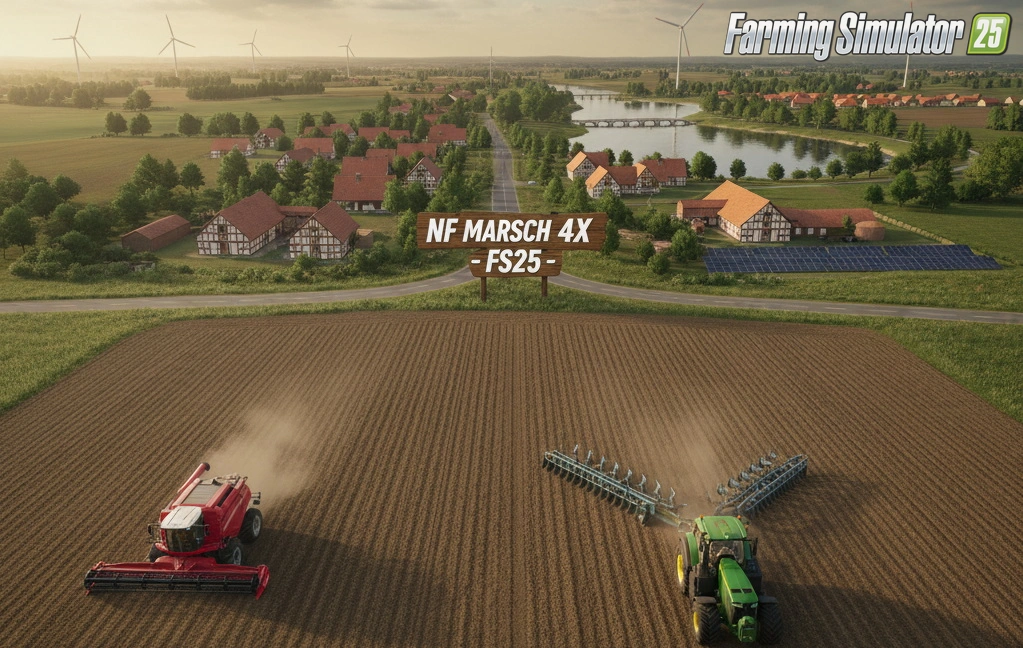
NF Marsch 4fach Map v1.7 for FS25
v1.11.x
NF Marsch 4fach Map v1.7 for FS25
-
 v1.24.x
Pallegney Map v1.2.3 By MA7Studio for FS25
v1.24.x
Pallegney Map v1.2.3 By MA7Studio for FS25
-
 v1.20.x
Baraitaru Map v1.1 for FS25
v1.20.x
Baraitaru Map v1.1 for FS25
Download links lead to external third-party websites. FarmerPlayer.com does not host any mod files directly. All links are reviewed before publishing, however we cannot guarantee the content of external sites at all times. By clicking a download link you agree to our Privacy Policy and Terms & Conditions. If you encounter a broken or suspicious link, please use the Report button above.