Tässi Farm v1.0.1.2 for FS25
0
🏡 Tässi Farm for FS25 – this charming small-scale map by Carl-TG takes you to a cozy cow farm located in the southern part of Estonia. Established in 1997, Tässi Farm offers a compact yet diverse environment with fields, forests, and a unique peat harvesting system. The map provides a compact yet diverse environment for players, featuring a mix of fields, forests, and industrial zones. It’s tailored for those who enjoy managing a customizable cow farm while exploring new gameplay elements like peat harvesting.
Features Tässi Farm:
– 🇪🇪 Authentic Estonian countryside setting
– 🌲 7 forest areas with over 22,000 trees
– 🏭 Industrial area where you can sell every FS25 crop and product
– 🐄 Small fully customizable cow farm
– 🌾 20 fields ranging from 0.9 to 15.3 hectares
– 🚗 Custom Estonian license plates
– 🟤 Unique crop type: PEAT (harvestable only, not plantable)
– 🔄 Peat regrows automatically in a dedicated area
Changes in v1.0.1.2:
– 🔄 Switched the environment.xml to the basegame one to prevent issues after the 1.24 game update
Important Note about Peat:
Peat can only be harvested using equipment from the required Peat Equipment Pack. Without this mod, the peat system will not work.
Required Mods:
– Peat Equipment Pack (by Carl-TG)
👉️ Tested on game version 1.24+
Screenshots of «Tässi Farm v1.0.1.2 for FS25»


Gameplay Videos with «Tässi Farm v1.0.1.2 for FS25»
Changelogs for «Tässi Farm v1.0.1.2 for FS25»
Changes in v1.0.1.1:
- Peat system updated to the latest version!
- adjusted visuals of the custom license plates
Download Link #2 | Download Link #3
Changes in v1.0.1:
– Removed random trees in Field 4.
– Increased the price of farmland to a fair price.
– Changed the peat to a fair price
– Increased traffic speed.
– Fixed some collision issues.
– Added dried peat.
– Added the ability to dry peat.
– Added the ability to use trailers and buckets for peat.
– Fixed meadow grass not mowable
– Thanks to Jamo and FinFarmingSim for making the peat system more realistic
– NEW SAVE REQUIRED
How to install «Tässi Farm v1.0.1.2 for FS25»
- Download the modClick a download link below and save the
.zipfile to your computer. - Open the mods folderGo to
My Documents > My Games > FarmingSimulator2025 > mods. Create it if it doesn't exist. - Copy the .zip fileMove the downloaded
.zipstraight into themodsfolder. Do not extract it. - Launch FS25Start Farming Simulator 25, open Mods in the menu, find «Tässi Farm v1.0.1.2 for FS25» and enable it.
- PlayStart a new save or load an existing one. The mod is now active. Enjoy! 🌾
Download Links — Policy & Disclaimer
This page may contain links to third-party content and websites. External links are reviewed when a page is published, however we are not responsible for the content of external websites. All mod files belong to their respective authors. FarmerPlayer is not affiliated with GIANTS Software GmbH. If you would like a link to your website removed, please contact us.
You Might Also Like
-
 v1.14.x
Riverbend Springs Map v1.0.1.4 Edit By Stevie for FS25
v1.14.x
Riverbend Springs Map v1.0.1.4 Edit By Stevie for FS25
-
 News
This Farm is a Tiny Farm - Diorama Trailer
News
This Farm is a Tiny Farm - Diorama Trailer
-
 v1.10.x
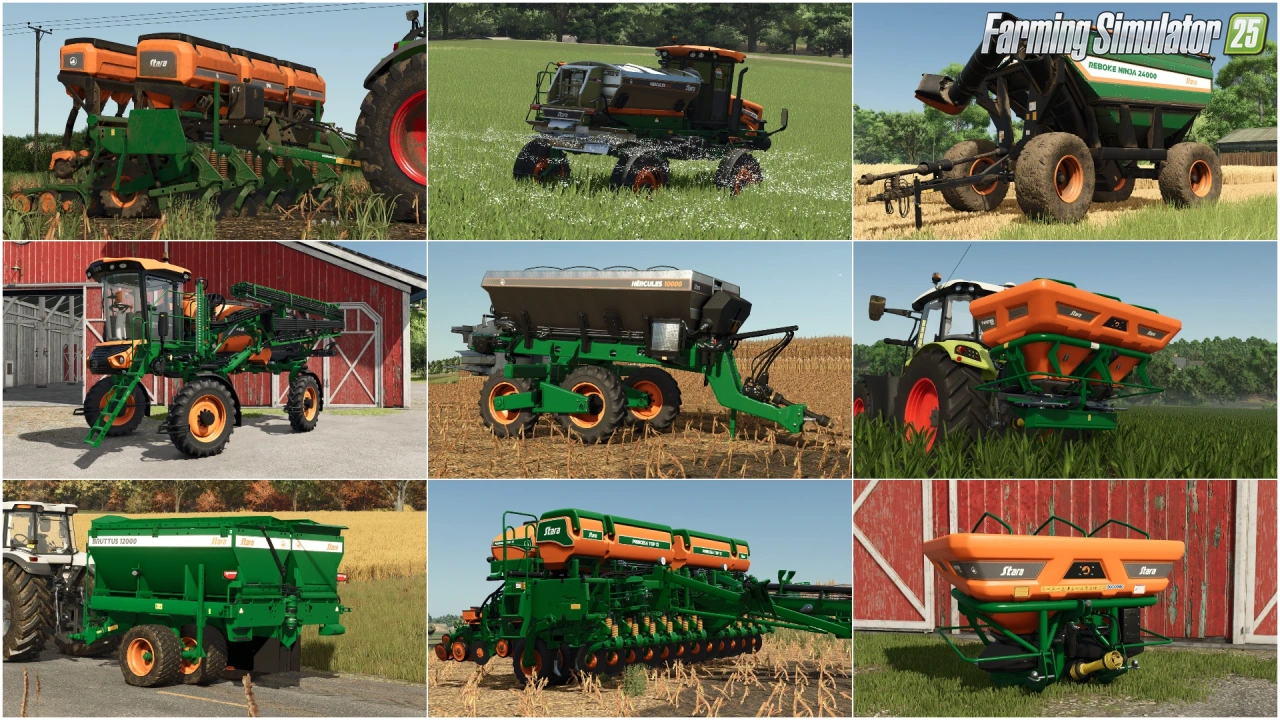
Stara and Connect Modding Pack v1.0 for FS25
v1.10.x
Stara and Connect Modding Pack v1.0 for FS25
-
 v1.20.x
Hinterkaifeck Map v1.0 for FS25
v1.20.x
Hinterkaifeck Map v1.0 for FS25
-
 v1.19.x
Witcombe Park Farm Map v1.3.0.1 for FS25
v1.19.x
Witcombe Park Farm Map v1.3.0.1 for FS25
-
 v1.20.x
The Millennial Farm Map v1.0.0.3 for FS25
v1.20.x
The Millennial Farm Map v1.0.0.3 for FS25
-
 v1.11.x
NF Marsch 4fach Map v1.7 for FS25
v1.11.x
NF Marsch 4fach Map v1.7 for FS25
-
 v1.21.x
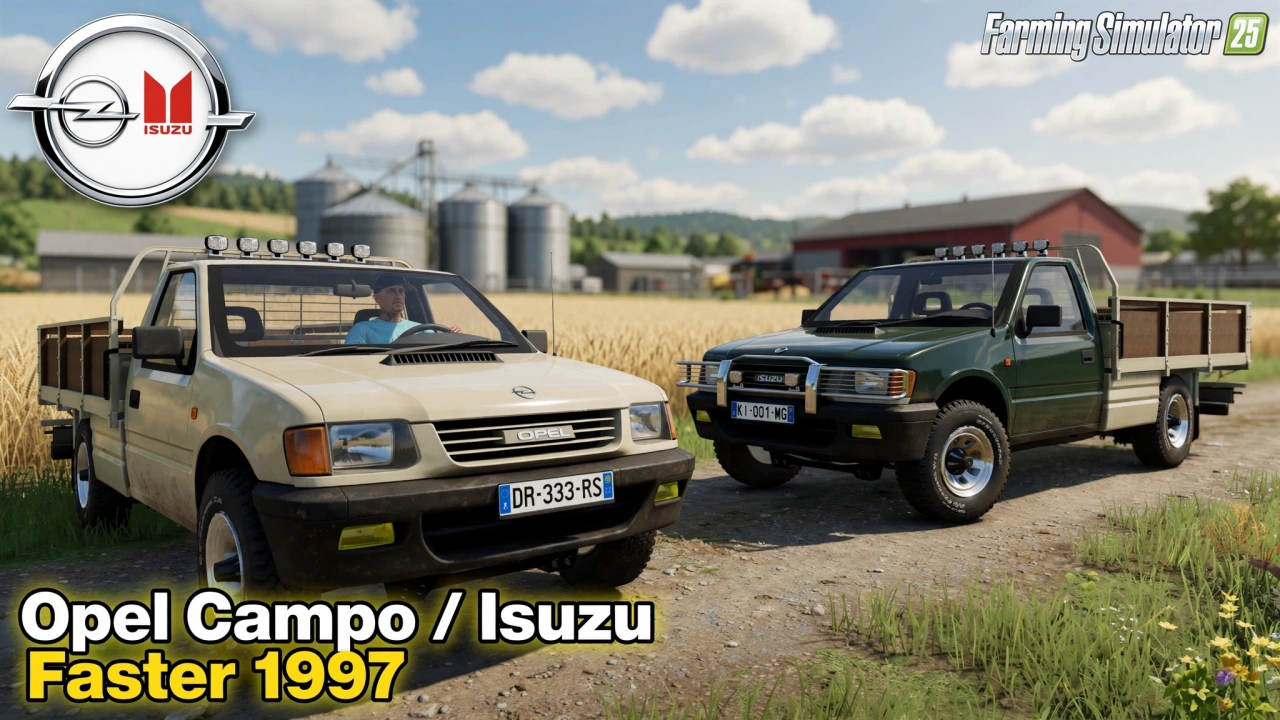
Opel Campo / Isuzu Faster 1997 v3.0 for FS25
v1.21.x
Opel Campo / Isuzu Faster 1997 v3.0 for FS25
Download links lead to external third-party websites. FarmerPlayer.com does not host any mod files directly. All links are reviewed before publishing, however we cannot guarantee the content of external sites at all times. By clicking a download link you agree to our Privacy Policy and Terms & Conditions. If you encounter a broken or suspicious link, please use the Report button above.