John Deere 84x Series v1.0.0.1 for FS25
0
John Deere 84x Series for FS25 - enhances the forestry aspect of the game by introducing two specialized vehicles: the John Deere 843L-II and the John Deere 848L-II. These machines are designed to improve gameplay for players focused on forestry operations, offering updated features and refined mechanics. It’s ideal for players looking to expand their forestry fleet with versatile, customizable, and powerful John Deere machinery tailored for efficiency and immersion in Farming Simulator 25.
John Deere 843L-II
- Power: 270 HP
- Price: 300,000 $
- Category: Forestry -> Harvesters
What was changed:
- Pendulum axle lockable
- More trees in the processor
- Movement controls revised
- Arm in basic position at the push of a button
- Wheelsets revised
- Various color choices
- Window tint corrected and changed
- Several minor adjustments and bug fixes
- Additional cameras
John Deere 848L-II
- Power: 281 HP
- Price: 320,000 $
- Category: Forestry -> Forwarders
What was changed:
- Pendulum axle installed
- Pendulum axle lockable
- Movement controls revised
- Claws adjusted
- Various color choices
- Wheelsets revised
- Additional camera
- Window tint corrected and changed
- Several minor adjustments and bug fixes
Tested on game version 1.6.x
Screenshots of «John Deere 84x Series v1.0.0.1 for FS25»


Gameplay Videos with «John Deere 84x Series v1.0.0.1 for FS25»
Changelogs for «John Deere 84x Series v1.0.0.1 for FS25»
Changes in v1.0.0.1:
- Fixed animation error after patch 1.6 that prevented the server from being used again after purchase.
How to install «John Deere 84x Series v1.0.0.1 for FS25»
- Download the modClick a download link below and save the
.zipfile to your computer. - Open the mods folderGo to
My Documents > My Games > FarmingSimulator2025 > mods. Create it if it doesn't exist. - Copy the .zip fileMove the downloaded
.zipstraight into themodsfolder. Do not extract it. - Launch FS25Start Farming Simulator 25, open Mods in the menu, find «John Deere 84x Series v1.0.0.1 for FS25» and enable it.
- PlayStart a new save or load an existing one. The mod is now active. Enjoy! 🌾
Download Links — Policy & Disclaimer
This page may contain links to third-party content and websites. External links are reviewed when a page is published, however we are not responsible for the content of external websites. All mod files belong to their respective authors. FarmerPlayer is not affiliated with GIANTS Software GmbH. If you would like a link to your website removed, please contact us.
You Might Also Like
-
 News
Farming Simulator 25 - Patch 1.24 Released for Download
News
Farming Simulator 25 - Patch 1.24 Released for Download
-
 v1.10.x
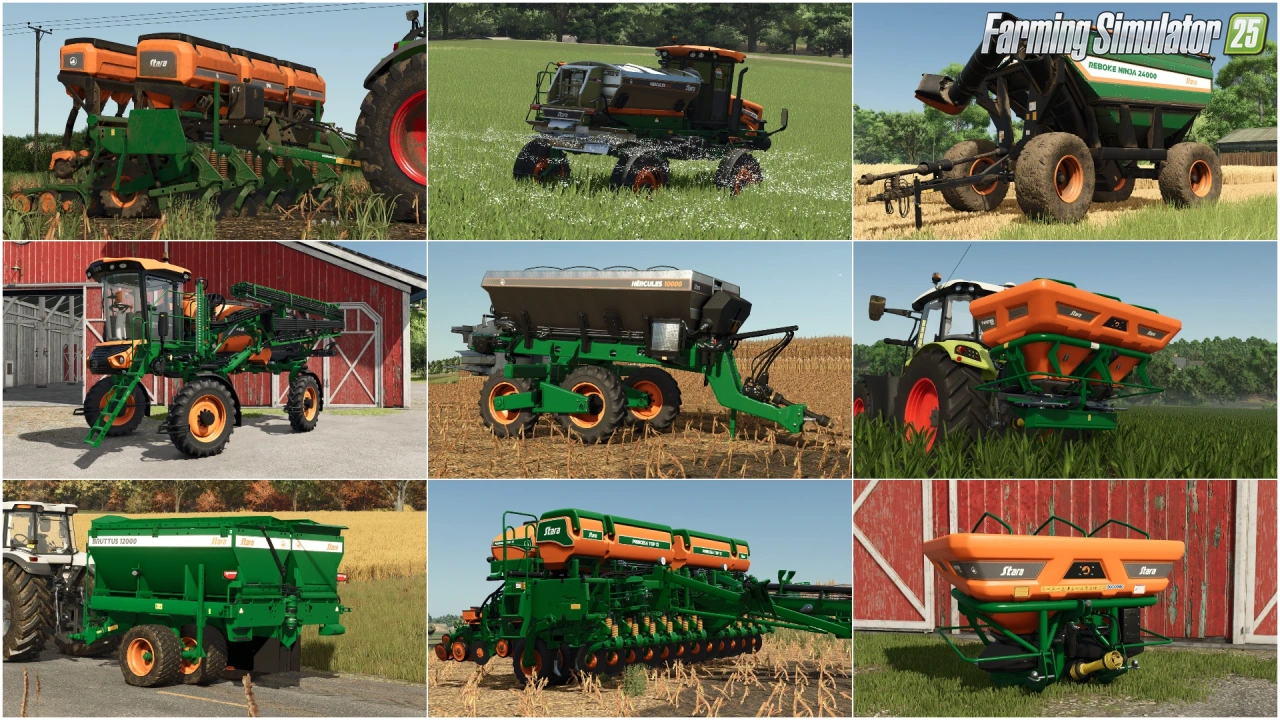
Stara and Connect Modding Pack v1.0 for FS25
v1.10.x
Stara and Connect Modding Pack v1.0 for FS25
-
 v1.14.x
Riverbend Springs Map v1.0.1.4 Edit By Stevie for FS25
v1.14.x
Riverbend Springs Map v1.0.1.4 Edit By Stevie for FS25
-
 v1.10.x
Liftable Pallets And Bales v1.0.4 for FS25
v1.10.x
Liftable Pallets And Bales v1.0.4 for FS25
-
 v1.11.x
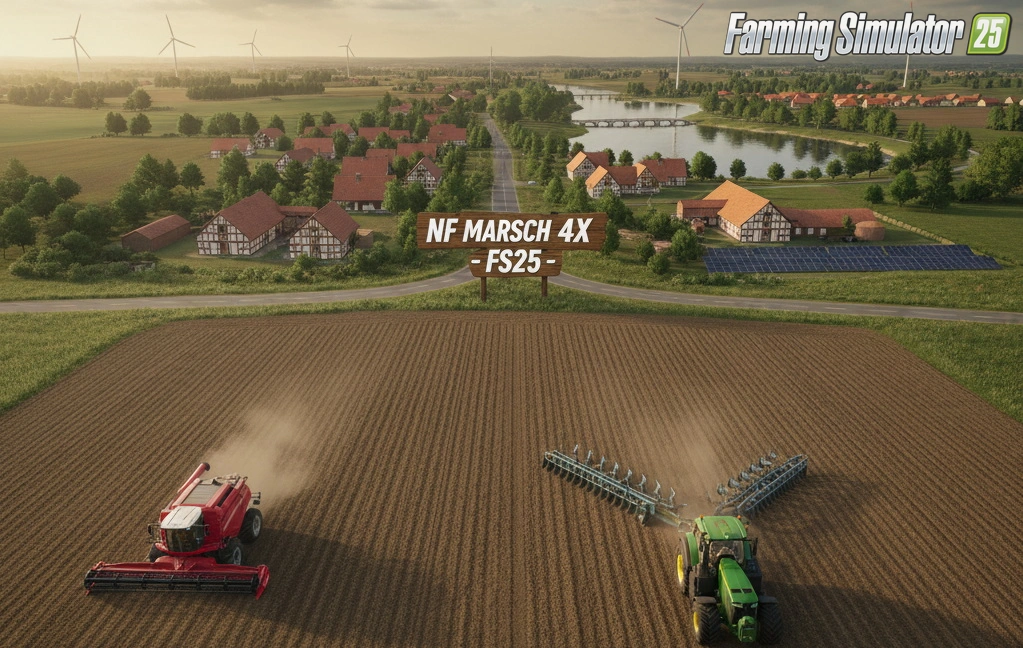
NF Marsch 4fach Map v1.7 for FS25
v1.11.x
NF Marsch 4fach Map v1.7 for FS25
-
 v1.20.x
Hinterkaifeck Map v1.0 for FS25
v1.20.x
Hinterkaifeck Map v1.0 for FS25
-
 v1.6.x
Ural and Tonar Pack v1.0 for FS25
v1.6.x
Ural and Tonar Pack v1.0 for FS25
-
 v1.11.x
John Deere 8R (2009-2011) Series v1.0.0.2 for FS25
v1.11.x
John Deere 8R (2009-2011) Series v1.0.0.2 for FS25
Download links lead to external third-party websites. FarmerPlayer.com does not host any mod files directly. All links are reviewed before publishing, however we cannot guarantee the content of external sites at all times. By clicking a download link you agree to our Privacy Policy and Terms & Conditions. If you encounter a broken or suspicious link, please use the Report button above.