Store Deliveries Mod v1.0.1 for FS25
0
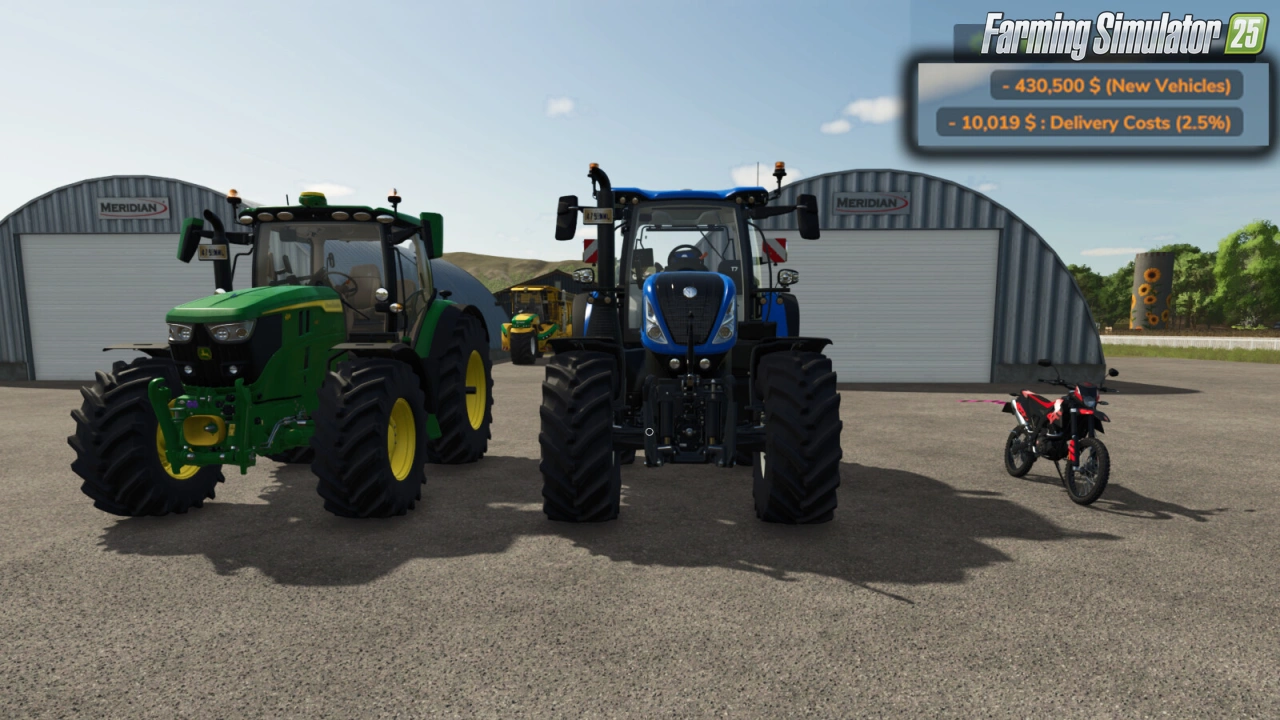
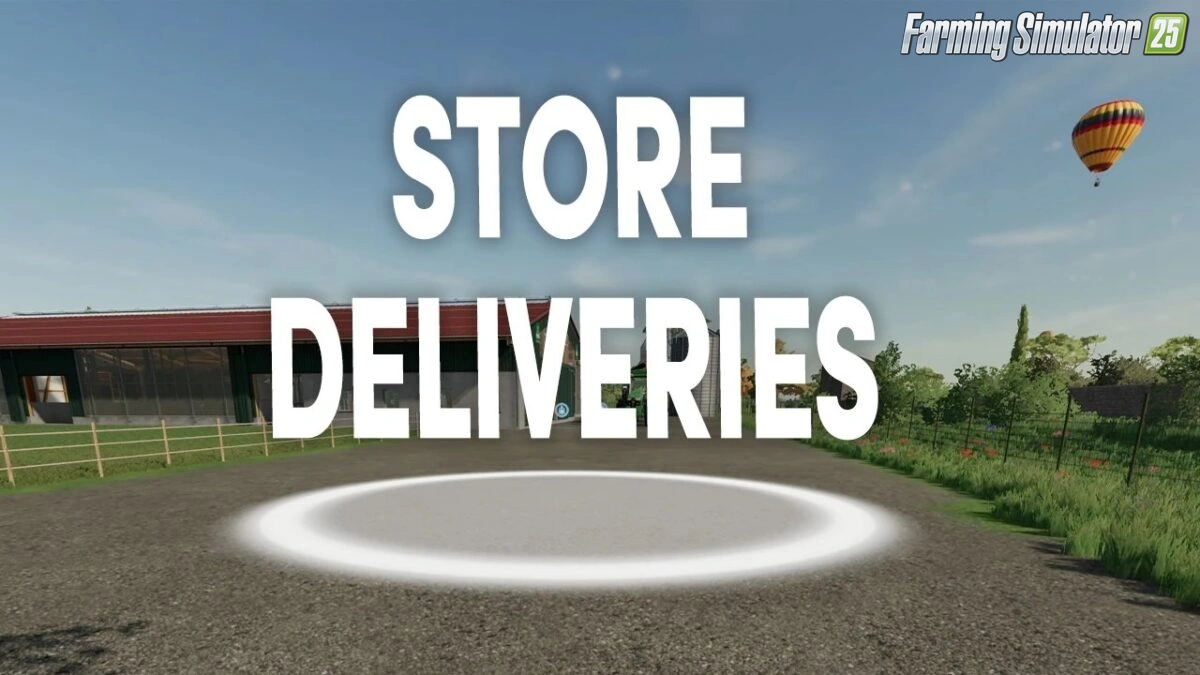
Store Deliveries Mod for FS25 - enables players to bypass the need to manually transport purchased items from the in-game store to their farm or desired location. For a 2.5% delivery fee per item, purchases are delivered instantly to a player-defined location, marked by a visual indicator on the ground. This mod is ideal for players looking to save time and focus on other aspects of farm management.
Features Store Deliveries:
-
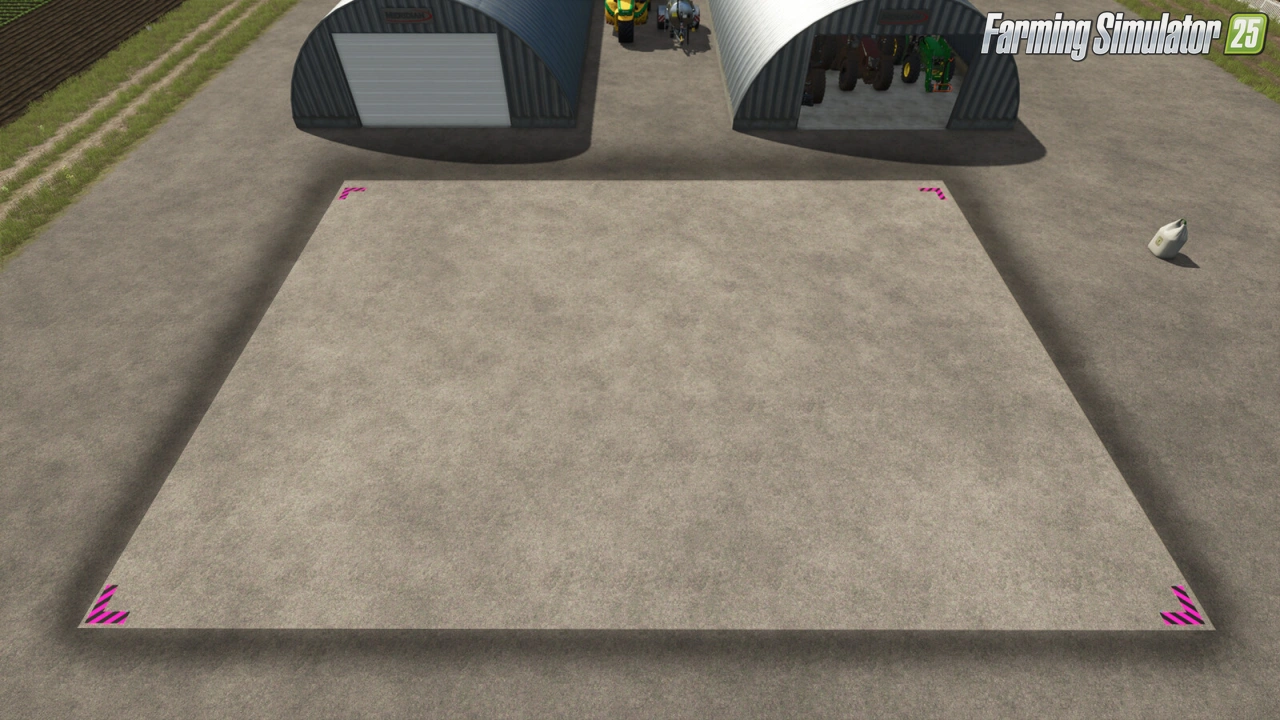
The delivery point is set based on the player’s position.
-
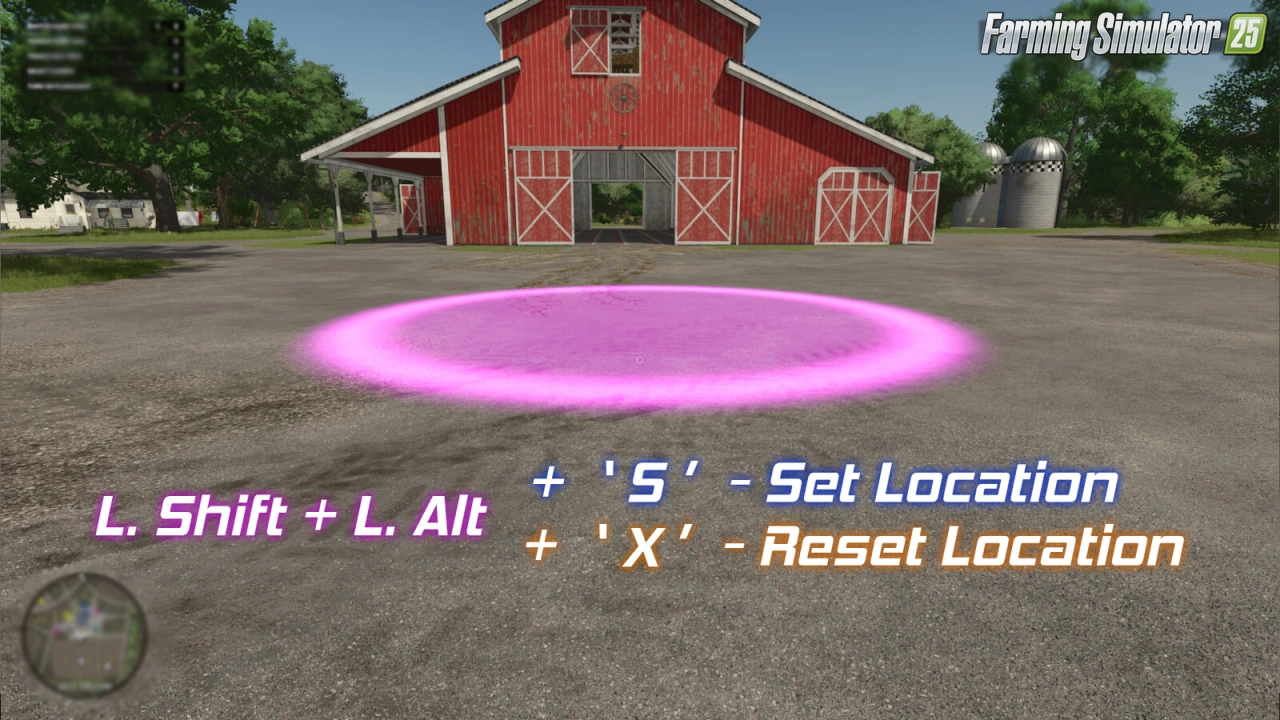
Players can view a marker on the ground by holding Left Shift + Left Alt, which indicates where purchased items will be delivered.
-
To set the delivery location, hold Left Shift + Left Alt and press S. A sound plays, and the marker flashes once to confirm the new location.
-
To reset the delivery location to the default (the in-game store), hold Left Shift + Left Alt and press X (note: some sources indicate R was used in earlier versions, but v1.0.1 uses X for resetting)
-
A 2.5% fee is applied to the cost of each item purchased when using the delivery service, adding a realistic cost to the convenience
-
All deliveries are confirmed with a distinct sound effect upon purchase, providing clear feedback that the delivery has been processed.
Controls:
- Hold "Left Shift" + "Left Alt" to view the marker on the ground which represents the location.
- Hold "Left Shift" + "Left Alt" and press "S" to set the location. (A sound will play and the marker will flash once.)
- Hold "Left Shift" + "Left Alt" and press "X" to reset the location back to default (the store).
Tested on game version 1.8.x
Screenshots of «Store Deliveries Mod v1.0.1 for FS25»

Gameplay Videos with «Store Deliveries Mod v1.0.1 for FS25»
Changelogs for «Store Deliveries Mod v1.0.1 for FS25»
ChangeLog v1.0.1.0
- Added a check to make sure the intial loading of the mod isn't bypassed due to other mods.
How to install «Store Deliveries Mod v1.0.1 for FS25»
- Download the modClick a download link below and save the
.zipfile to your computer. - Open the mods folderGo to
My Documents > My Games > FarmingSimulator2025 > mods. Create it if it doesn't exist. - Copy the .zip fileMove the downloaded
.zipstraight into themodsfolder. Do not extract it. - Launch FS25Start Farming Simulator 25, open Mods in the menu, find «Store Deliveries Mod v1.0.1 for FS25» and enable it.
- PlayStart a new save or load an existing one. The mod is now active. Enjoy! 🌾
Download Links — Policy & Disclaimer
This page may contain links to third-party content and websites. External links are reviewed when a page is published, however we are not responsible for the content of external websites. All mod files belong to their respective authors. FarmerPlayer is not affiliated with GIANTS Software GmbH. If you would like a link to your website removed, please contact us.
You Might Also Like
-
 News
Farming Simulator 25 - Patch 1.24 Released for Download
News
Farming Simulator 25 - Patch 1.24 Released for Download
-
 v1.10.x
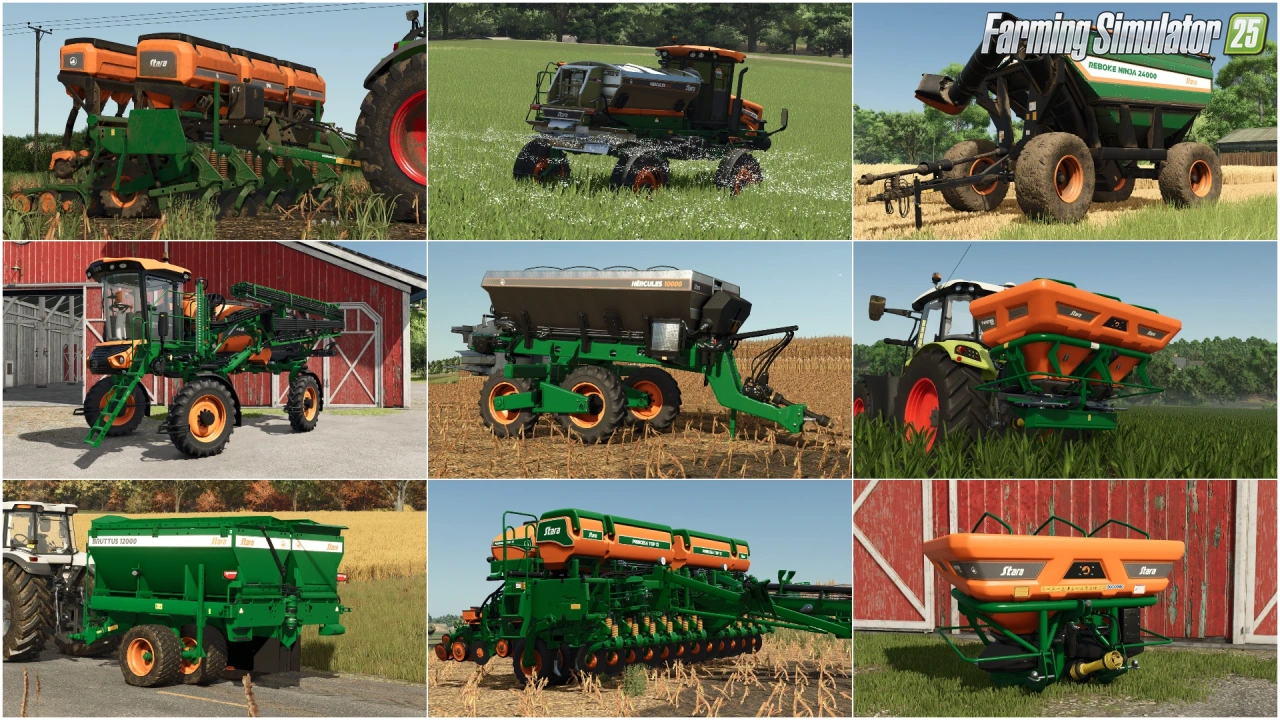
Stara and Connect Modding Pack v1.0 for FS25
v1.10.x
Stara and Connect Modding Pack v1.0 for FS25
-
 v1.14.x
Riverbend Springs Map v1.0.1.4 Edit By Stevie for FS25
v1.14.x
Riverbend Springs Map v1.0.1.4 Edit By Stevie for FS25
-
 v1.20.x
Hinterkaifeck Map v1.0 for FS25
v1.20.x
Hinterkaifeck Map v1.0 for FS25
-
 v1.10.x
Liftable Pallets And Bales v1.0.4 for FS25
v1.10.x
Liftable Pallets And Bales v1.0.4 for FS25
-
 News
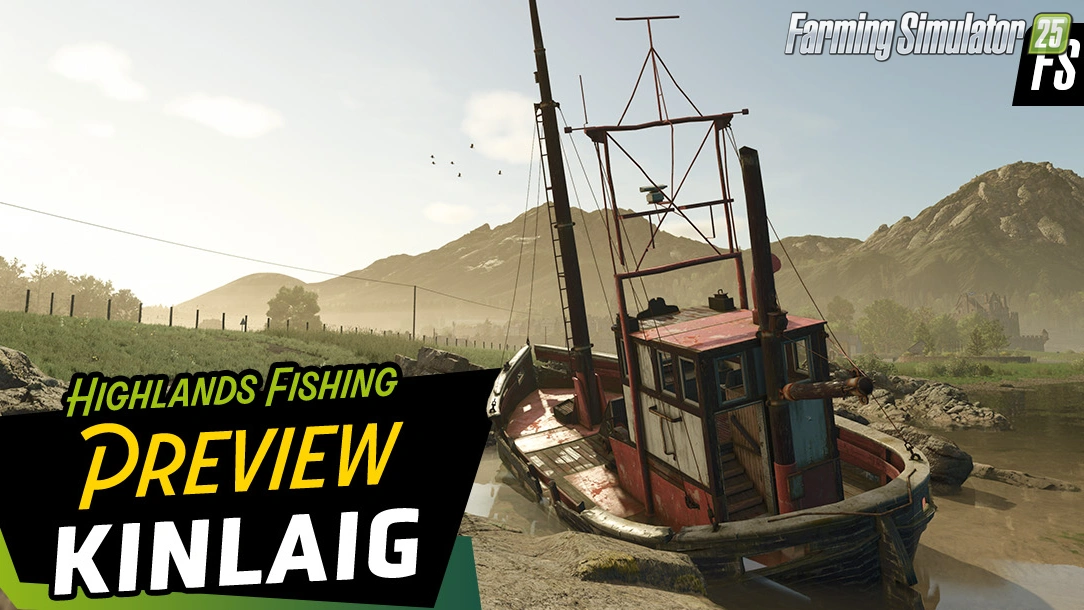
Welcome to Kinlaig | Highlands Fishing Map Preview for FS25
News
Welcome to Kinlaig | Highlands Fishing Map Preview for FS25
-
 v1.11.x
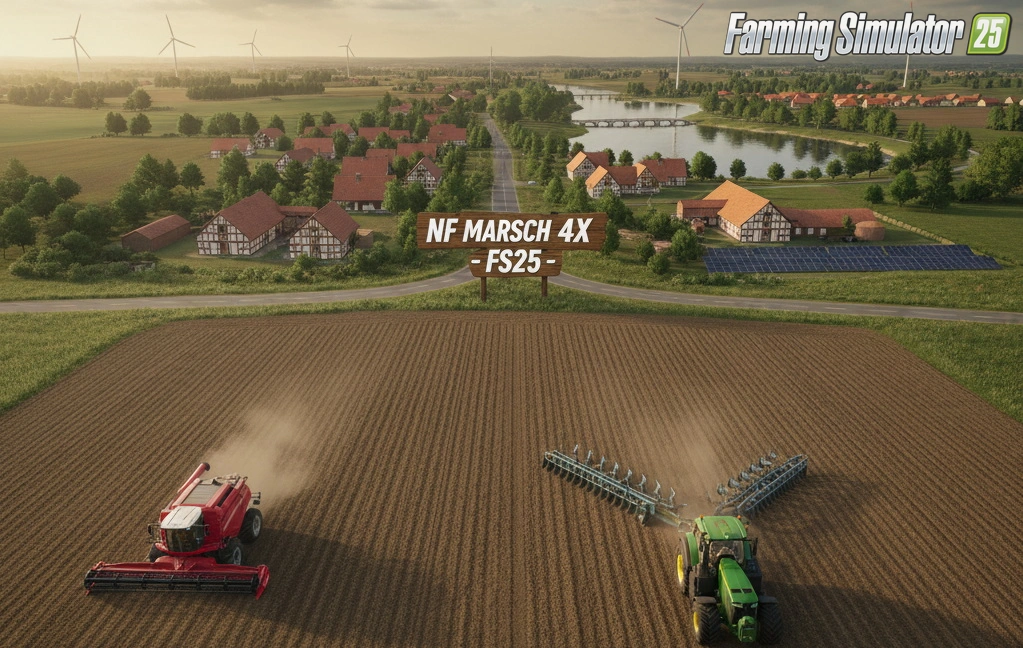
NF Marsch 4fach Map v1.7 for FS25
v1.11.x
NF Marsch 4fach Map v1.7 for FS25
-
 v1.19.x
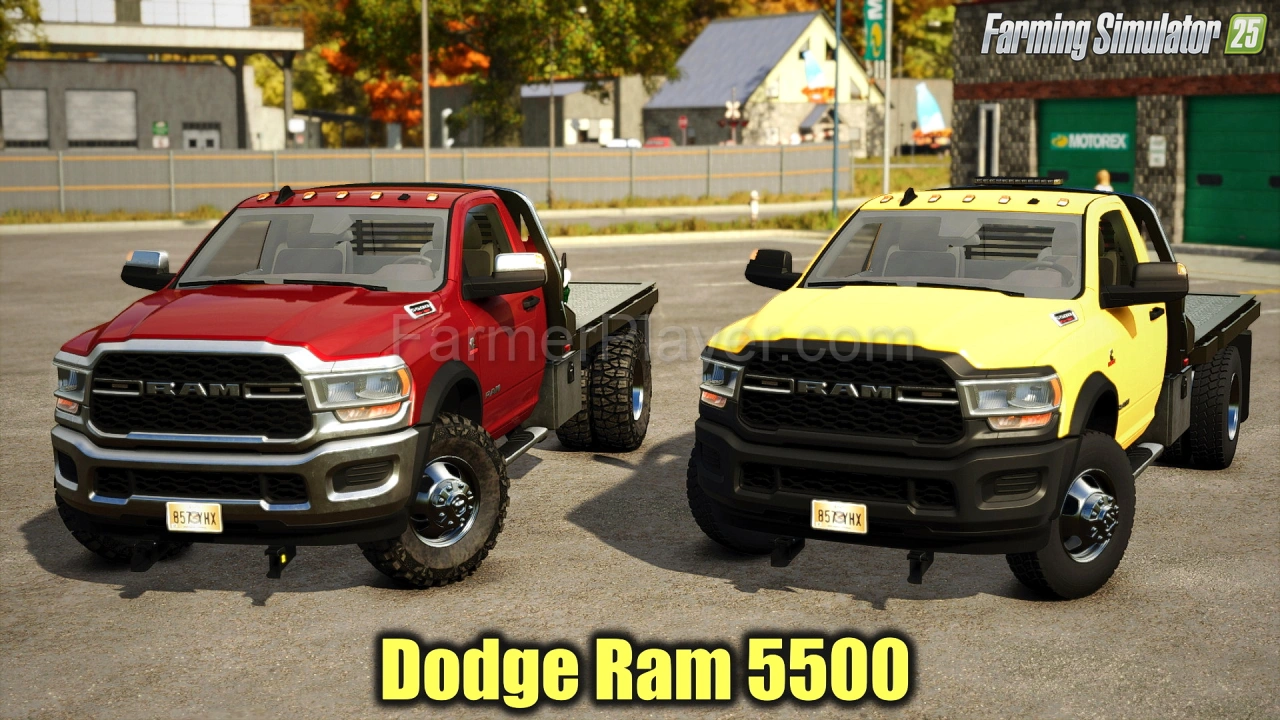
Dodge Ram 5500 v1.9 for FS25
v1.19.x
Dodge Ram 5500 v1.9 for FS25
Download links lead to external third-party websites. FarmerPlayer.com does not host any mod files directly. All links are reviewed before publishing, however we cannot guarantee the content of external sites at all times. By clicking a download link you agree to our Privacy Policy and Terms & Conditions. If you encounter a broken or suspicious link, please use the Report button above.