Schwesing Bahnhof Map v1.0.0.1 for FS25
0
Schwesing Bahnhof FS25 - Welcome to the 4x map "Schwesing Bahnhof". This map is a lovingly crafted and realistic replica of the district Schwesing Bahnhof in the municipality of Mildstedt, located in the picturesque region of North Frisia. It authentically captures the unique atmosphere of the area and reflects the typical characteristics of the North German Geest.
Features Schwesing Bahnhof:
- Detailed replica of the district Schwesing Bahnhof with realistic road layouts, including new bridges and signs
- 255 fields, 242 of which are purchasable, with a total area of 955 hectares (an average of about 4 hectares per field), and prices calculated individually based on size and crop type
- 18 customizable farms, with buildings that can be sold and individually designed
- Authentic North Frisian landscapes with unique field entrances that cross meadows, ditches, and North German hedgerows
- Various selling stations, including a station with rentable trains and a detailed railroad crossing
- Extended soil angles for greater precision in soil cultivation
- Stubble destruction in wheel tracks
- German license plates for vehicles
- Transport missions for additional revenue opportunities
Tested on game version 1.6.x
Screenshots of «Schwesing Bahnhof Map v1.0.0.1 for FS25»


Gameplay Videos with «Schwesing Bahnhof Map v1.0.0.1 for FS25»
Changelogs for «Schwesing Bahnhof Map v1.0.0.1 for FS25»
Changes in v1.0.0.1:
- Visibilité des AiSplines corrigée.
How to install «Schwesing Bahnhof Map v1.0.0.1 for FS25»
- Download the modClick a download link below and save the
.zipfile to your computer. - Open the mods folderGo to
My Documents > My Games > FarmingSimulator2025 > mods. Create it if it doesn't exist. - Copy the .zip fileMove the downloaded
.zipstraight into themodsfolder. Do not extract it. - Launch FS25Start Farming Simulator 25, open Mods in the menu, find «Schwesing Bahnhof Map v1.0.0.1 for FS25» and enable it.
- PlayStart a new save or load an existing one. The mod is now active. Enjoy! 🌾
Download Links — Policy & Disclaimer
This page may contain links to third-party content and websites. External links are reviewed when a page is published, however we are not responsible for the content of external websites. All mod files belong to their respective authors. FarmerPlayer is not affiliated with GIANTS Software GmbH. If you would like a link to your website removed, please contact us.
You Might Also Like
-
 News
Farming Simulator 25 - Patch 1.24 Released for Download
News
Farming Simulator 25 - Patch 1.24 Released for Download
-
 v1.14.x
Riverbend Springs Map v1.0.1.4 Edit By Stevie for FS25
v1.14.x
Riverbend Springs Map v1.0.1.4 Edit By Stevie for FS25
-
 v1.10.x
Stara and Connect Modding Pack v1.0 for FS25
v1.10.x
Stara and Connect Modding Pack v1.0 for FS25
-
 v1.20.x
Hinterkaifeck Map v1.0 for FS25
v1.20.x
Hinterkaifeck Map v1.0 for FS25
-
 v1.11.x
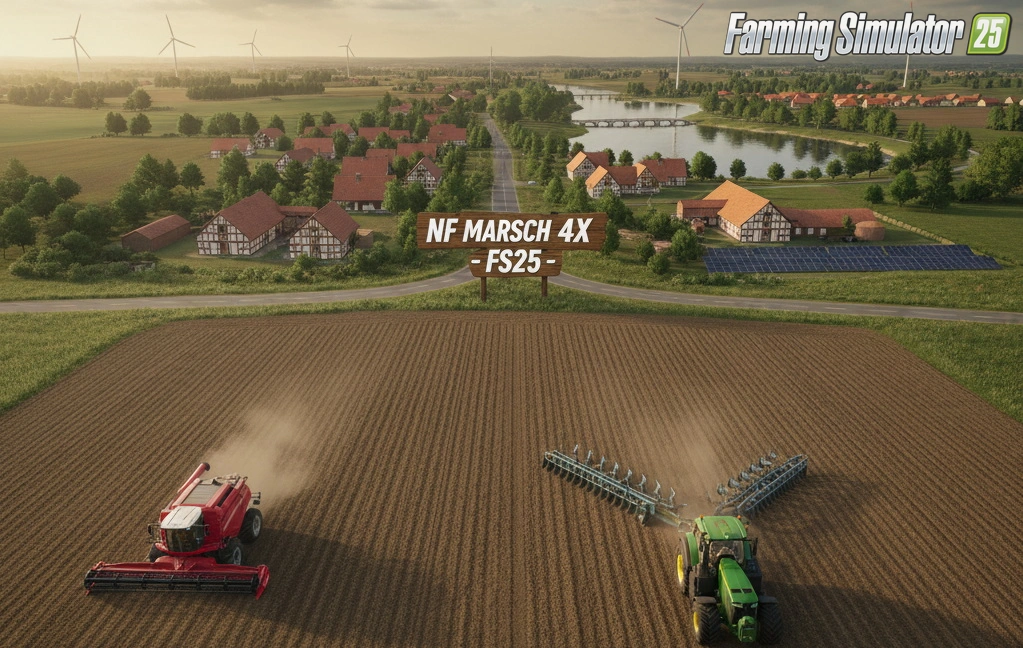
NF Marsch 4fach Map v1.7 for FS25
v1.11.x
NF Marsch 4fach Map v1.7 for FS25
-
 News
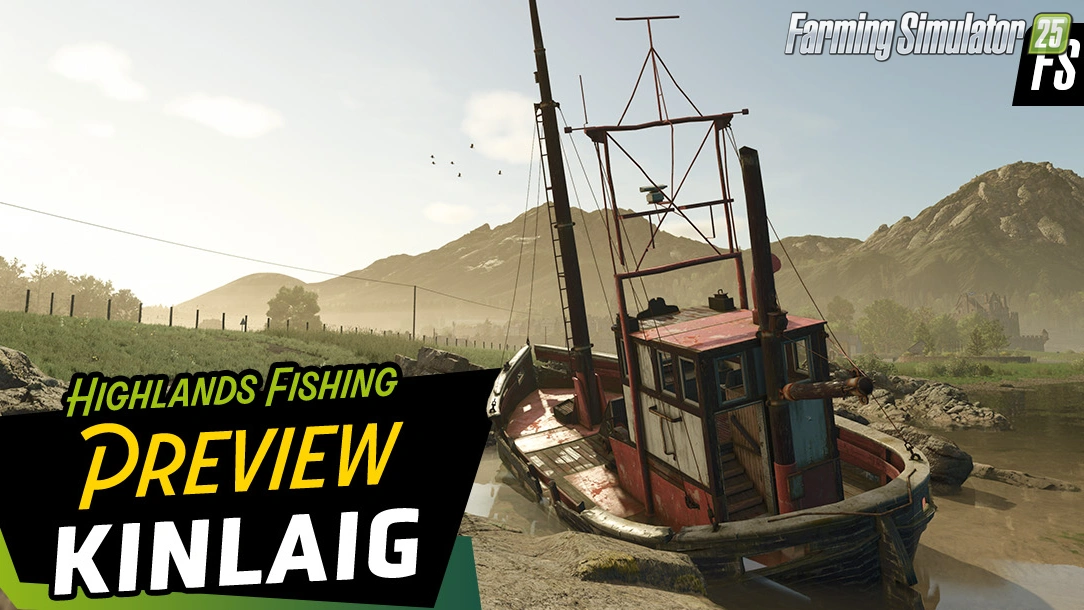
Welcome to Kinlaig | Highlands Fishing Map Preview for FS25
News
Welcome to Kinlaig | Highlands Fishing Map Preview for FS25
-
 v1.10.x
Liftable Pallets And Bales v1.0.4 for FS25
v1.10.x
Liftable Pallets And Bales v1.0.4 for FS25
-
 v1.9.x
Schwesing Bahnhof Map v1.0.1 for FS25
v1.9.x
Schwesing Bahnhof Map v1.0.1 for FS25
Download links lead to external third-party websites. FarmerPlayer.com does not host any mod files directly. All links are reviewed before publishing, however we cannot guarantee the content of external sites at all times. By clicking a download link you agree to our Privacy Policy and Terms & Conditions. If you encounter a broken or suspicious link, please use the Report button above.