Vyacheslavka Map v5.0.0.5 for FS25
0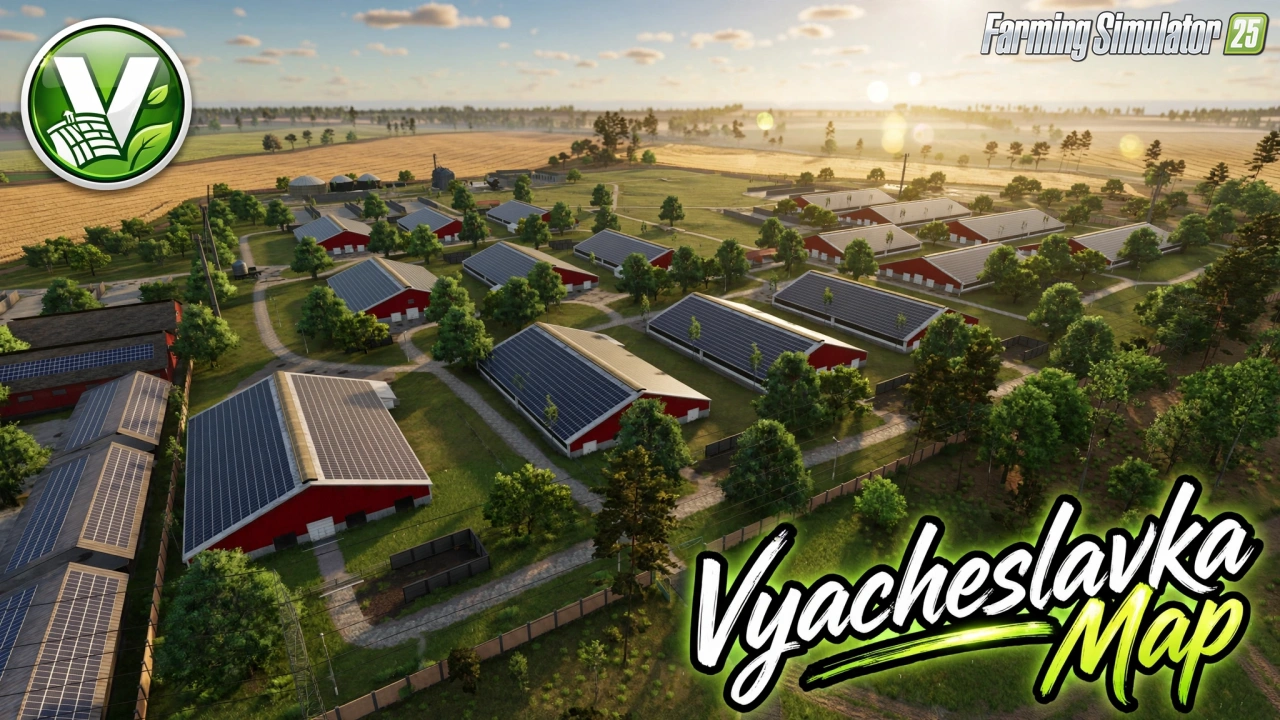
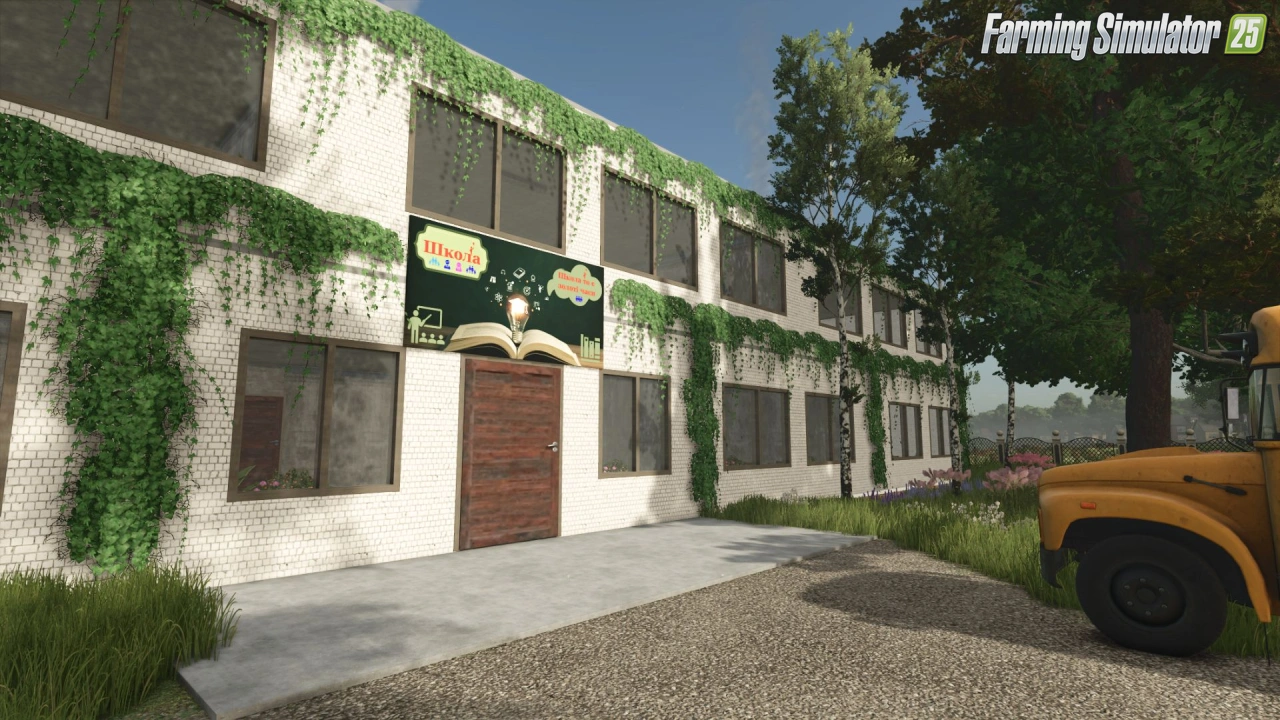
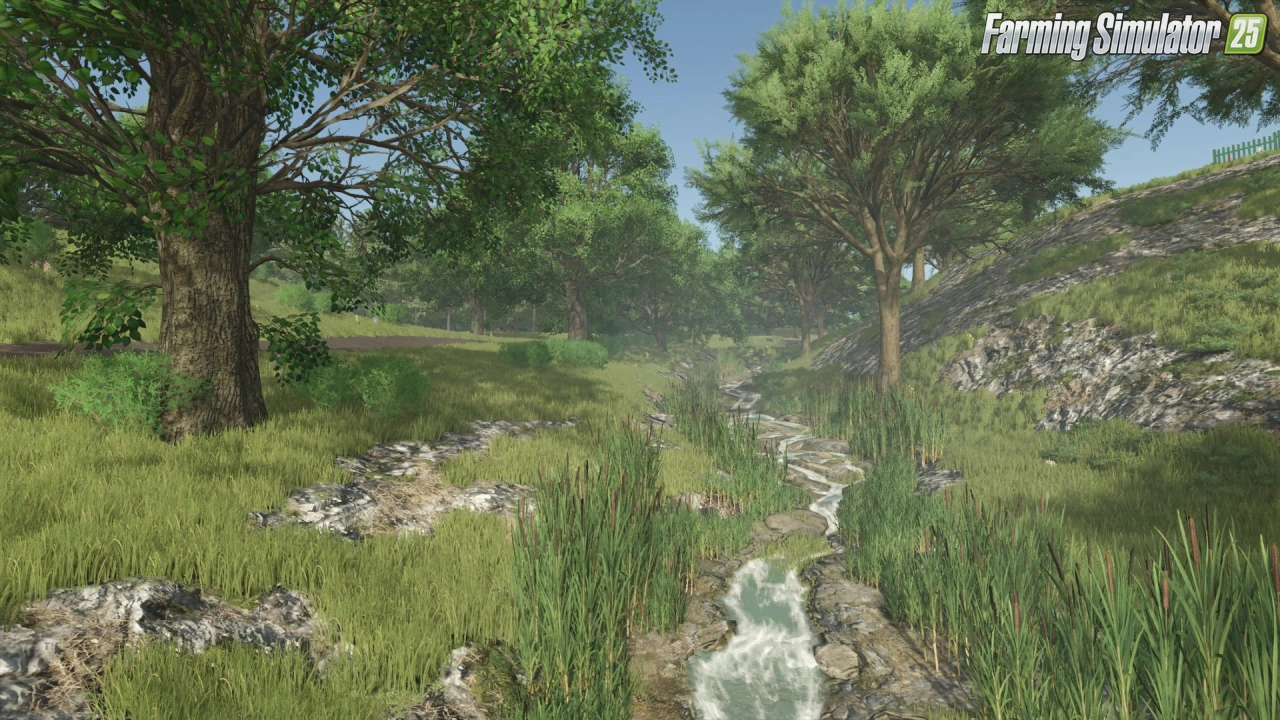
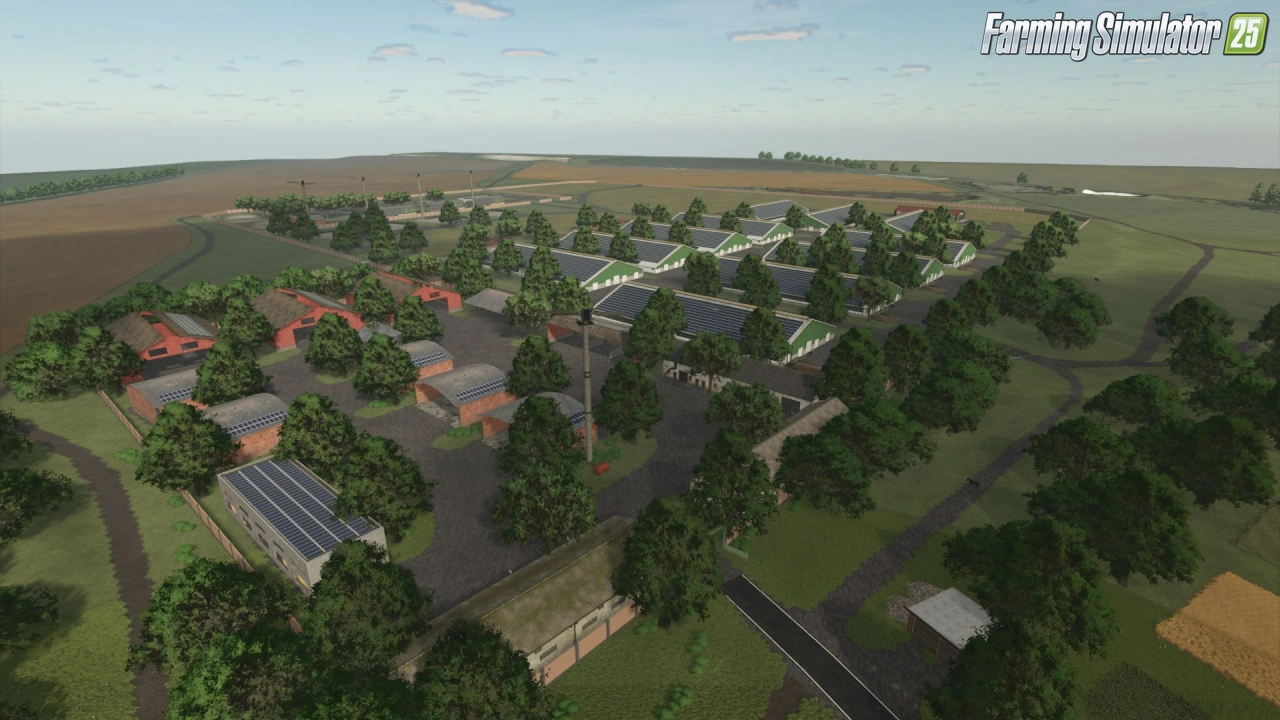
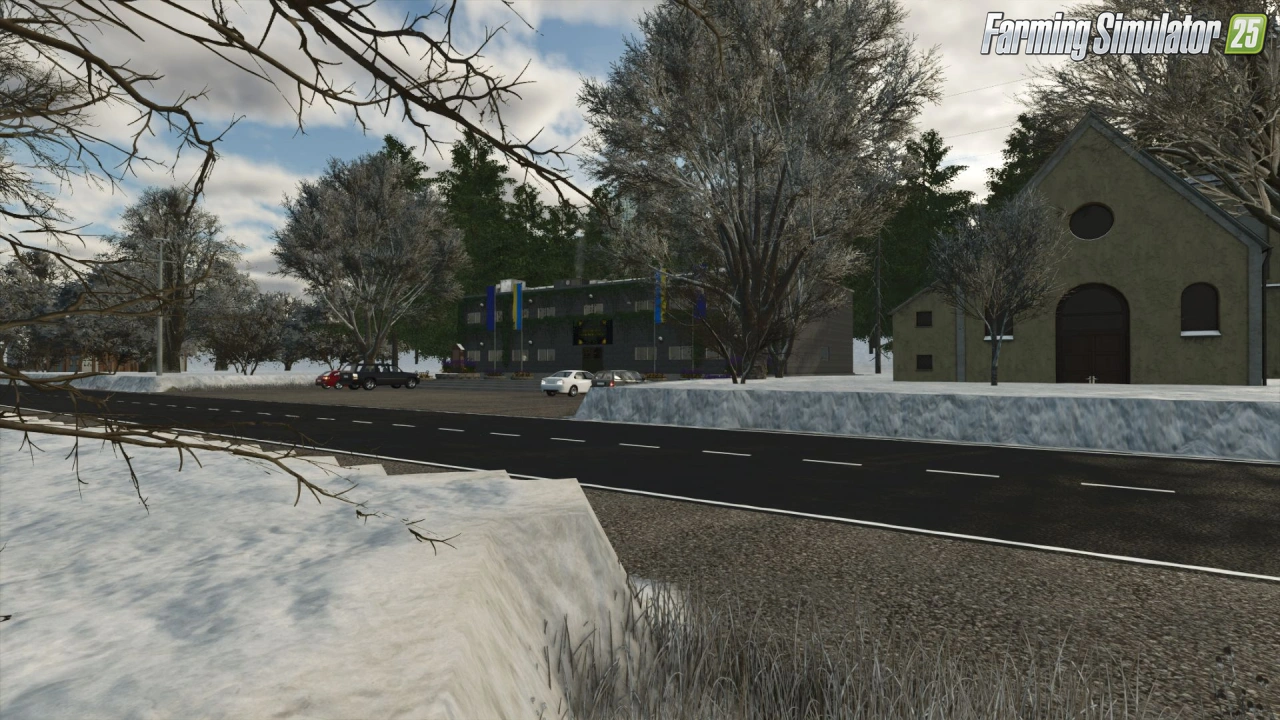
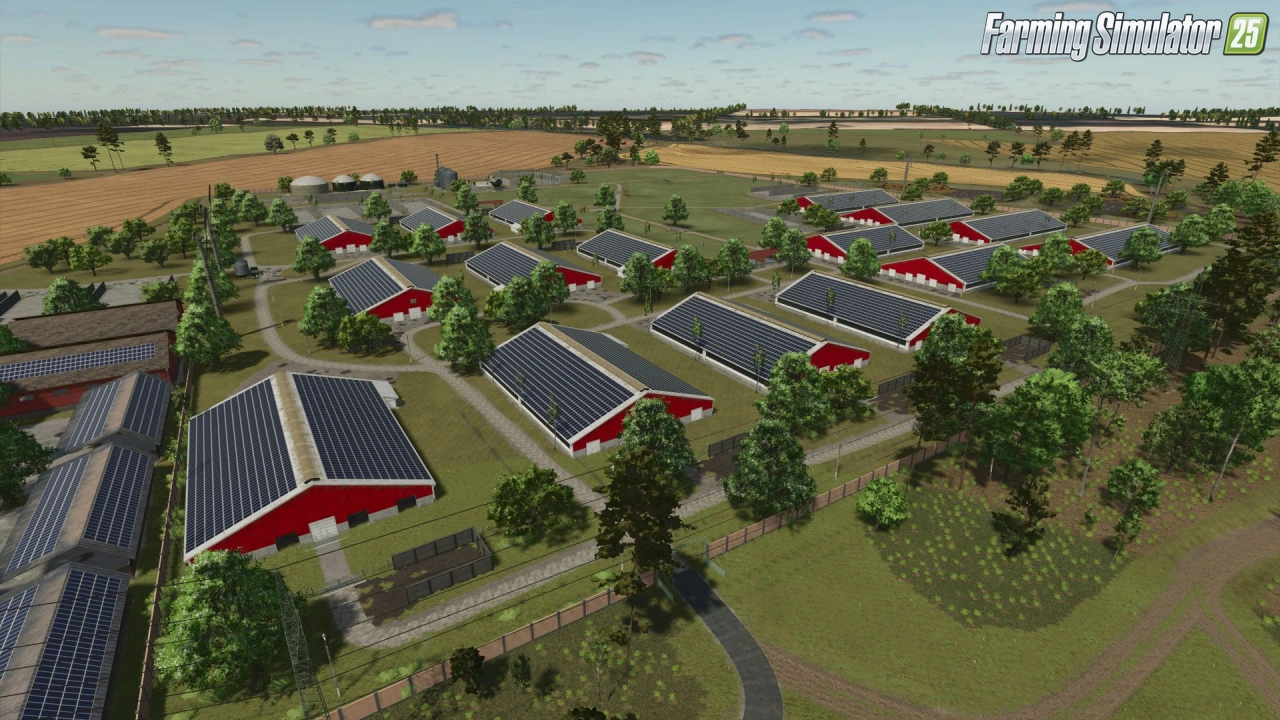
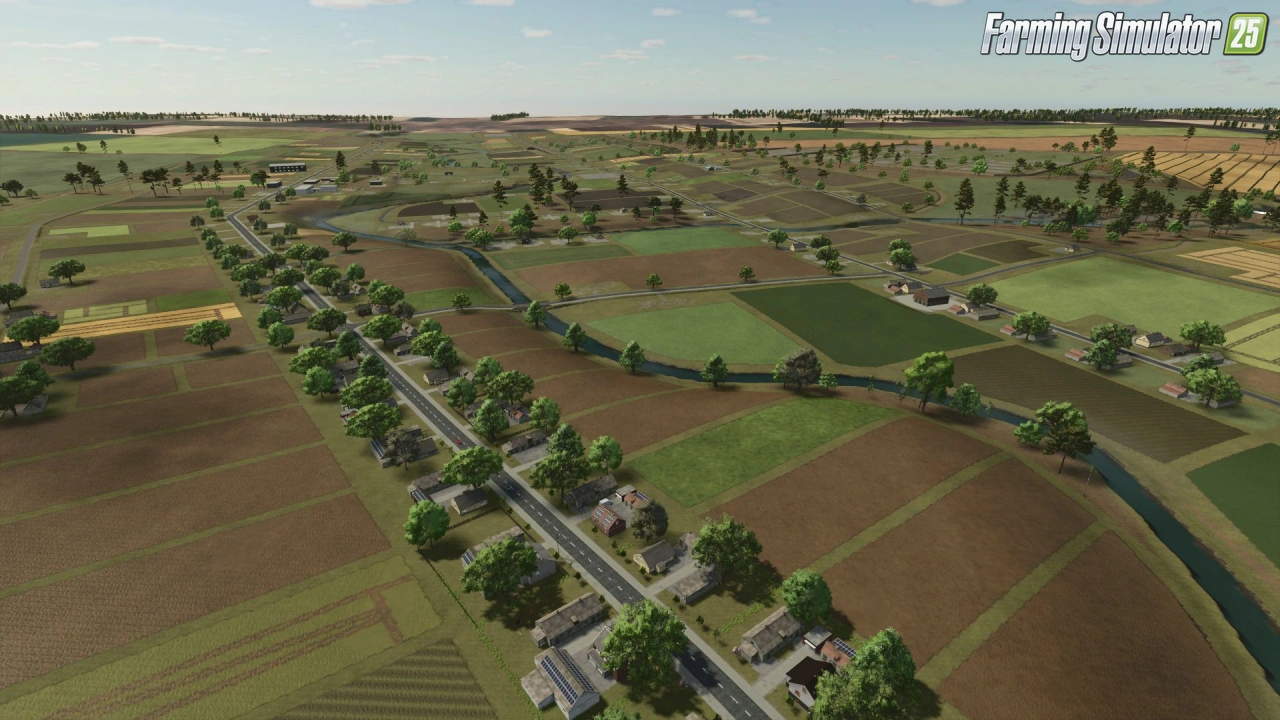
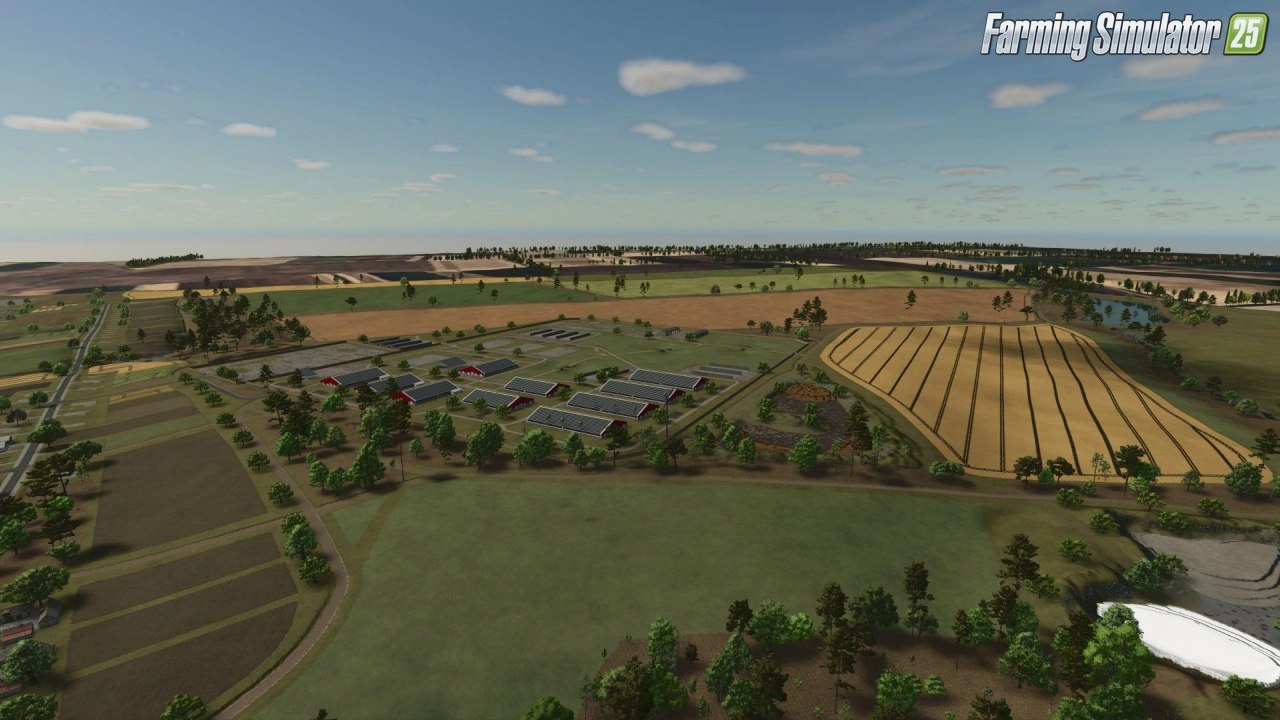
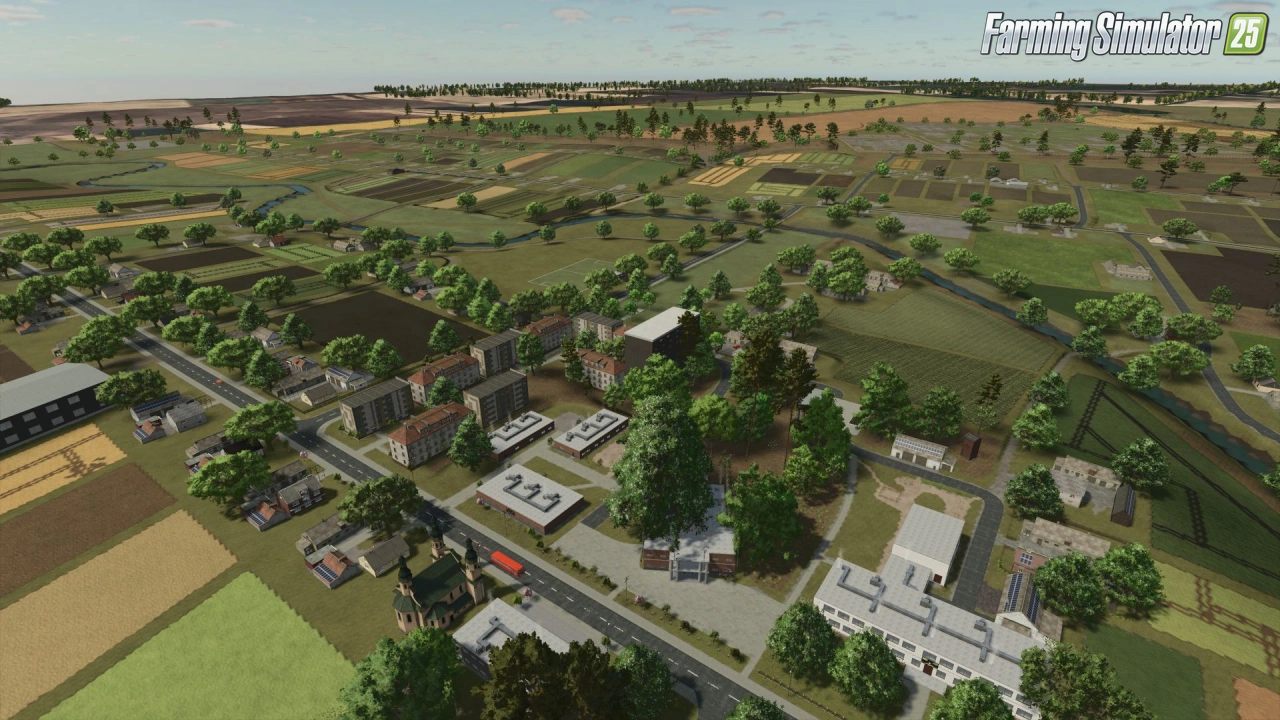
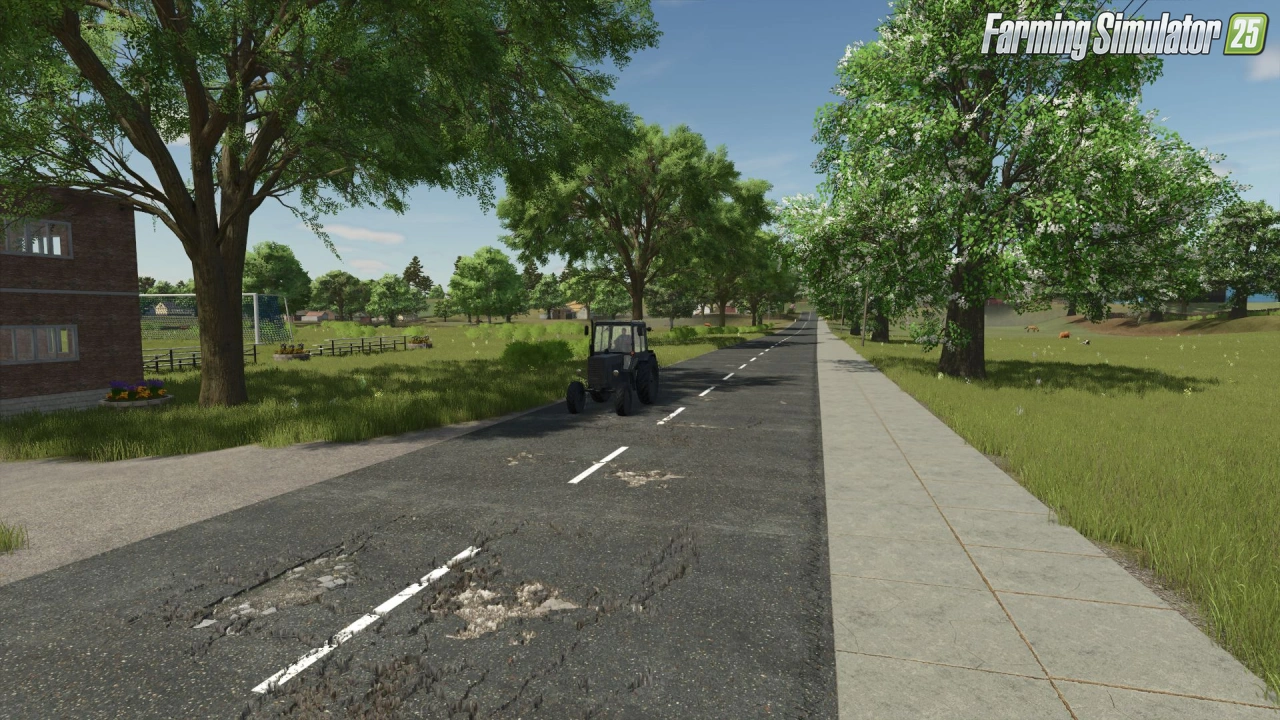
🗺️ Vyacheslavka Map for FS25 – this modification adds a high quality 4x map based on the real terrain of the village of Vyacheslavka (founded in 1862). As a resident of this village, the author created a map that is approximately 85% similar to the real location. It features 220 fields and is designed for large-scale farming with productions placed in their real locations.
Features Vyacheslavka Map:
– 🌾 220 plots / fields
– 💰 Multiple retail outlets and sell points
– 🚜 Own starting equipment
– 🏭 Production facilities located on real sites
– ⛏️ 3 quarries for stones and lime
– 🐄 Large farm for animal breeding
– 📦 Additional production facilities
– 📐 Large fields ranging from 0.25 ha up to 110–135 ha
– 🛢️ 3 silage pits already filled with silage
– 🌐 Multiplayer compatible
– 🇺🇦 Translated elements (Ukrainian and Russian)
Changes in v5.0.0.5:
– 🔄 Map is now 96% optimized
– 🔄 Fixed landscape issues
– 🔄 Map now works properly in multiplayer
– 🔄 Removed unnecessary objects (reduced map size)
– 🔄 Replaced road and sidewalk textures
– 🔄 Reduced lighting for more realistic nights
– 🔄 Propane production from biogas (usable in grain dryer)
– 🔄 Grain dryer added and translated
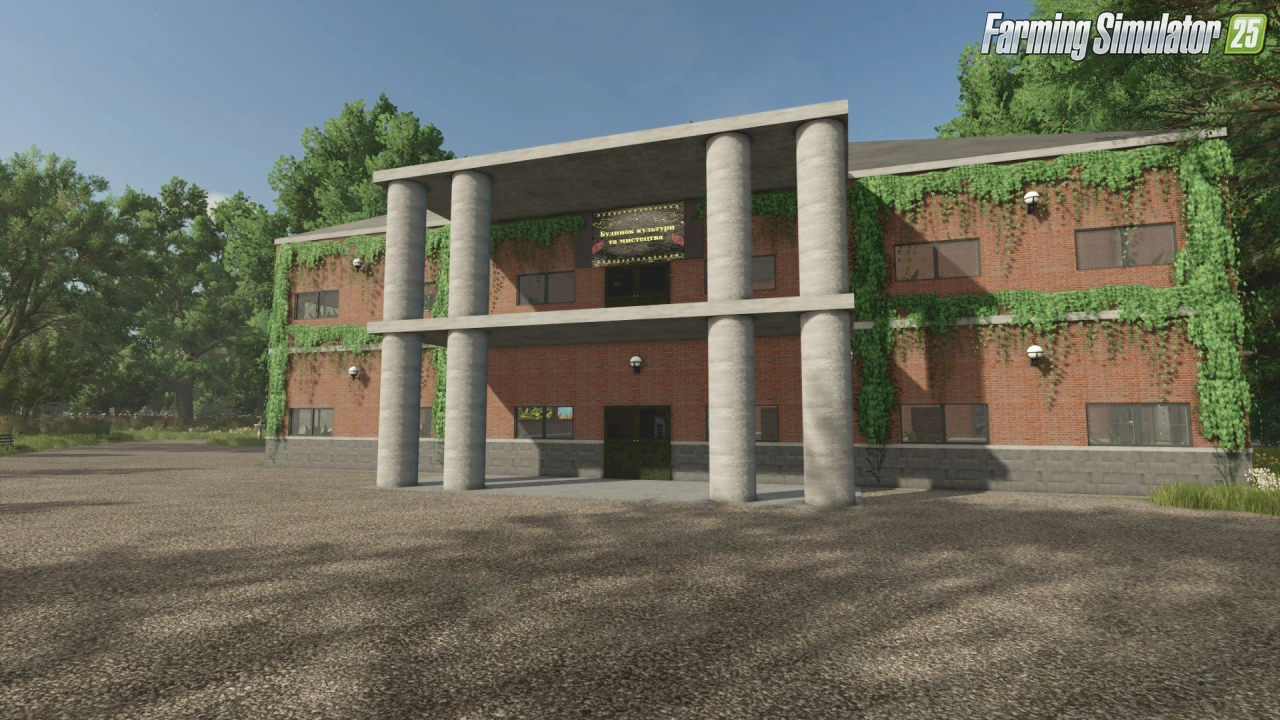
– 🔄 Replaced School, Club and Kindergarten buildings (frames only)
– 🔄 Fixed some vegetable gardens
– 🔄 Fixed wood and dry matter transport contracts
– 🔄 Added stone removal contracts with pickaxe
👉️ Tested on latest game patch v1.24+
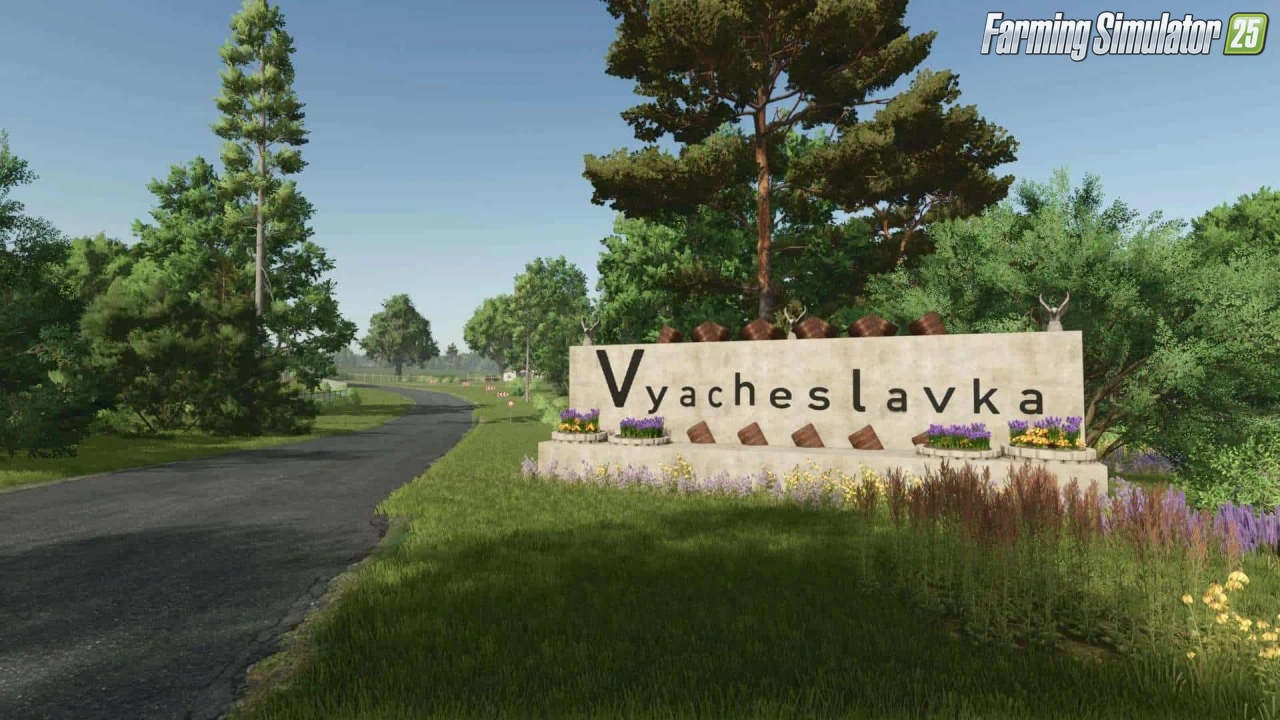
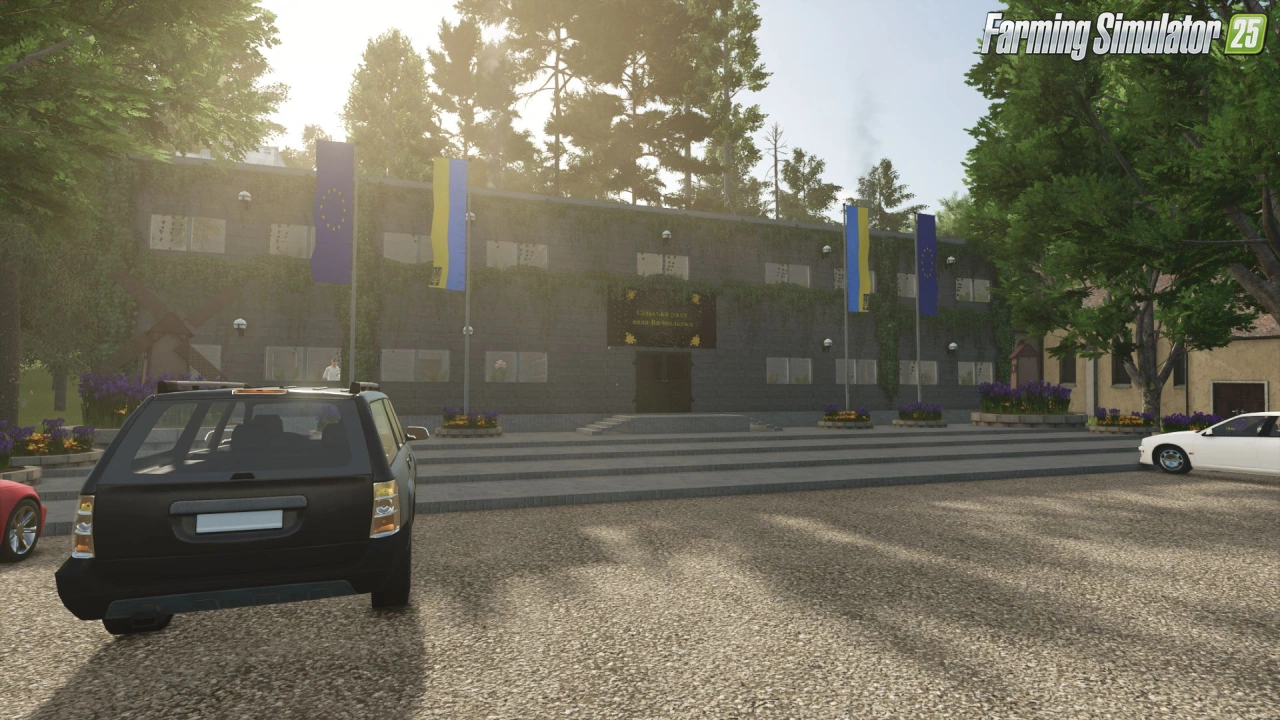
Screenshots of «Vyacheslavka Map v5.0.0.5 for FS25»
Gameplay Videos with «Vyacheslavka Map v5.0.0.5 for FS25»
Changelogs for «Vyacheslavka Map v5.0.0.5 for FS25»
Changes in v5.0.0.3:
– The map is now 96% optimized.
– Fixed landscape issues.
– The map now works in multiplayer.
– Removed all unnecessary and unnecessary garbage, which reduced the weight of the map.
– Replaced road and sidewalk textures.
– Reduced several lights for lighting, less light at night.
– Now you can make propane from biogas, which you use in a grain dryer.
– The grain dryer is now listed in the map and translated into Ukrainian and Russian.
– Replaced School, Club and Kindergarten (so far without furniture, only the frame is made).
– Fixed some vegetable gardens.
– Fixed contracts for transporting wood and dry matter.
– Added contracts for removing stones with a pickaxe
Download Link #2 | Download Link #3
Changes in v5.0.0.2:
- Fixed bugs found.
- Changed some areas.
- Changed some roads.
- Worked a little on optimization, the map started working better.
- And many other things were fixed.
Download Link #1 | Download Link #2 | Download Link #3
Changes in v5.0.0.1:
- Added diesel fuel refueling
- Added propane fuel refueling
- Added missing triggers
- Fixed icons
- Added a workshop next to the equipment store
- Fixed landscape
- Added a wholesale warehouse where you can sell everything
- Increased production productivity
- Fixed missing production building
Changes in v5.0:
- New houses
- New roads
- New landscape
- Map decor has been completely redesigned
- Added Soviet transport
- The main farm has been completely redesigned
- The main fur yard has been completely redesigned
- Forest areas have been reworked
- Added power lines
- Added lighting.
Download Link #2 | Download Link #3
Changes in v4.0.0.1:
- A small update associated with optimization. Now the card works more stable and is lags less.
- Fixed flying trees, the ones I found. Even more trees have been added.
- No new saving is needed.
Download #2 | Download #3
How to install «Vyacheslavka Map v5.0.0.5 for FS25»
- Download the modClick a download link below and save the
.zipfile to your computer. - Open the mods folderGo to
My Documents > My Games > FarmingSimulator2025 > mods. Create it if it doesn't exist. - Copy the .zip fileMove the downloaded
.zipstraight into themodsfolder. Do not extract it. - Launch FS25Start Farming Simulator 25, open Mods in the menu, find «Vyacheslavka Map v5.0.0.5 for FS25» and enable it.
- PlayStart a new save or load an existing one. The mod is now active. Enjoy! 🌾
Download Links — Policy & Disclaimer
This page may contain links to third-party content and websites. External links are reviewed when a page is published, however we are not responsible for the content of external websites. All mod files belong to their respective authors. FarmerPlayer is not affiliated with GIANTS Software GmbH. If you would like a link to your website removed, please contact us.
You Might Also Like
-
 v1.14.x
Riverbend Springs Map v1.0.1.4 Edit By Stevie for FS25
v1.14.x
Riverbend Springs Map v1.0.1.4 Edit By Stevie for FS25
-
 v1.20.x
Hinterkaifeck Map v1.0 for FS25
v1.20.x
Hinterkaifeck Map v1.0 for FS25
-
 v1.10.x
Stara and Connect Modding Pack v1.0 for FS25
v1.10.x
Stara and Connect Modding Pack v1.0 for FS25
-
 News
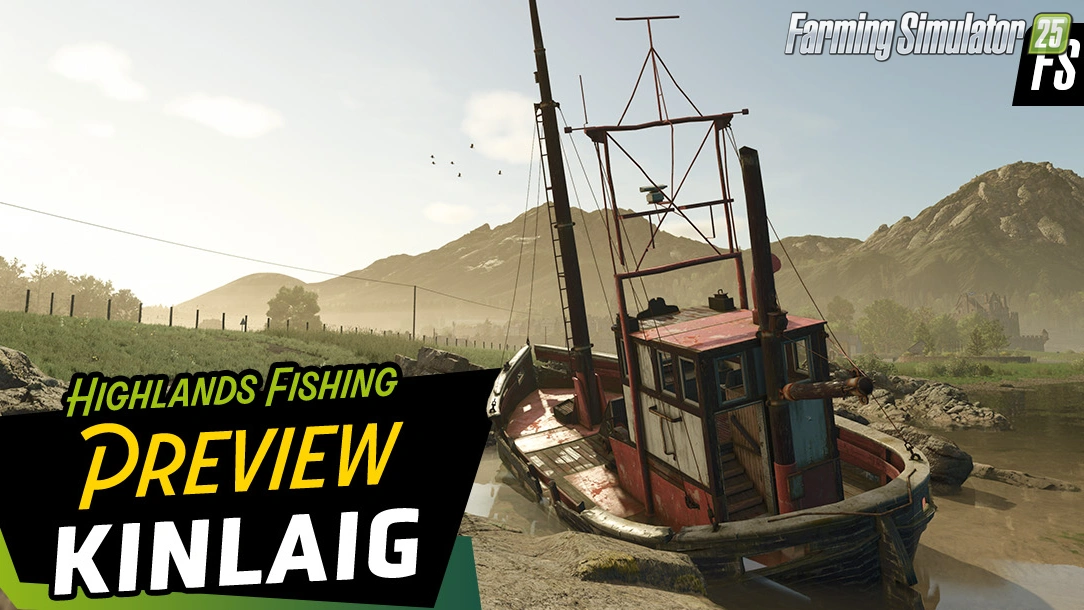
Welcome to Kinlaig | Highlands Fishing Map Preview for FS25
News
Welcome to Kinlaig | Highlands Fishing Map Preview for FS25
-
 v1.24.x
Pallegney Map v1.2.3 By MA7Studio for FS25
v1.24.x
Pallegney Map v1.2.3 By MA7Studio for FS25
-
 v1.11.x
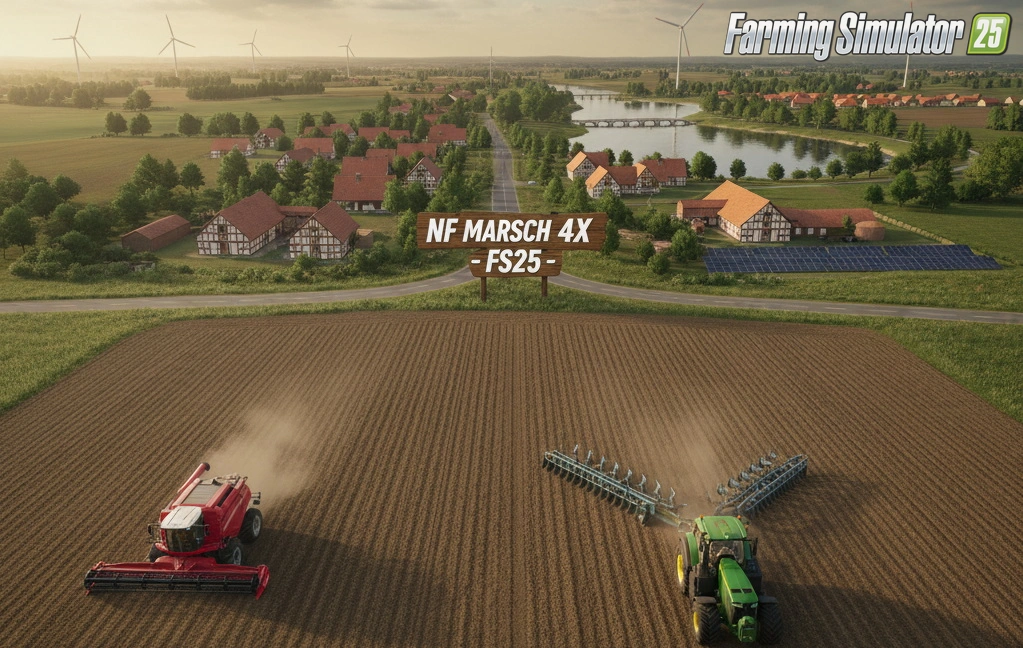
NF Marsch 4fach Map v1.7 for FS25
v1.11.x
NF Marsch 4fach Map v1.7 for FS25
-
 v1.24.x
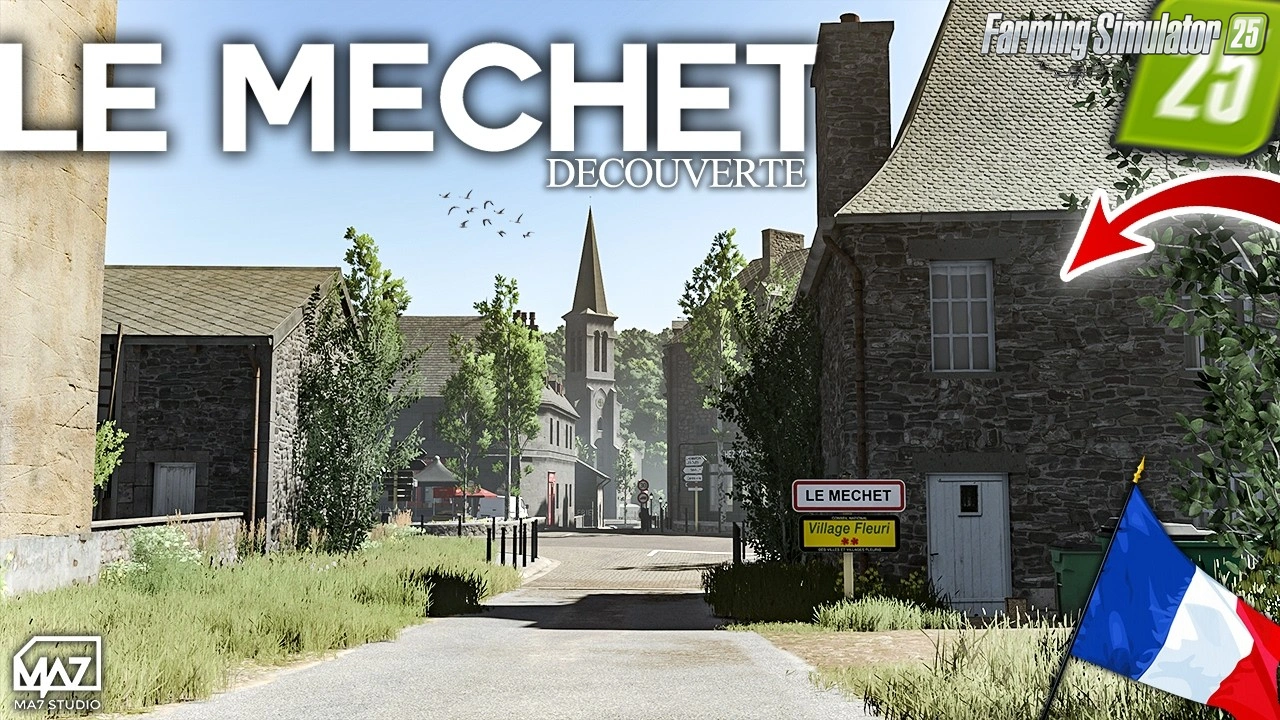
The Mechet Map v1.0.0.3 by MA7Studio for FS25
v1.24.x
The Mechet Map v1.0.0.3 by MA7Studio for FS25
-
 v1.21.x
PGR Bruzda Map v1.4.2 for FS25
v1.21.x
PGR Bruzda Map v1.4.2 for FS25
Download links lead to external third-party websites. FarmerPlayer.com does not host any mod files directly. All links are reviewed before publishing, however we cannot guarantee the content of external sites at all times. By clicking a download link you agree to our Privacy Policy and Terms & Conditions. If you encounter a broken or suspicious link, please use the Report button above.