John Deere 40 Series v1.0.0.1 for FS25
0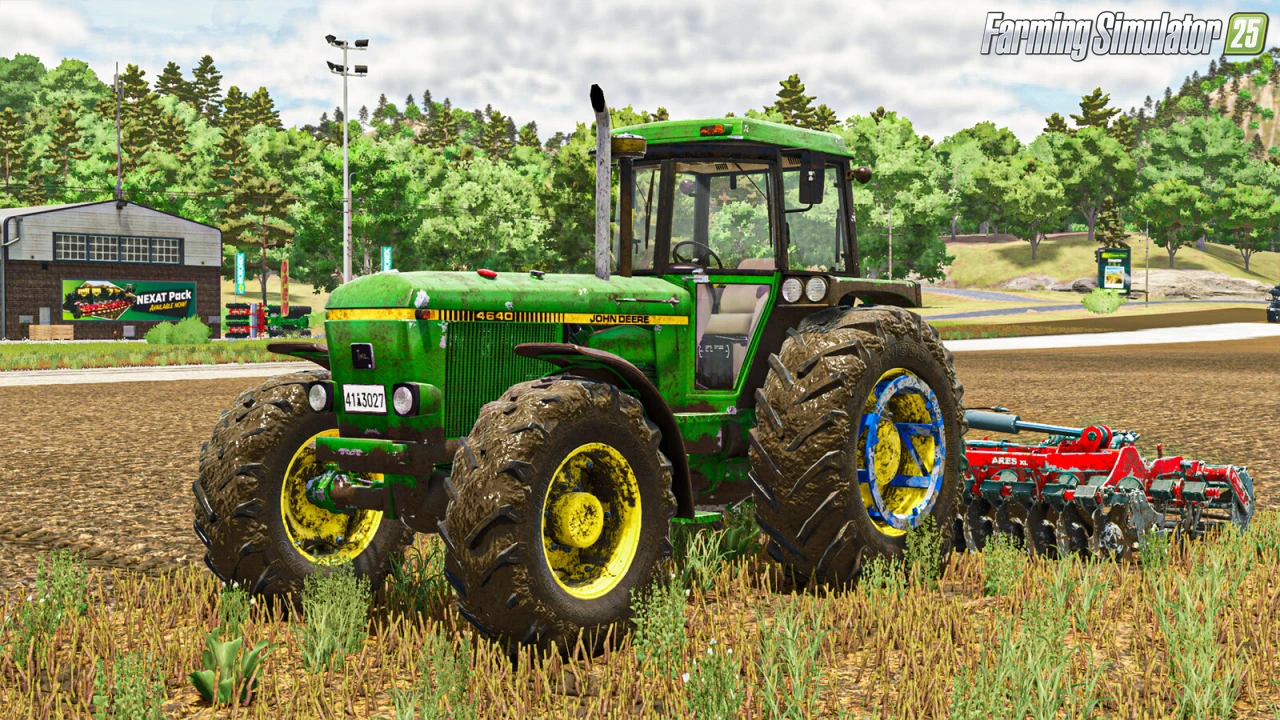
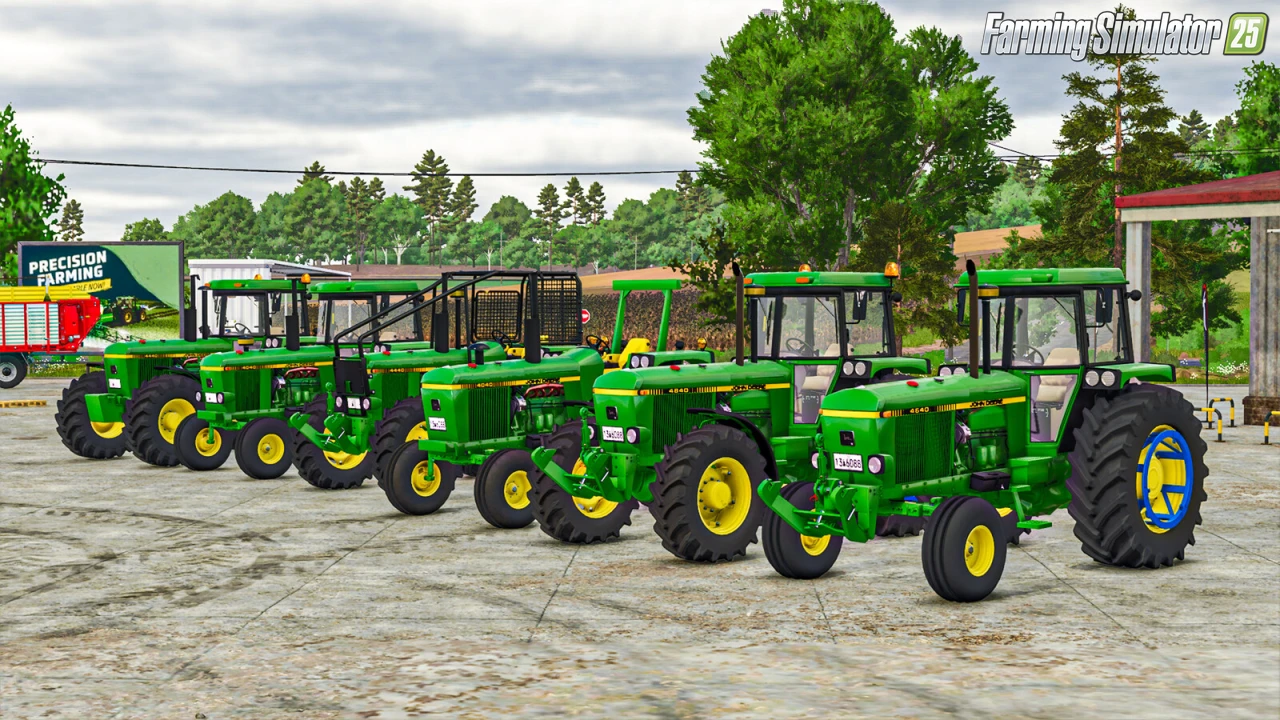
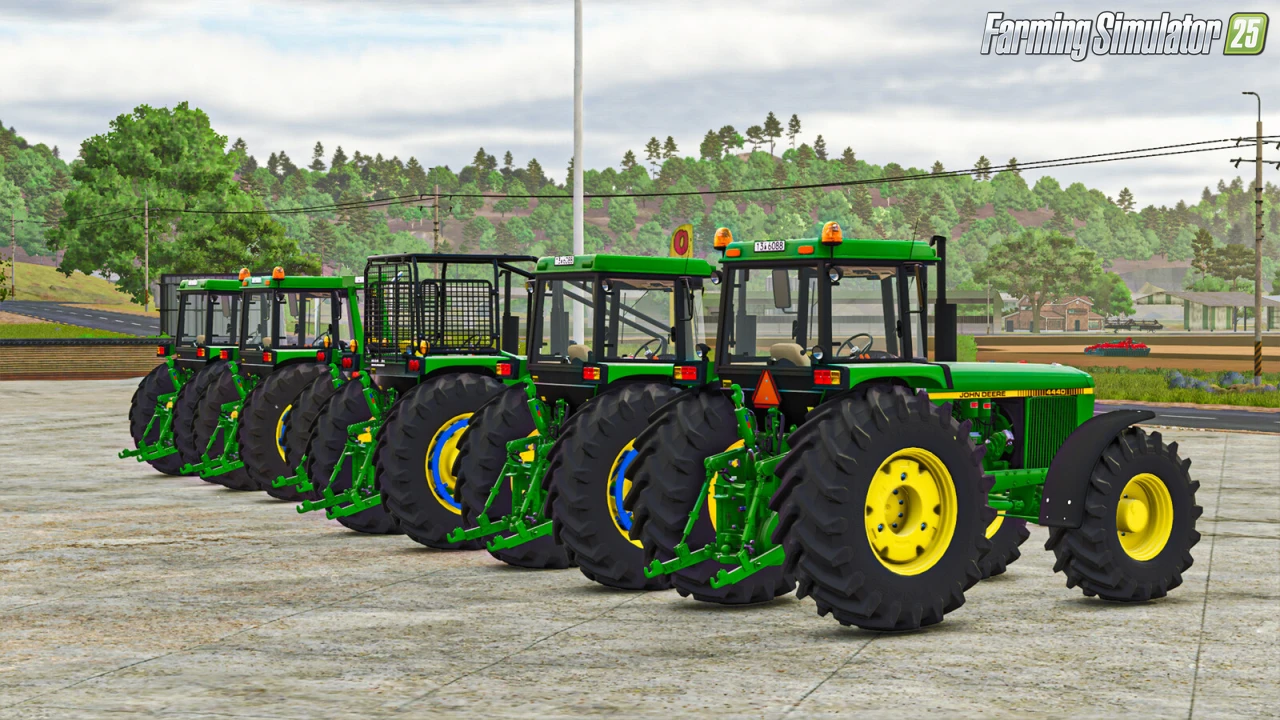
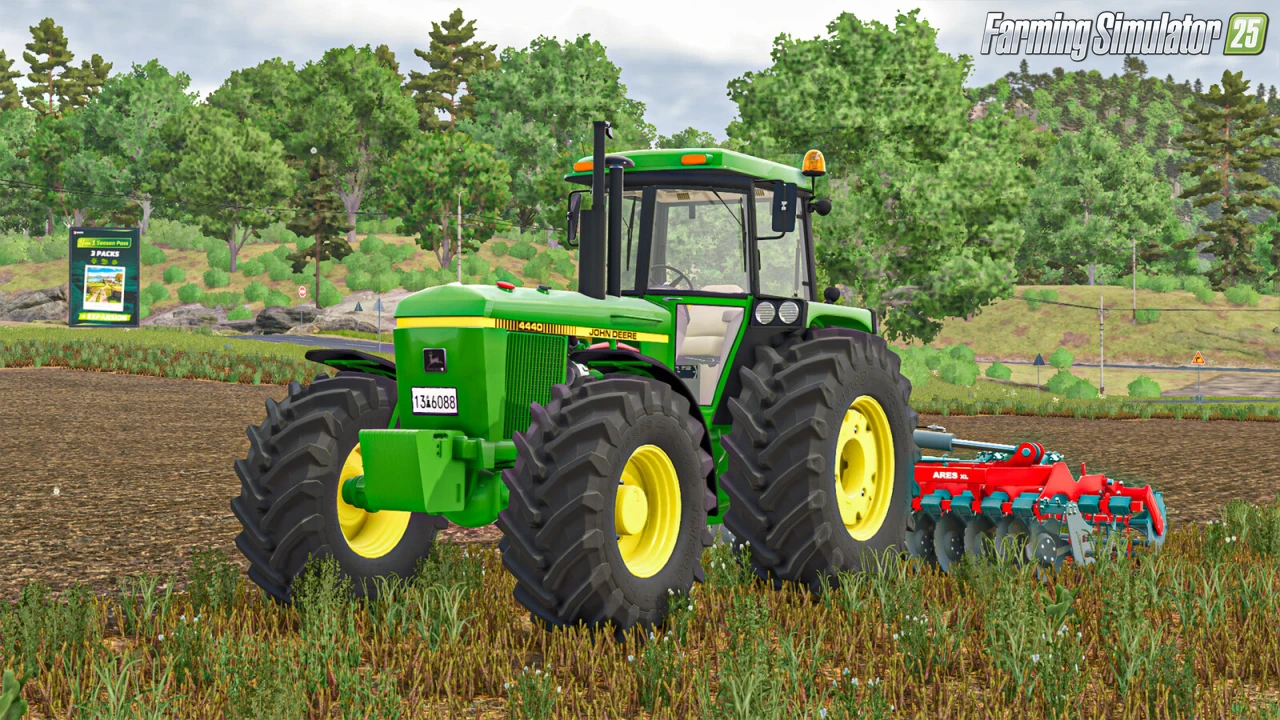
🚜 John Deere 40 Series for FS25 - crafted by BlackSheep Modding, revives the legendary medium tractors from John Deere's 1978–1982 lineup for Farming Simulator 25 (FS25). This pack delivers a comprehensive set of nine authentic models, including US and EU variants in 2WD and 4WD configurations, plus open-station "B" series options for a true vintage farming vibe. Ideal for row cropping, light fieldwork, and early-game progression, these tractors blend historical charm with balanced performance, making them a staple for players building nostalgic or versatile fleets.
🟢 Tractor Lineup & Design:
– 🚜 Includes 9 authentic models from the 1978–1982 John Deere lineup
– 🇺🇸🇪🇺 US and EU versions available
– 🛞 Offers 2WD, 4WD, and open-station “B” series configurations
– 🧱 Designed for row cropping, light fieldwork, and early-game progression
– 🏞️ Ideal for nostalgic or versatile farm fleets
⚙️ Performance & Customization:
– 💪 Power range from 112 hp to 203 hp across small and medium tractors
– 💨 Max speed of 32 kph for all models
– 🛠️ Includes open cab options for 4040B, 4240B, and 4440B
– 🧰 Balanced pricing for early and mid-game use
– 🛋️ Enhanced hydraulic steering for 2WD models
🎮 Gameplay Integration:
– ✅ Fully compatible with FS25 game version 1.13.x
– 🧩 Supports standard FS25 functions and modded gameplay
– 🧑🌾 Suitable for single-player and modded farm setups
🆕 Improvements in FS25 Version:
– 🔧 Refined models for 4640 and 4840 tractors
– 🛠️ Updated visuals and handling for open cab variants
– 🔄 Improved steering physics for smoother control on 2WD tractors
Tested on game version 1.14.x
Screenshots of «John Deere 40 Series v1.0.0.1 for FS25»


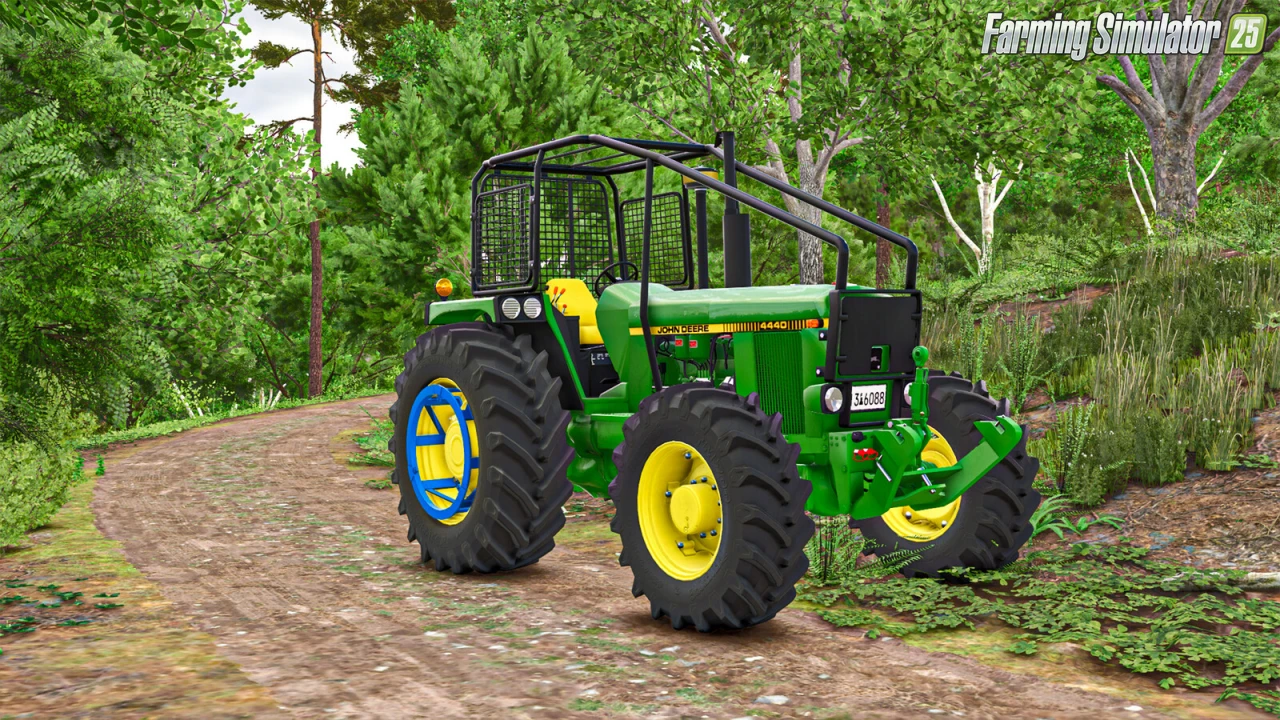
Gameplay Videos with «John Deere 40 Series v1.0.0.1 for FS25»
Changelogs for «John Deere 40 Series v1.0.0.1 for FS25»
Changes in v1.0.0.1:
- Fixed BackLights for models 2WD
- Fixed various other errors
- Compatible with the mod from EY Modding ( John Deere 148 And 158 Front Loaders )
Changes in v1.0:
- first release
Download #2
How to install «John Deere 40 Series v1.0.0.1 for FS25»
- Download the modClick a download link below and save the
.zipfile to your computer. - Open the mods folderGo to
My Documents > My Games > FarmingSimulator2025 > mods. Create it if it doesn't exist. - Copy the .zip fileMove the downloaded
.zipstraight into themodsfolder. Do not extract it. - Launch FS25Start Farming Simulator 25, open Mods in the menu, find «John Deere 40 Series v1.0.0.1 for FS25» and enable it.
- PlayStart a new save or load an existing one. The mod is now active. Enjoy! 🌾
Download Links — Policy & Disclaimer
This page may contain links to third-party content and websites. External links are reviewed when a page is published, however we are not responsible for the content of external websites. All mod files belong to their respective authors. FarmerPlayer is not affiliated with GIANTS Software GmbH. If you would like a link to your website removed, please contact us.
You Might Also Like
-
 News
Farming Simulator 25 - Patch 1.24 Released for Download
News
Farming Simulator 25 - Patch 1.24 Released for Download
-
 v1.10.x
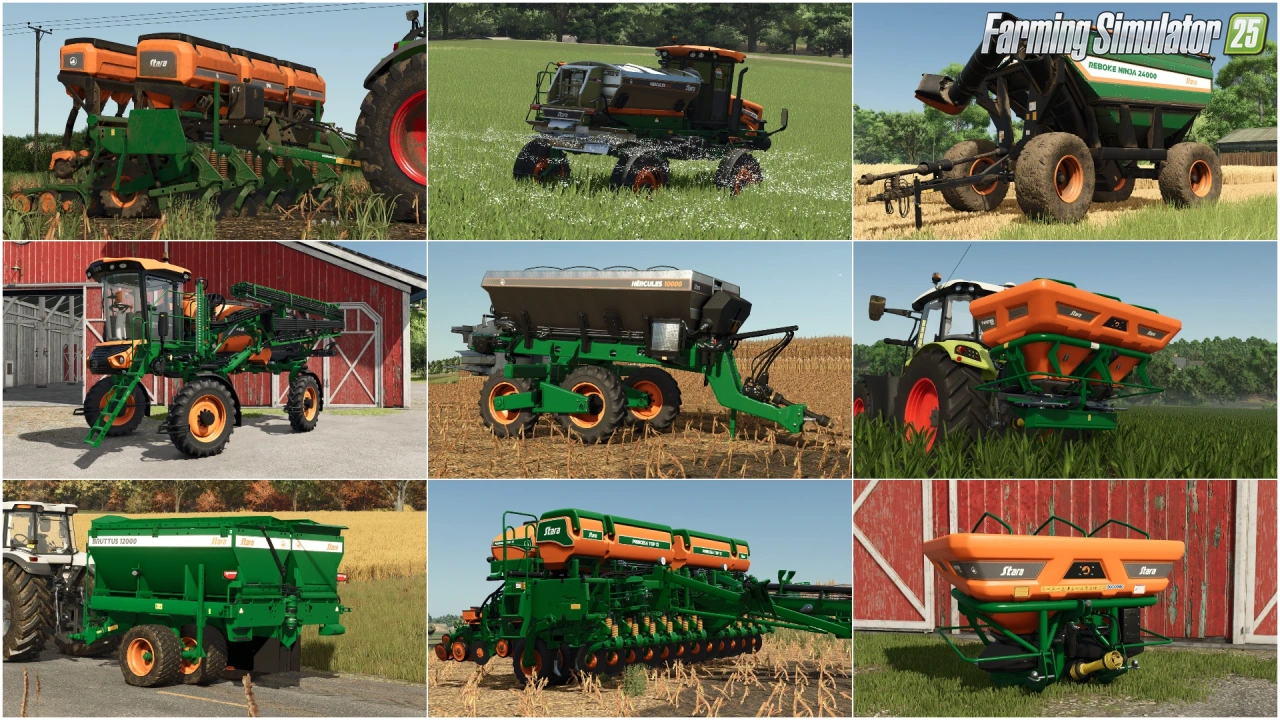
Stara and Connect Modding Pack v1.0 for FS25
v1.10.x
Stara and Connect Modding Pack v1.0 for FS25
-
 v1.14.x
Riverbend Springs Map v1.0.1.4 Edit By Stevie for FS25
v1.14.x
Riverbend Springs Map v1.0.1.4 Edit By Stevie for FS25
-
 v1.10.x
Liftable Pallets And Bales v1.0.4 for FS25
v1.10.x
Liftable Pallets And Bales v1.0.4 for FS25
-
 v1.20.x
Hinterkaifeck Map v1.0 for FS25
v1.20.x
Hinterkaifeck Map v1.0 for FS25
-
 v1.11.x
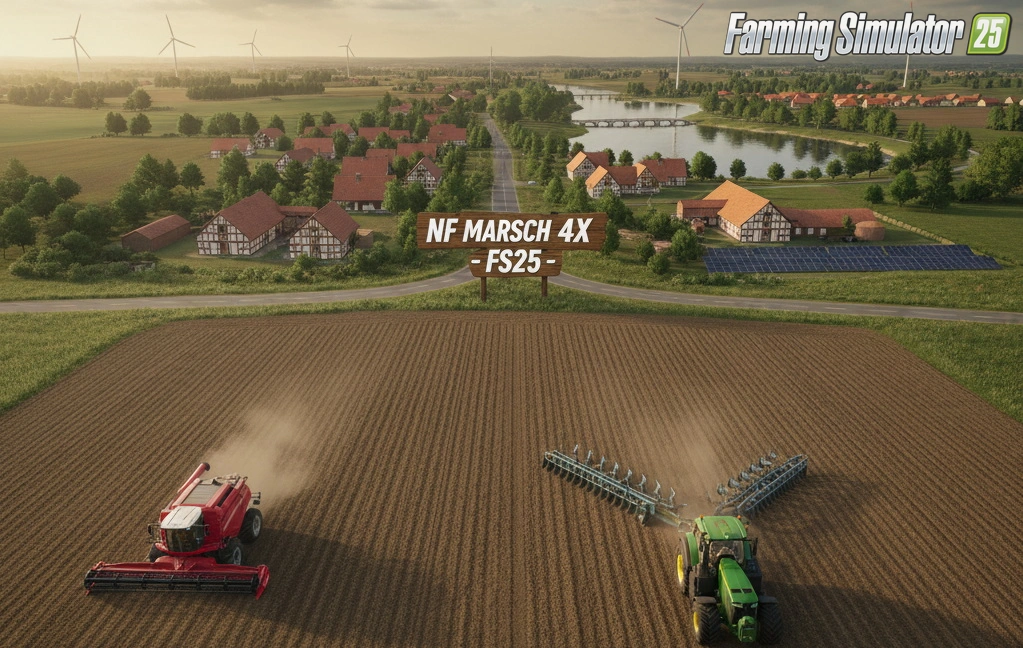
NF Marsch 4fach Map v1.7 for FS25
v1.11.x
NF Marsch 4fach Map v1.7 for FS25
-
 v1.11.x
John Deere 8R (2009-2011) Series v1.0.0.2 for FS25
v1.11.x
John Deere 8R (2009-2011) Series v1.0.0.2 for FS25
-
 News
Precision Farming 3.0 coming May 8th - What is new?
News
Precision Farming 3.0 coming May 8th - What is new?
Download links lead to external third-party websites. FarmerPlayer.com does not host any mod files directly. All links are reviewed before publishing, however we cannot guarantee the content of external sites at all times. By clicking a download link you agree to our Privacy Policy and Terms & Conditions. If you encounter a broken or suspicious link, please use the Report button above.