Starbuck, MN Map v1.2.5.3 for FS25
0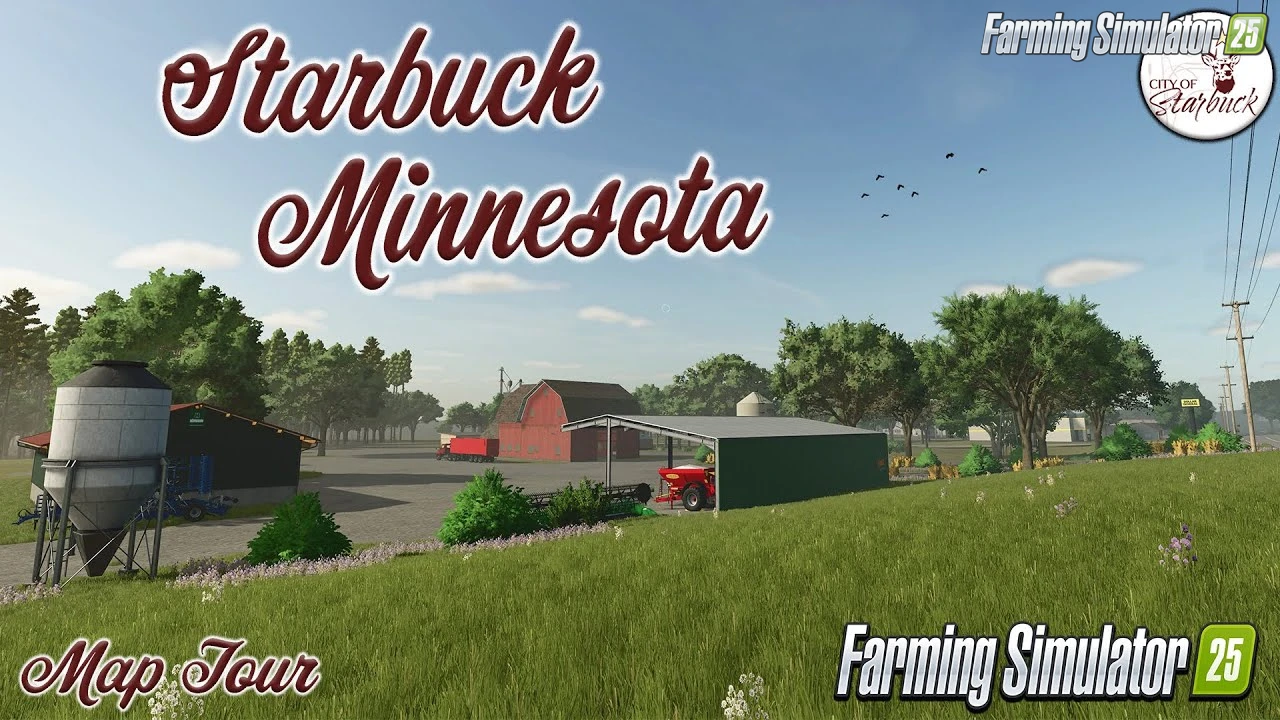
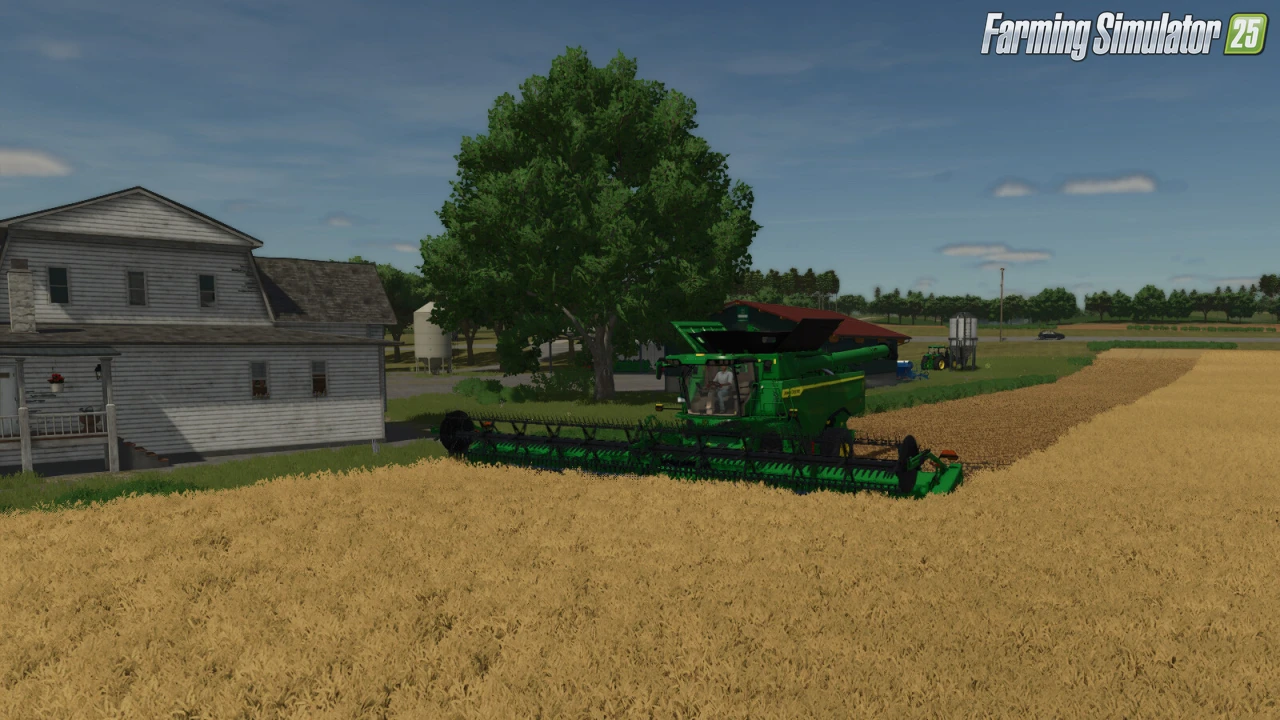
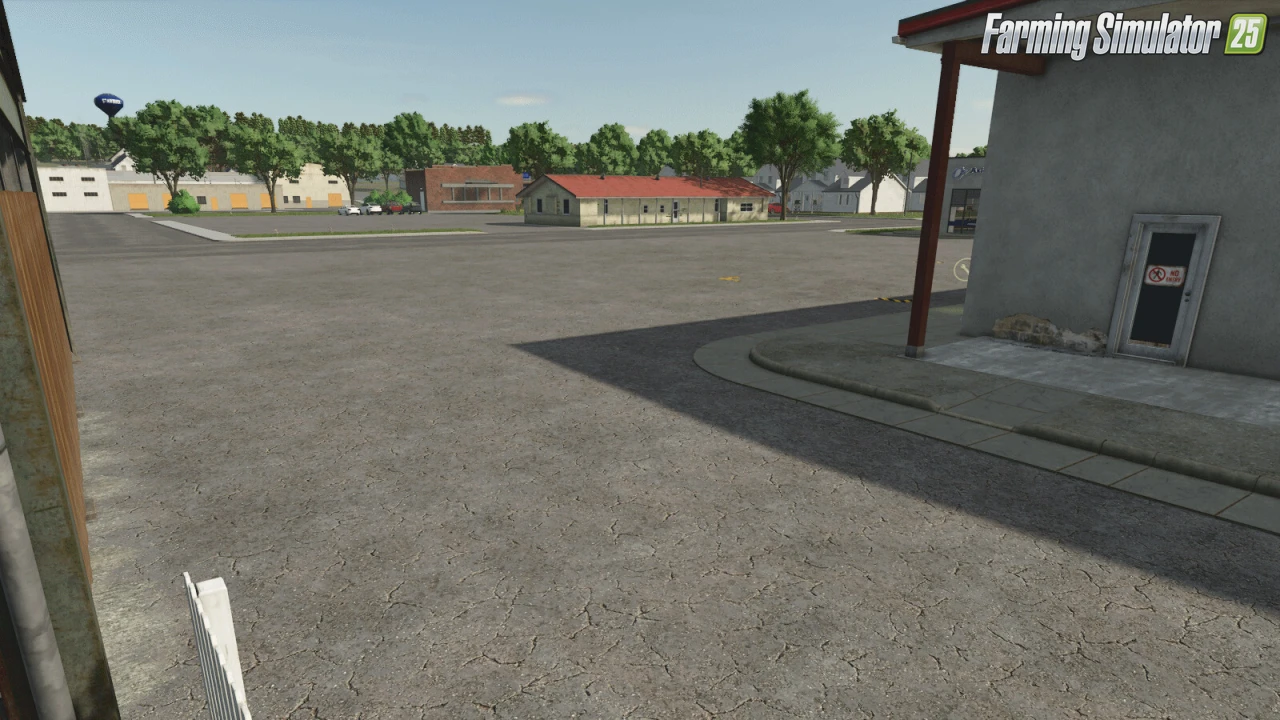
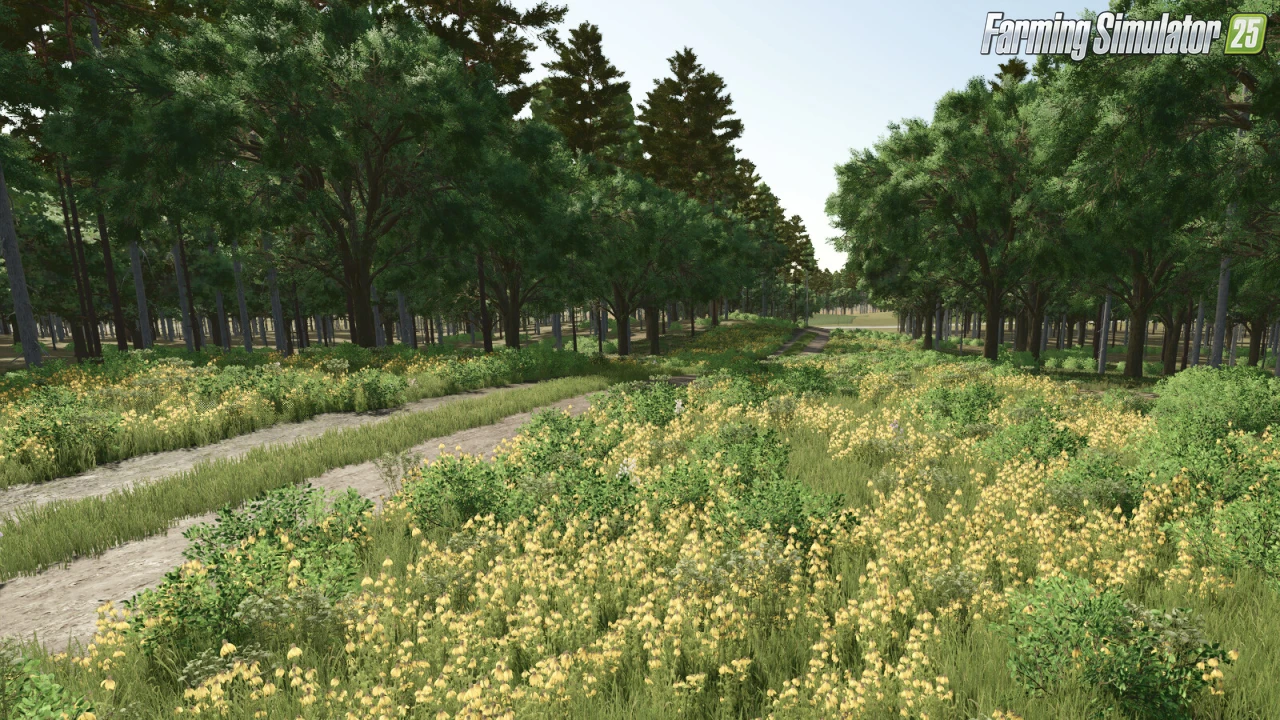
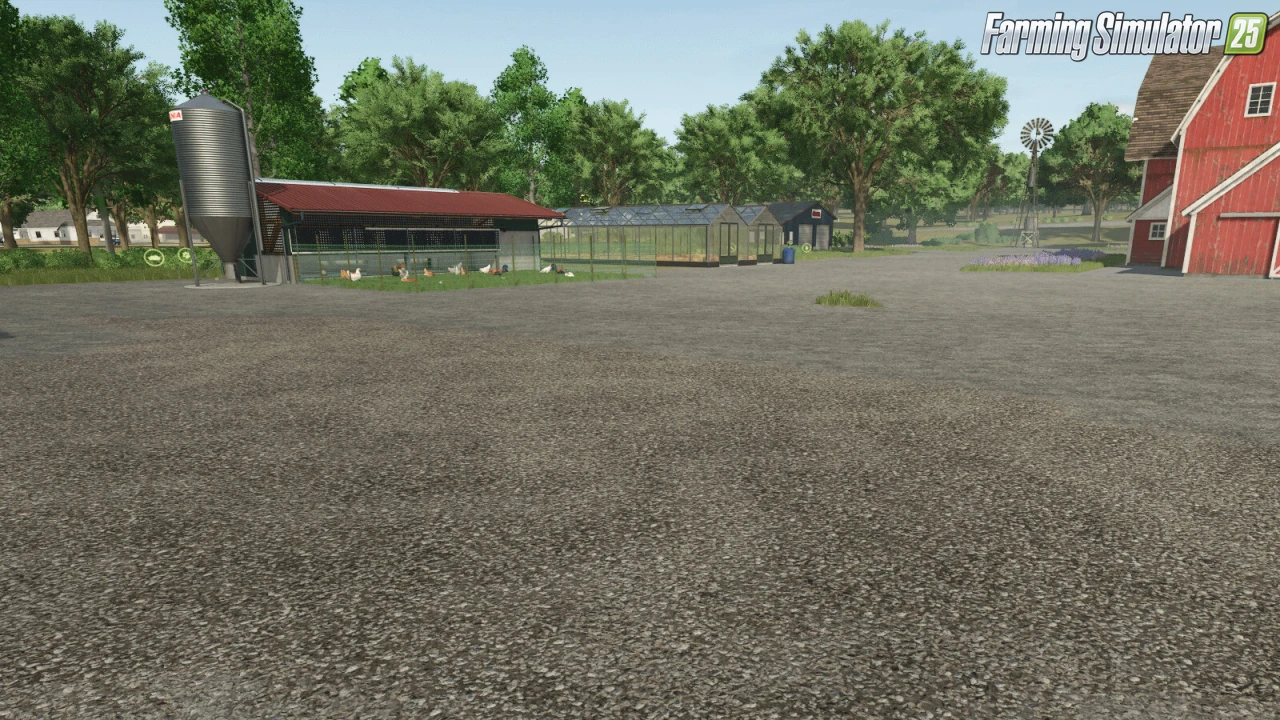
Starbuck, MN Map for FS25 - this mod brings the detailed map to FS25 players as a standalone mid-sized American terrain inspired by real Minnesota farmland, perfect for arable farming, forestry, and animal husbandry across rolling fields, authentic shapes, and small-town charm requiring dynamic terrain, production chains, and custom crops for immersive heartland logistics.
Features Starbuck, MN Map:
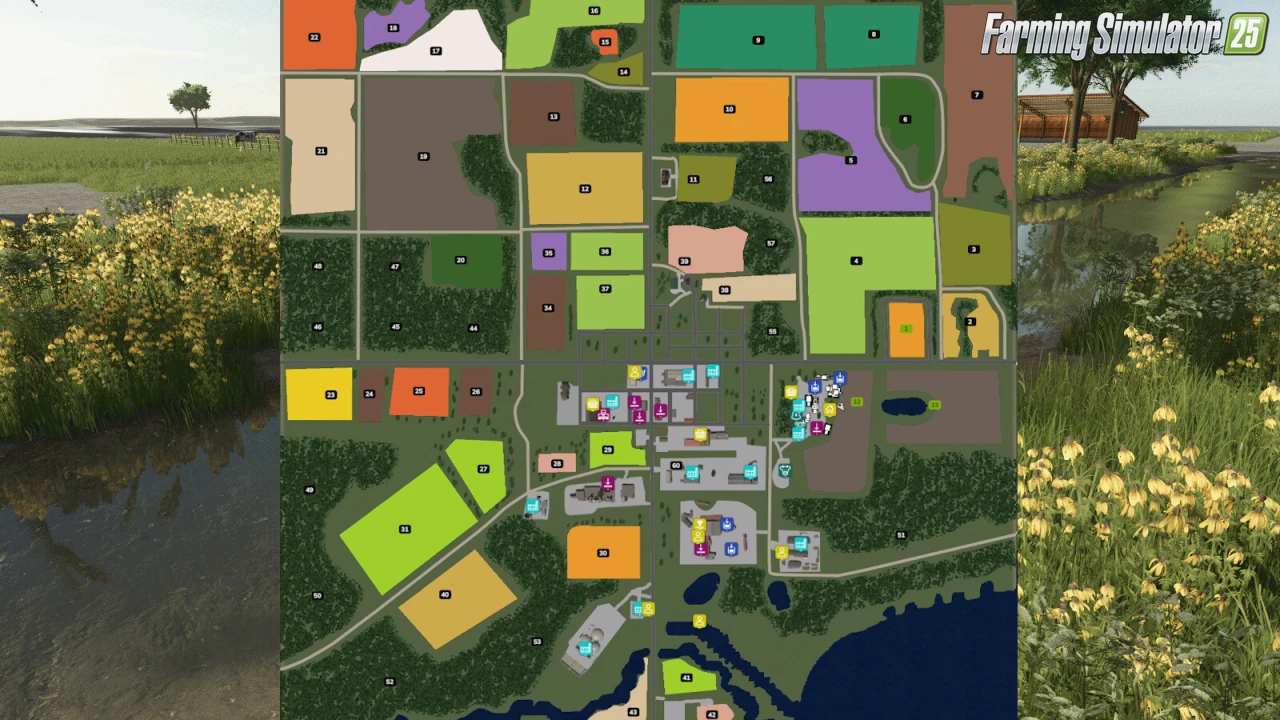
- 44 farmlands with varied field sizes, shapes, and ownership options
- Scenic lake integrated into the terrain for added atmosphere
- Dynamic terrain designed for immersive machinery operation
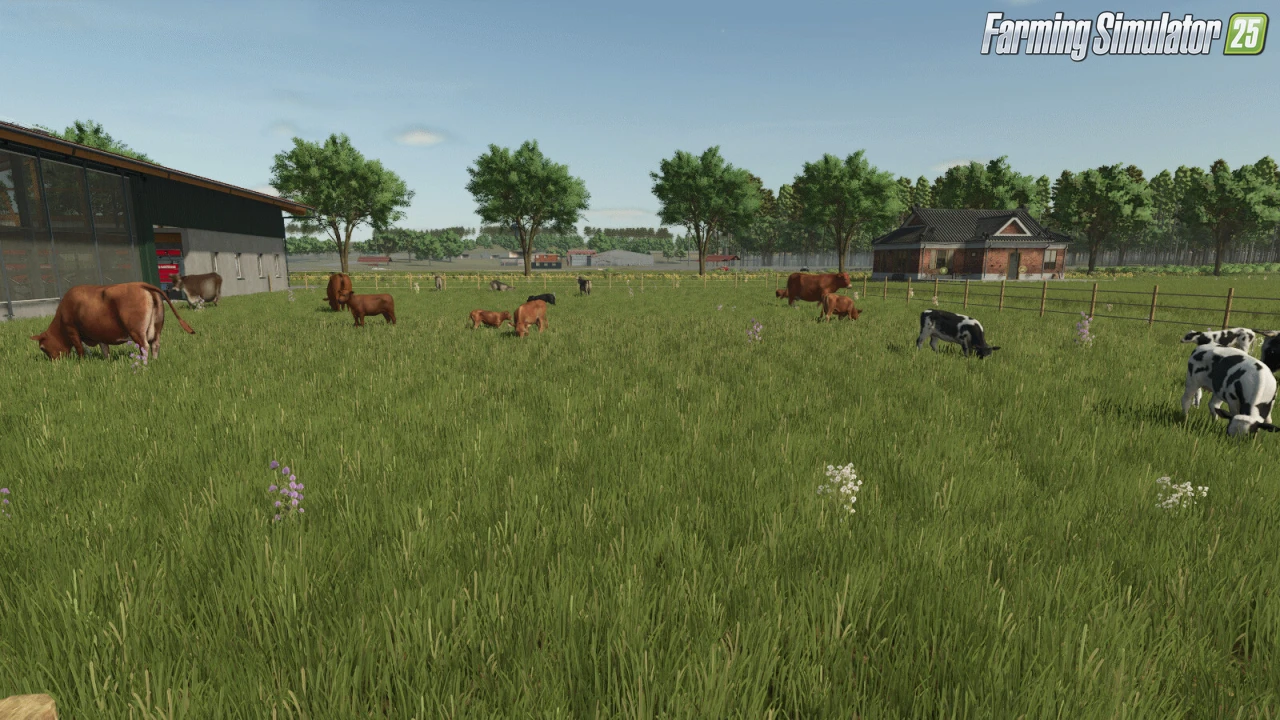
- Production chains including dairy, grain mill, carpentry, and more
- Custom crops integrated into the economy and Precision Farming
- Custom PDA with a clean, readable layout and accurate road network
- Fictional farms tailored for both solo play and multiplayer starts
- Forestry, arable farming, and animal husbandry supported from day one
- Crossplay Compatible (PC/MAC/PS5/XBS)
Changes in v1.2.5.3:
Fixes
- Pond near the starting farm corrected so the shoreline no longer sticks out on one side
- Constructible at Farmland 41 fixed (requires a new save)
- Supermarket sell point corrected for proper trigger behavior (requires a new save)
- Visible spline on the bridge removed
- Floating trees removed across the map
Additions & Improvements
- Added a lighthouse at the lake
- Small decorative updates across the map
Tested on game version 1.19.x
Screenshots of «Starbuck, MN Map v1.2.5.3 for FS25»
Gameplay Videos with «Starbuck, MN Map v1.2.5.3 for FS25»
Changelogs for «Starbuck, MN Map v1.2.5.3 for FS25»
Changes in v1.2.5.2:
• Improved fog system and overall visibility
• Increased yields for Rye and Alfalfa
• Added Flax and FieldGrass
• Fixed cricket ambient noise issue
• Road upgrades: deeper ditches, smoother city roads, improved horizon roads
• More road signs and corrected sign‑tipping
• Two gravel roads upgraded to asphalt
• Added new AI traffic routes and overtaking behavior
• House decorations and driveways improved
• Added 5 new farmlands (4 new fields)
• Added new Construction Mode paint textures:
Dusty Asphalt, Sand, Dark Asphalt, Light Gravel,
Moss Pebbles, Forest Leaves, Forest Roots,
Grass Moss, Mud Moss, Mud Leaves
Download Link #2 | Download Link #3
Changes in v1.2.4:
New Additions
- Added new crop: Rye
- Added Lime Station at the Animal Dealer
- Added new Starbuck Sellpoint
Starter Farm Improvements
- Added Fendt Vario 1000 tractor
- Added Dino 2 sprayer
- Added GX 520 trailer
- Added M50-4 forklift
- Added KDD 941 and KDF 341 mowers
- Added Jumbo 8450 forage wagon
- Added one additional large storage garage
Fixes and Touchups
- Corrected crop texture index
- Added Rye and Alfalfa to Precision Farming
- Adjusted bakery sellpoint height
- Fixed constructible behavior so owned buildings function correctly
- Reworked lake surface to remove bouncing/plastic effect
- Updated PDA for clearer distinction between playable and non-playable areas
- Moved chicken coop location for New Farmer mode
- Updated map icons
- Cleaned up foliage across the map
- Additional field and terrain touchups
- Added more decorative map elements
Download Link #2 | Download Link #3
Changes in v1.2.1:
- Fixed misplaced grass and refined fields 2 and 6.
- Over 12 fields enlarged or merged; multiple forestry areas combined.
- Farmlands fully reworked to match field and forestry changes.
- New constructible available when purchasing Farmland 36.
- Added the Large Weighing Station to the BGA area.
- Starting farm now shows proper winter snow.
- Main road lightly iced; side roads have deeper snow and visible tracks.
- PDA/overview redesigned.
- Added a new sell point at the General Store.
- Added new decorations across the map, including an RV park by the lake.
Download Link #2 | Download Link #3
How to install «Starbuck, MN Map v1.2.5.3 for FS25»
- Download the modClick a download link below and save the
.zipfile to your computer. - Open the mods folderGo to
My Documents > My Games > FarmingSimulator2025 > mods. Create it if it doesn't exist. - Copy the .zip fileMove the downloaded
.zipstraight into themodsfolder. Do not extract it. - Launch FS25Start Farming Simulator 25, open Mods in the menu, find «Starbuck, MN Map v1.2.5.3 for FS25» and enable it.
- PlayStart a new save or load an existing one. The mod is now active. Enjoy! 🌾
Download Links — Policy & Disclaimer
This page may contain links to third-party content and websites. External links are reviewed when a page is published, however we are not responsible for the content of external websites. All mod files belong to their respective authors. FarmerPlayer is not affiliated with GIANTS Software GmbH. If you would like a link to your website removed, please contact us.
You Might Also Like
-
 News
Farming Simulator 25 - Patch 1.24 Released for Download
News
Farming Simulator 25 - Patch 1.24 Released for Download
-
 v1.14.x
Riverbend Springs Map v1.0.1.4 Edit By Stevie for FS25
v1.14.x
Riverbend Springs Map v1.0.1.4 Edit By Stevie for FS25
-
 v1.10.x
Stara and Connect Modding Pack v1.0 for FS25
v1.10.x
Stara and Connect Modding Pack v1.0 for FS25
-
 v1.20.x
Hinterkaifeck Map v1.0 for FS25
v1.20.x
Hinterkaifeck Map v1.0 for FS25
-
 News
Welcome to Kinlaig | Highlands Fishing Map Preview for FS25
News
Welcome to Kinlaig | Highlands Fishing Map Preview for FS25
-
 v1.11.x
NF Marsch 4fach Map v1.7 for FS25
v1.11.x
NF Marsch 4fach Map v1.7 for FS25
-
 v1.10.x
Liftable Pallets And Bales v1.0.4 for FS25
v1.10.x
Liftable Pallets And Bales v1.0.4 for FS25
-
 v1.24.x
Pallegney Map v1.2.3 By MA7Studio for FS25
v1.24.x
Pallegney Map v1.2.3 By MA7Studio for FS25
Download links lead to external third-party websites. FarmerPlayer.com does not host any mod files directly. All links are reviewed before publishing, however we cannot guarantee the content of external sites at all times. By clicking a download link you agree to our Privacy Policy and Terms & Conditions. If you encounter a broken or suspicious link, please use the Report button above.