Kivi Küla Map v1.0.0.3 By Carl-TG for FS25
0
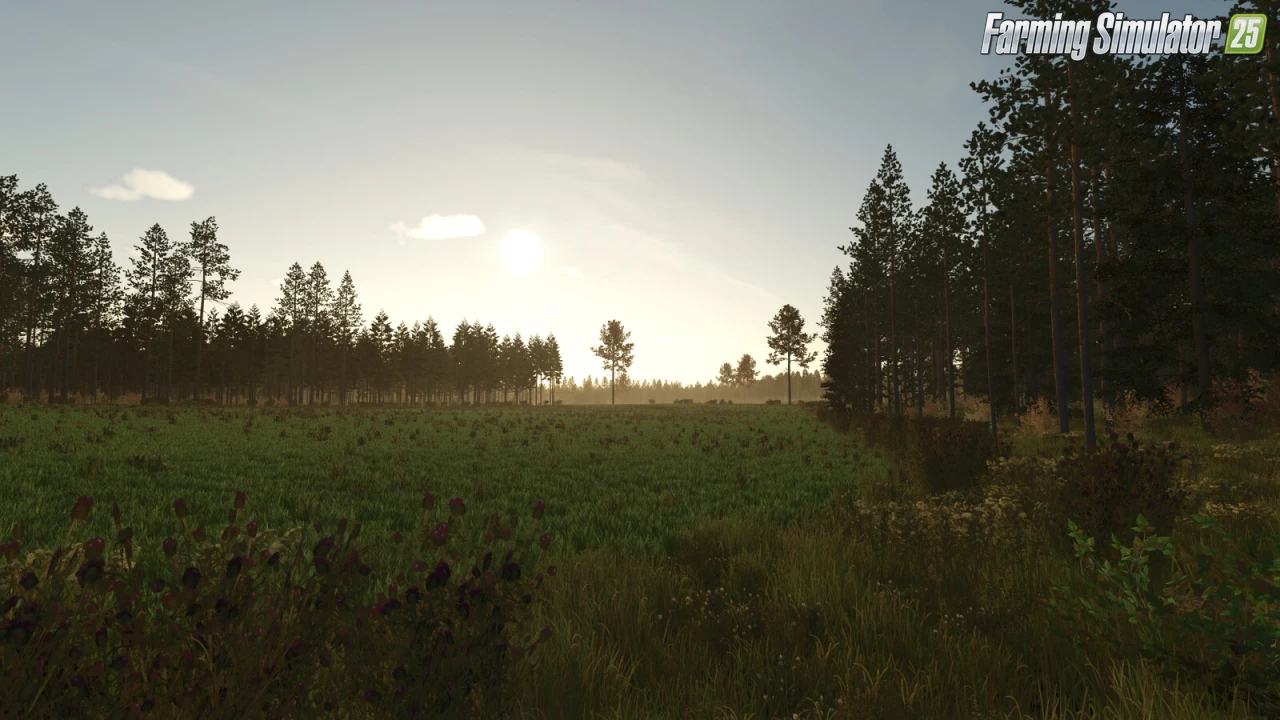
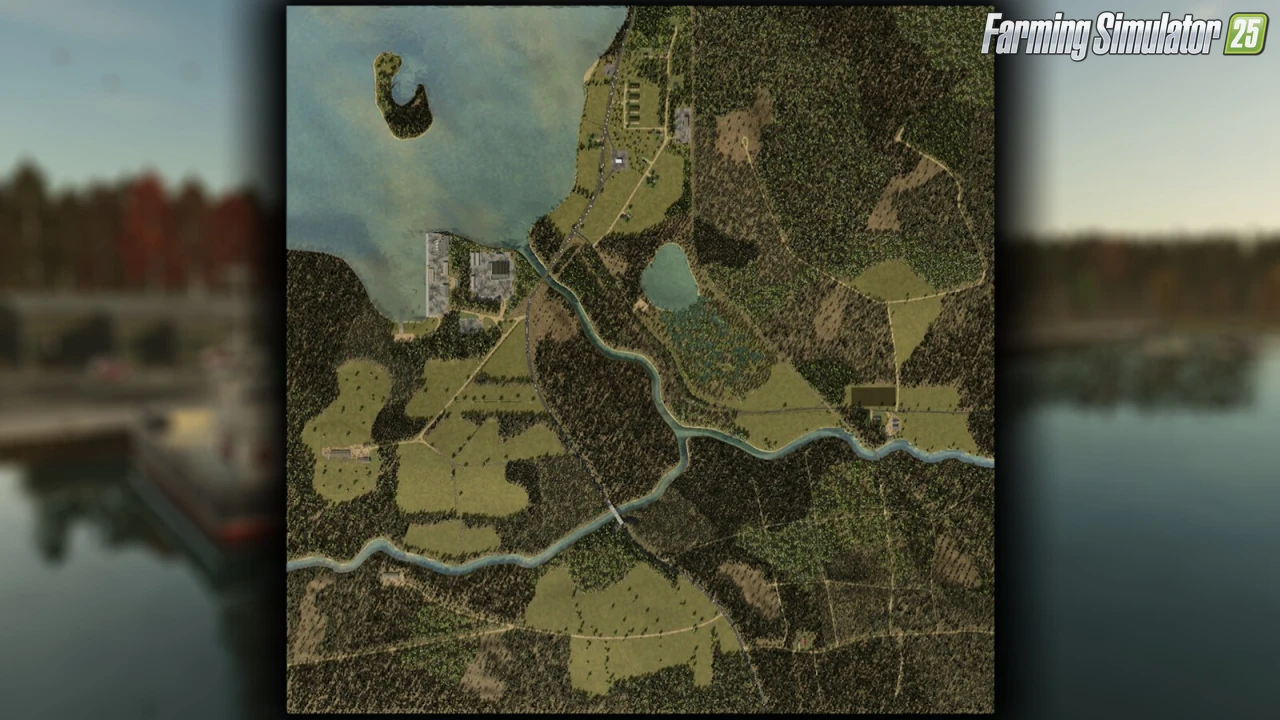
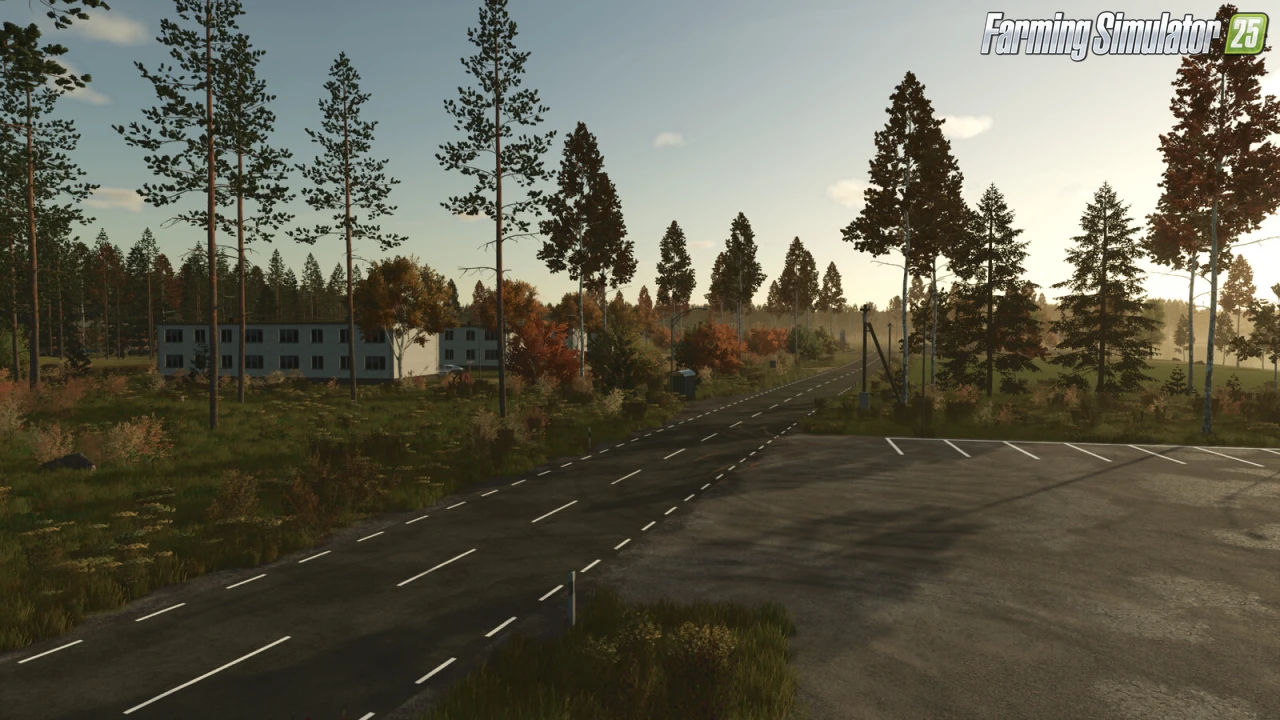
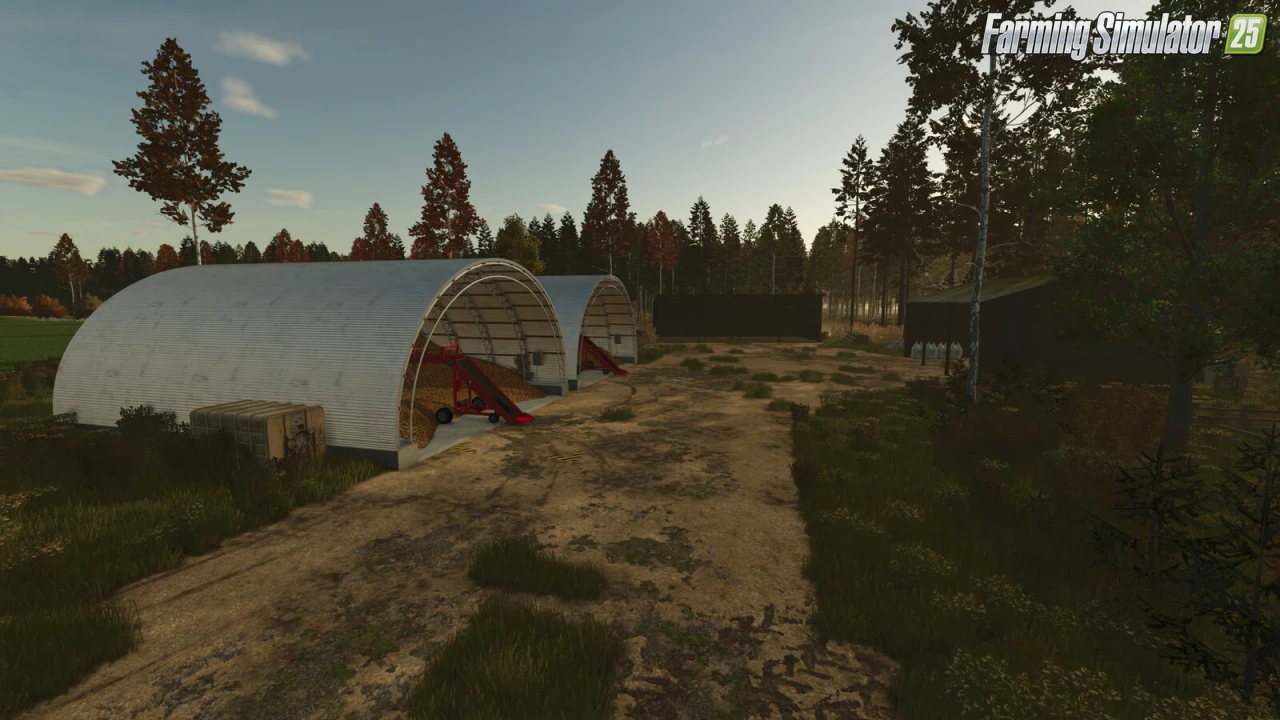
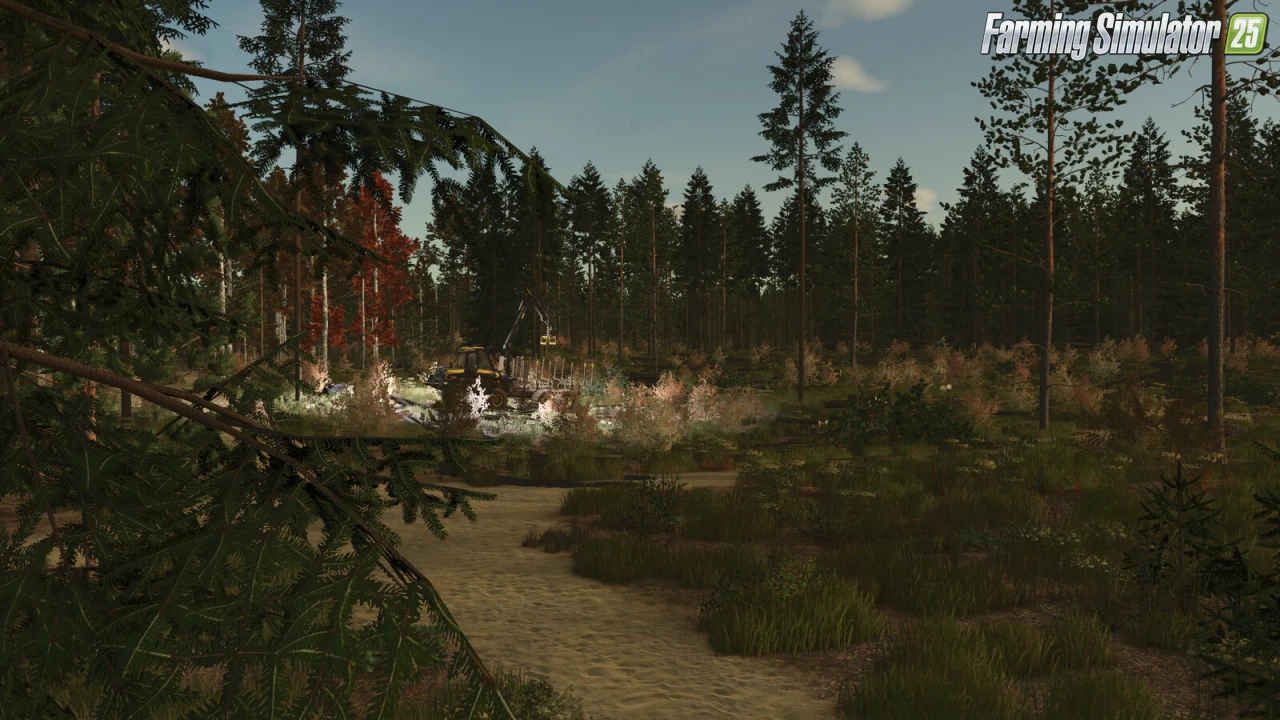
🏡 Kivi Küla Map for FS25 – this charming semi-fictional Estonian-style map by Carl-TG offers a beautiful Baltic countryside experience with a strong focus on forestry, mixed farming and livestock. Explore a fully buyable landscape featuring islands, custom crops and atmospheric details.
Features Kivi Küla Map:
– 🇪🇪 Semi-fictional Estonian landscape
– 🌾 2 new crops + custom bale textures (Alfalfa & Clover)
– 🌲 Over 60,000 trees (excellent for forestry)
– 🧑🌾 Custom NPCs
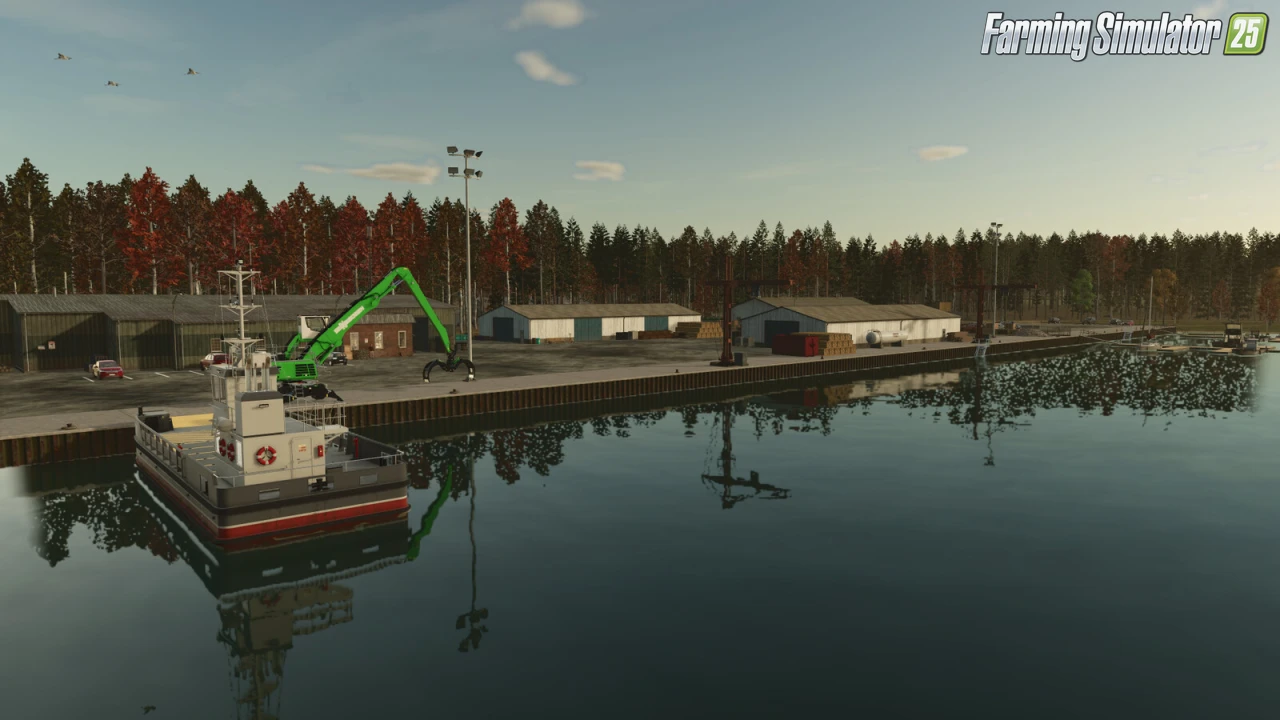
– 🏪 6 sell points (all products & crops can be sold)
– 🏡 2 player farms + small island cottage
– 🥔 Potato Farm (starting farm)
– 🐄 Cow & Sheep Farm
– 🌿 36 total fields and meadows
– 🗺️ Entire map is buyable
– 🚤 Highlands DLC boats at the port (requires Highlands Fishing DLC)
– 🌳 Trees by INF Modding
– 👥 Custom NPC system by DtapGaming
Changes in v1.0.0.3:
– 🔄 Switched the environment.xml to the basegame one to prevent issues after the 1.24 game update
Required Mods:
– Root Crop Storage (by Dogface)
– Multi Farm Buildings Pack (by Carl-TG)
👉️ Tested on game version 1.24+
Screenshots of «Kivi Küla Map v1.0.0.3 By Carl-TG for FS25»
Gameplay Videos with «Kivi Küla Map v1.0.0.3 By Carl-TG for FS25»
Changelogs for «Kivi Küla Map v1.0.0.3 By Carl-TG for FS25»
Changes in v1.0.0.2:
- Fixed game saving issues on consoles
Download Link #2
Changes in v1.0:
- First release
Download #2 | Download #3
How to install «Kivi Küla Map v1.0.0.3 By Carl-TG for FS25»
- Download the modClick a download link below and save the
.zipfile to your computer. - Open the mods folderGo to
My Documents > My Games > FarmingSimulator2025 > mods. Create it if it doesn't exist. - Copy the .zip fileMove the downloaded
.zipstraight into themodsfolder. Do not extract it. - Launch FS25Start Farming Simulator 25, open Mods in the menu, find «Kivi Küla Map v1.0.0.3 By Carl-TG for FS25» and enable it.
- PlayStart a new save or load an existing one. The mod is now active. Enjoy! 🌾
Download Links — Policy & Disclaimer
This page may contain links to third-party content and websites. External links are reviewed when a page is published, however we are not responsible for the content of external websites. All mod files belong to their respective authors. FarmerPlayer is not affiliated with GIANTS Software GmbH. If you would like a link to your website removed, please contact us.
You Might Also Like
-
 News
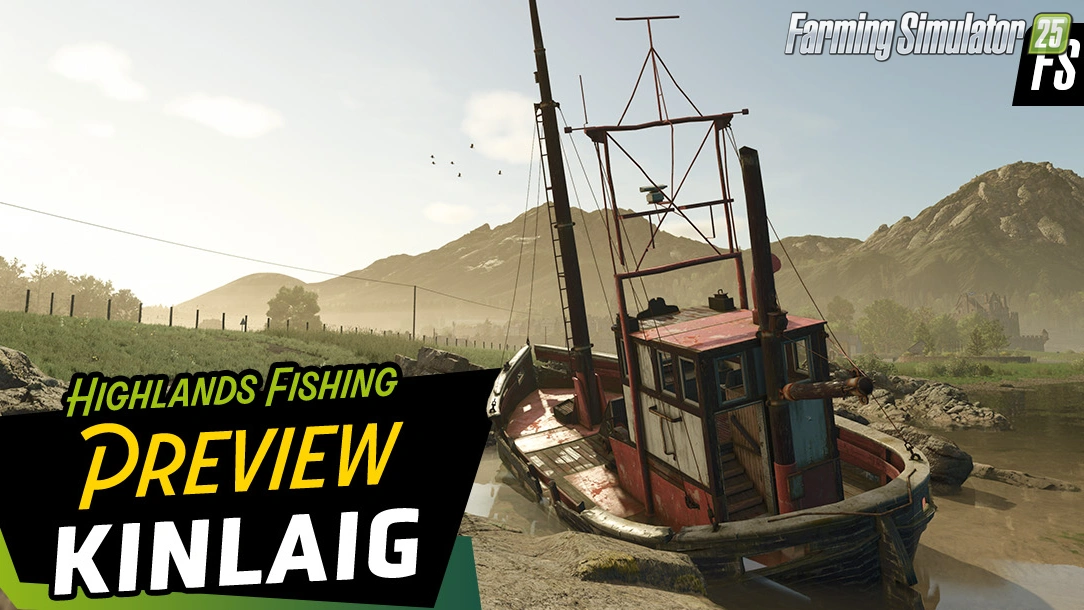
Welcome to Kinlaig | Highlands Fishing Map Preview for FS25
News
Welcome to Kinlaig | Highlands Fishing Map Preview for FS25
-
 v1.14.x
Riverbend Springs Map v1.0.1.4 Edit By Stevie for FS25
v1.14.x
Riverbend Springs Map v1.0.1.4 Edit By Stevie for FS25
-
 v1.20.x
Hinterkaifeck Map v1.0 for FS25
v1.20.x
Hinterkaifeck Map v1.0 for FS25
-
 v1.10.x
Stara and Connect Modding Pack v1.0 for FS25
v1.10.x
Stara and Connect Modding Pack v1.0 for FS25
-
 v1.24.x
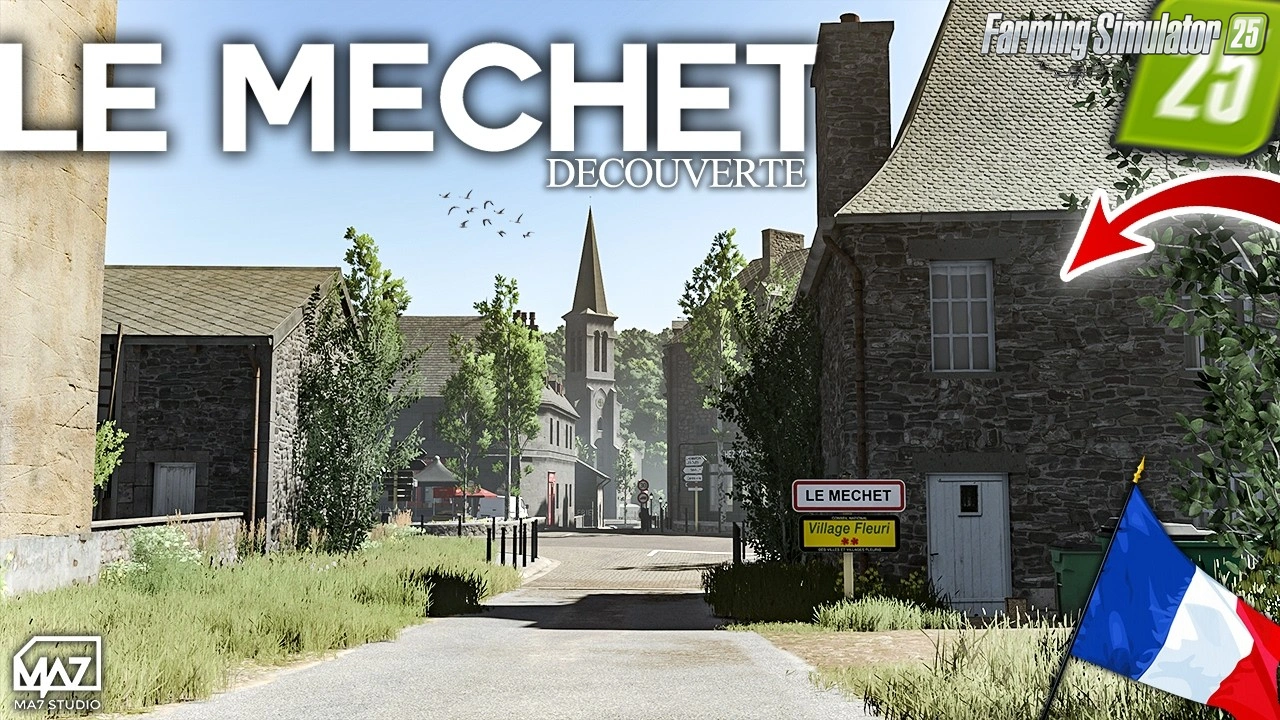
The Mechet Map v1.0.0.3 by MA7Studio for FS25
v1.24.x
The Mechet Map v1.0.0.3 by MA7Studio for FS25
-
 v1.11.x
Rottumer Island v1.2.1 for FS25
v1.11.x
Rottumer Island v1.2.1 for FS25
-
 v1.21.x
Highlands Fishing Expansion v1.5 for FS25
v1.21.x
Highlands Fishing Expansion v1.5 for FS25
-
 v1.21.x
PGR Bruzda Map v1.4.2 for FS25
v1.21.x
PGR Bruzda Map v1.4.2 for FS25
Download links lead to external third-party websites. FarmerPlayer.com does not host any mod files directly. All links are reviewed before publishing, however we cannot guarantee the content of external sites at all times. By clicking a download link you agree to our Privacy Policy and Terms & Conditions. If you encounter a broken or suspicious link, please use the Report button above.