Somewhere In Thuringia IV Crossplay v1.0.1 for FS25
0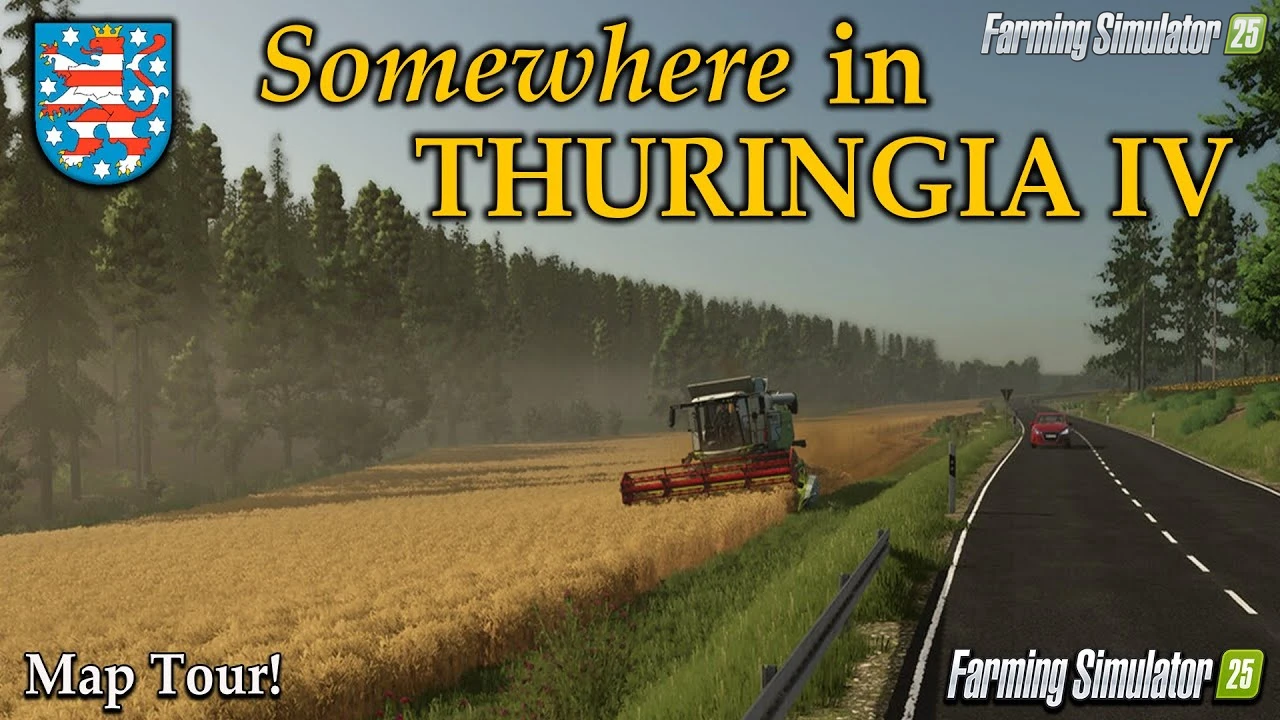
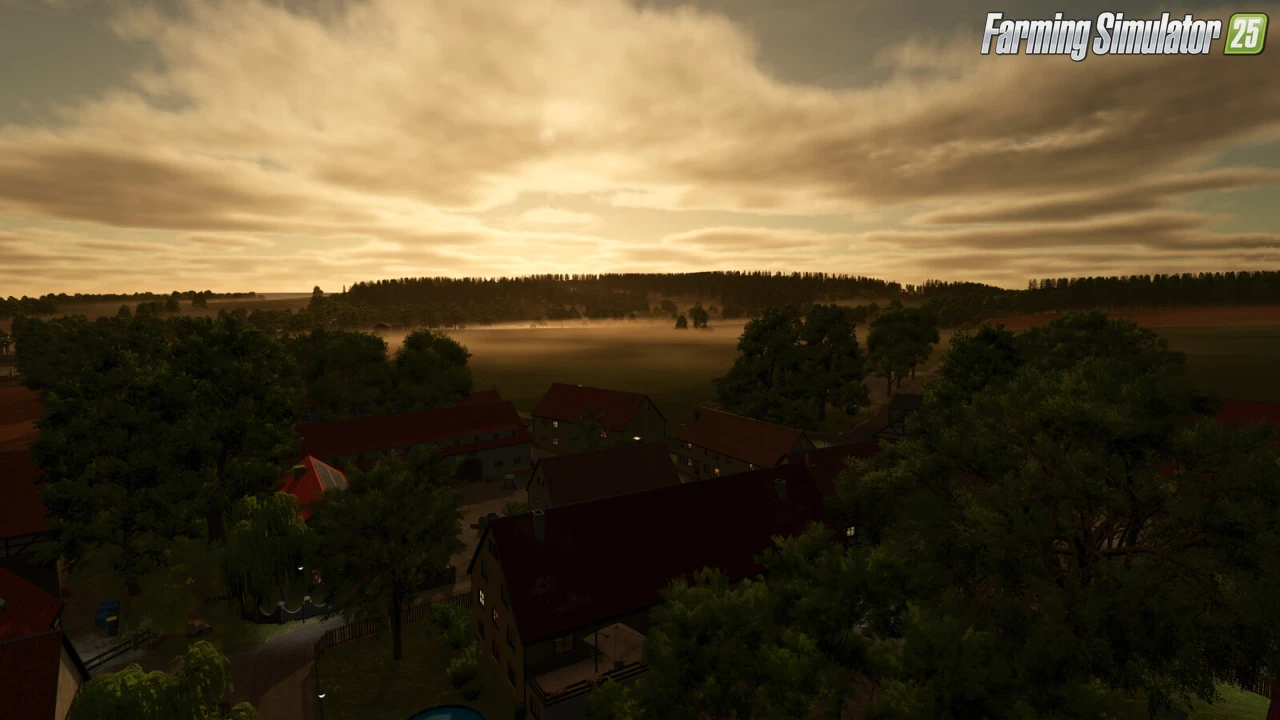
Somewhere In Thuringia IV Crossplay for FS25 - this mod brings the captivating Somewhere In Thuringia IV map to FS25 players as a standalone richly detailed Thuringian terrain by [DSA]Kastor, perfect for arable farming, intensive forestry, and mixed operations across gently rolling landscapes between Magdala and charming villages with narrow forest paths, extensive fields, and varied soil types requiring essential placeables for authentic German rural logistics on all platforms.
Features Somewhere In Thuringia IV Crossplay:
– Standalone Map
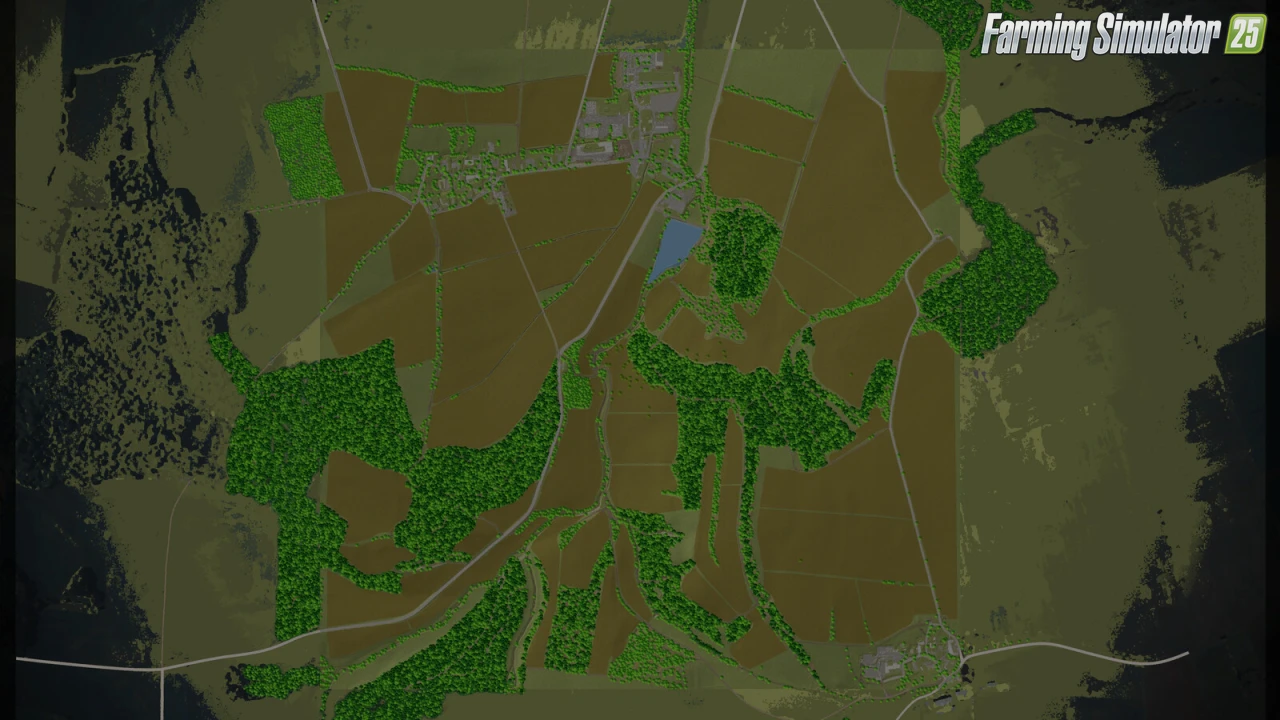
– 51 Fields & Meadows
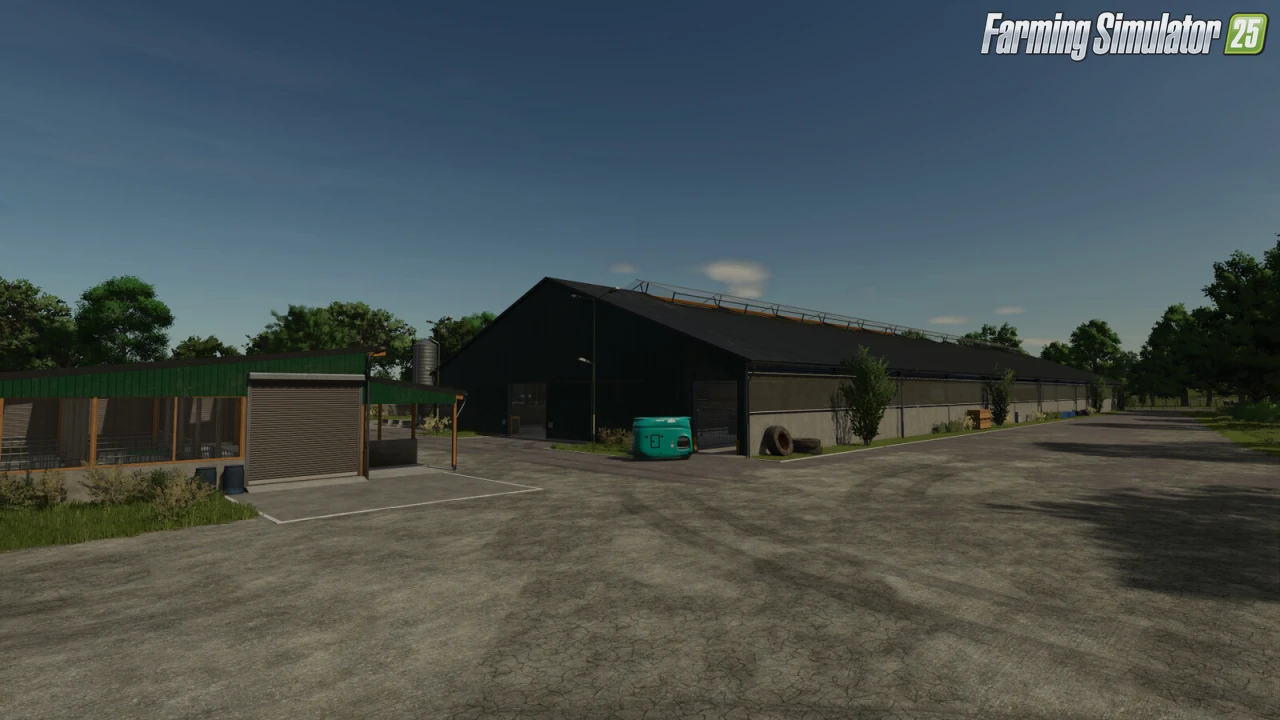
– 2 Farms: Charming Small Family Farm + Large Agricultural Enterprise
– 1 BGA (Biogas Plant)
– 2 Sell Points
– 21 Forest Areas (Narrow Paths for Challenging Logging)
– Focus: Arable Farming & Forestry with Varied Soil Challenges
– Required Placeables: Vehicle Shed (ModdingAssociation/Katsuo), Bunker Silo Set Modular (Kastor)
– High-Quality Detailed 3D Model (~790 MB)
– Full Animations, Lighting & Seasons Support
– Crossplay Compatible (PC/MAC/PS5/XBS)
Tested on game version 1.16.x
Screenshots of «Somewhere In Thuringia IV Crossplay v1.0.1 for FS25»
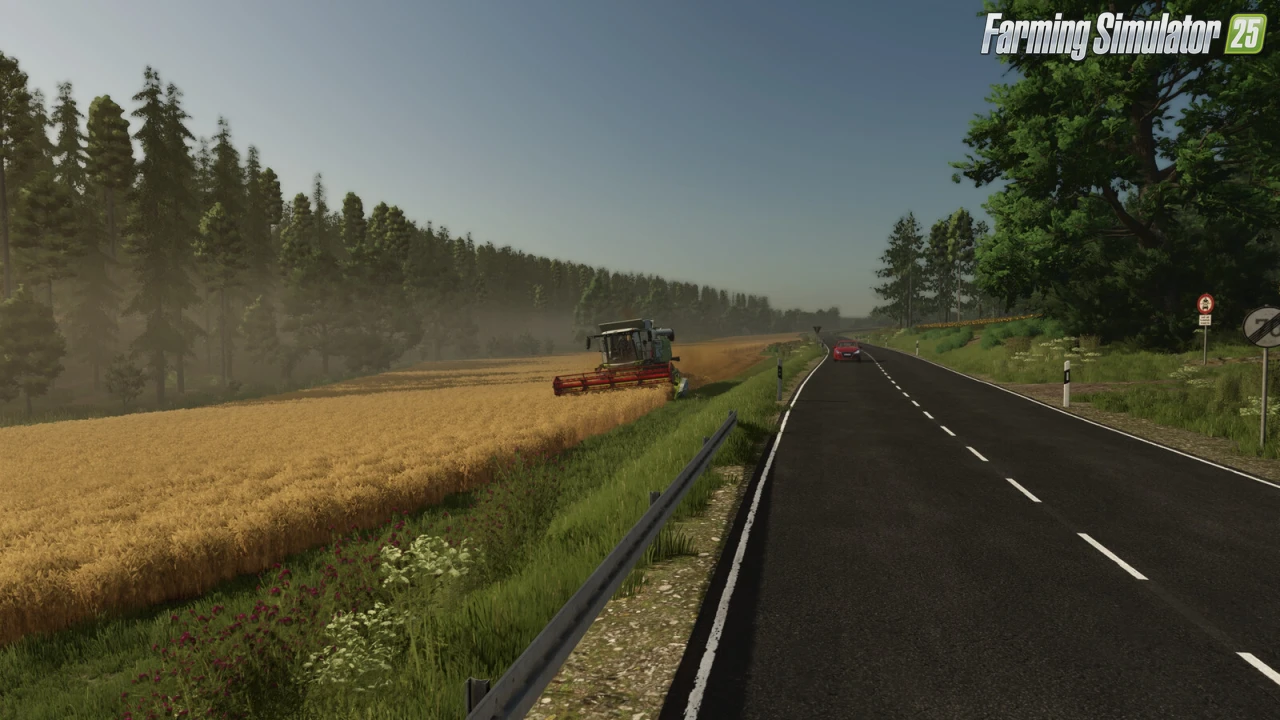
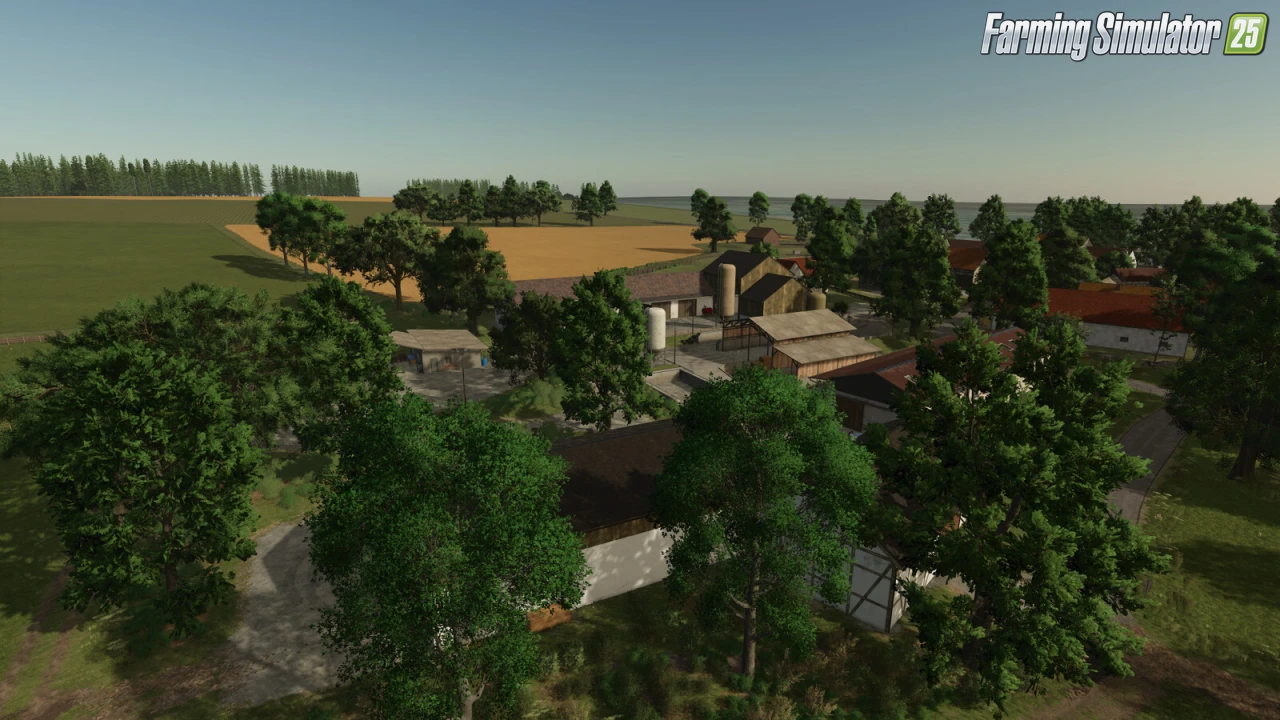
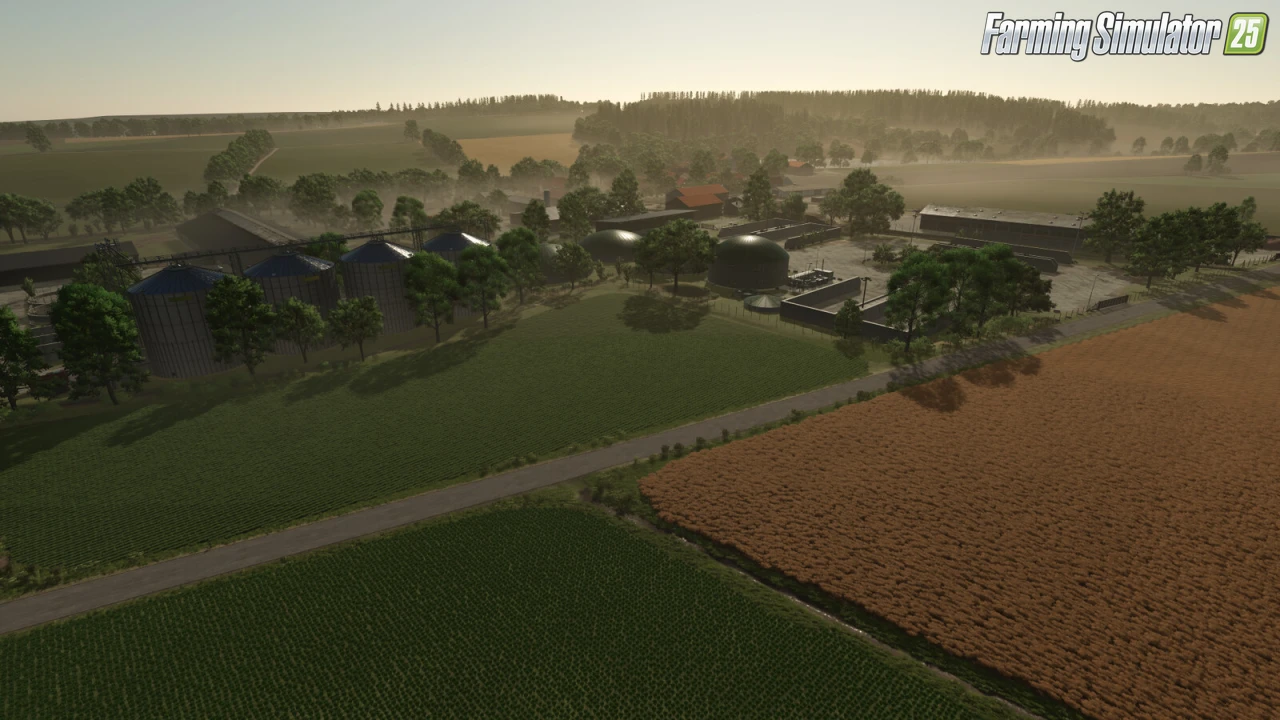
Gameplay Videos with «Somewhere In Thuringia IV Crossplay v1.0.1 for FS25»
Changelogs for «Somewhere In Thuringia IV Crossplay v1.0.1 for FS25»
Changes in v1.0.1:
Bugfixes:
- Fixed placement collision (placementCollision) – new savegame not required.
- Various farmland spawnpoints fixed.
- Warning for store icon store_palletStorage.dds fixed.
- Visual fix for the Picktrain model.
- Missing wheel hubs added to the Picktrain.
- Missing sellpoints for wool and goat milk added.
- Various fixes for the apple and cherry orchards.
- Fixed weed state for fruit trees.
New Features:
- The Picktrain is now able to harvest grapes (as a cheap alternative).
- In-game help significantly extended for fruit farming.
Changes in v1.0.0.2:
- Fixed translation error in game help
- Fixed bug with disabled fruits (game crash)
Download #2 | Download #3
How to install «Somewhere In Thuringia IV Crossplay v1.0.1 for FS25»
- Download the modClick a download link below and save the
.zipfile to your computer. - Open the mods folderGo to
My Documents > My Games > FarmingSimulator2025 > mods. Create it if it doesn't exist. - Copy the .zip fileMove the downloaded
.zipstraight into themodsfolder. Do not extract it. - Launch FS25Start Farming Simulator 25, open Mods in the menu, find «Somewhere In Thuringia IV Crossplay v1.0.1 for FS25» and enable it.
- PlayStart a new save or load an existing one. The mod is now active. Enjoy! 🌾
Download Links — Policy & Disclaimer
This page may contain links to third-party content and websites. External links are reviewed when a page is published, however we are not responsible for the content of external websites. All mod files belong to their respective authors. FarmerPlayer is not affiliated with GIANTS Software GmbH. If you would like a link to your website removed, please contact us.
You Might Also Like
-
 News
Farming Simulator 25 - Patch 1.24 Released for Download
News
Farming Simulator 25 - Patch 1.24 Released for Download
-
 v1.10.x
Stara and Connect Modding Pack v1.0 for FS25
v1.10.x
Stara and Connect Modding Pack v1.0 for FS25
-
 v1.14.x
Riverbend Springs Map v1.0.1.4 Edit By Stevie for FS25
v1.14.x
Riverbend Springs Map v1.0.1.4 Edit By Stevie for FS25
-
 v1.20.x
Hinterkaifeck Map v1.0 for FS25
v1.20.x
Hinterkaifeck Map v1.0 for FS25
-
 News
Welcome to Kinlaig | Highlands Fishing Map Preview for FS25
News
Welcome to Kinlaig | Highlands Fishing Map Preview for FS25
-
 v1.11.x
NF Marsch 4fach Map v1.7 for FS25
v1.11.x
NF Marsch 4fach Map v1.7 for FS25
-
 v1.10.x
Liftable Pallets And Bales v1.0.4 for FS25
v1.10.x
Liftable Pallets And Bales v1.0.4 for FS25
-
 v1.8.x
Frankenmuth Farming Map v1.3 for FS25
v1.8.x
Frankenmuth Farming Map v1.3 for FS25
Download links lead to external third-party websites. FarmerPlayer.com does not host any mod files directly. All links are reviewed before publishing, however we cannot guarantee the content of external sites at all times. By clicking a download link you agree to our Privacy Policy and Terms & Conditions. If you encounter a broken or suspicious link, please use the Report button above.