New Holland T7 SWB Tractor v1.3 for FS25
0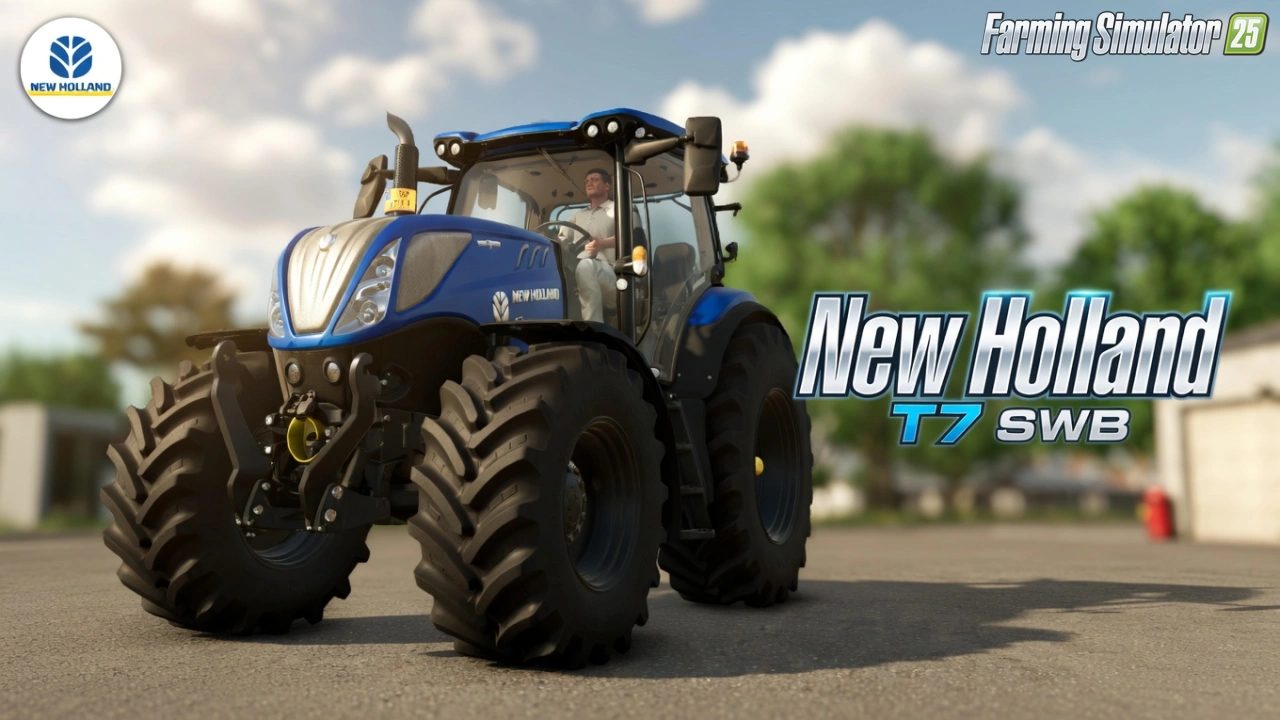
New Holland T7 SWB for FS25 - this mod brings the compact short-wheelbase New Holland T7 series (SWB) to FS25 players as a standalone medium tractor, perfect for tight-space fieldwork, loader work, haymaking, transport, and versatile daily farm operations where maneuverability is key.
Features New Holland T7 SWB:
– Standalone Medium Tractor (Shop Category: Medium Tractors)
– Authentic New Holland T7 SWB (Short Wheelbase) Series
– Base Price: $98,000 – $135,000 | Max Power: 140 – 200 HP | Top Speed: 50 km/h
– Short Wheelbase Chassis for superior maneuverability
– Multiple Engine Configurations (FPT engines)
– CVT & Powershift Transmission Options
– Wheel Configurations: Standard, Wide, Narrow, Duals
– Front Loader Attacher Support
– Beacon Lights & Rotating Beacons
– Exhaust & Rim Color Variants
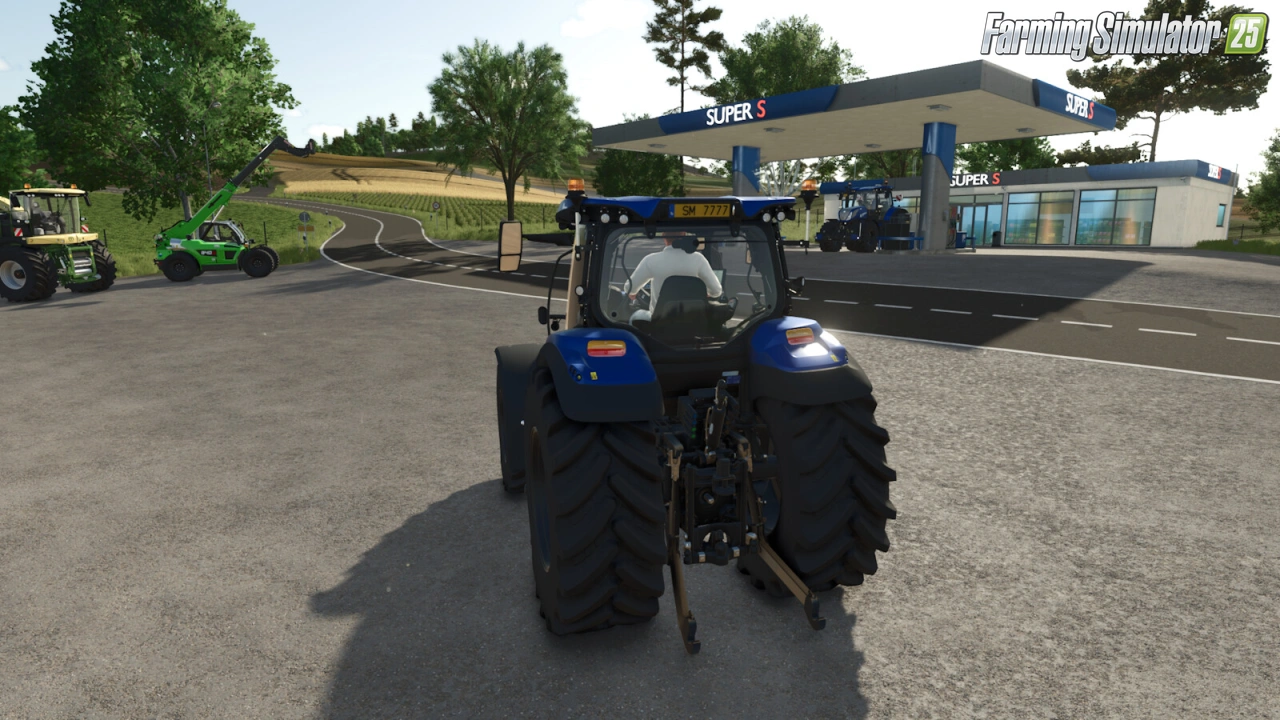
– Warning Signs & Plates
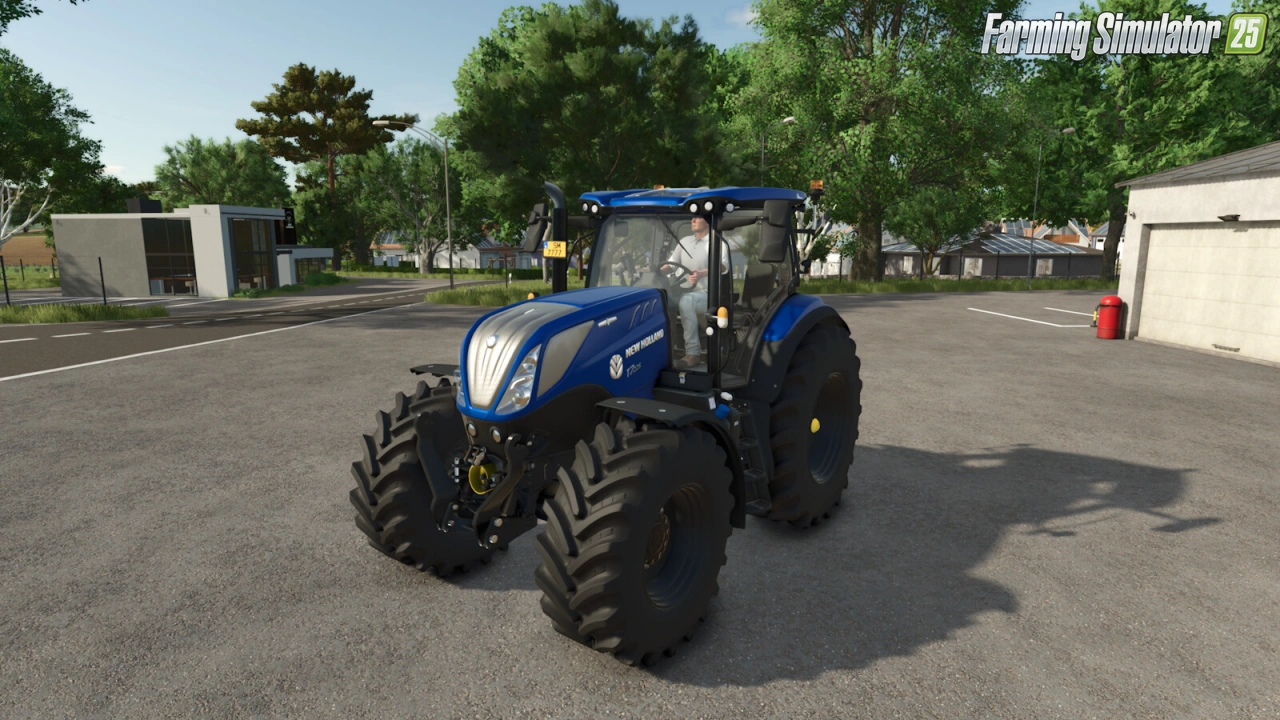
– Detailed High-Quality Interior with Functional Dashboard
– High-Quality 3D Model with PBR Textures & AO Baking
– Full Animations: Steering Wheel, Pedals, Levers, Doors & Lights
– Realistic Engine Sounds, Exhaust Effects & Advanced Physics
– Crossplay Compatible (PC/MAC, PS5, Xbox Series)
– Passenger Support & AI Worker Optimized
– Number Plates & License Configurations
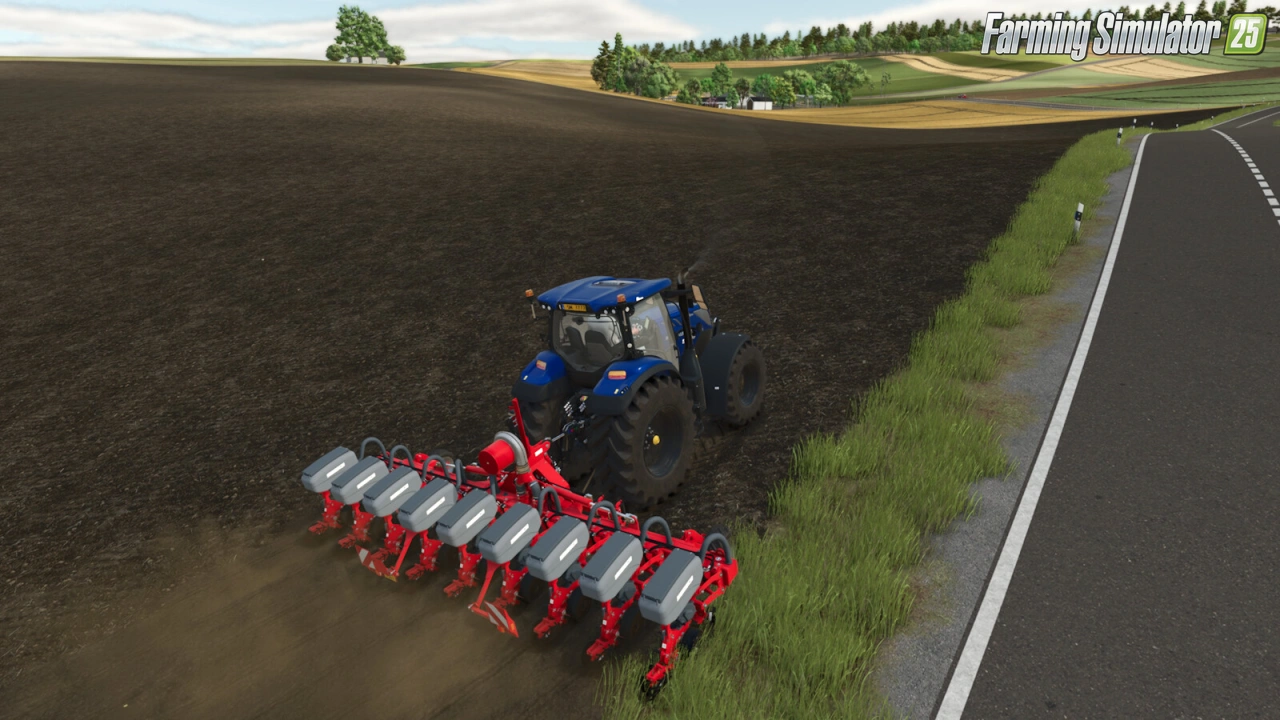
– Seamless Integration with Implements, Loaders & Trailers
Tested on game version 1.21.x
Screenshots of «New Holland T7 SWB Tractor v1.3 for FS25»
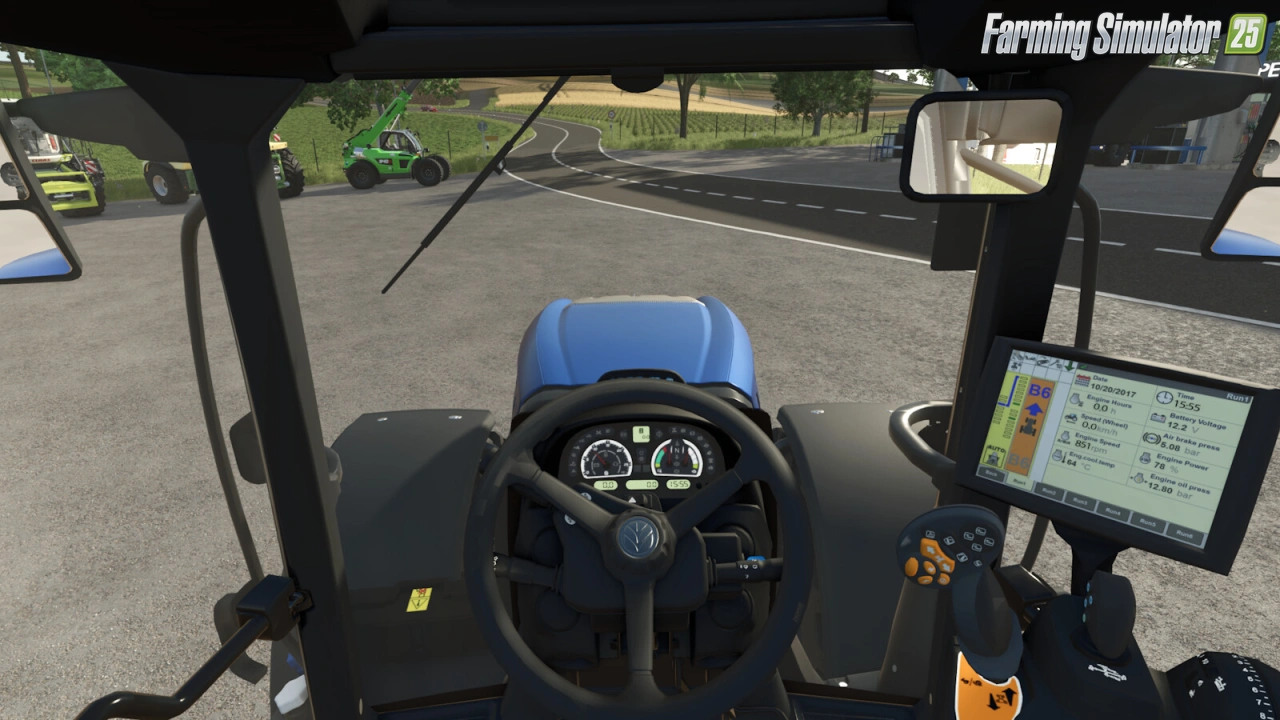
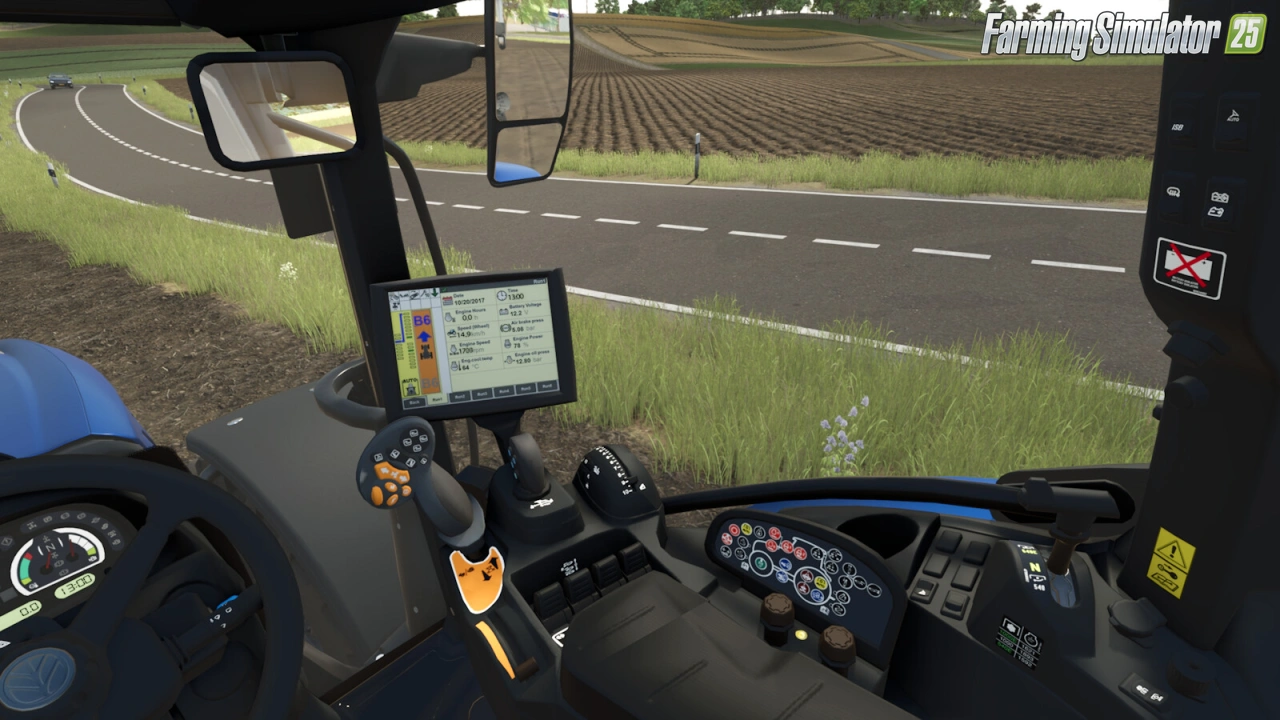
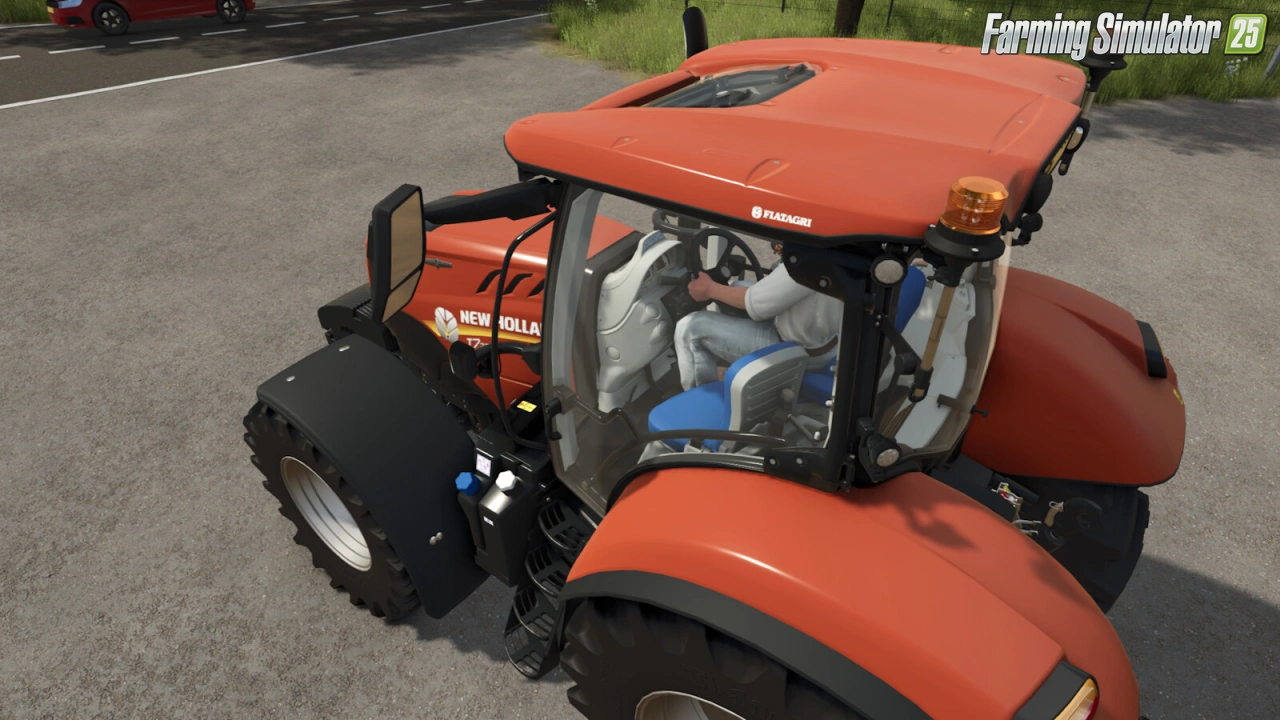
Gameplay Videos with «New Holland T7 SWB Tractor v1.3 for FS25»
Changelogs for «New Holland T7 SWB Tractor v1.3 for FS25»
Changes in v1.3:
- Added air horn configuration
- Added light bar configuration (turned on with high beams)
- Added MICHELIN Man configuration
- Changed dashboard background to black
- Fixed the direction of rotation of the engine temperature needle on the dashboard
Changes in v1.2:
- PTG configuration added (prepared for Variable Tire Pressure script by HotShotPepper)
- French translation added
- Minor performance improvements
Changes in v1.1:
- Added Stage V version with new hood decals, GPS receiver on the roof and new IntelliView IV Plus terminal (also BluePower)
- Orange armrest buttons turning brown with black interior option fixed
- Indicator and taillights completely reworked
- Passanger seat added
Download Link #2 | Download Link #3
Changes in v1.0.1:
- Added chrome exhaust grid configuration
- Added LED flash lights configuration
- Added beacon lights configuration
- Fixed T7.165S having CVT transmission instead of manual
- Range and Power Command complete rework
- Small physics adjustment
- Objects that were not moving with door/window removed
Download Link #2 | Download Link #3
Changes in v1.0:
- First release
Download Link 1
How to install «New Holland T7 SWB Tractor v1.3 for FS25»
- Download the modClick a download link below and save the
.zipfile to your computer. - Open the mods folderGo to
My Documents > My Games > FarmingSimulator2025 > mods. Create it if it doesn't exist. - Copy the .zip fileMove the downloaded
.zipstraight into themodsfolder. Do not extract it. - Launch FS25Start Farming Simulator 25, open Mods in the menu, find «New Holland T7 SWB Tractor v1.3 for FS25» and enable it.
- PlayStart a new save or load an existing one. The mod is now active. Enjoy! 🌾
Download Links — Policy & Disclaimer
This page may contain links to third-party content and websites. External links are reviewed when a page is published, however we are not responsible for the content of external websites. All mod files belong to their respective authors. FarmerPlayer is not affiliated with GIANTS Software GmbH. If you would like a link to your website removed, please contact us.
You Might Also Like
-
 v1.21.x
Valtra T Series CVT South America Tractor v1.1 for FS25
v1.21.x
Valtra T Series CVT South America Tractor v1.1 for FS25
-
 v1.8.x
Lizard Superior End Dump Trailer Pack v1.0.0.1 for FS25
v1.8.x
Lizard Superior End Dump Trailer Pack v1.0.0.1 for FS25
-
 News
New expansion - Beans & Alpacas are coming to FS25
News
New expansion - Beans & Alpacas are coming to FS25
-
 v1.10.x
Stara and Connect Modding Pack v1.0 for FS25
v1.10.x
Stara and Connect Modding Pack v1.0 for FS25
-
 v1.14.x
Riverbend Springs Map v1.0.1.4 Edit By Stevie for FS25
v1.14.x
Riverbend Springs Map v1.0.1.4 Edit By Stevie for FS25
-
 v1.21.x
New Holland T7 XD Tractor v1.1 for FS25
v1.21.x
New Holland T7 XD Tractor v1.1 for FS25
-
 v1.17.x
New Holland T7 2011 Series Tractor v1.4 for FS25
v1.17.x
New Holland T7 2011 Series Tractor v1.4 for FS25
-
 v1.19.x
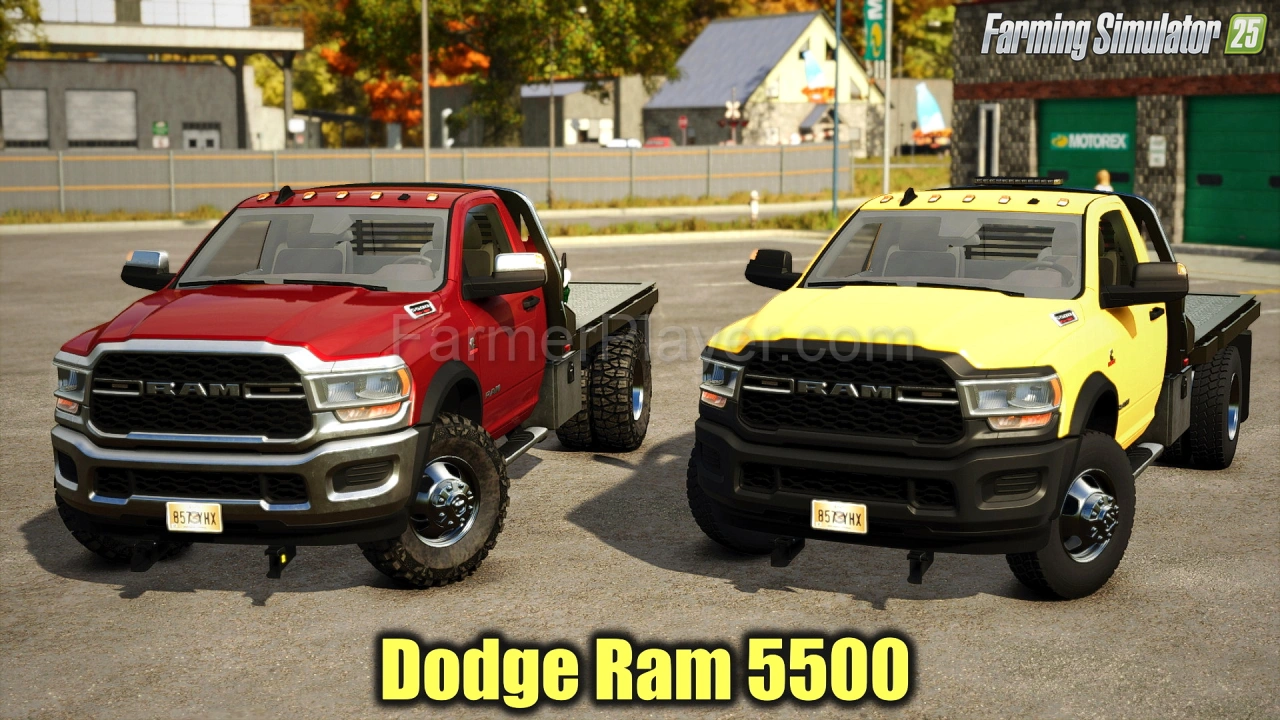
Dodge Ram 5500 v1.9 for FS25
v1.19.x
Dodge Ram 5500 v1.9 for FS25
Download links lead to external third-party websites. FarmerPlayer.com does not host any mod files directly. All links are reviewed before publishing, however we cannot guarantee the content of external sites at all times. By clicking a download link you agree to our Privacy Policy and Terms & Conditions. If you encounter a broken or suspicious link, please use the Report button above.