Countryside Fields Map v1.0.0.1 for FS25
0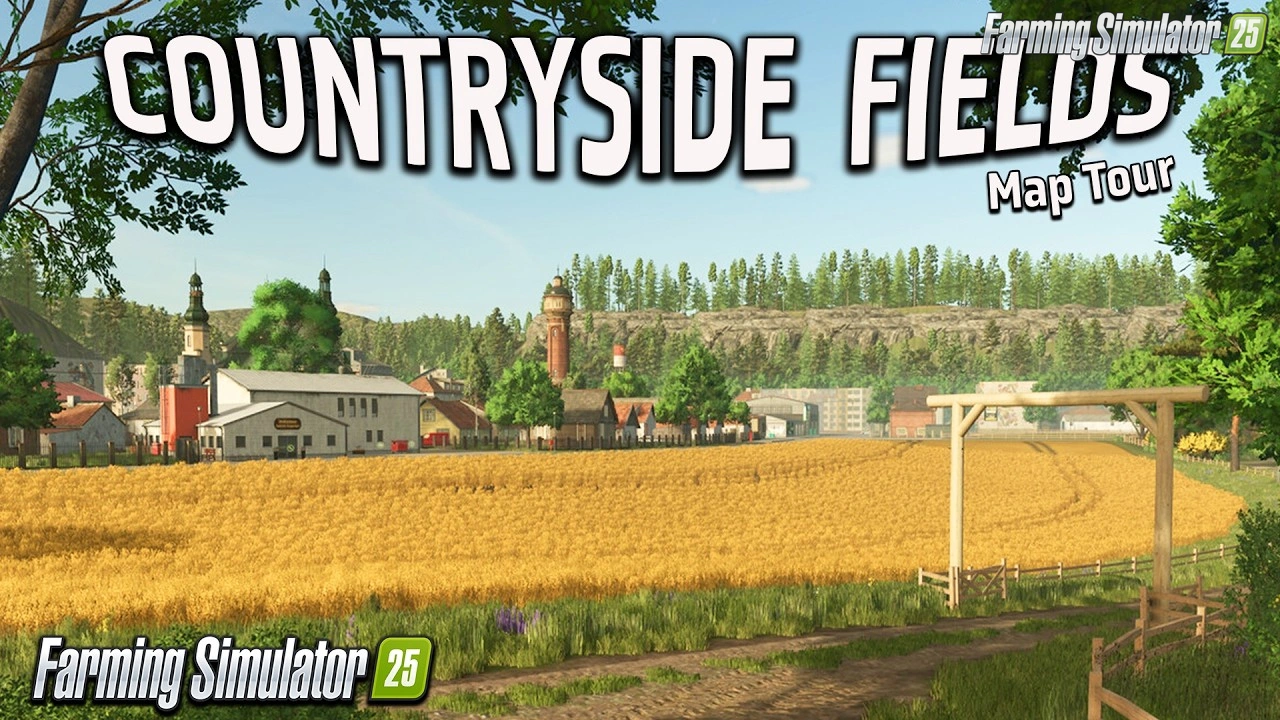
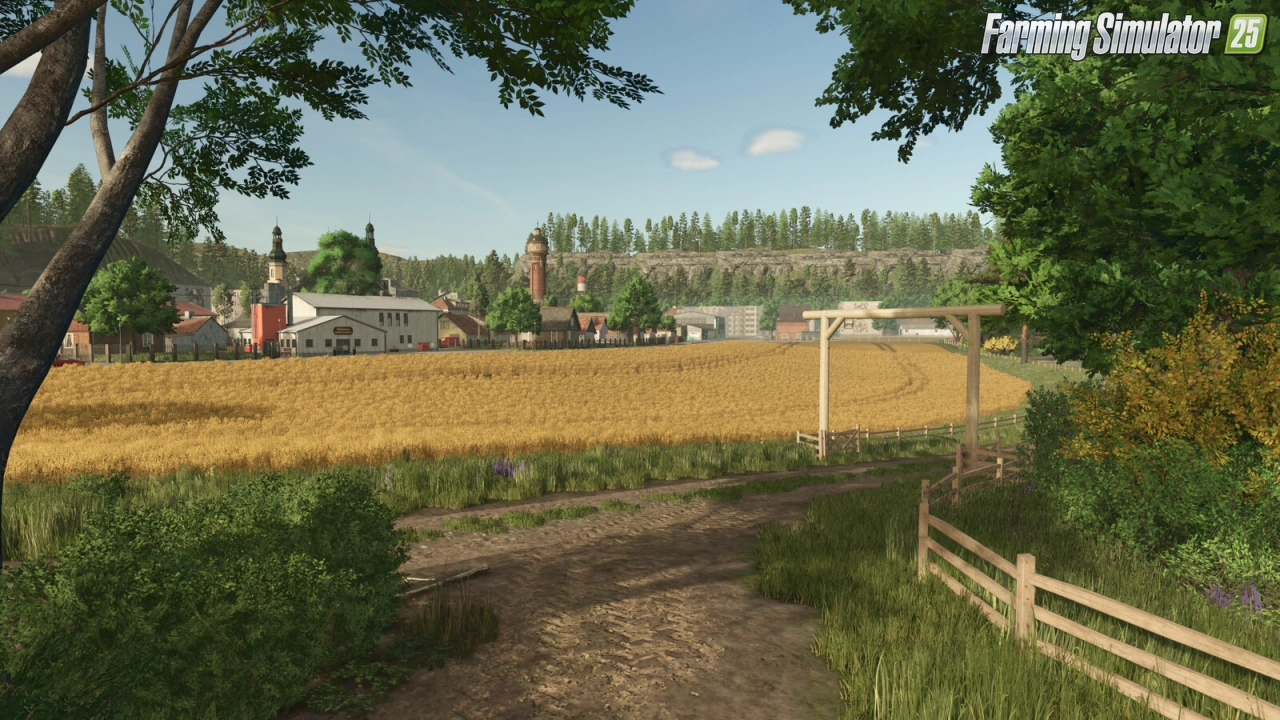
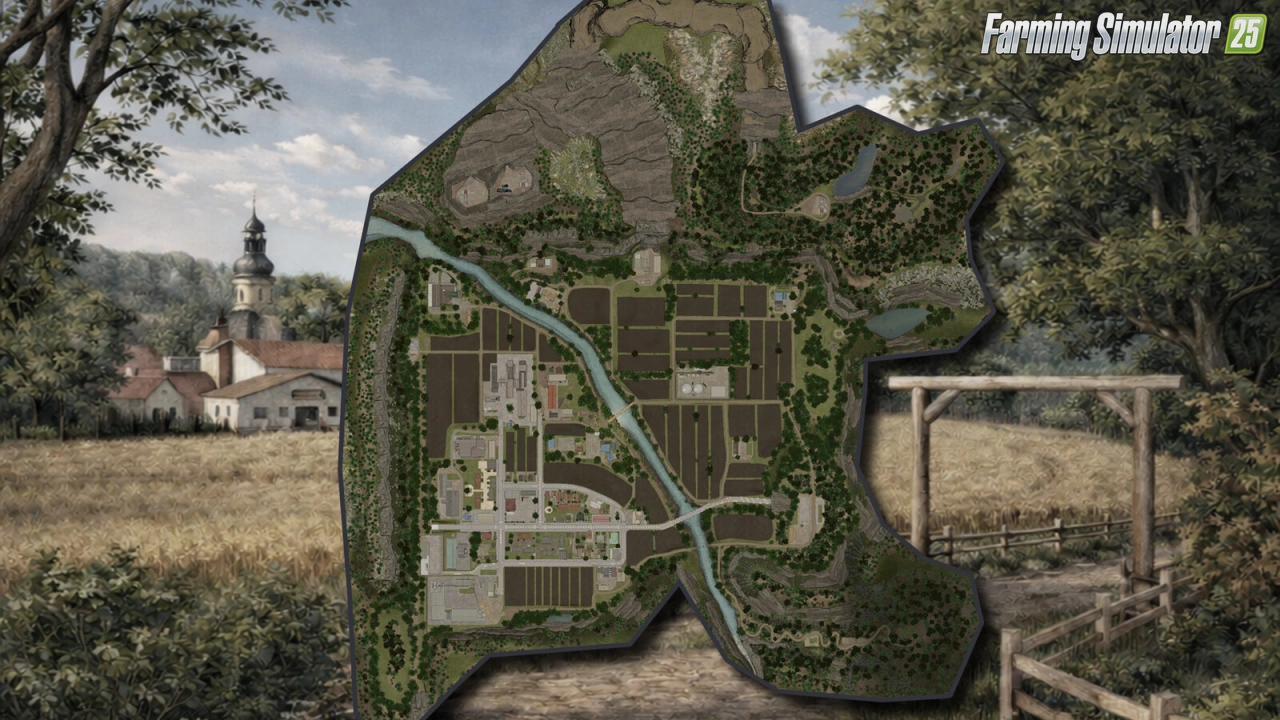
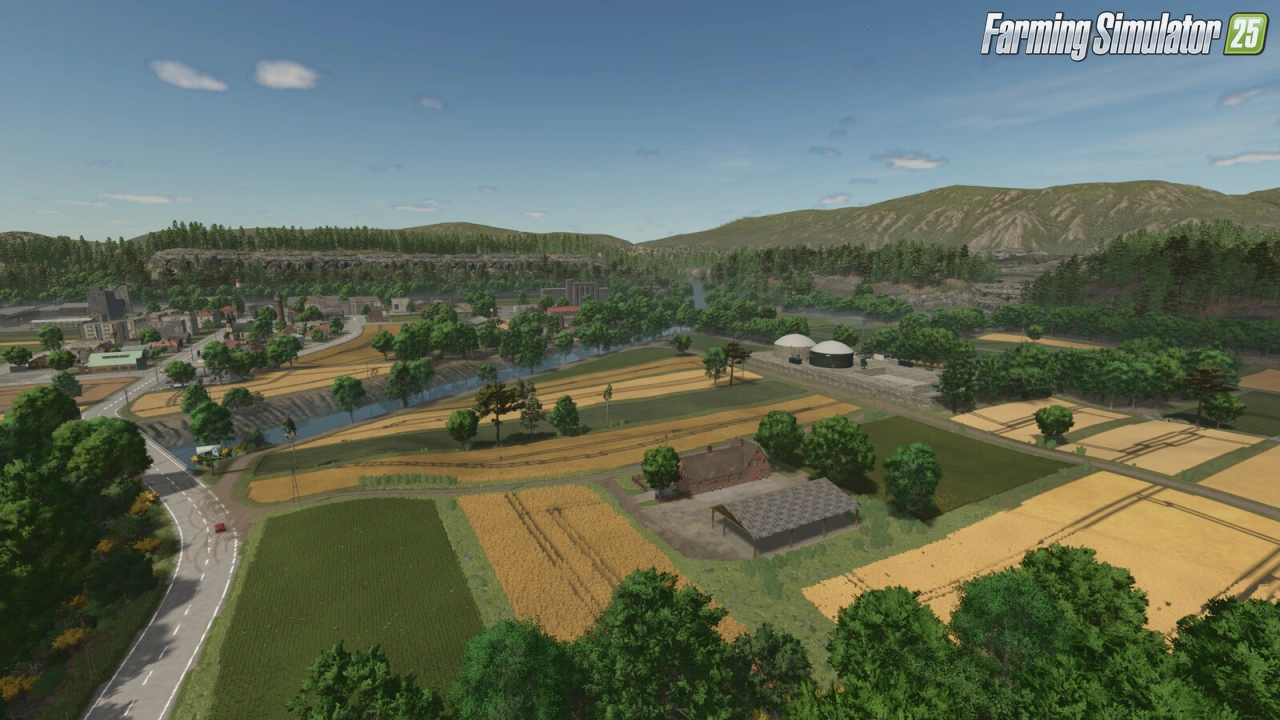
🌾 Countryside Fields Map by Zero oito for FS25 – this modification adds a fictional European map designed with small and medium-sized farmers in mind. Nestled among mountains and bisected by a flowing river, this reduced-size map offers a cozy yet engaging farming experience where agriculture, forestry, and mining converge. Perfect for players seeking a compact, detailed environment with diverse activities, authentic European aesthetics, and balanced progression across scenic countryside routes.
Features of Countryside Fields:
– 🏔️ Mountainous terrain with realistic elevation and scenic viewpoints
– 🌊 Central river system adding charm and irrigation potential
– 🌾 74 purchasable plots for flexible expansion
– 🌲 Dedicated forest areas for timber harvesting
– ⛏️ Mining zone for stone, gravel & ore extraction
– 🌱 Additional crops beyond base game varieties
– 🏭 New productions for expanded processing chains
– 🎁 Collectibles hidden across the map
– 📚 In‑game help menu accessible from the pause screen
– 🚜 Compact design ideal for focused gameplay
– 🌦️ European aesthetics with authentic vegetation & architecture
– 🎮 Multi‑platform support for PC/MAC, PS5 & Xbox Series X|S
✅ Tested on game version v1.18.x
Screenshots of «Countryside Fields Map v1.0.0.1 for FS25»
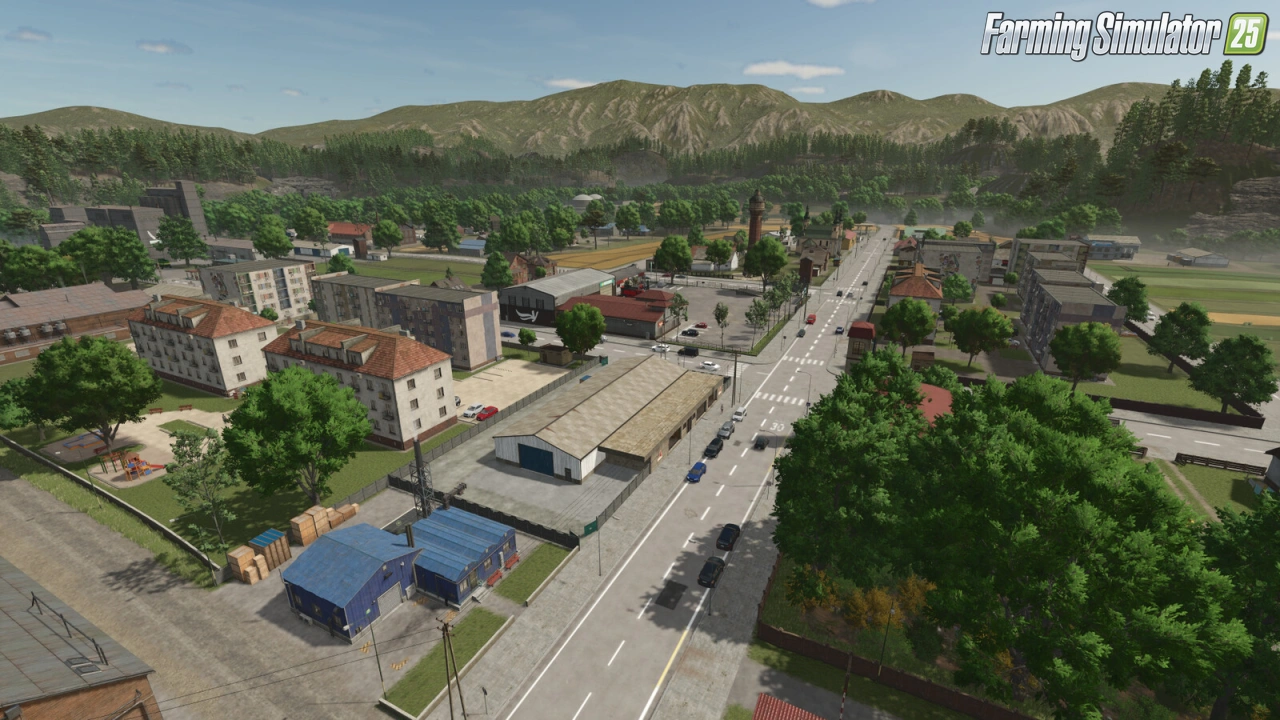
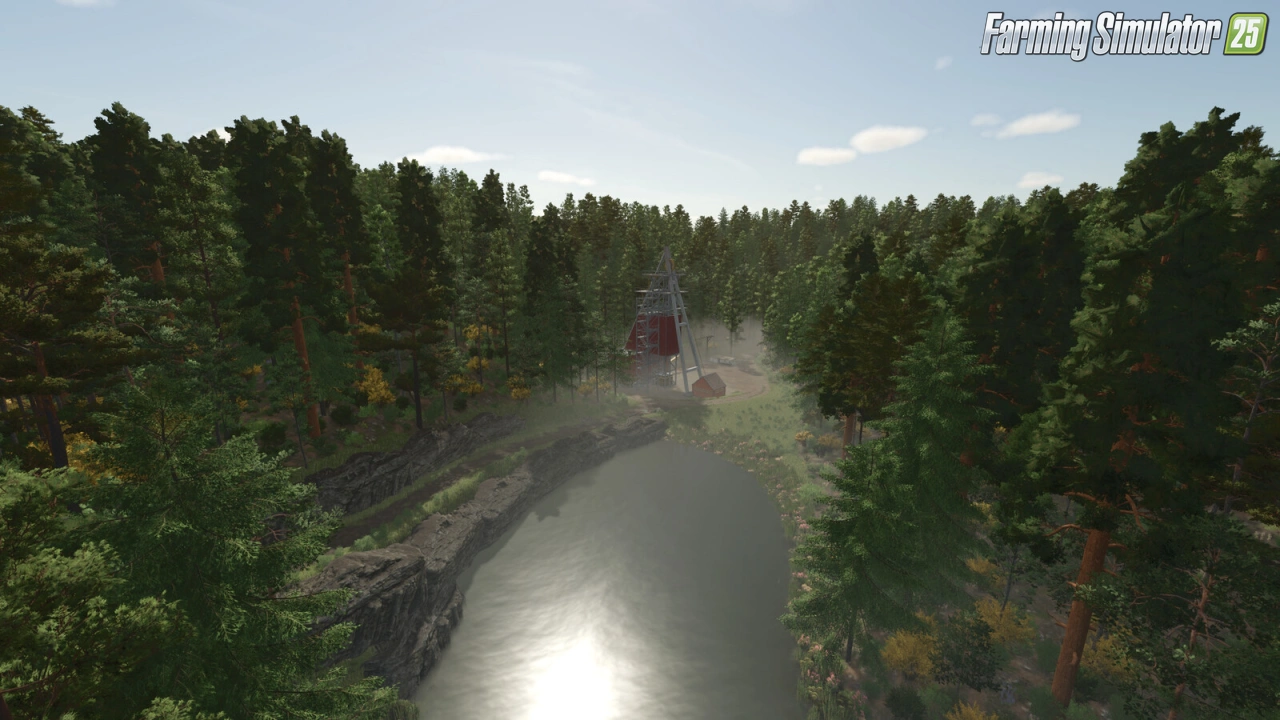
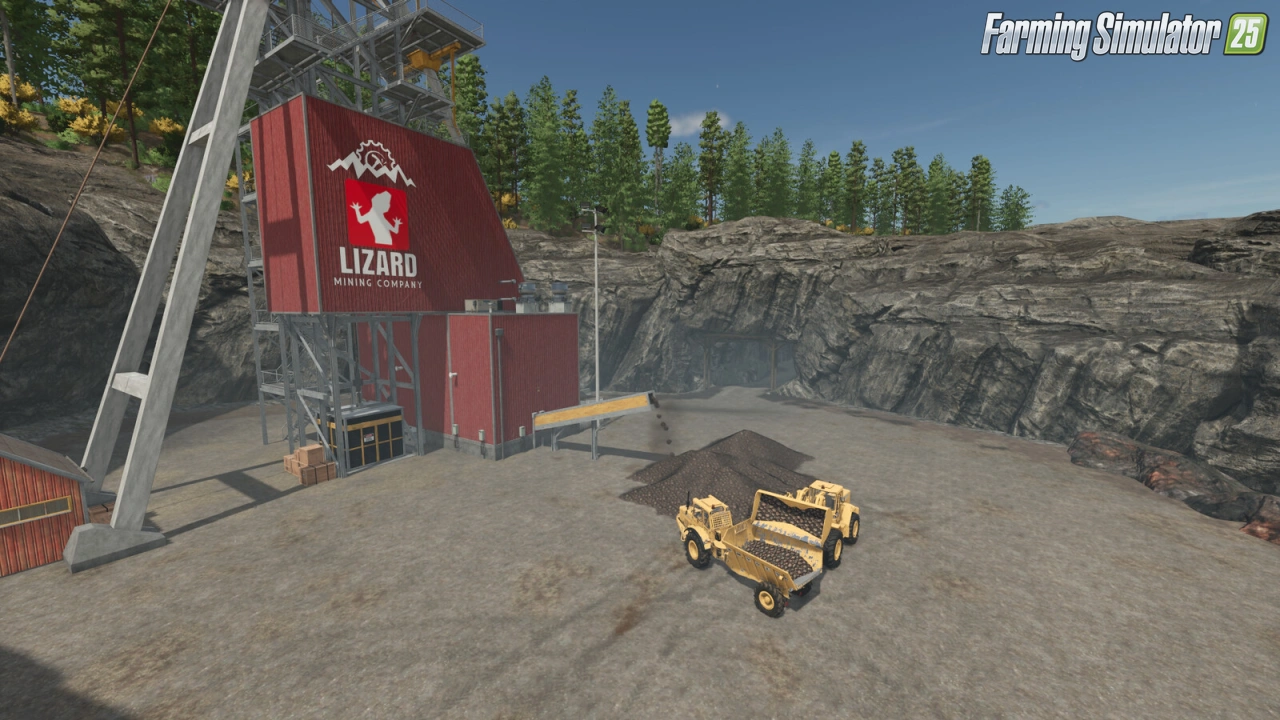
Gameplay Videos with «Countryside Fields Map v1.0.0.1 for FS25»
Changelogs for «Countryside Fields Map v1.0.0.1 for FS25»
Changes in v1.0.0.1:
- Texture corrections and improvements.
- Reduced number of trees.
- Minor adjustment to the mine tunnel, which was too low and could cause some taller vehicles to get stuck
How to install «Countryside Fields Map v1.0.0.1 for FS25»
- Download the modClick a download link below and save the
.zipfile to your computer. - Open the mods folderGo to
My Documents > My Games > FarmingSimulator2025 > mods. Create it if it doesn't exist. - Copy the .zip fileMove the downloaded
.zipstraight into themodsfolder. Do not extract it. - Launch FS25Start Farming Simulator 25, open Mods in the menu, find «Countryside Fields Map v1.0.0.1 for FS25» and enable it.
- PlayStart a new save or load an existing one. The mod is now active. Enjoy! 🌾
Download Links — Policy & Disclaimer
This page may contain links to third-party content and websites. External links are reviewed when a page is published, however we are not responsible for the content of external websites. All mod files belong to their respective authors. FarmerPlayer is not affiliated with GIANTS Software GmbH. If you would like a link to your website removed, please contact us.
You Might Also Like
-
 News
Farming Simulator 25 - Patch 1.24 Released for Download
News
Farming Simulator 25 - Patch 1.24 Released for Download
-
 v1.14.x
Riverbend Springs Map v1.0.1.4 Edit By Stevie for FS25
v1.14.x
Riverbend Springs Map v1.0.1.4 Edit By Stevie for FS25
-
 v1.10.x
Stara and Connect Modding Pack v1.0 for FS25
v1.10.x
Stara and Connect Modding Pack v1.0 for FS25
-
 News
Welcome to Kinlaig | Highlands Fishing Map Preview for FS25
News
Welcome to Kinlaig | Highlands Fishing Map Preview for FS25
-
 v1.20.x
Hinterkaifeck Map v1.0 for FS25
v1.20.x
Hinterkaifeck Map v1.0 for FS25
-
 v1.11.x
NF Marsch 4fach Map v1.7 for FS25
v1.11.x
NF Marsch 4fach Map v1.7 for FS25
-
 v1.24.x
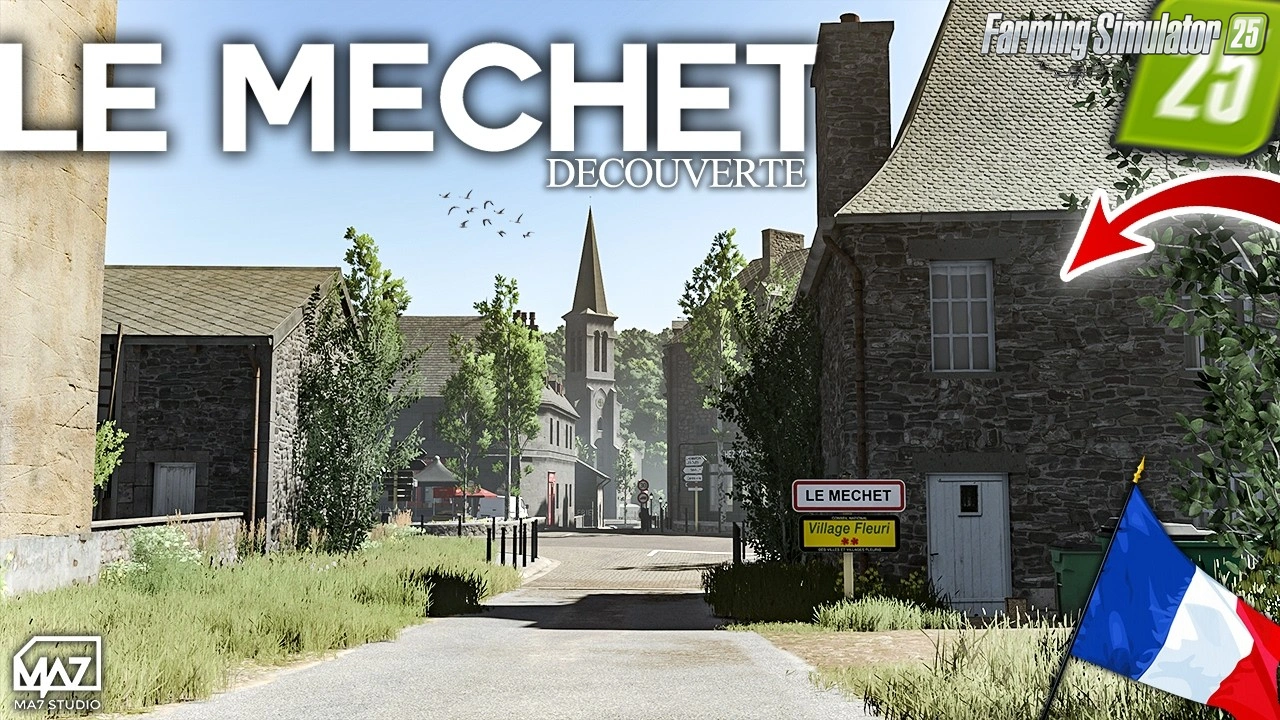
The Mechet Map v1.0.0.3 by MA7Studio for FS25
v1.24.x
The Mechet Map v1.0.0.3 by MA7Studio for FS25
-
 v1.10.x
Liftable Pallets And Bales v1.0.4 for FS25
v1.10.x
Liftable Pallets And Bales v1.0.4 for FS25
Download links lead to external third-party websites. FarmerPlayer.com does not host any mod files directly. All links are reviewed before publishing, however we cannot guarantee the content of external sites at all times. By clicking a download link you agree to our Privacy Policy and Terms & Conditions. If you encounter a broken or suspicious link, please use the Report button above.