Farm Tablet Mod v2.3.2.3 for FS25
0
Farm Tablet for FS25 - this mod adds a highly useful and modern in-game tablet that gives you quick access to important farm information and tools directly in your vehicle or on foot, greatly improving gameplay efficiency and convenience.
Features of Farm Tablet:
– Clean and modern tablet interface with multiple apps
– Field overview with ownership, crop type, growth stage and yield prediction
– Vehicle information and control panel
– Finance and economy statistics
– Weather forecast and current conditions
– GPS navigation and field marking tools
– Time and calendar management
– Production chain and silo overview
– Quick access to contracts and missions
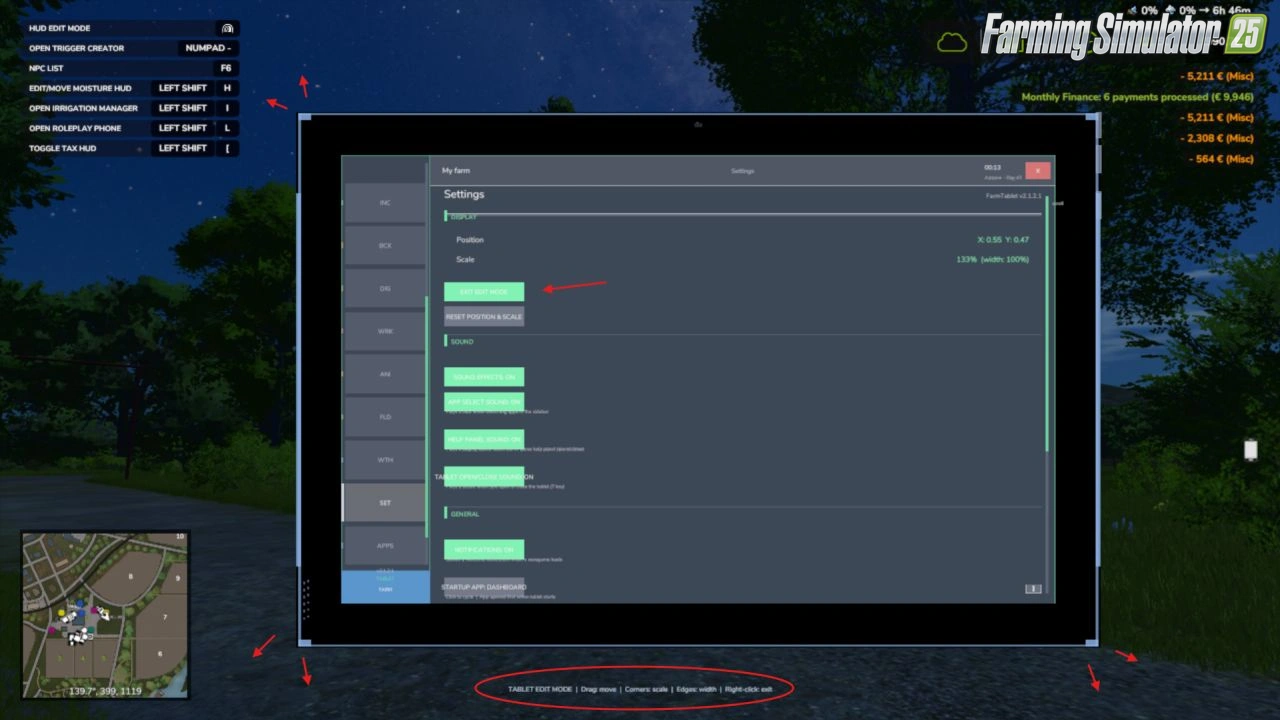
– Customizable tablet position and hotkey
– Works in vehicles, on foot, and while operating machinery
– Regular updates and performance optimizations
What's in it right now:
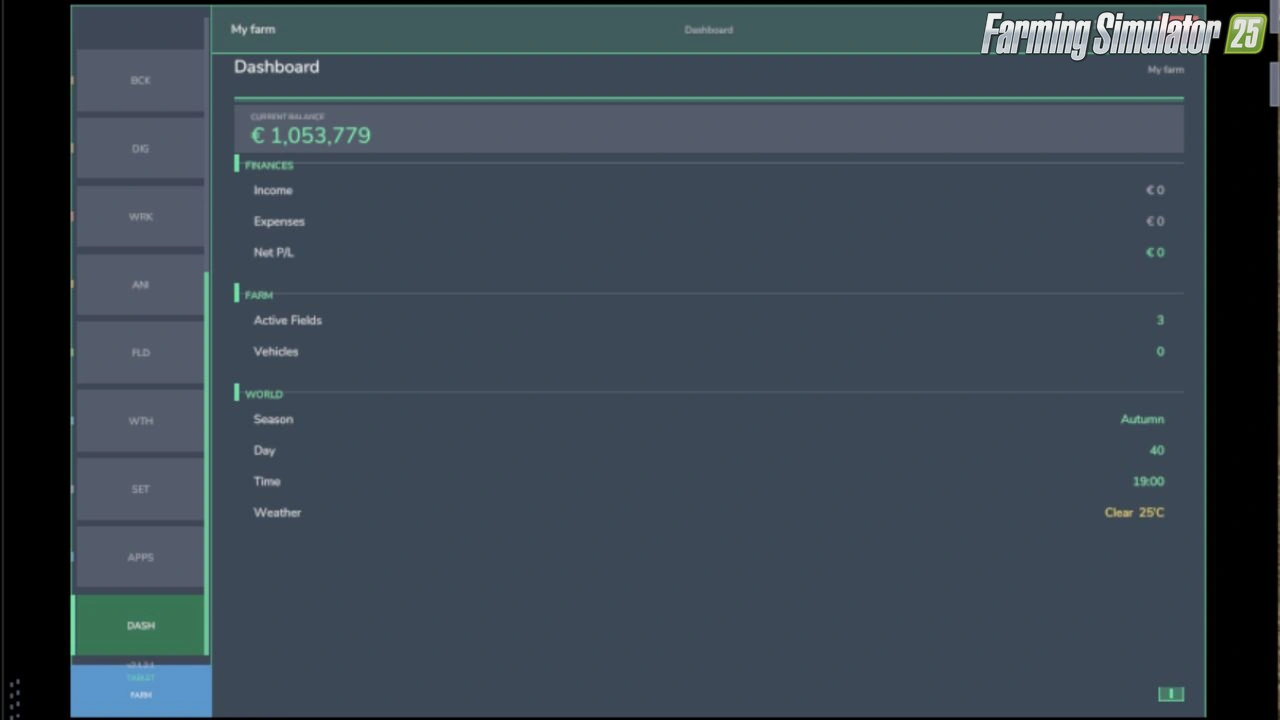
- Dashboard — farm overview with balance, fields, vehicles and world state
- Weather — current conditions, temperature, wind, cloud cover and forecast
- Fields — all owned fields with crop type and growth stage
- Animals — pen status with food, water and cleanliness levels
- Workshop — nearby vehicle diagnostics with fuel, wear and operating hours
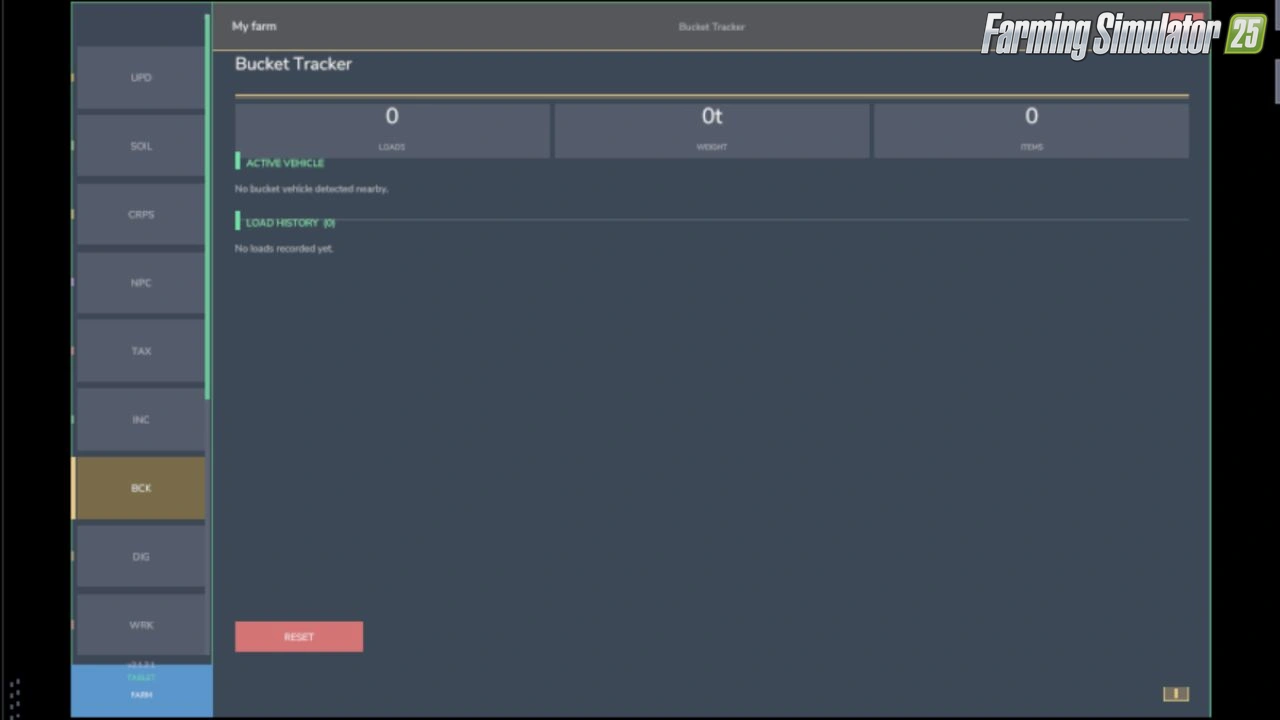
- Bucket Tracker — load counter for wheel loaders and excavators
- Digging — excavation tracking and soil scanner
- App Store — browse and manage installed apps
- Settings — configure the tablet from the pause menu
- Updates — changelog and version history
Tested on game version 1.19.x
Screenshots of «Farm Tablet Mod v2.3.2.3 for FS25»
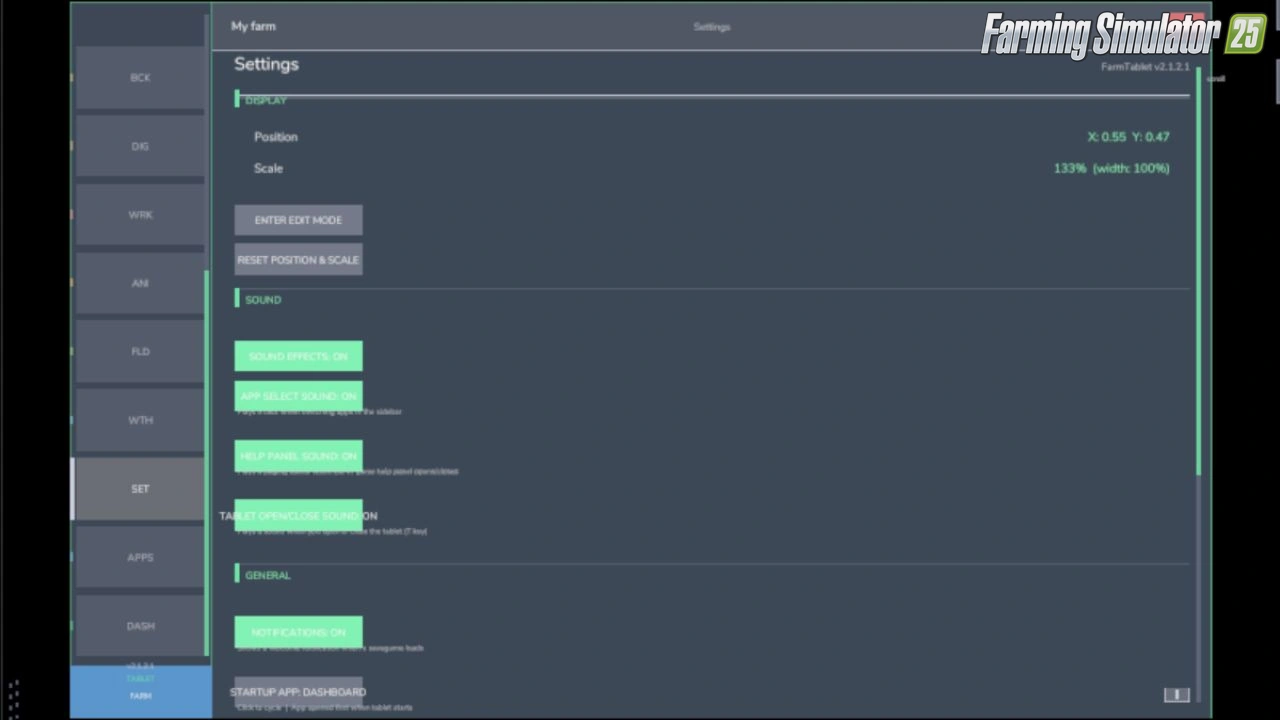

Gameplay Videos with «Farm Tablet Mod v2.3.2.3 for FS25»
Changelogs for «Farm Tablet Mod v2.3.2.3 for FS25»
Changes in v2.3.2.3:
– Paging arrows and toggles (Notes field/template pickers and the rest) now respond instantly. Before, the content only refreshed on a 4 second timer, so a click could take up to 4 seconds to show.
– The Production app no longer says ‘stalled’ while a production is actually running. It now counts the productions you have switched on instead of reading a field that was always empty.
– The Soil app now shows N/P/K in ppm, so the numbers line up with the Soil Fertilizer HUD instead of showing the raw internal value.
– The ‘DESEL’ button looked like a misspelled ‘diesel’ sitting next to the fuel bar. It is now ‘UNPIN’ in the Workshop and Income apps. (The 0% fuel reading was already fixed in 2.3.2.2.)
How to install «Farm Tablet Mod v2.3.2.3 for FS25»
- Download the modClick a download link below and save the
.zipfile to your computer. - Open the mods folderGo to
My Documents > My Games > FarmingSimulator2025 > mods. Create it if it doesn't exist. - Copy the .zip fileMove the downloaded
.zipstraight into themodsfolder. Do not extract it. - Launch FS25Start Farming Simulator 25, open Mods in the menu, find «Farm Tablet Mod v2.3.2.3 for FS25» and enable it.
- PlayStart a new save or load an existing one. The mod is now active. Enjoy! 🌾
Download Links — Policy & Disclaimer
This page may contain links to third-party content and websites. External links are reviewed when a page is published, however we are not responsible for the content of external websites. All mod files belong to their respective authors. FarmerPlayer is not affiliated with GIANTS Software GmbH. If you would like a link to your website removed, please contact us.
You Might Also Like
-
 News
Farming Simulator 25 - Patch 1.24 Released for Download
News
Farming Simulator 25 - Patch 1.24 Released for Download
-
 v1.14.x
Riverbend Springs Map v1.0.1.4 Edit By Stevie for FS25
v1.14.x
Riverbend Springs Map v1.0.1.4 Edit By Stevie for FS25
-
 v1.10.x
Stara and Connect Modding Pack v1.0 for FS25
v1.10.x
Stara and Connect Modding Pack v1.0 for FS25
-
 v1.20.x
Hinterkaifeck Map v1.0 for FS25
v1.20.x
Hinterkaifeck Map v1.0 for FS25
-
 v1.10.x
Liftable Pallets And Bales v1.0.4 for FS25
v1.10.x
Liftable Pallets And Bales v1.0.4 for FS25
-
 v1.11.x
NF Marsch 4fach Map v1.7 for FS25
v1.11.x
NF Marsch 4fach Map v1.7 for FS25
-
 News
This Farm is a Tiny Farm - Diorama Trailer
News
This Farm is a Tiny Farm - Diorama Trailer
-
 v1.6.x
Ural and Tonar Pack v1.0 for FS25
v1.6.x
Ural and Tonar Pack v1.0 for FS25
Download links lead to external third-party websites. FarmerPlayer.com does not host any mod files directly. All links are reviewed before publishing, however we cannot guarantee the content of external sites at all times. By clicking a download link you agree to our Privacy Policy and Terms & Conditions. If you encounter a broken or suspicious link, please use the Report button above.