Case Axial Flow 150 Series v1.1.2.1 for FS25
0
Case Axial Flow 150 Series for FS25 - this mod brings the Case Axial Flow 150 Series combine harvesters to Farming Simulator 25, featuring powerful and efficient machines with high capacity and modern technology for large-scale grain harvesting.
Features of Case Axial Flow 150 Series:
– Standalone Case Axial Flow 5150, 6150, and 7150 combine harvesters
– Case TerraFlex 3050_28 header
– Case n60_35 header trailer
– Full Interactive Control integration
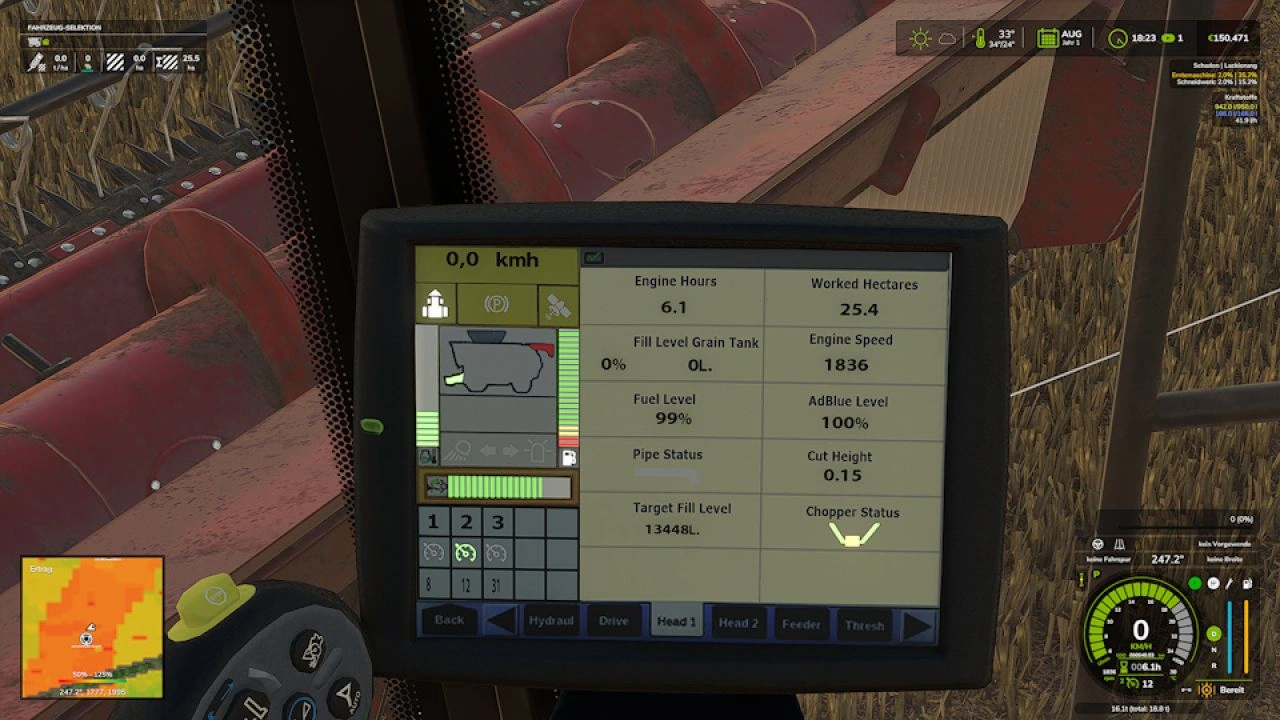
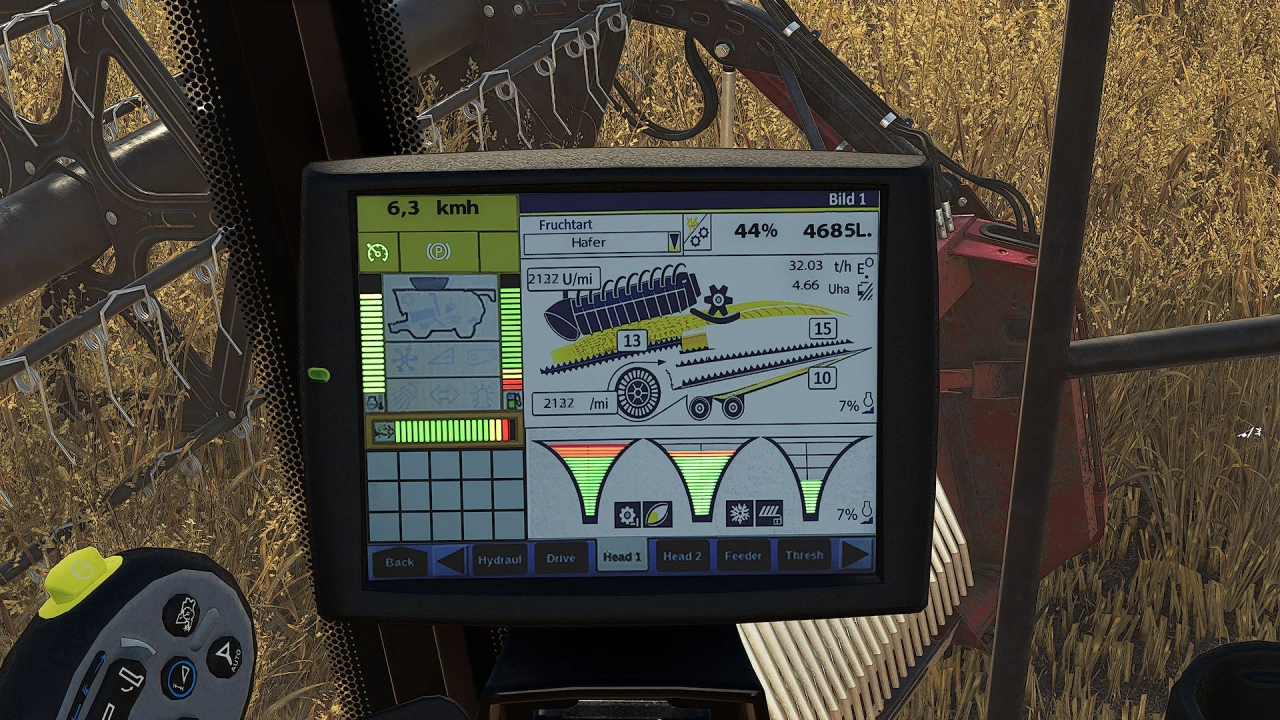
– Custom DashboardLive displays
– Work cameras (pipe, reversing camera, and trailer hitch)
– Realistic sounds and minor physics adjustments
– Warning sign for the feeder house and chopper guard
– Configurable options including warning signs and cameras
– High-quality 3D model with detailed textures
– Working lights and realistic animations
Configurations:
- Warning sign for the inclined conveyor.
Cameras can be selected as follows:
- Top left in the cab,
- top right in the cab,
- above the terminal on the seat.
Chopper guard: Yes/No.
Header:
- Rapeseed knives can be shown/hidden separately on the left and right via IC.
- Crop dividers can be shown/hidden separately on the left and right via IC.
- Crop lifters can be shown/hidden via IC .
Header trailer:
- Here, only the color configuration was removed, adapted to Case colors, and the Case logo added.
Tested on game version 1.20+
Screenshots of «Case Axial Flow 150 Series v1.1.2.1 for FS25»




Gameplay Videos with «Case Axial Flow 150 Series v1.1.2.1 for FS25»
Changelogs for «Case Axial Flow 150 Series v1.1.2.1 for FS25»
Changes in v1.2.1:
- Replaced faulty download link
How to install «Case Axial Flow 150 Series v1.1.2.1 for FS25»
- Download the modClick a download link below and save the
.zipfile to your computer. - Open the mods folderGo to
My Documents > My Games > FarmingSimulator2025 > mods. Create it if it doesn't exist. - Copy the .zip fileMove the downloaded
.zipstraight into themodsfolder. Do not extract it. - Launch FS25Start Farming Simulator 25, open Mods in the menu, find «Case Axial Flow 150 Series v1.1.2.1 for FS25» and enable it.
- PlayStart a new save or load an existing one. The mod is now active. Enjoy! 🌾
Download Links — Policy & Disclaimer
This page may contain links to third-party content and websites. External links are reviewed when a page is published, however we are not responsible for the content of external websites. All mod files belong to their respective authors. FarmerPlayer is not affiliated with GIANTS Software GmbH. If you would like a link to your website removed, please contact us.
You Might Also Like
-
 News
Farming Simulator 25 - Patch 1.24 Released for Download
News
Farming Simulator 25 - Patch 1.24 Released for Download
-
 v1.10.x
Stara and Connect Modding Pack v1.0 for FS25
v1.10.x
Stara and Connect Modding Pack v1.0 for FS25
-
 v1.14.x
Riverbend Springs Map v1.0.1.4 Edit By Stevie for FS25
v1.14.x
Riverbend Springs Map v1.0.1.4 Edit By Stevie for FS25
-
 News
Welcome to Kinlaig | Highlands Fishing Map Preview for FS25
News
Welcome to Kinlaig | Highlands Fishing Map Preview for FS25
-
 v1.19.x
Dodge Ram 5500 v1.9 for FS25
v1.19.x
Dodge Ram 5500 v1.9 for FS25
-
 v1.20.x
Hinterkaifeck Map v1.0 for FS25
v1.20.x
Hinterkaifeck Map v1.0 for FS25
-
 v1.10.x
Liftable Pallets And Bales v1.0.4 for FS25
v1.10.x
Liftable Pallets And Bales v1.0.4 for FS25
-
 v1.17.x
Case IH Steiger Series 2025 v1.0.0.3 for FS25
v1.17.x
Case IH Steiger Series 2025 v1.0.0.3 for FS25
Download links lead to external third-party websites. FarmerPlayer.com does not host any mod files directly. All links are reviewed before publishing, however we cannot guarantee the content of external sites at all times. By clicking a download link you agree to our Privacy Policy and Terms & Conditions. If you encounter a broken or suspicious link, please use the Report button above.