Slavonija Map v1.0 for FS25
0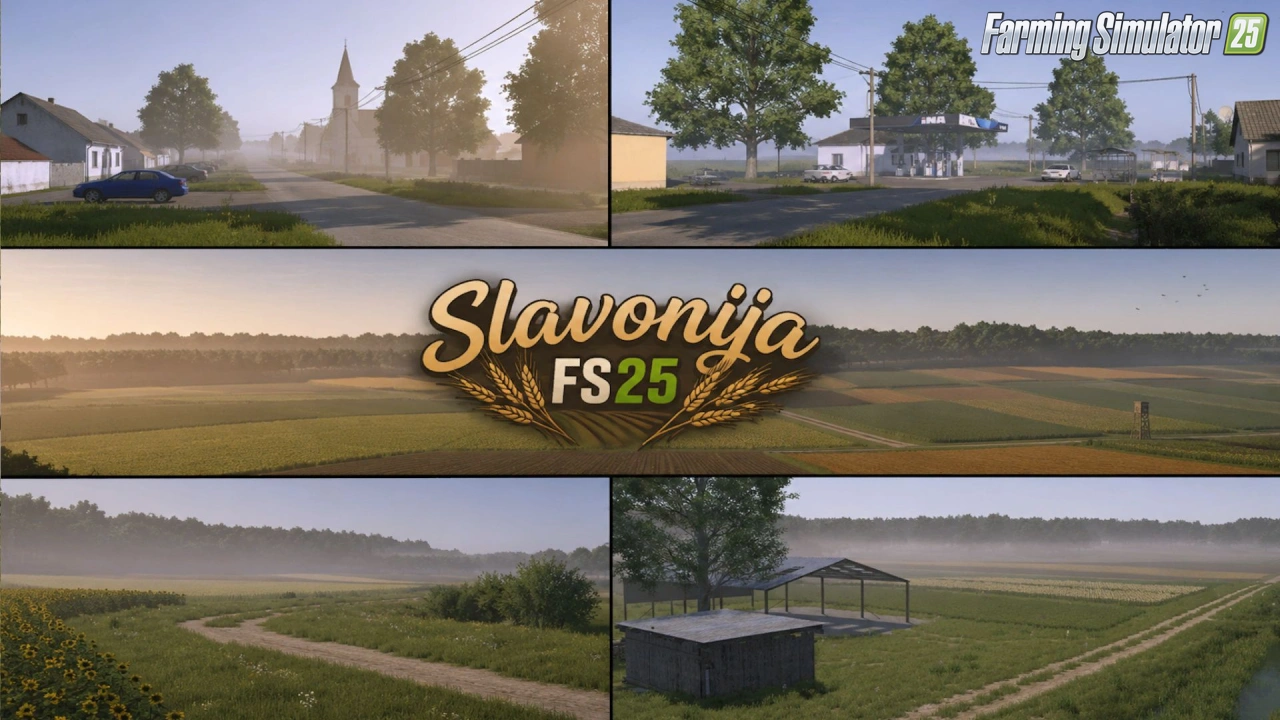
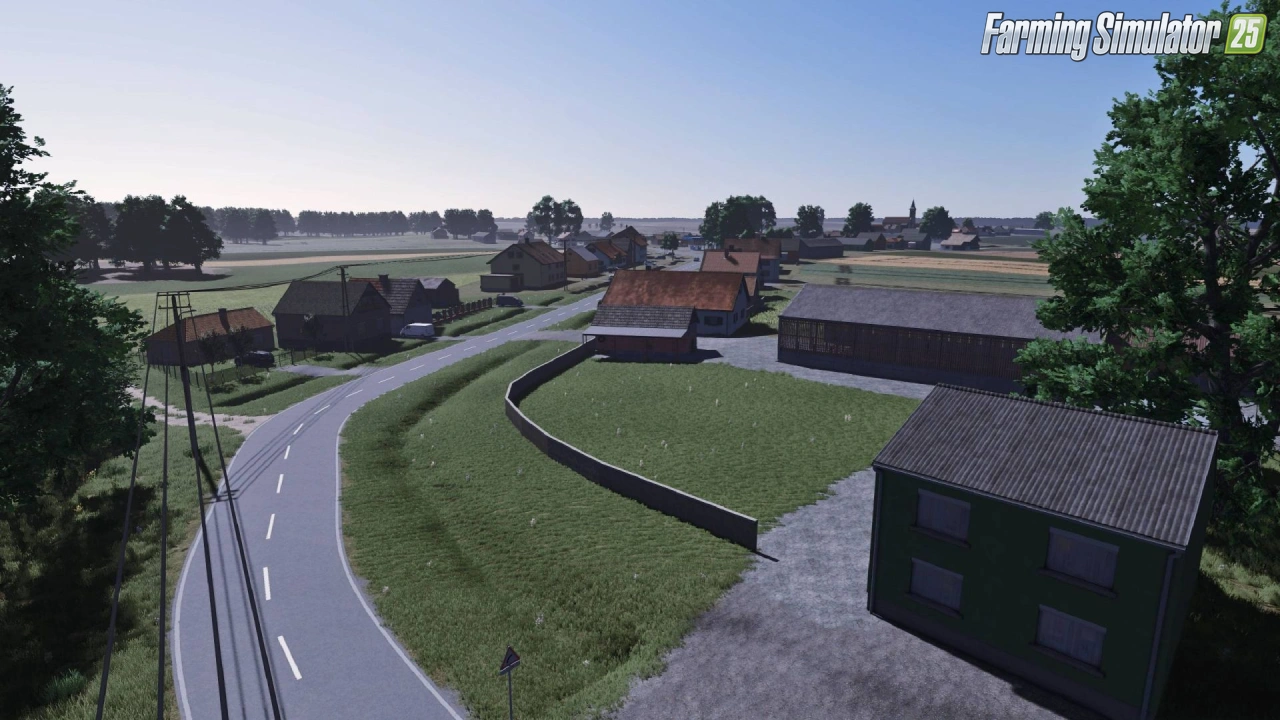
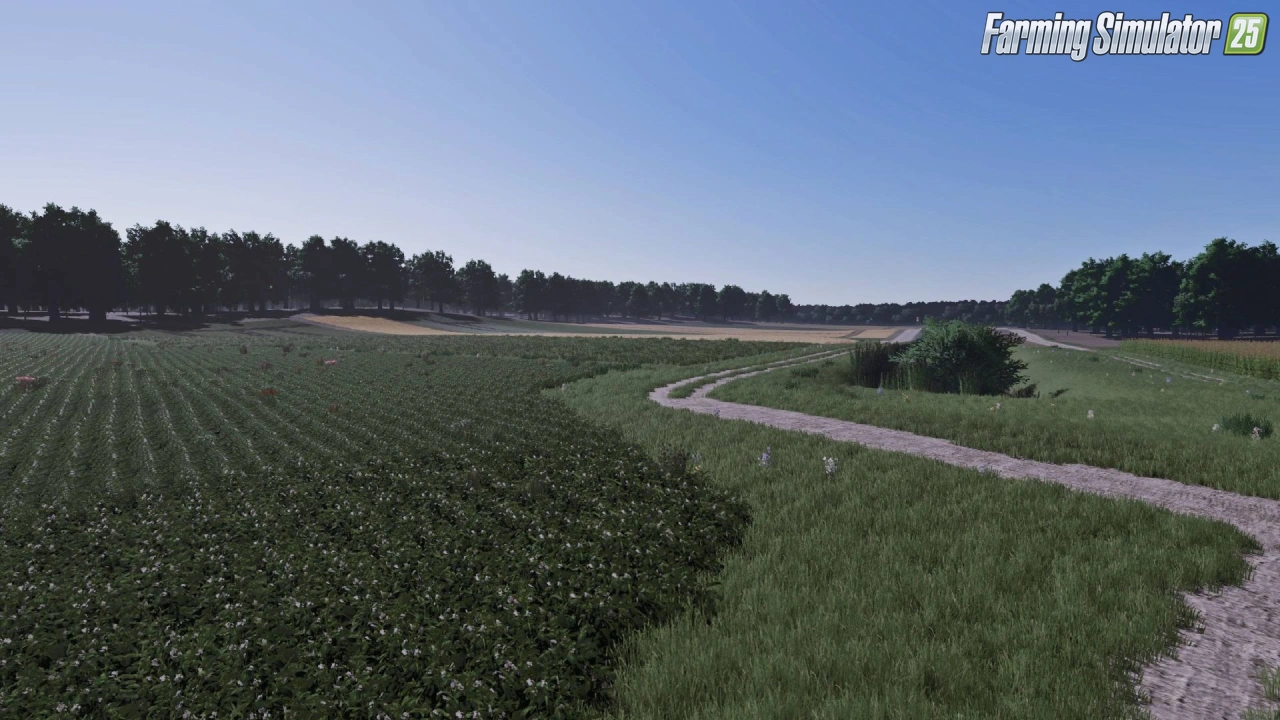
Slavonija Map for FS25 - this mod brings the fertile and scenic region of Slavonia (Slavonija) in Croatia to Farming Simulator 25, featuring vast plains, authentic rural landscapes, traditional farms, and rich agricultural areas perfect for large-scale farming.
Features of Slavonija Map:
– 160 Arable Fields: While the majority of the fields range between 0.20 and 1.00 hectare, the map also includes several larger fields.
– Machinery Recommendation: For the most realistic and optimal experience, equipment up to 150 HP is highly recommended.
– 3 Dedicated Meadows: Large grasslands specifically designed for intensive silage production and livestock forage.
– Integrated Animal Market: Fully functional local dealer for buying, selling, and managing livestock.
– Pre-Built Farms: 3 fully equipped farmyards with operational infrastructure, ready for immediate use.
– Customizable Farm Plots: 3 designated construction zones with cleared land for players who prefer to design their own farm layouts.
– Detailed map based on the Slavonia region in Croatia
– Large fertile fields ideal for crop production
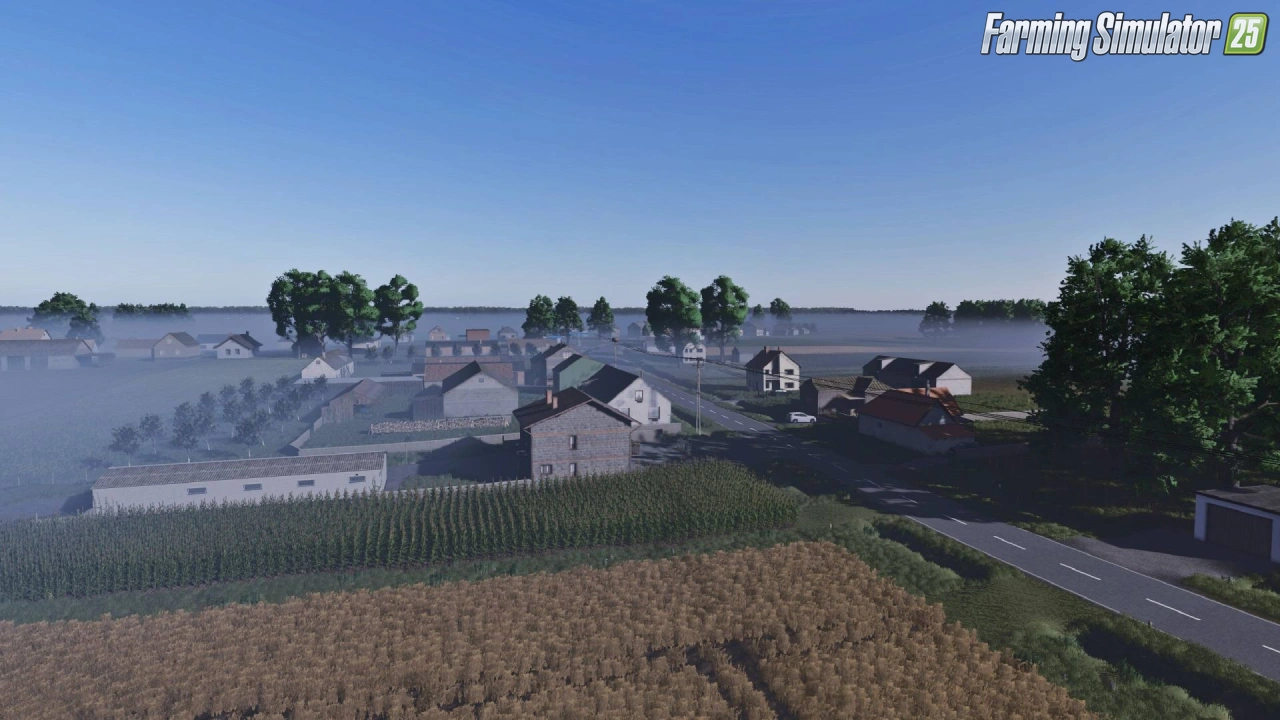
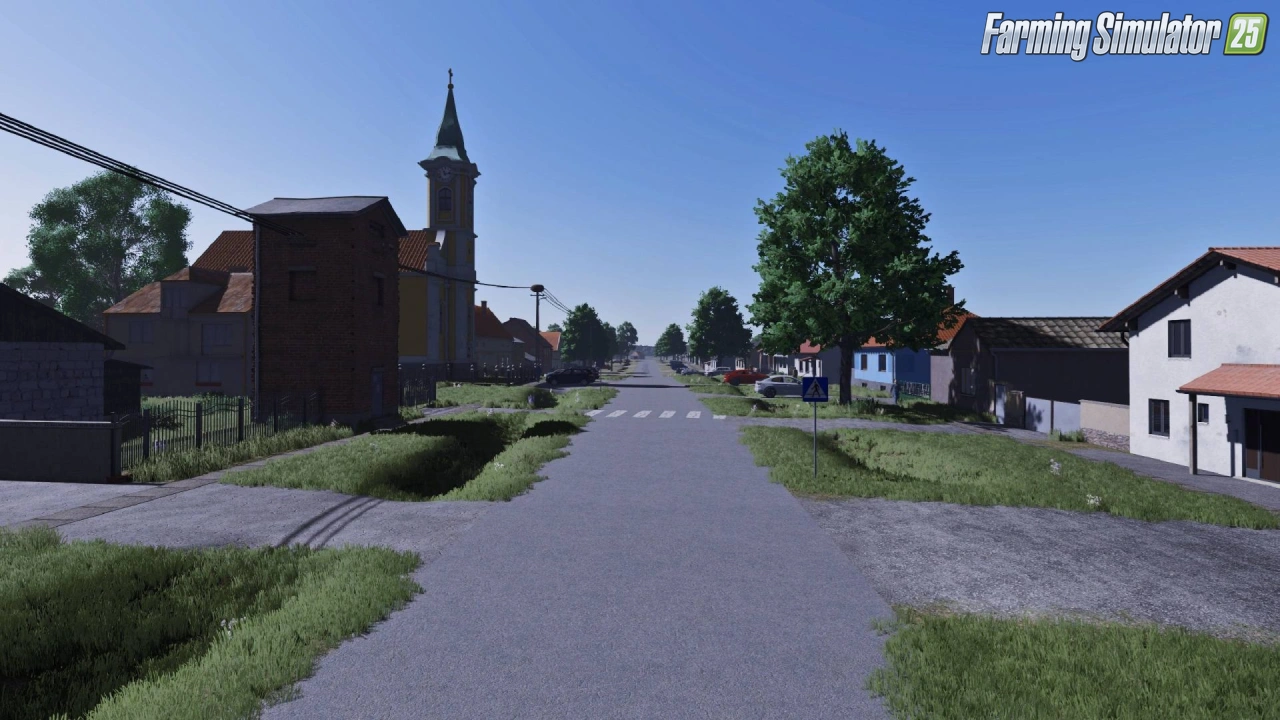
– Authentic Croatian villages and farmsteads
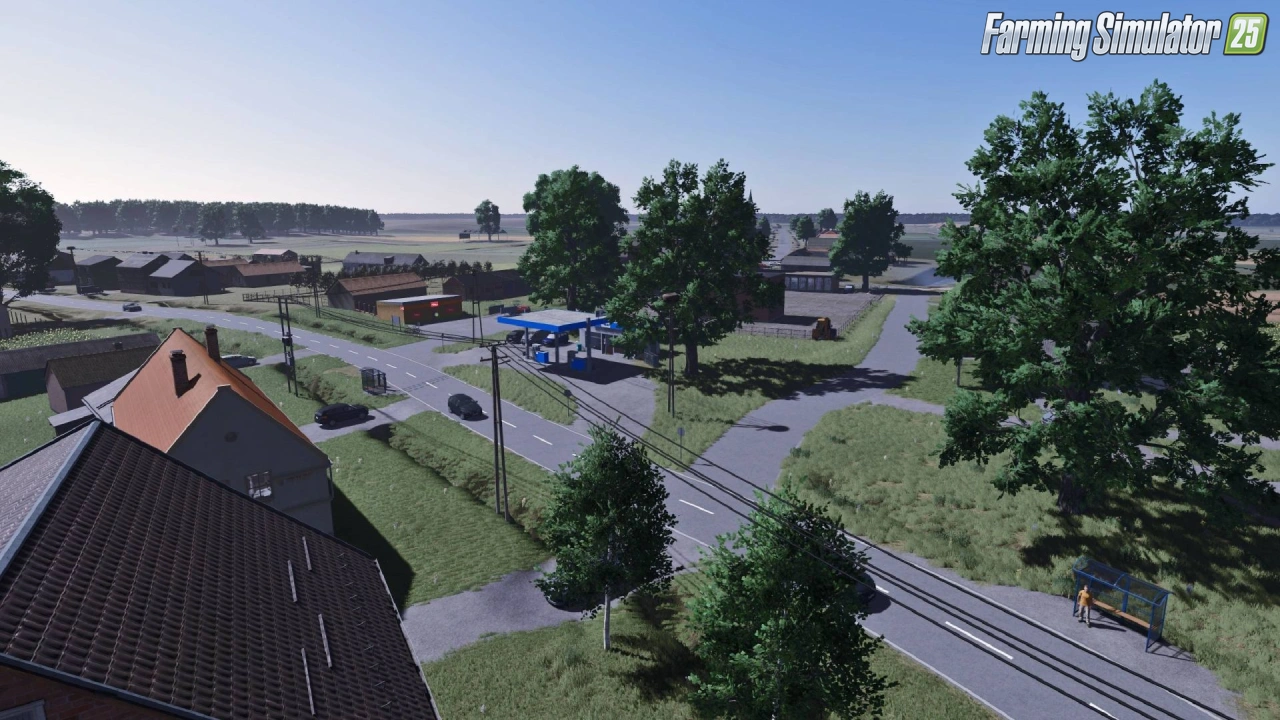
– Realistic road network and rural infrastructure
– Mix of open plains and forested areas
– Multiple farms and starting locations
– High-quality textures and atmospheric lighting
– Support for all standard crops, animals, and production chains
– Optimized performance for smooth gameplay
Economy & Selling Points
– Crop Logistics: 2 independent standard selling stations for grains and root crops.
– Forestry Hub: Over 50 buyable forest parcels paired with a dedicated timber and wood selling station.
– Pallet & Bale Logistics: A specialized unloading point tailored for commercializing bales and production pallets.
Tested on game version 1.21+
Screenshots of «Slavonija Map v1.0 for FS25»

Gameplay Videos with «Slavonija Map v1.0 for FS25»
Changelogs for «Slavonija Map v1.0 for FS25»
Changes in v1.0:
- First release
How to install «Slavonija Map v1.0 for FS25»
- Download the modClick a download link below and save the
.zipfile to your computer. - Open the mods folderGo to
My Documents > My Games > FarmingSimulator2025 > mods. Create it if it doesn't exist. - Copy the .zip fileMove the downloaded
.zipstraight into themodsfolder. Do not extract it. - Launch FS25Start Farming Simulator 25, open Mods in the menu, find «Slavonija Map v1.0 for FS25» and enable it.
- PlayStart a new save or load an existing one. The mod is now active. Enjoy! 🌾
Download Links — Policy & Disclaimer
This page may contain links to third-party content and websites. External links are reviewed when a page is published, however we are not responsible for the content of external websites. All mod files belong to their respective authors. FarmerPlayer is not affiliated with GIANTS Software GmbH. If you would like a link to your website removed, please contact us.
You Might Also Like
-
 v1.10.x
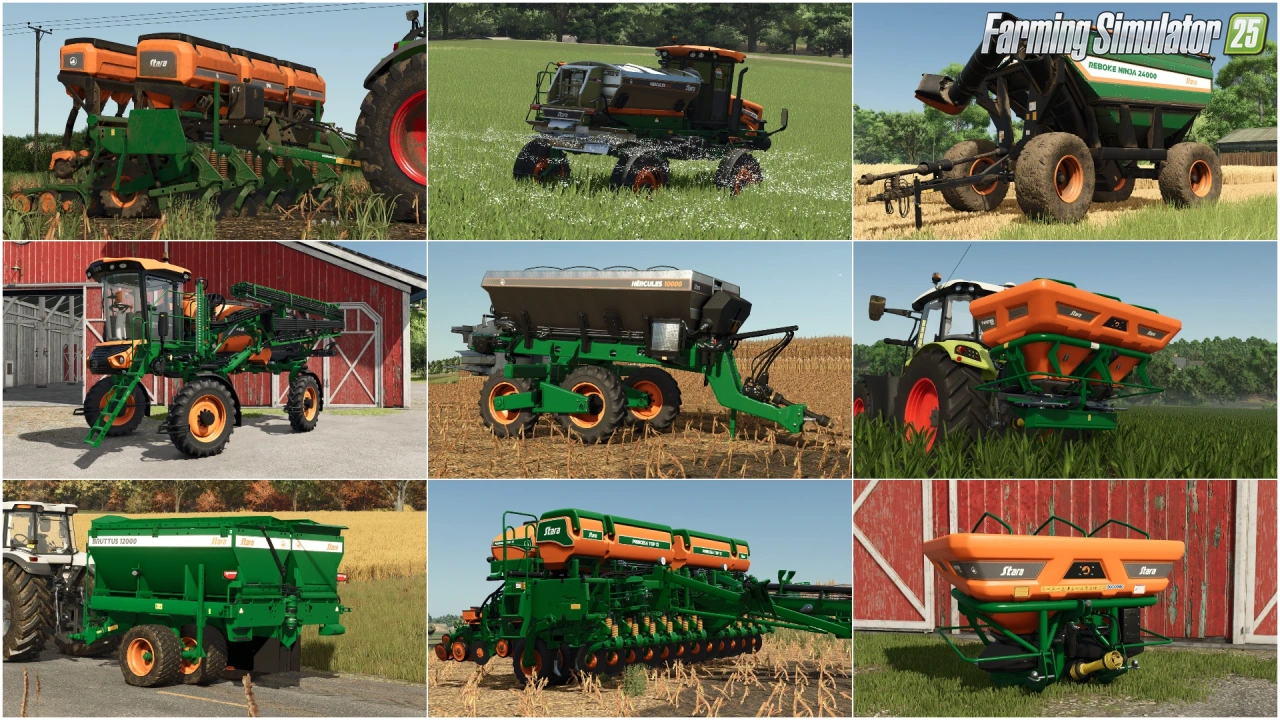
Stara and Connect Modding Pack v1.0 for FS25
v1.10.x
Stara and Connect Modding Pack v1.0 for FS25
-
 v1.14.x
Riverbend Springs Map v1.0.1.4 Edit By Stevie for FS25
v1.14.x
Riverbend Springs Map v1.0.1.4 Edit By Stevie for FS25
-
 v1.20.x
Hinterkaifeck Map v1.0 for FS25
v1.20.x
Hinterkaifeck Map v1.0 for FS25
-
 News
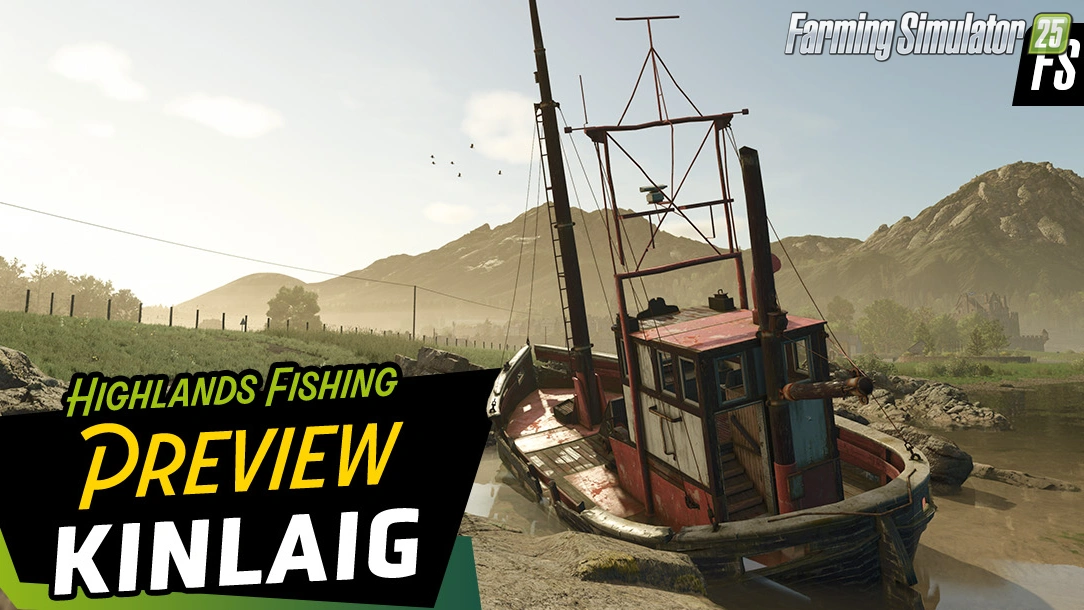
Welcome to Kinlaig | Highlands Fishing Map Preview for FS25
News
Welcome to Kinlaig | Highlands Fishing Map Preview for FS25
-
 v1.11.x
NF Marsch 4fach Map v1.7 for FS25
v1.11.x
NF Marsch 4fach Map v1.7 for FS25
-
 v1.10.x
Liftable Pallets And Bales v1.0.4 for FS25
v1.10.x
Liftable Pallets And Bales v1.0.4 for FS25
-
 v1.24.x
The Mechet Map v1.0.0.3 by MA7Studio for FS25
v1.24.x
The Mechet Map v1.0.0.3 by MA7Studio for FS25
-
 v1.20.x
Baraitaru Map v1.1 for FS25
v1.20.x
Baraitaru Map v1.1 for FS25
Download links lead to external third-party websites. FarmerPlayer.com does not host any mod files directly. All links are reviewed before publishing, however we cannot guarantee the content of external sites at all times. By clicking a download link you agree to our Privacy Policy and Terms & Conditions. If you encounter a broken or suspicious link, please use the Report button above.