New Holland FX Harvester v1.0.1 for FS25
0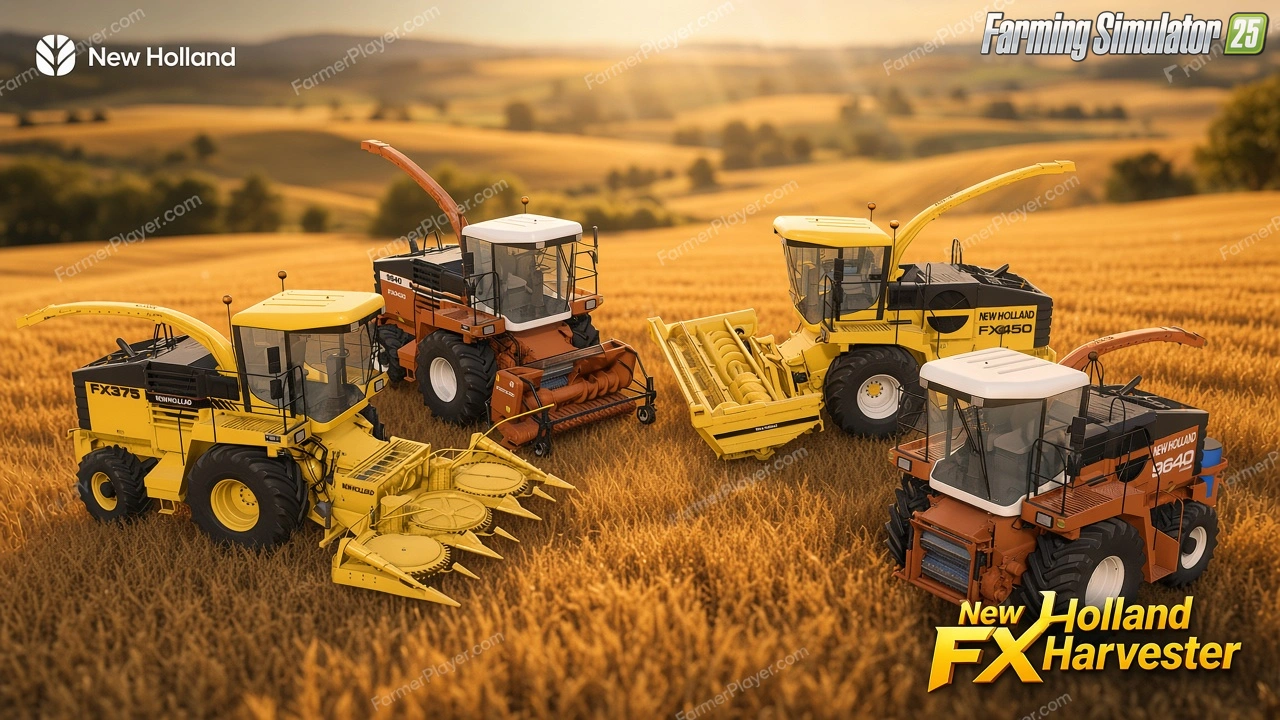
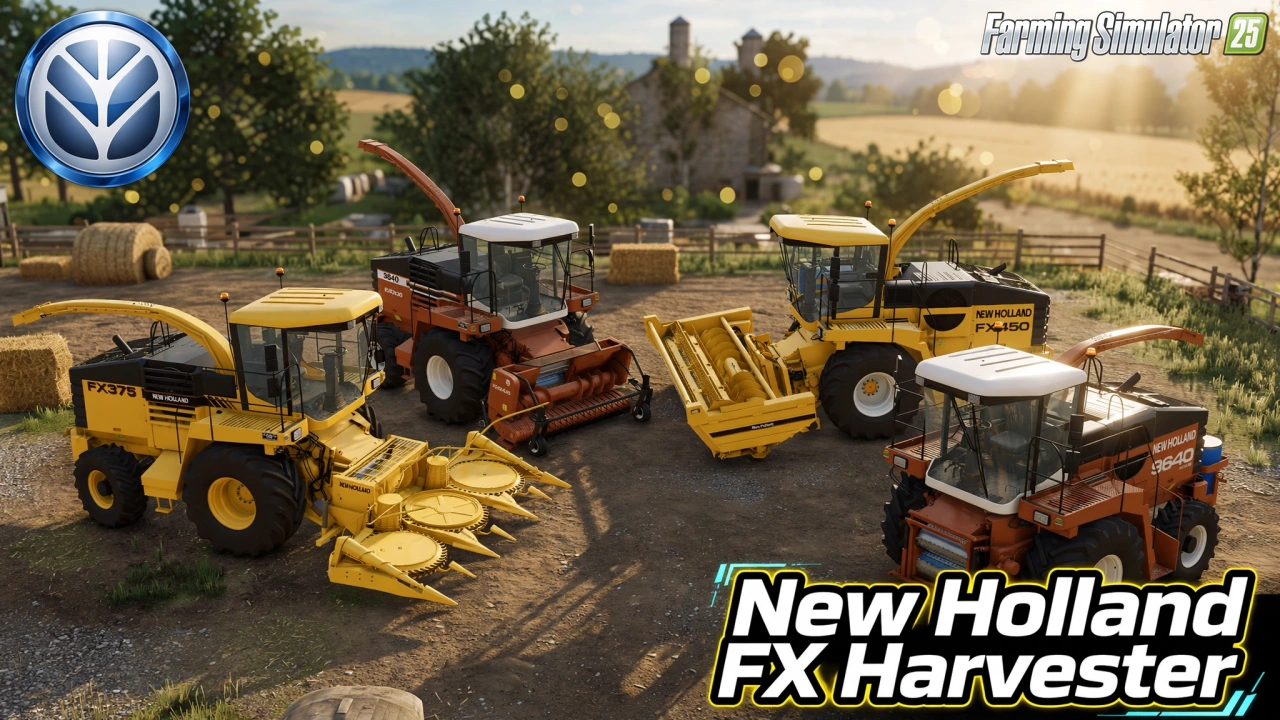
🌾 New Holland FX Harvester for FS25 - this modification brings the classic New Holland FX series forage harvester to Farming Simulator 25, a powerful self-propelled machine from the golden era of forage harvesting, ideal for chopping grass, corn, and other forage crops with authentic design and strong performance.
Features New Holland FX Harvester:
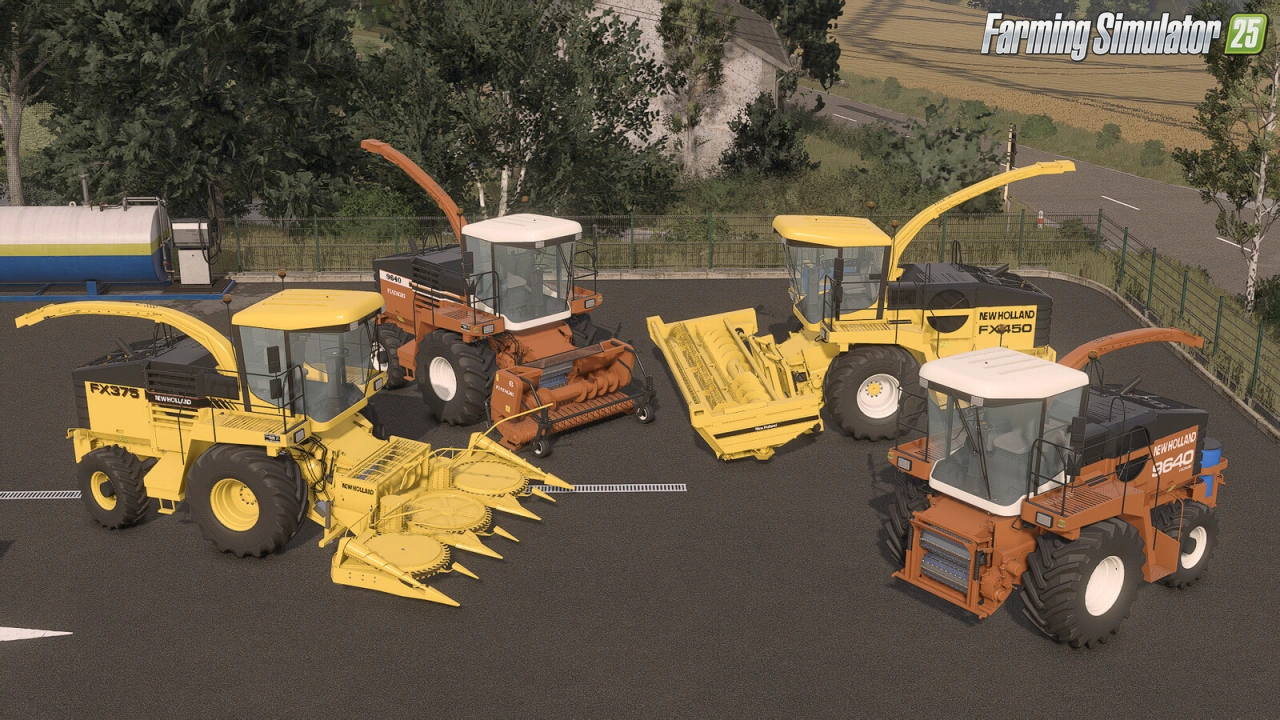
– 🛠️ Standalone New Holland FX forage harvester (FX 300–450 / Fiatagri transition models)
– 💰 Base price: $95,000
– ⚙️ Power: 300–450 hp
– 🚀 Max. speed: 25 kph
– ⛽ Capacity: 80–160 L / 650 L
– 🎨 Customizable colors and configurations
– 🪑 Detailed cabin interior
– 🔊 Powerful engine with authentic sound
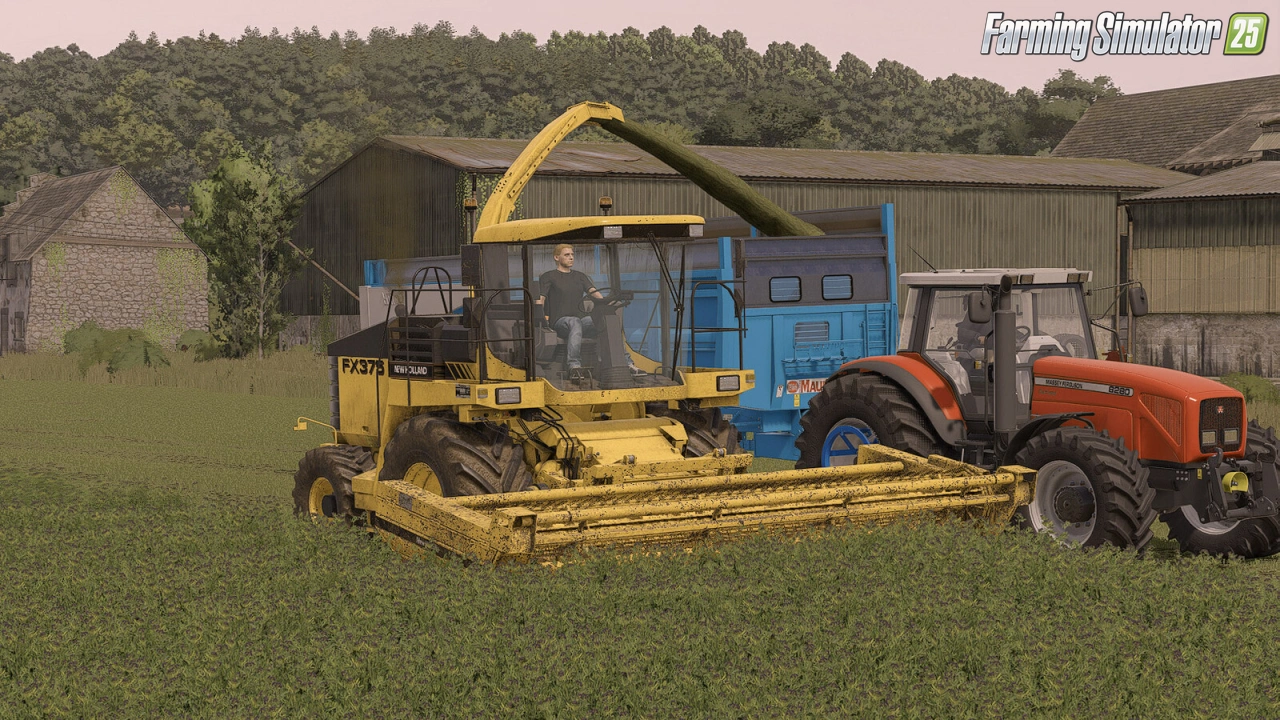
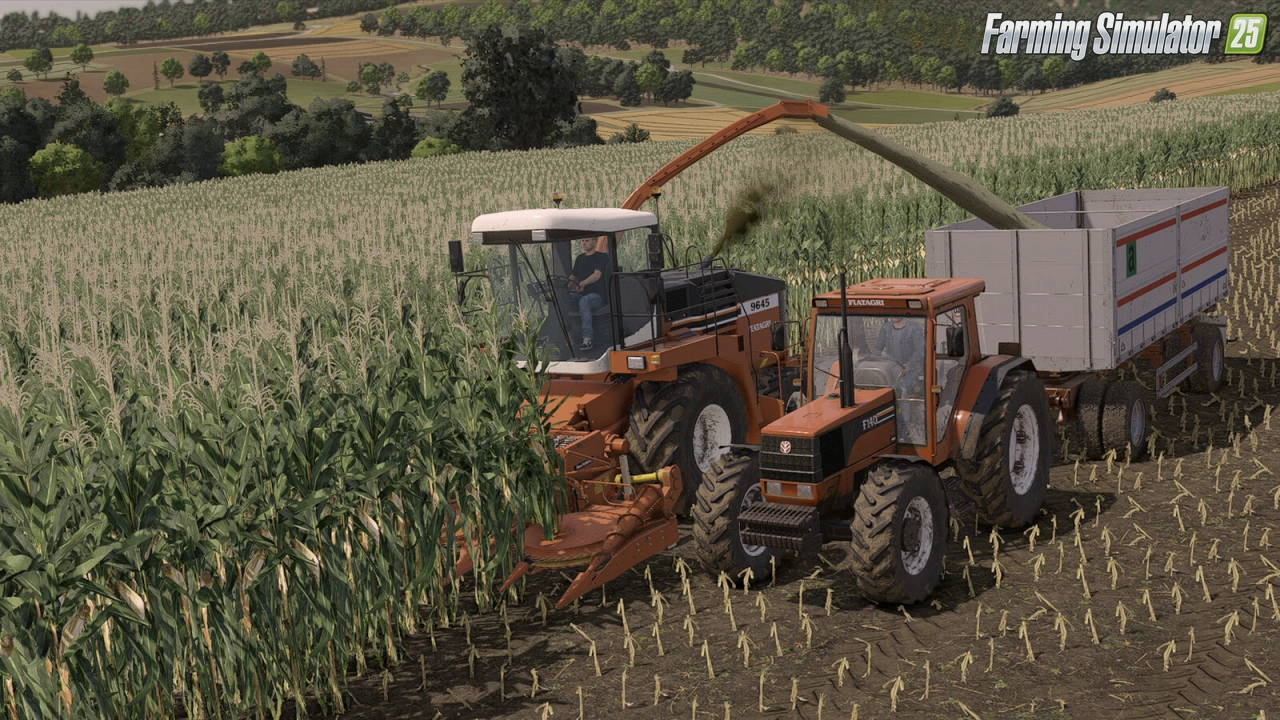
– 📤 Working discharge pipe and realistic animations
– 📦 High chopping capacity
Included Headers:
– 🌿 New Holland 345W Grass Pick-up – $12,000 | 2.8 m | 15 kph
– 🌽 New Holland RI450 Maize Cutter – $25,000 | 4.5 m | 10 kph
– 🌱 New Holland DC510 Grass Cutter – $17,000 | 5.1 m | 10 kph
👉️ Tested on game version 1.21+
Screenshots of «New Holland FX Harvester v1.0.1 for FS25»

Gameplay Videos with «New Holland FX Harvester v1.0.1 for FS25»
Changelogs for «New Holland FX Harvester v1.0.1 for FS25»
Changes in v1.0.1:
- Corrected shades on cabin roof
- Model improvements
Changes in v1.0:
- First release
Download Link 1
How to install «New Holland FX Harvester v1.0.1 for FS25»
- Download the modClick a download link below and save the
.zipfile to your computer. - Open the mods folderGo to
My Documents > My Games > FarmingSimulator2025 > mods. Create it if it doesn't exist. - Copy the .zip fileMove the downloaded
.zipstraight into themodsfolder. Do not extract it. - Launch FS25Start Farming Simulator 25, open Mods in the menu, find «New Holland FX Harvester v1.0.1 for FS25» and enable it.
- PlayStart a new save or load an existing one. The mod is now active. Enjoy! 🌾
Download Links — Policy & Disclaimer
This page may contain links to third-party content and websites. External links are reviewed when a page is published, however we are not responsible for the content of external websites. All mod files belong to their respective authors. FarmerPlayer is not affiliated with GIANTS Software GmbH. If you would like a link to your website removed, please contact us.
You Might Also Like
-
 v1.14.x
Riverbend Springs Map v1.0.1.4 Edit By Stevie for FS25
v1.14.x
Riverbend Springs Map v1.0.1.4 Edit By Stevie for FS25
-
 News
New expansion - Beans & Alpacas are coming to FS25
News
New expansion - Beans & Alpacas are coming to FS25
-
 v1.9.x
Fiatagri Series 90 Tractor v1.0 for FS25
v1.9.x
Fiatagri Series 90 Tractor v1.0 for FS25
-
 v1.10.x
Stara and Connect Modding Pack v1.0 for FS25
v1.10.x
Stara and Connect Modding Pack v1.0 for FS25
-
 v1.7.x
John Deere 4940 Self-Propelled Sprayer v1.0 for FS25
v1.7.x
John Deere 4940 Self-Propelled Sprayer v1.0 for FS25
-
 v1.11.x
Fiatagri Series Tractor v1.1 for FS25
v1.11.x
Fiatagri Series Tractor v1.1 for FS25
-
 v1.9.x
Fiatagri 110-90 Tractor v1.0 for FS25
v1.9.x
Fiatagri 110-90 Tractor v1.0 for FS25
-
 v1.18.x
New American Map v1.0.0.2 for FS25
v1.18.x
New American Map v1.0.0.2 for FS25
Download links lead to external third-party websites. FarmerPlayer.com does not host any mod files directly. All links are reviewed before publishing, however we cannot guarantee the content of external sites at all times. By clicking a download link you agree to our Privacy Policy and Terms & Conditions. If you encounter a broken or suspicious link, please use the Report button above.