Visual Mud Tracks v1.3.7.5 for FS25
0
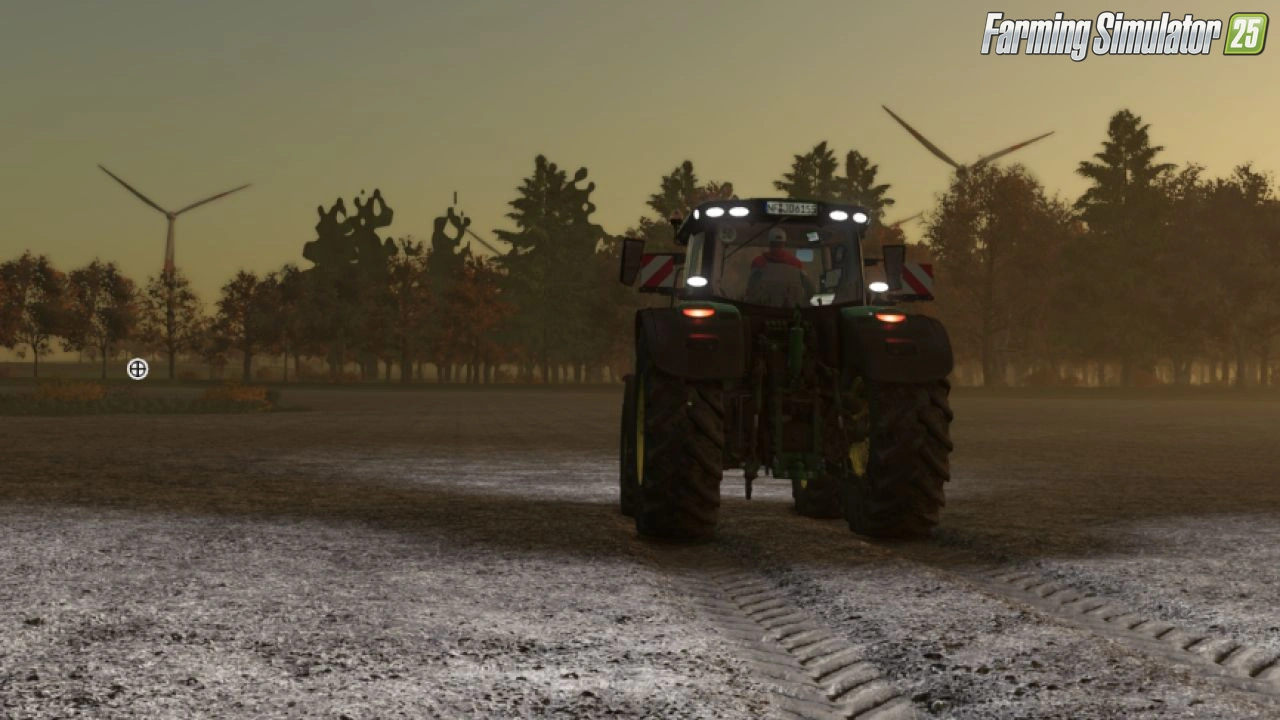
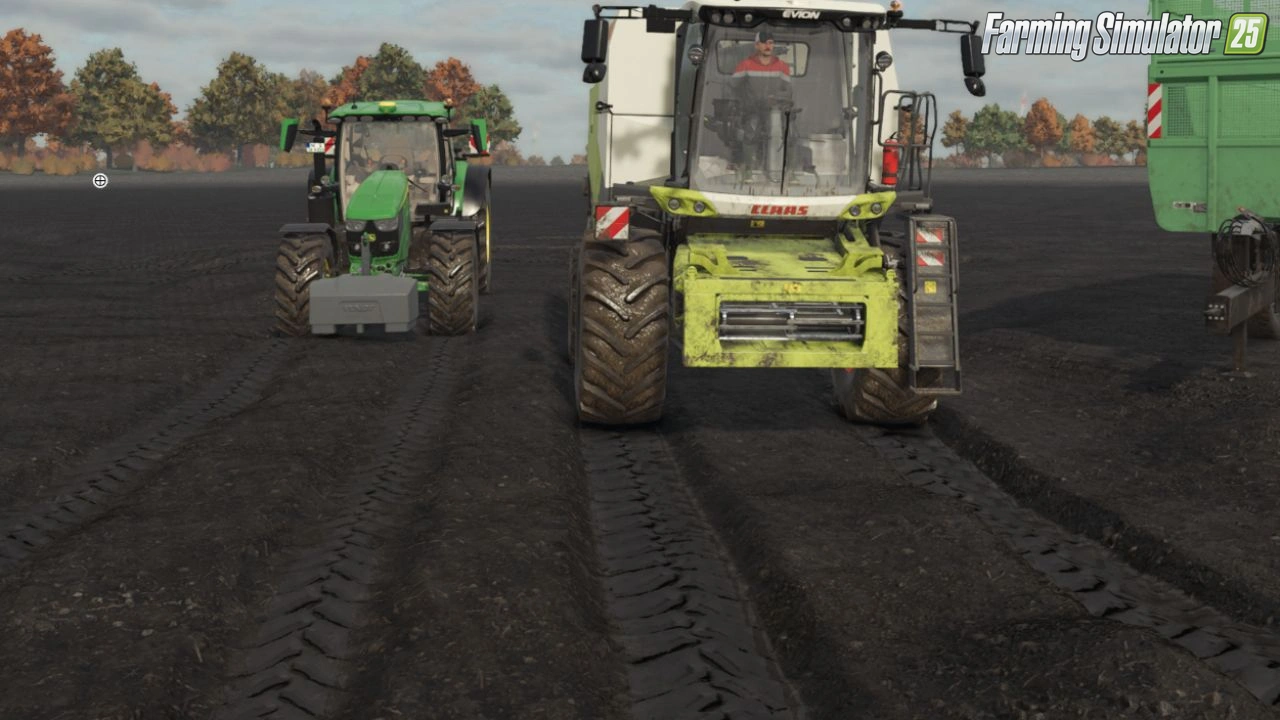
🚜 Visual Mud Tracks for FS25 - this mod expands Farming Simulator 25 with a comprehensive simulation of visual and physical mud tracks, soil moisture effects, tire behavior, compaction, fruit destruction, root damage, and bogging for much more realistic vehicle interaction with the terrain.
Features of Visual Mud Tracks:
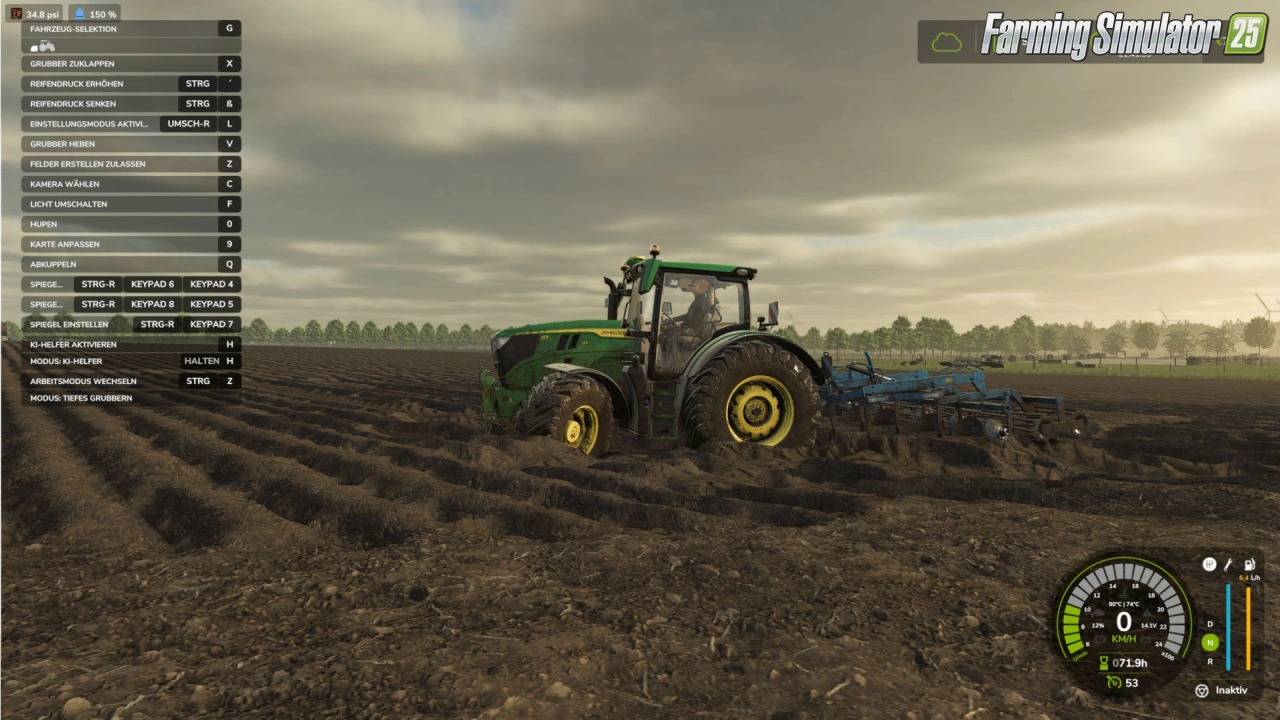
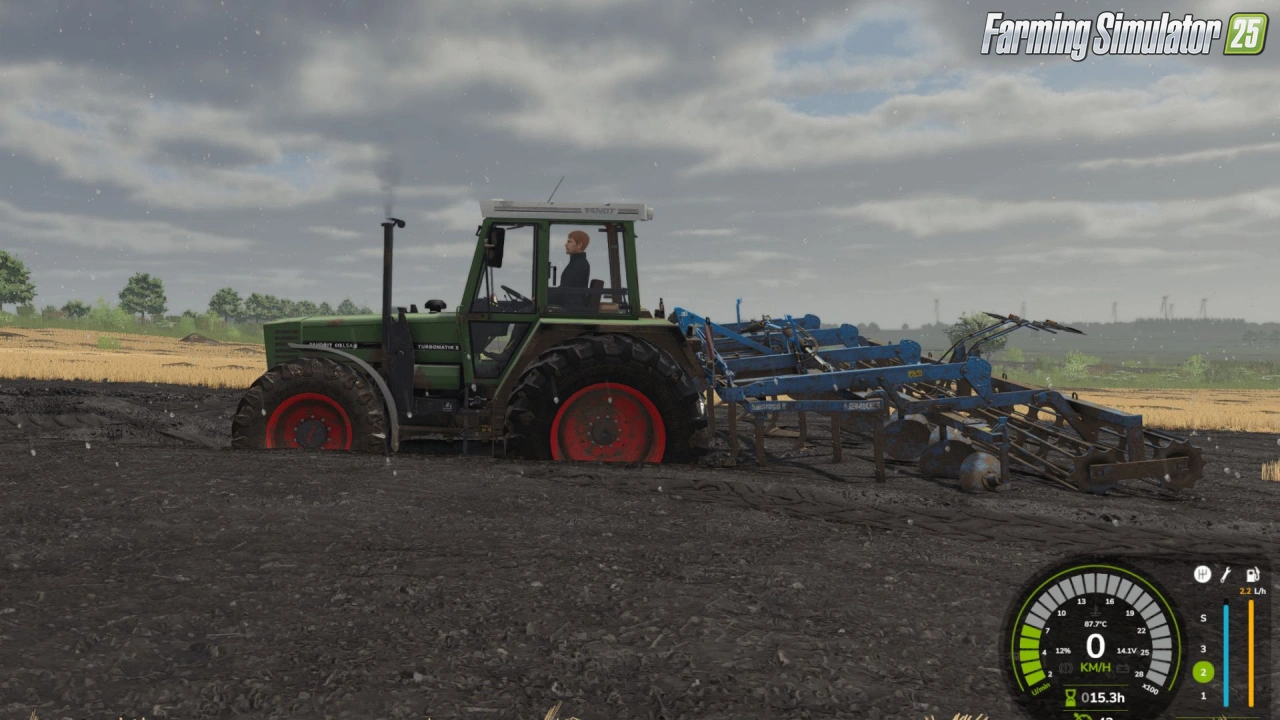
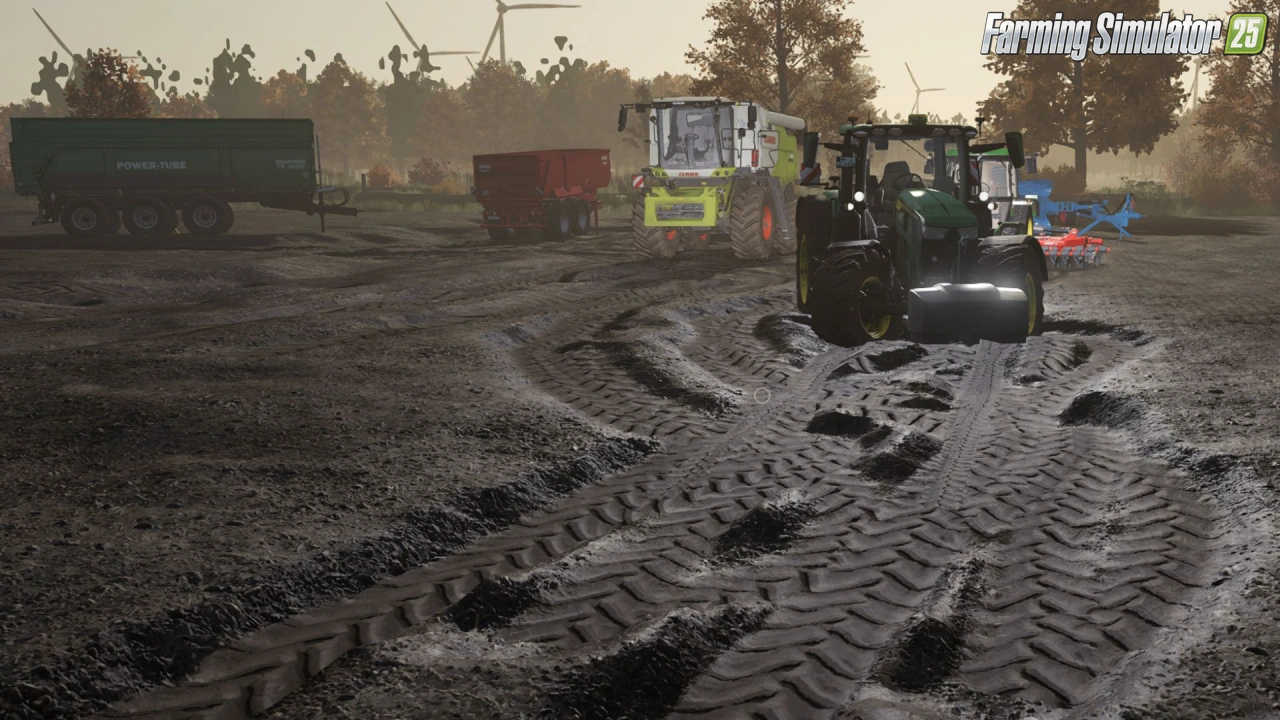
– 🛤️ Physical lanes and terrain grooves created by tires
– 📏 Tracks depth and width calculated based on vehicle weight, wheel load, tire size, pressure, soil moisture, speed, slip, and more
– ⬇️ Visible and physical sinking of tires on soft/wet ground
– 🛞 Tire pressure system (adjustable while driving, with HUD)
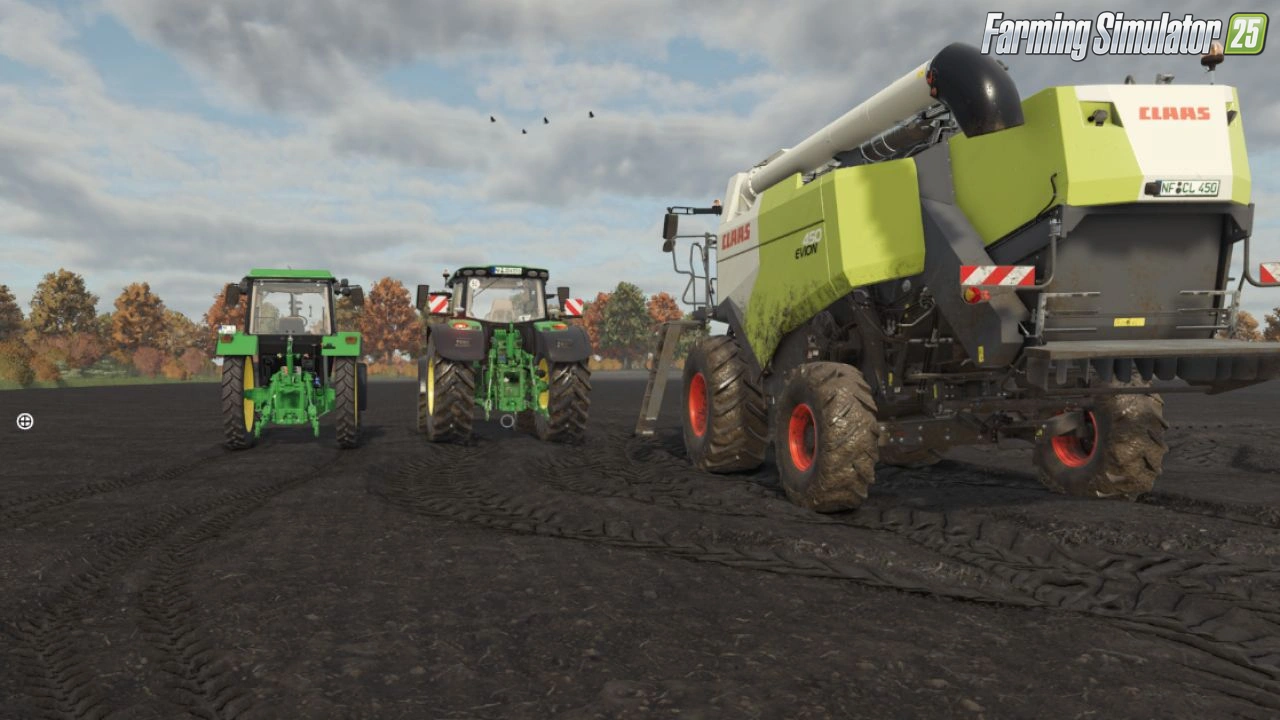
– 🦠 Realistic tire dirt and mud accumulation with particle effects
– 🚫 Progressive stuck physics on waterlogged ground
– 🌍 Soil compaction (topsoil and subsoil)
– 🌱 Fruit destruction and root health system
– 🛠️ Restoration of tracks through tillage tools (plows, cultivators, etc.)
– 💾 Safe terrain journal with separate save files
– 🔗 Compatibility with Realistic Water & Soil Management System (RWSM)
– 👥 Multiplayer support
– ⚙️ Detailed settings menu and expanded field info
– 🌐 Available in 12 languages
👉️ Tested on game version 1.21+
Screenshots of «Visual Mud Tracks v1.3.7.5 for FS25»
Gameplay Videos with «Visual Mud Tracks v1.3.7.5 for FS25»
Changelogs for «Visual Mud Tracks v1.3.7.5 for FS25»
Changes in v1.3.7.5:
- Thoroughly revised rut and mud system.
- Significantly improved performance through optimized, event-based calculations.
- Permanent and unnecessary vehicle/terrain queries reduced.
- Track depth more realistic depending on vehicle weight, wheel load, tire pressure and soil moisture.
- Heavy trailers and machines create stronger and deeper tracks.
- Rain and wet ground increase the risk of deep ruts and mud ruts.
- Tires leave different marks depending on the moisture and load.
- Tire contamination and mud effect further improved.
- Roads and paved areas are largely excluded from soil deformation.
- Reworked terrain deformation so that grooves no longer bounce upwards.
- Reduced errors when stopping and driving slowly in existing lanes.
- Original terrain height is taken into account more reliably.
- Cultivators, plows, subsoilers and other soil cultivation equipment remove existing lanes.
- Seeders and other equipment are treated according to their actual soil cultivation.
- Improved recognition of GIANTS tillage functions.
- Trace calculation more closely tied to existing GIANTS APIs and ground conditions.
- Interaction with RWSM optimized, but VMT can still be used independently.
- Cell/terrain queries around vehicles are greatly reduced.
- Further reworked the storage and restoration of lanes.
- Cleaned up old error-prone terrain/cell loading logic.
- FPS drops on already worked or wet fields further reduced.
- Multiplayer and server stability improved.
- Fixed numerous minor bugs with terrain deformation, vehicles and attachments.
- General performance, stability and compatibility optimizations.
Changes in v1.3.7.1:
- Tire shader fix
- included all the individual changes and fixes, including runtime/LUA errors, stuck physics, multiplayer, tire/mud shaders, washing, particles, wet ground optics, RWSM compatibility, chunk storage and migration, as well as the complete seeder FPS fixes up to the complete removal of the seeders from the VMT work area paths.
Download Link 1 | Download Link 2
How to install «Visual Mud Tracks v1.3.7.5 for FS25»
- Download the modClick a download link below and save the
.zipfile to your computer. - Open the mods folderGo to
My Documents > My Games > FarmingSimulator2025 > mods. Create it if it doesn't exist. - Copy the .zip fileMove the downloaded
.zipstraight into themodsfolder. Do not extract it. - Launch FS25Start Farming Simulator 25, open Mods in the menu, find «Visual Mud Tracks v1.3.7.5 for FS25» and enable it.
- PlayStart a new save or load an existing one. The mod is now active. Enjoy! 🌾
Download Links — Policy & Disclaimer
This page may contain links to third-party content and websites. External links are reviewed when a page is published, however we are not responsible for the content of external websites. All mod files belong to their respective authors. FarmerPlayer is not affiliated with GIANTS Software GmbH. If you would like a link to your website removed, please contact us.
You Might Also Like
-
 v1.21.x
Realistic Water & Soil Management (RWSM) v1.3.9.1 for FS25
v1.21.x
Realistic Water & Soil Management (RWSM) v1.3.9.1 for FS25
-
 v1.14.x
Riverbend Springs Map v1.0.1.4 Edit By Stevie for FS25
v1.14.x
Riverbend Springs Map v1.0.1.4 Edit By Stevie for FS25
-
 v1.10.x
Stara and Connect Modding Pack v1.0 for FS25
v1.10.x
Stara and Connect Modding Pack v1.0 for FS25
-
 v1.21.x
Realistic Livestock RM v1.3.2.1 for FS25
v1.21.x
Realistic Livestock RM v1.3.2.1 for FS25
-
 v1.10.x
Liftable Pallets And Bales v1.0.4 for FS25
v1.10.x
Liftable Pallets And Bales v1.0.4 for FS25
-
 v1.11.x
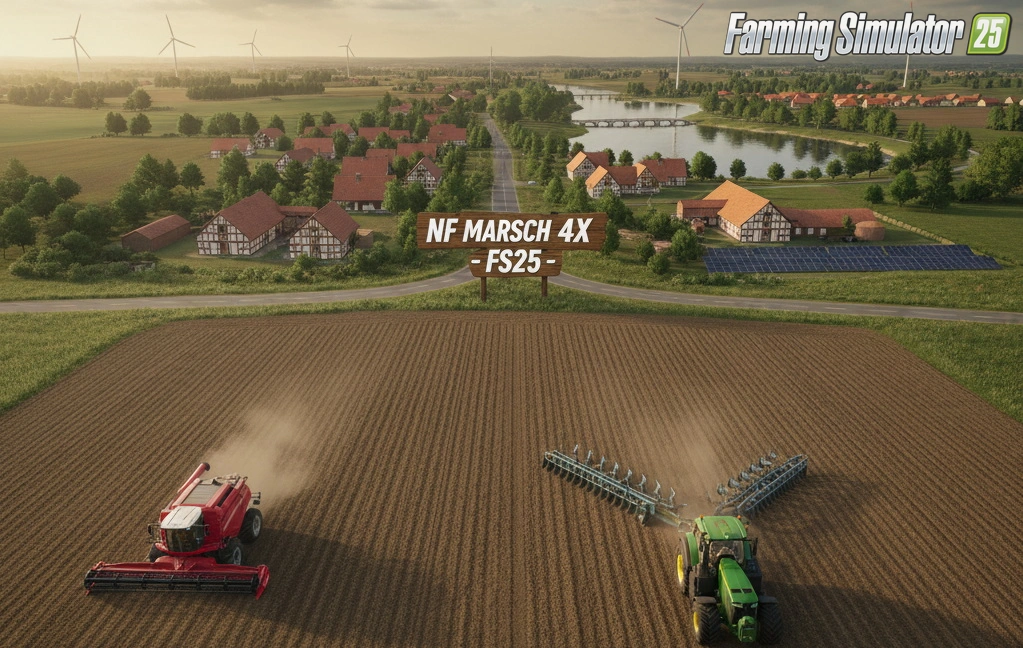
NF Marsch 4fach Map v1.7 for FS25
v1.11.x
NF Marsch 4fach Map v1.7 for FS25
-
 v1.20.x
Hinterkaifeck Map v1.0 for FS25
v1.20.x
Hinterkaifeck Map v1.0 for FS25
-
 v1.21.x
Mud System Physics v1.3.3 By BMProd for FS25
v1.21.x
Mud System Physics v1.3.3 By BMProd for FS25
Download links lead to external third-party websites. FarmerPlayer.com does not host any mod files directly. All links are reviewed before publishing, however we cannot guarantee the content of external sites at all times. By clicking a download link you agree to our Privacy Policy and Terms & Conditions. If you encounter a broken or suspicious link, please use the Report button above.