JCB Fastrac 4000 ICON Tractor v1.2.0.1 for FS25
0
JCB Fastrac 4000 ICON for FS25 - introduces a versatile and powerful medium tractor equipped with the upgraded iCON control system from JCB. This mod is perfect for players who want to add a reliable and customizable medium tractor to their farming operations, enhancing productivity and versatility on their virtual farms.
Features JCB Fastrac 4000 ICON:
- Price: $218,500
- Beacon options
- Markers
- Engine Configurations
- Colour Options
- Animated dashboards
- Doors and windows opening
- Passenger Support
- Base Color Configurations
- Rim Color Configurations
- Warning Signs
- Beacon Lights
- Animated Doors
- Wheel Configurations
Tested on game version 1.14.x
Screenshots of «JCB Fastrac 4000 ICON Tractor v1.2.0.1 for FS25»


Gameplay Videos with «JCB Fastrac 4000 ICON Tractor v1.2.0.1 for FS25»
Changelogs for «JCB Fastrac 4000 ICON Tractor v1.2.0.1 for FS25»
Changes in v1.2.0.1:
- Fixed various interior decals
- Fixed rear attacher parts
Changes in v1.0.0.3:
- Removed wetness from windows
- Minor visual changes
Changes in v1.0.0.2:
- Fixed indicator rotation
- Added GPS sounds
- Adjusted front attacher
- Changed wheel and fender alignments
- Adjusted wheel sizes
- Added missing bolts
- Added 3rd grill colour option
- Fixed Horn Rotation
Download #2 | Download #3
Changes in v1.0.0.1:
- Fixed mirror reflections
- Fixed passenger camera
Download #2 | Download #3
Changes in v1.0:
- first release
Download #2 | Download #3
How to install «JCB Fastrac 4000 ICON Tractor v1.2.0.1 for FS25»
- Download the modClick a download link below and save the
.zipfile to your computer. - Open the mods folderGo to
My Documents > My Games > FarmingSimulator2025 > mods. Create it if it doesn't exist. - Copy the .zip fileMove the downloaded
.zipstraight into themodsfolder. Do not extract it. - Launch FS25Start Farming Simulator 25, open Mods in the menu, find «JCB Fastrac 4000 ICON Tractor v1.2.0.1 for FS25» and enable it.
- PlayStart a new save or load an existing one. The mod is now active. Enjoy! 🌾
Download Links — Policy & Disclaimer
This page may contain links to third-party content and websites. External links are reviewed when a page is published, however we are not responsible for the content of external websites. All mod files belong to their respective authors. FarmerPlayer is not affiliated with GIANTS Software GmbH. If you would like a link to your website removed, please contact us.
You Might Also Like
-
 News
Farming Simulator 25 - Patch 1.24 Released for Download
News
Farming Simulator 25 - Patch 1.24 Released for Download
-
 v1.10.x
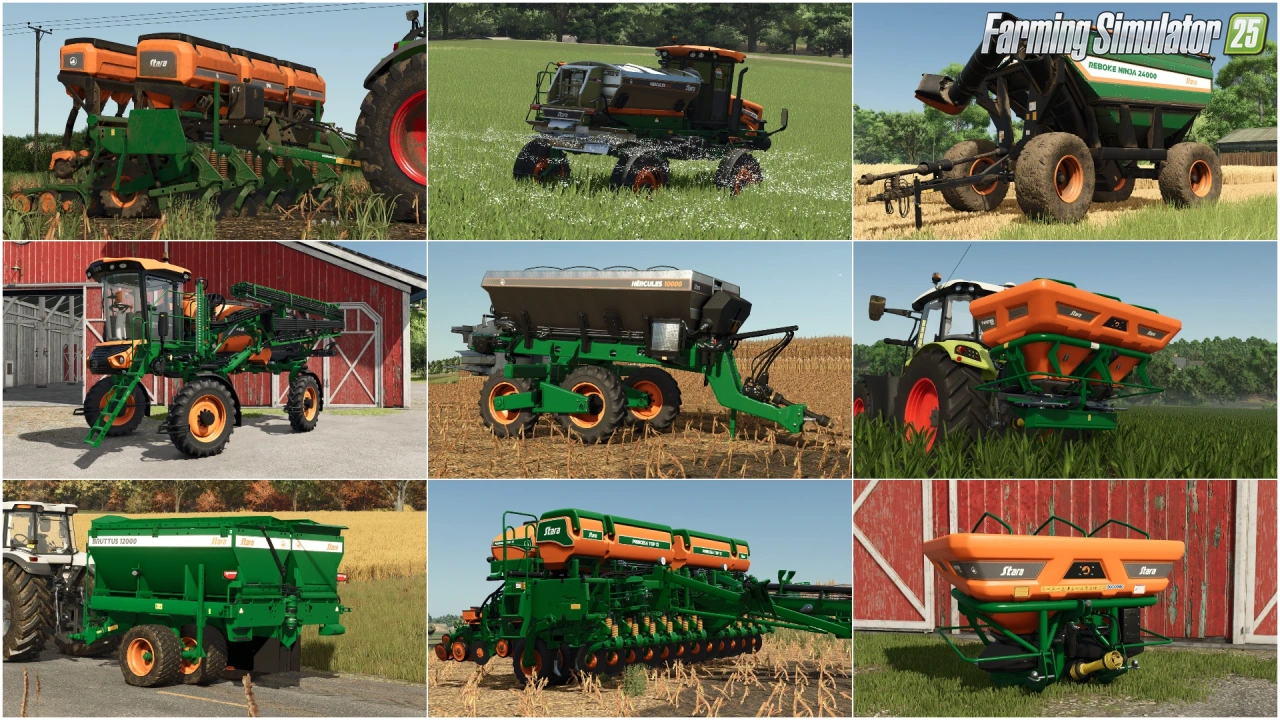
Stara and Connect Modding Pack v1.0 for FS25
v1.10.x
Stara and Connect Modding Pack v1.0 for FS25
-
 v1.14.x
Riverbend Springs Map v1.0.1.4 Edit By Stevie for FS25
v1.14.x
Riverbend Springs Map v1.0.1.4 Edit By Stevie for FS25
-
 v1.10.x
Liftable Pallets And Bales v1.0.4 for FS25
v1.10.x
Liftable Pallets And Bales v1.0.4 for FS25
-
 v1.20.x
Hinterkaifeck Map v1.0 for FS25
v1.20.x
Hinterkaifeck Map v1.0 for FS25
-
 v1.11.x
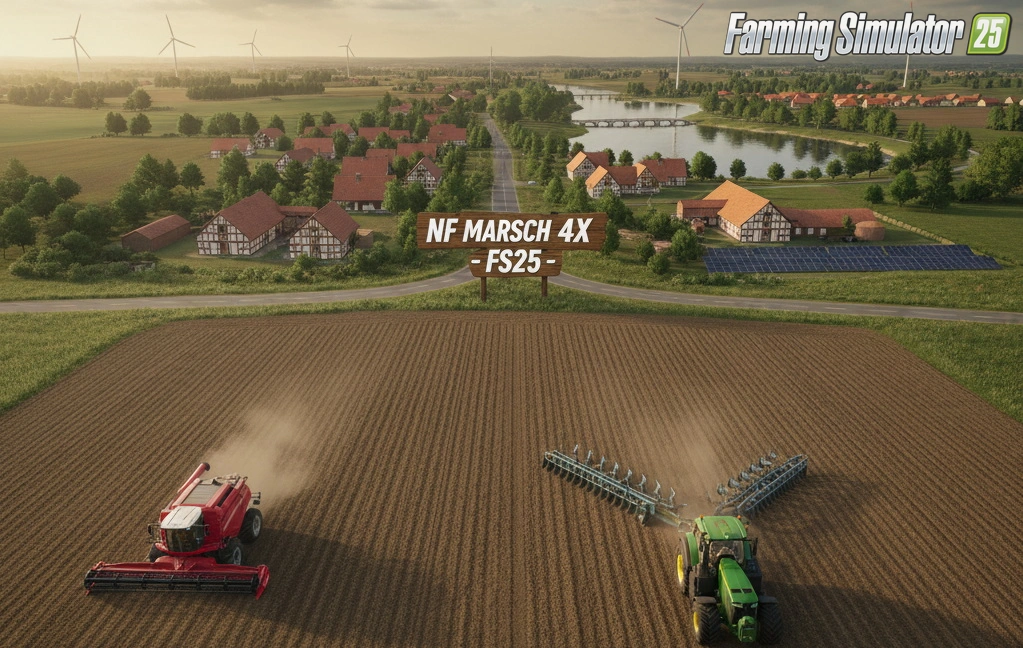
NF Marsch 4fach Map v1.7 for FS25
v1.11.x
NF Marsch 4fach Map v1.7 for FS25
-
 v1.6.x
Ural and Tonar Pack v1.0 for FS25
v1.6.x
Ural and Tonar Pack v1.0 for FS25
-
 v1.11.x
John Deere 8R (2009-2011) Series v1.0.0.2 for FS25
v1.11.x
John Deere 8R (2009-2011) Series v1.0.0.2 for FS25
Download links lead to external third-party websites. FarmerPlayer.com does not host any mod files directly. All links are reviewed before publishing, however we cannot guarantee the content of external sites at all times. By clicking a download link you agree to our Privacy Policy and Terms & Conditions. If you encounter a broken or suspicious link, please use the Report button above.