Exhaust Smoke Plus v2.0.1 for FS25
0
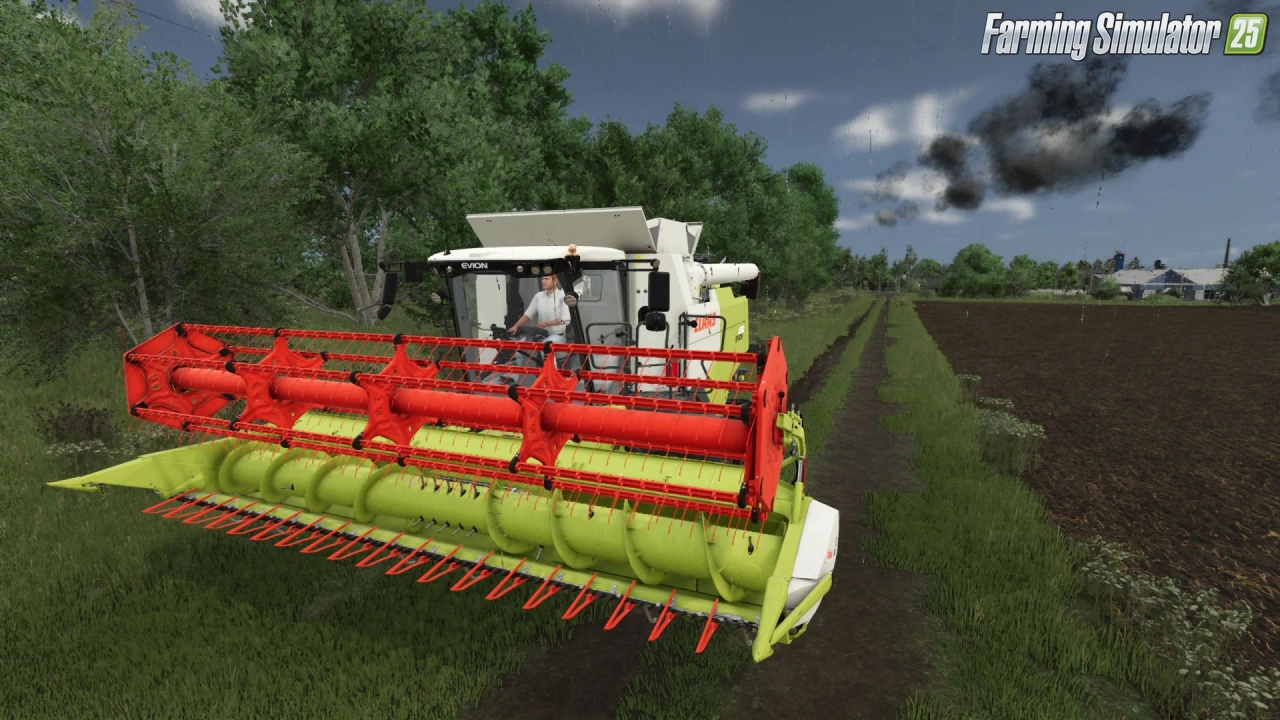
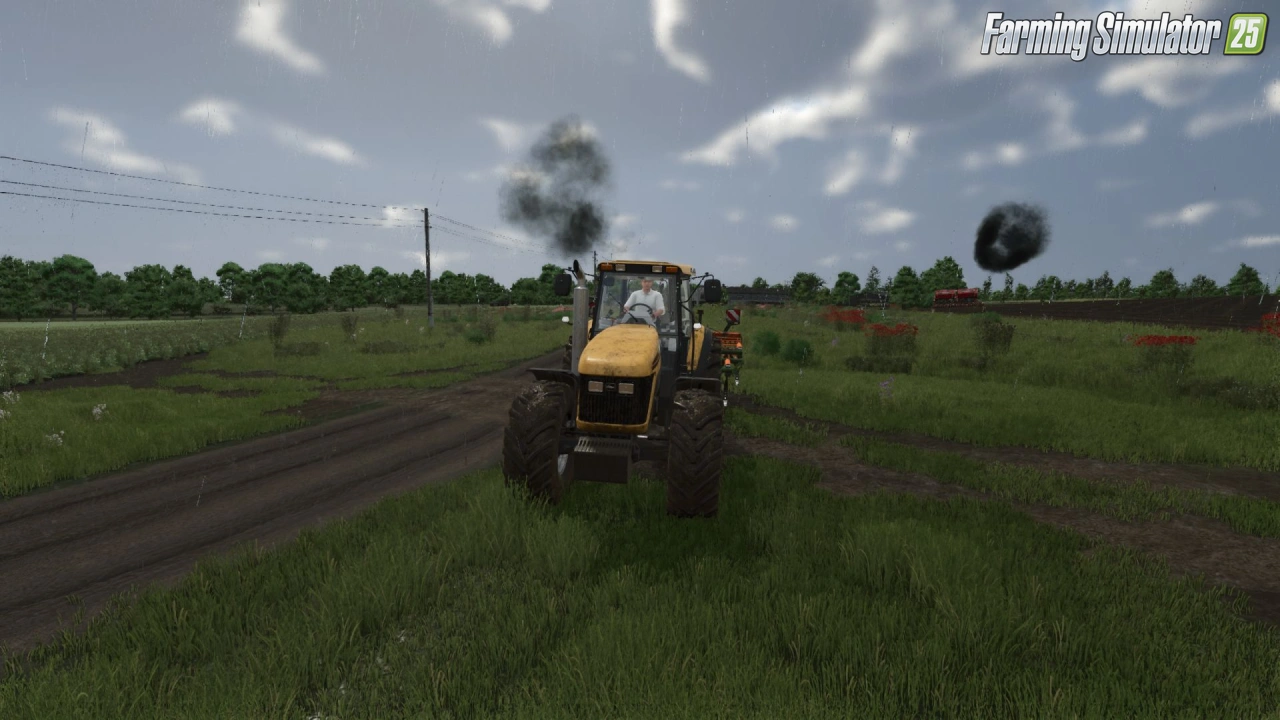
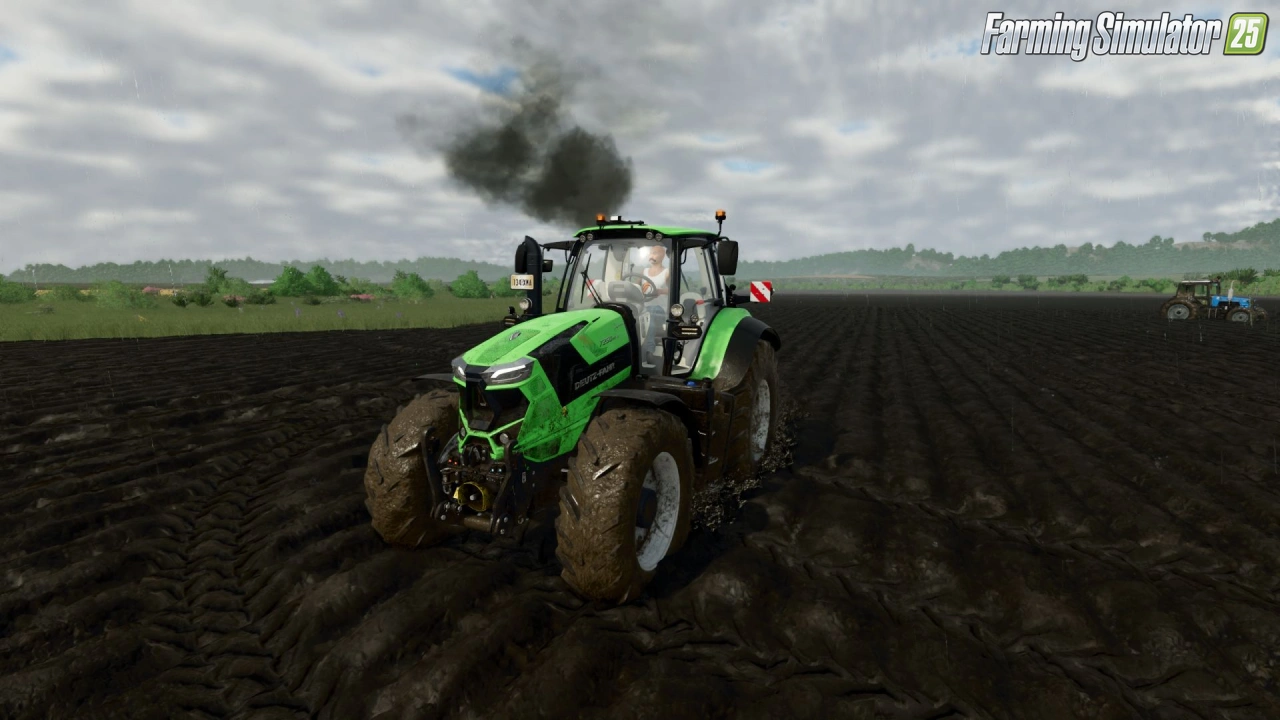
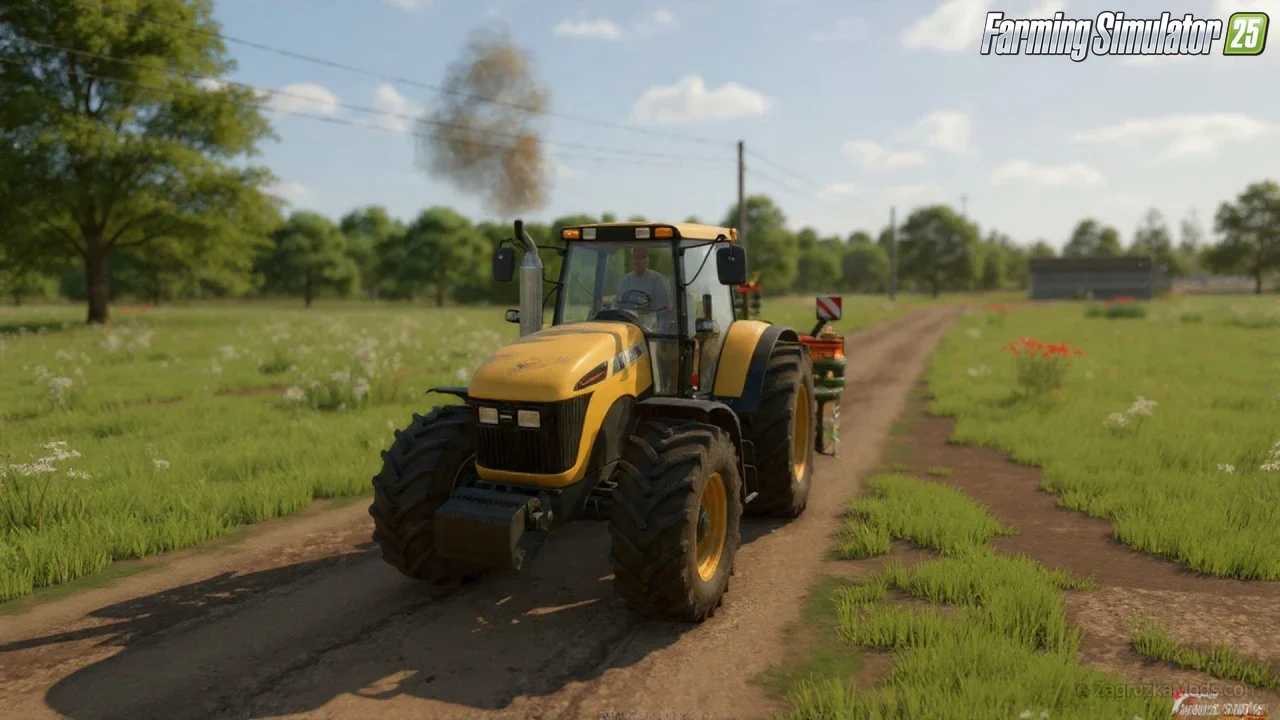
💨 Exhaust Smoke Plus for FS25 – this modification completely reworks the standard exhaust system with a realistic multi-level particle smoke that dynamically reacts to engine load and RPM.
Features Exhaust Smoke Plus:
– 💨 Advanced multi-level particle exhaust system
– 📈 Smoke reacts dynamically to engine load and RPM
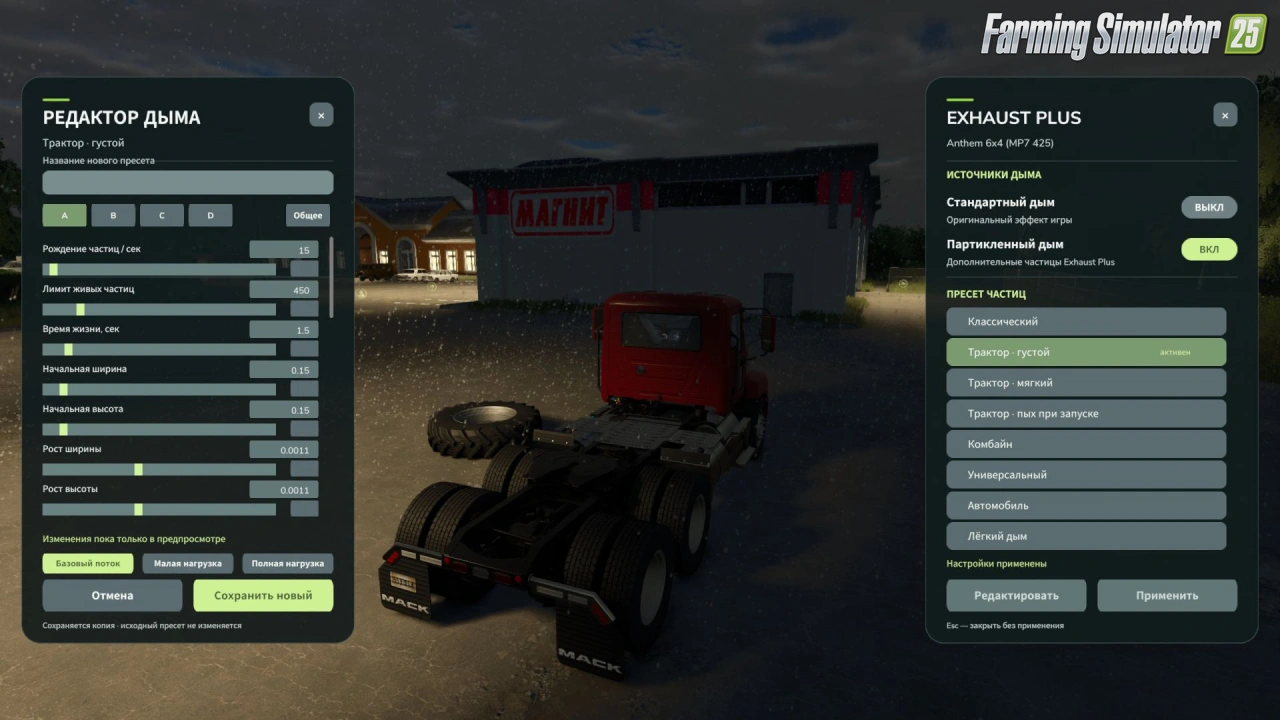
– 🎛️ New exhaust settings panel (Right Alt + Q)
– 🔄 Standard and particle smoke can be activated independently
– ✏️ Preset editor with sliders and numeric input (density, size, lifetime, speed, color, opacity)
– 🌫️ Separate editing for smoke layers and initial puff
– 👁️ Three preview modes (basic flow, low load, full load)
– 💾 Custom presets can be saved and deleted
– 🌐 Network synchronization for multiplayer (each machine transmits its preset)
– 🖥️ Server-side smoke intensity calculation (including AI vehicles)
Changes in v2.0.1:
– 🔄 Bug fixes
– 🔄 Textures recompressed to the correct format
– 🔄 ESC now closes the HUD properly
👉️ Tested on game version 1.24.x
Screenshots of «Exhaust Smoke Plus v2.0.1 for FS25»

Gameplay Videos with «Exhaust Smoke Plus v2.0.1 for FS25»
Changelogs for «Exhaust Smoke Plus v2.0.1 for FS25»
Changes in v2.0:
- Added a new exhaust settings panel (Open the panel: Right Alt + Q.)
- Standard and particle smoke can now be activated independently: you can use one effect, both, or disable smoke completely.
- Added a preset editor with sliders and numeric input. Available settings include particle density, size, lifetime, speed, color and opacity, as well as the smoke's response to engine operation.
- Added separate editing for smoke layers and the initial puff.
- Added three preview modes: basic flow, low load and full load.
- Custom presets can be saved under a custom name and deleted. The predefined presets remain unchanged.
- Created presets are saved between game sessions and are available in the general list.
- Reworked network synchronization: each machine transmits its selected preset and smoke settings to other players.
- Smoke intensity calculation has been moved to the server, including for AI-controlled vehicles.
How to install «Exhaust Smoke Plus v2.0.1 for FS25»
- Download the modClick a download link below and save the
.zipfile to your computer. - Open the mods folderGo to
My Documents > My Games > FarmingSimulator2025 > mods. Create it if it doesn't exist. - Copy the .zip fileMove the downloaded
.zipstraight into themodsfolder. Do not extract it. - Launch FS25Start Farming Simulator 25, open Mods in the menu, find «Exhaust Smoke Plus v2.0.1 for FS25» and enable it.
- PlayStart a new save or load an existing one. The mod is now active. Enjoy! 🌾
Download Links — Policy & Disclaimer
This page may contain links to third-party content and websites. External links are reviewed when a page is published, however we are not responsible for the content of external websites. All mod files belong to their respective authors. FarmerPlayer is not affiliated with GIANTS Software GmbH. If you would like a link to your website removed, please contact us.
You Might Also Like
-
 v1.10.x
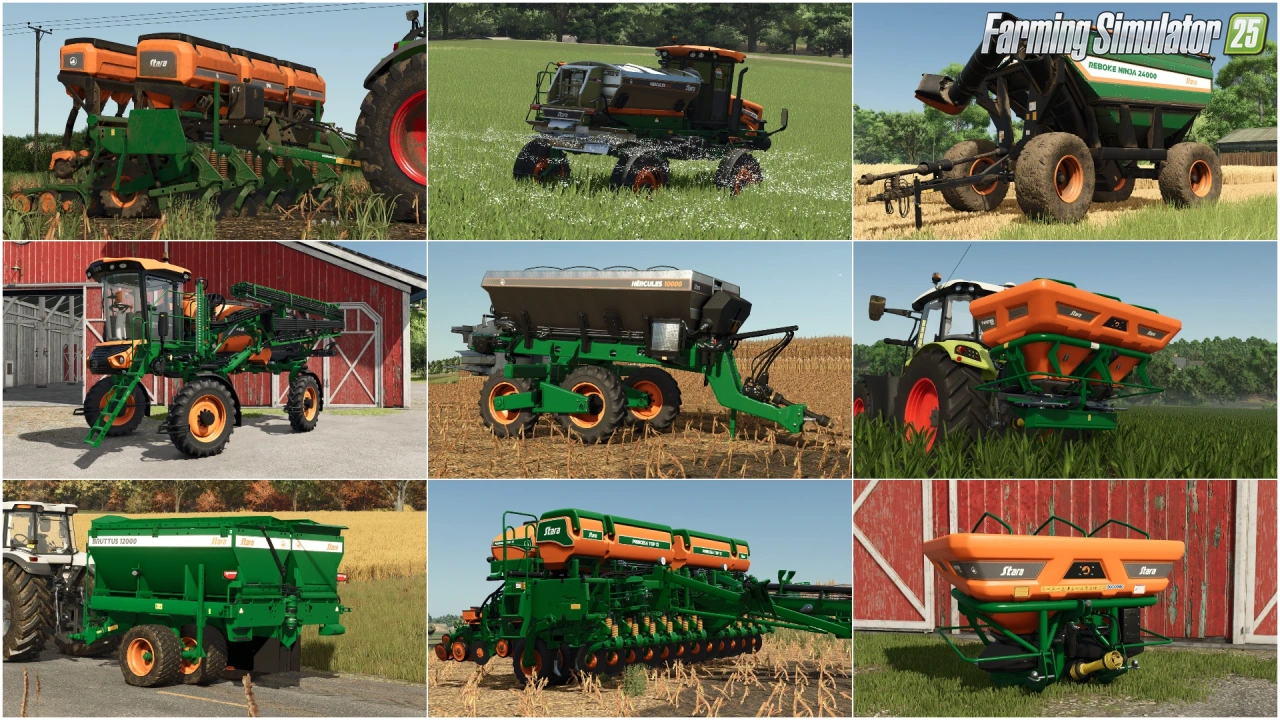
Stara and Connect Modding Pack v1.0 for FS25
v1.10.x
Stara and Connect Modding Pack v1.0 for FS25
-
 v1.14.x
Riverbend Springs Map v1.0.1.4 Edit By Stevie for FS25
v1.14.x
Riverbend Springs Map v1.0.1.4 Edit By Stevie for FS25
-
 v1.24.x
Mud System Physics v1.3.7 By BMProd for FS25
v1.24.x
Mud System Physics v1.3.7 By BMProd for FS25
-
 News
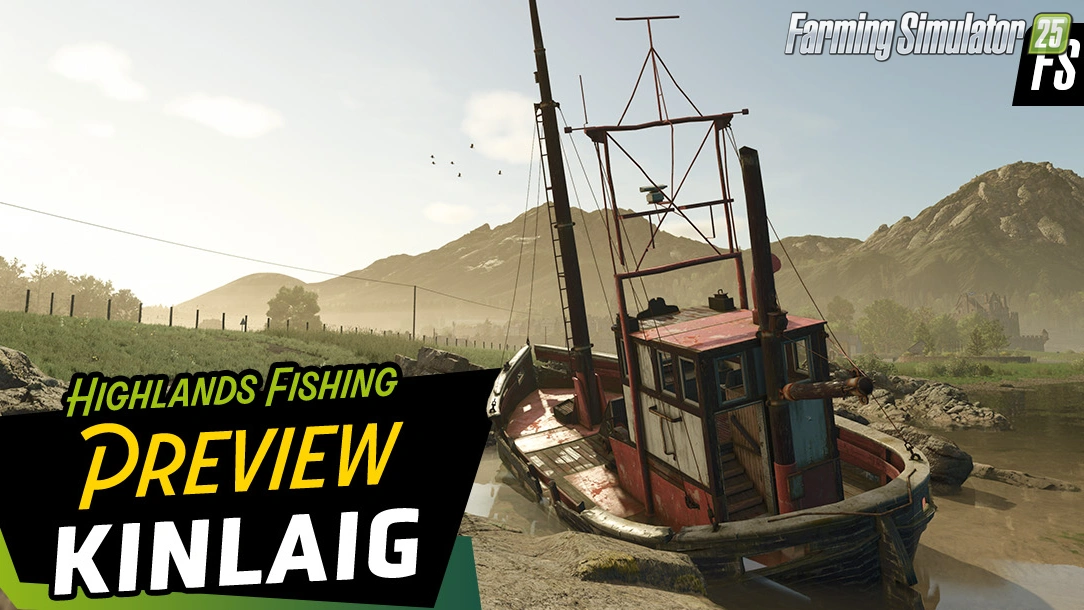
Welcome to Kinlaig | Highlands Fishing Map Preview for FS25
News
Welcome to Kinlaig | Highlands Fishing Map Preview for FS25
-
 v1.20.x
Hinterkaifeck Map v1.0 for FS25
v1.20.x
Hinterkaifeck Map v1.0 for FS25
-
 v1.10.x
Liftable Pallets And Bales v1.0.4 for FS25
v1.10.x
Liftable Pallets And Bales v1.0.4 for FS25
-
 v1.24.x
Pallegney Map v1.2.3 By MA7Studio for FS25
v1.24.x
Pallegney Map v1.2.3 By MA7Studio for FS25
-
 v1.19.x
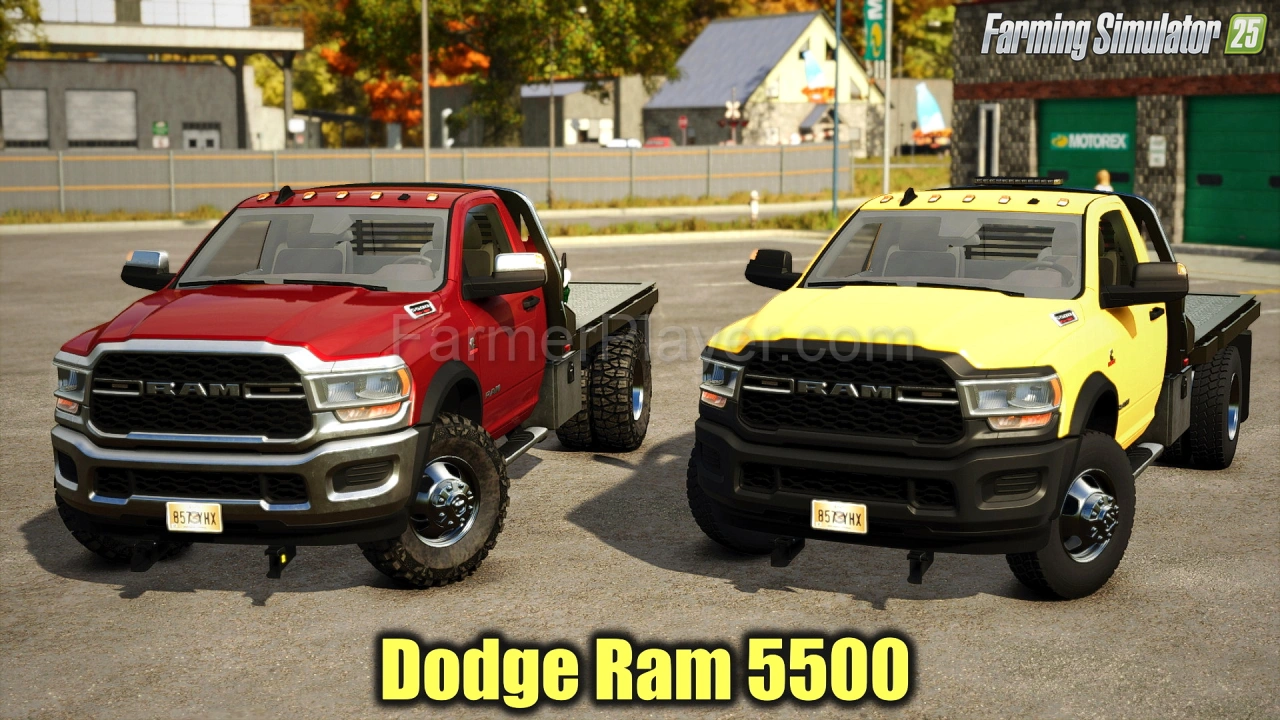
Dodge Ram 5500 v1.9 for FS25
v1.19.x
Dodge Ram 5500 v1.9 for FS25
Download links lead to external third-party websites. FarmerPlayer.com does not host any mod files directly. All links are reviewed before publishing, however we cannot guarantee the content of external sites at all times. By clicking a download link you agree to our Privacy Policy and Terms & Conditions. If you encounter a broken or suspicious link, please use the Report button above.