Park Vehicle Mod v1.1.2 By VertexDezign for FS25
0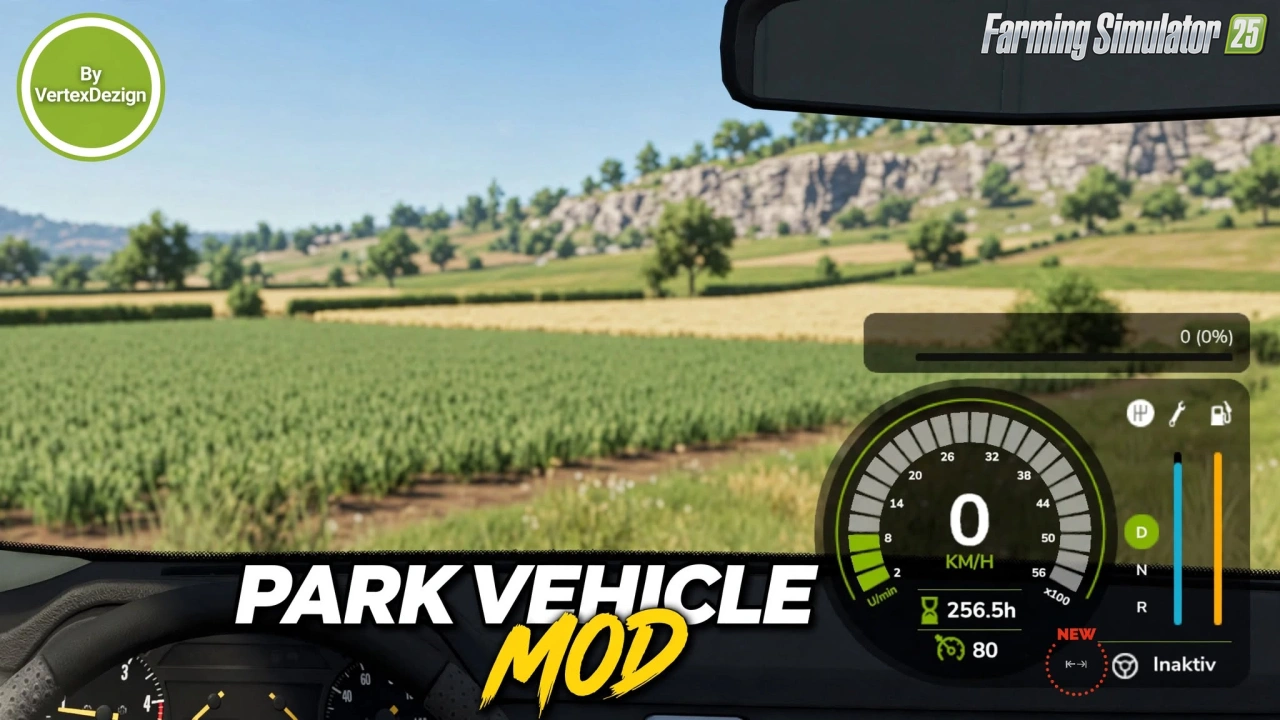
🅿️ Park Vehicle Mod by VertexDezign for FS25 – this modification lets you “park” vehicles so they are skipped when tabbing between vehicles. Perfect for keeping your active machines organized without constantly cycling through parked ones.
Features Park Vehicle:
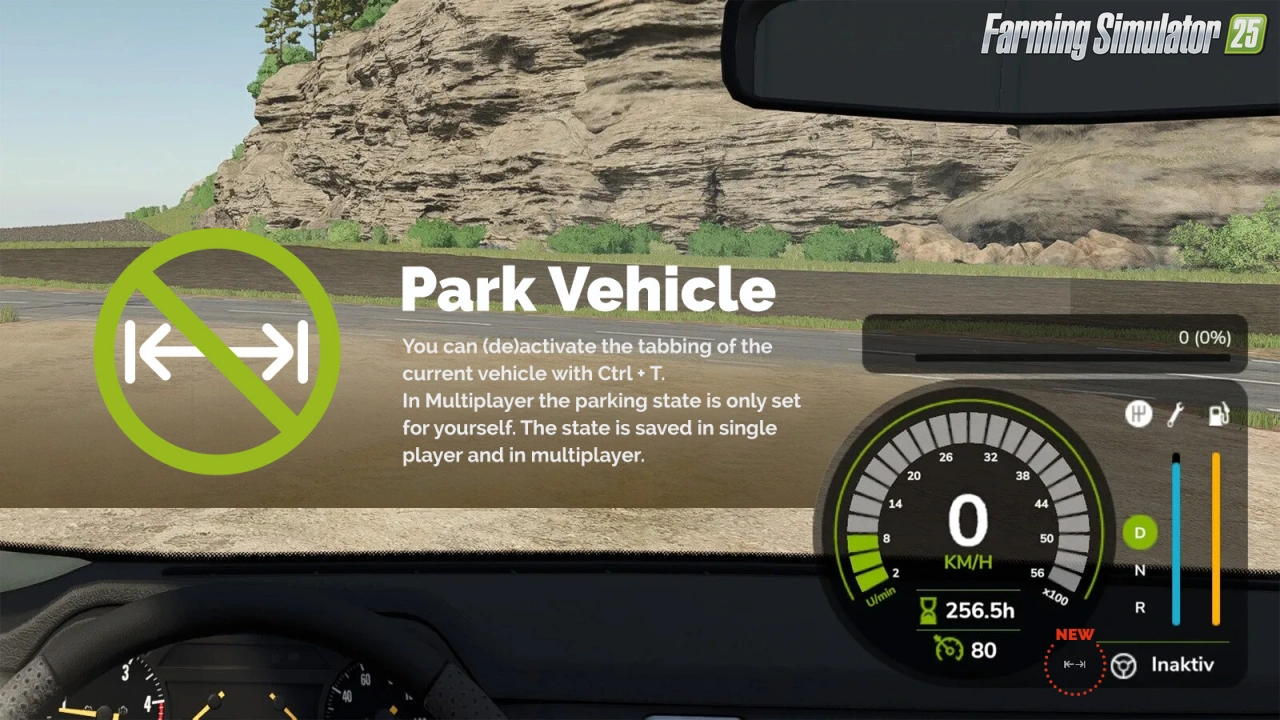
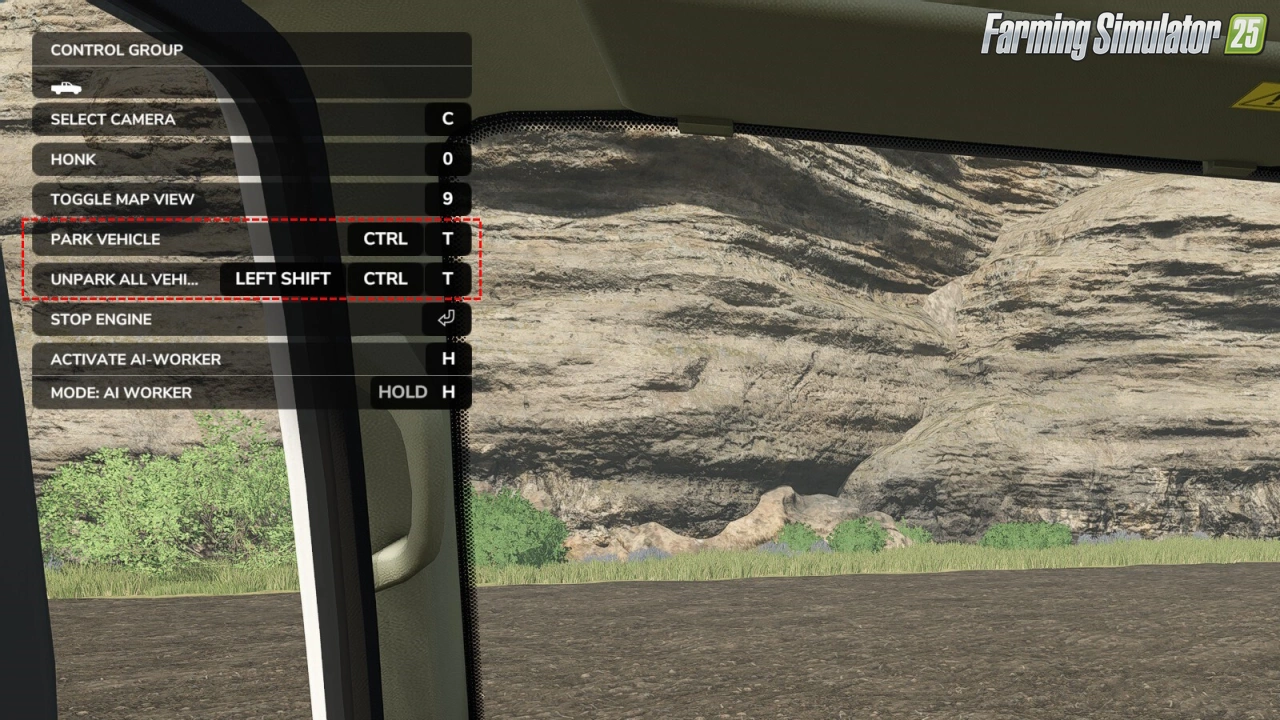
– 🅿️ Park / unpark the current vehicle with Ctrl + T
– 🔄 Reactivate tabbing for all vehicles with Shift + Ctrl + T
– 🔁 Cycle through parked vehicles with Ctrl + Shift + Tab
– 💾 Parking state is saved (single player and multiplayer)
– 👥 In multiplayer the parking state is personal (only for yourself)
– ⚙️ Optional auto-unpark when a vehicle moves a few meters
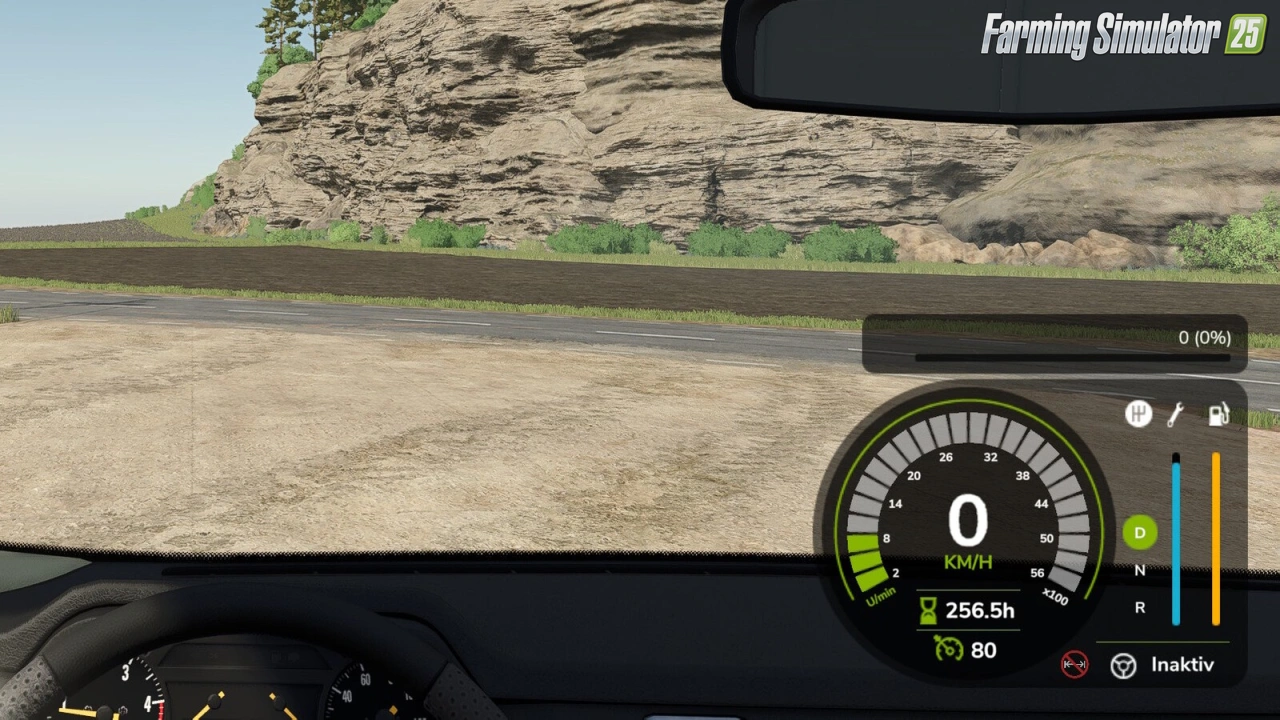
– 📍 Repositionable park icon (horizontal/vertical offset in settings)
– 🛠️ Vehicles marked as non-tabbable by the game are properly respected
Changes in v1.1.2:
– 🔄 Prepared for removal of deprecated getUniqueUserId()
– 🔄 Parked vehicles no longer auto-unpark when another player moves them
👉️ Tested on game version 1.24.x
Screenshots of «Park Vehicle Mod v1.1.2 By VertexDezign for FS25»

Gameplay Videos with «Park Vehicle Mod v1.1.2 By VertexDezign for FS25»
Changelogs for «Park Vehicle Mod v1.1.2 By VertexDezign for FS25»
Changes in v1.1.1:
- Fixed: Vehicles the game marks as non-tabbable (car washes, conveyor belts, pressure washers, ...) could still be tabbed into, and Ctrl+T had no effect on them, in worlds previously played with version 1.0.x. Such savegames are now repaired on load.
How to install «Park Vehicle Mod v1.1.2 By VertexDezign for FS25»
- Download the modClick a download link below and save the
.zipfile to your computer. - Open the mods folderGo to
My Documents > My Games > FarmingSimulator2025 > mods. Create it if it doesn't exist. - Copy the .zip fileMove the downloaded
.zipstraight into themodsfolder. Do not extract it. - Launch FS25Start Farming Simulator 25, open Mods in the menu, find «Park Vehicle Mod v1.1.2 By VertexDezign for FS25» and enable it.
- PlayStart a new save or load an existing one. The mod is now active. Enjoy! 🌾
Download Links — Policy & Disclaimer
This page may contain links to third-party content and websites. External links are reviewed when a page is published, however we are not responsible for the content of external websites. All mod files belong to their respective authors. FarmerPlayer is not affiliated with GIANTS Software GmbH. If you would like a link to your website removed, please contact us.
You Might Also Like
-
 v1.10.x
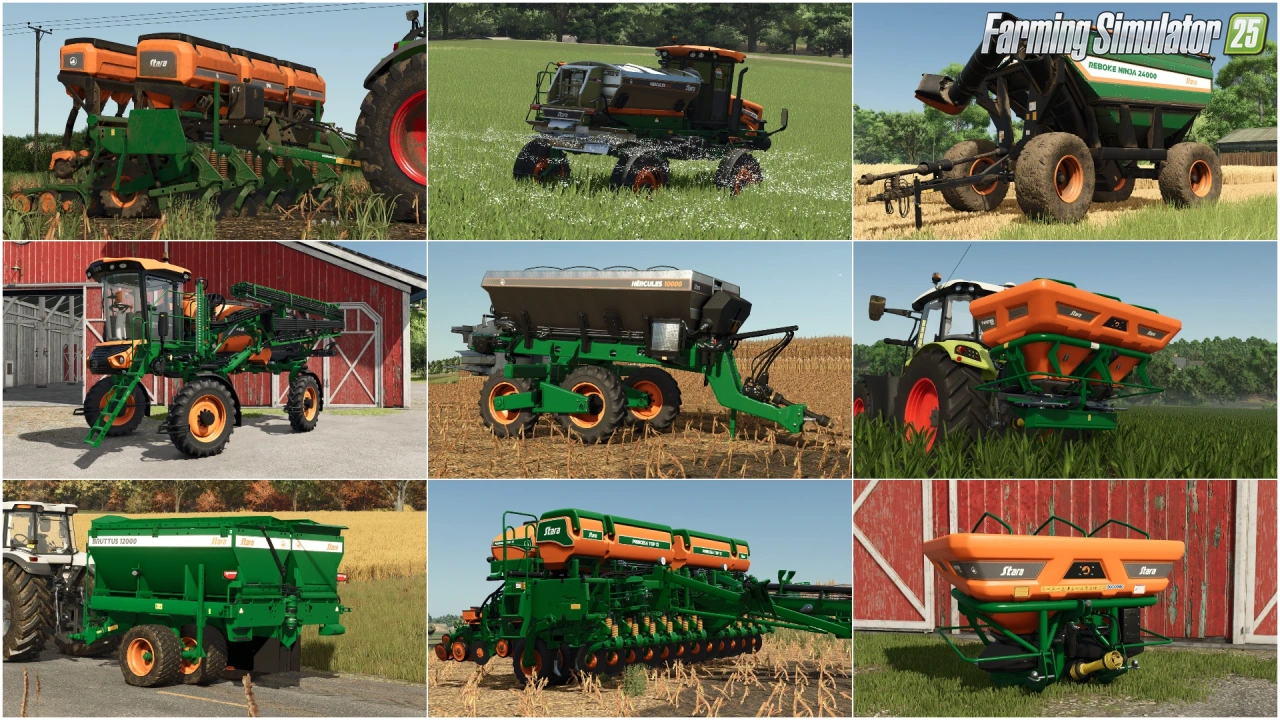
Stara and Connect Modding Pack v1.0 for FS25
v1.10.x
Stara and Connect Modding Pack v1.0 for FS25
-
 News
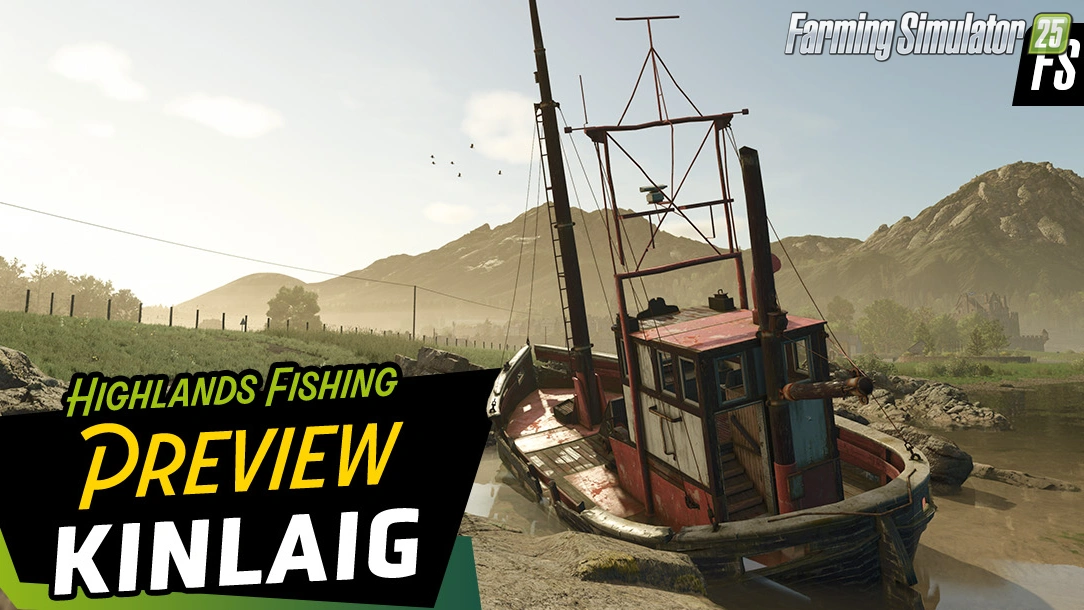
Welcome to Kinlaig | Highlands Fishing Map Preview for FS25
News
Welcome to Kinlaig | Highlands Fishing Map Preview for FS25
-
 v1.24.x
Mud System Physics v1.3.7 By BMProd for FS25
v1.24.x
Mud System Physics v1.3.7 By BMProd for FS25
-
 v1.19.x
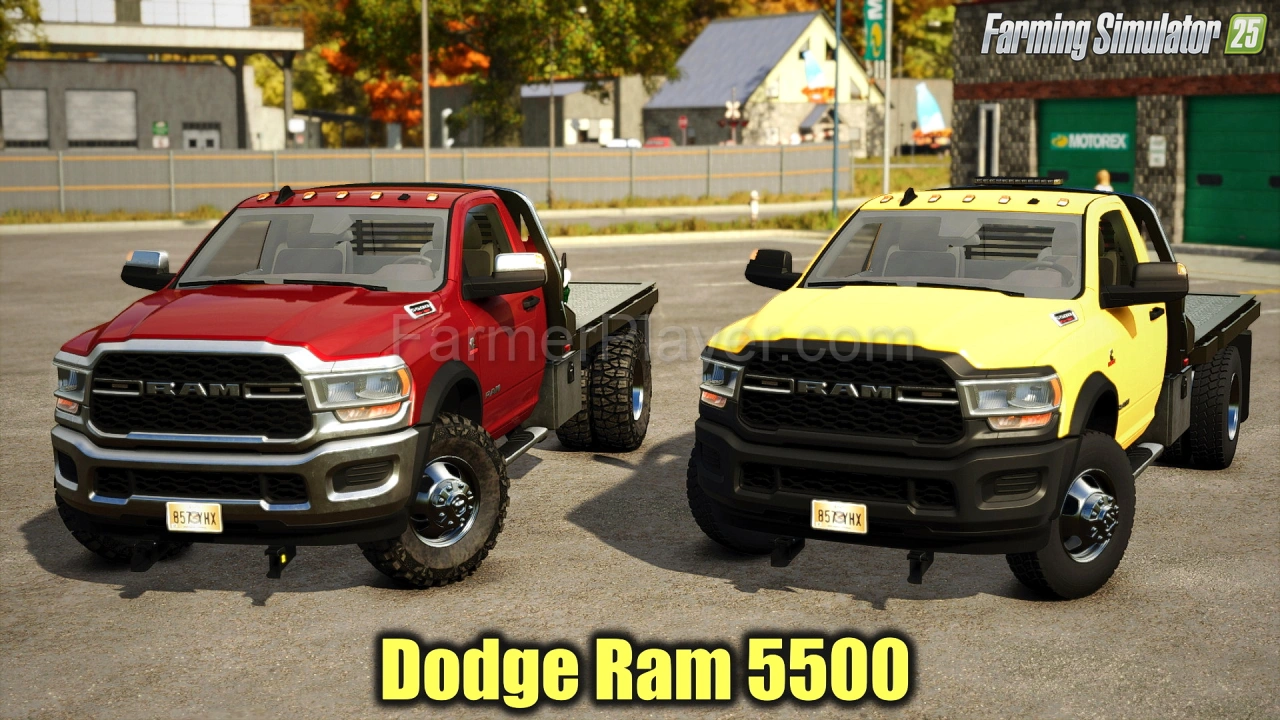
Dodge Ram 5500 v1.9 for FS25
v1.19.x
Dodge Ram 5500 v1.9 for FS25
-
 v1.14.x
Riverbend Springs Map v1.0.1.4 Edit By Stevie for FS25
v1.14.x
Riverbend Springs Map v1.0.1.4 Edit By Stevie for FS25
-
 v1.24.x
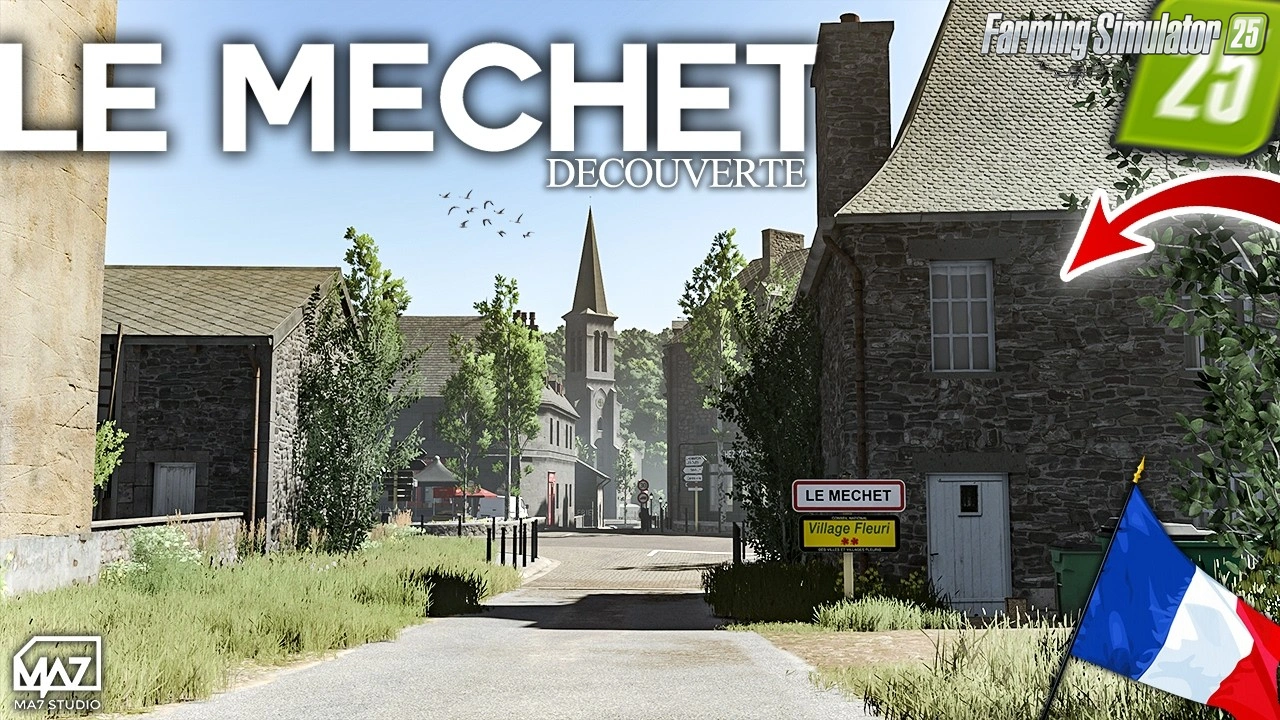
The Mechet Map v1.0.0.3 by MA7Studio for FS25
v1.24.x
The Mechet Map v1.0.0.3 by MA7Studio for FS25
-
 v1.15.x
Universal Autoload v1.0.1.6 By loki79uk for FS25
v1.15.x
Universal Autoload v1.0.1.6 By loki79uk for FS25
-
 Video
DLSS 5.0 (DLSS5) in FS25 - Gameplay Videos
Video
DLSS 5.0 (DLSS5) in FS25 - Gameplay Videos
Download links lead to external third-party websites. FarmerPlayer.com does not host any mod files directly. All links are reviewed before publishing, however we cannot guarantee the content of external sites at all times. By clicking a download link you agree to our Privacy Policy and Terms & Conditions. If you encounter a broken or suspicious link, please use the Report button above.