Tyrolean Whitecreek Valley Map v1.0.0.1 for FS25
0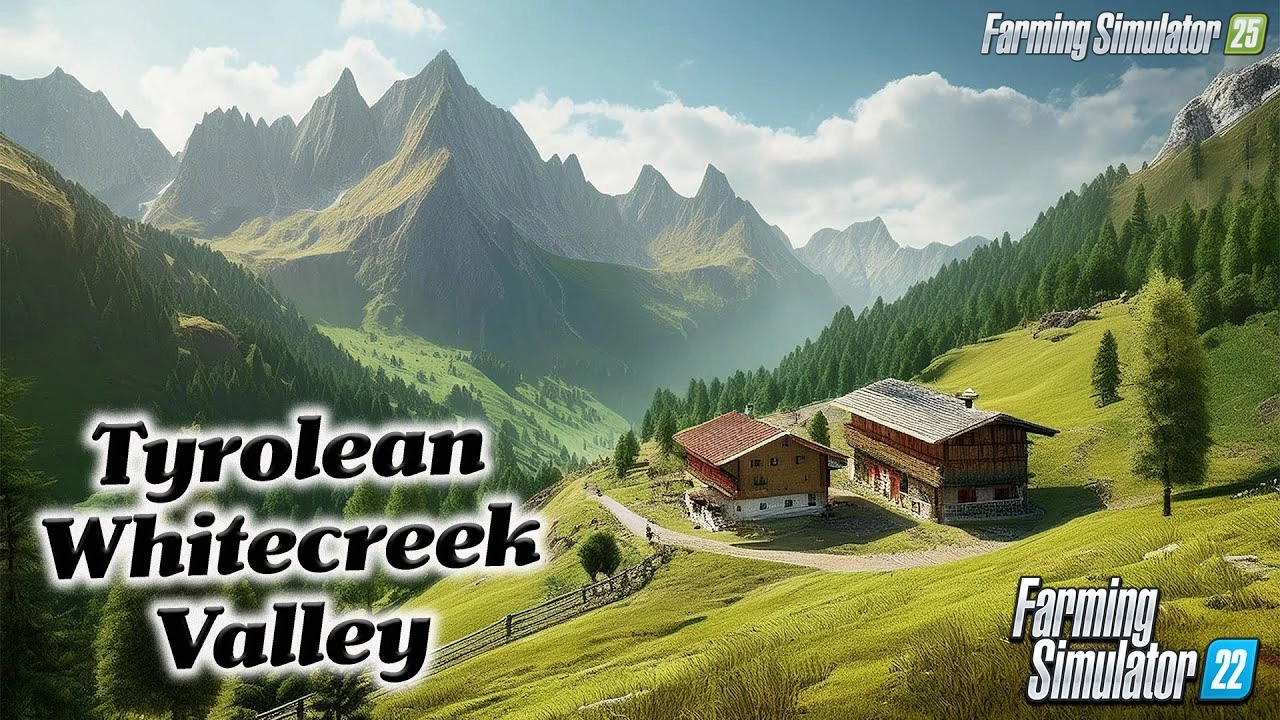
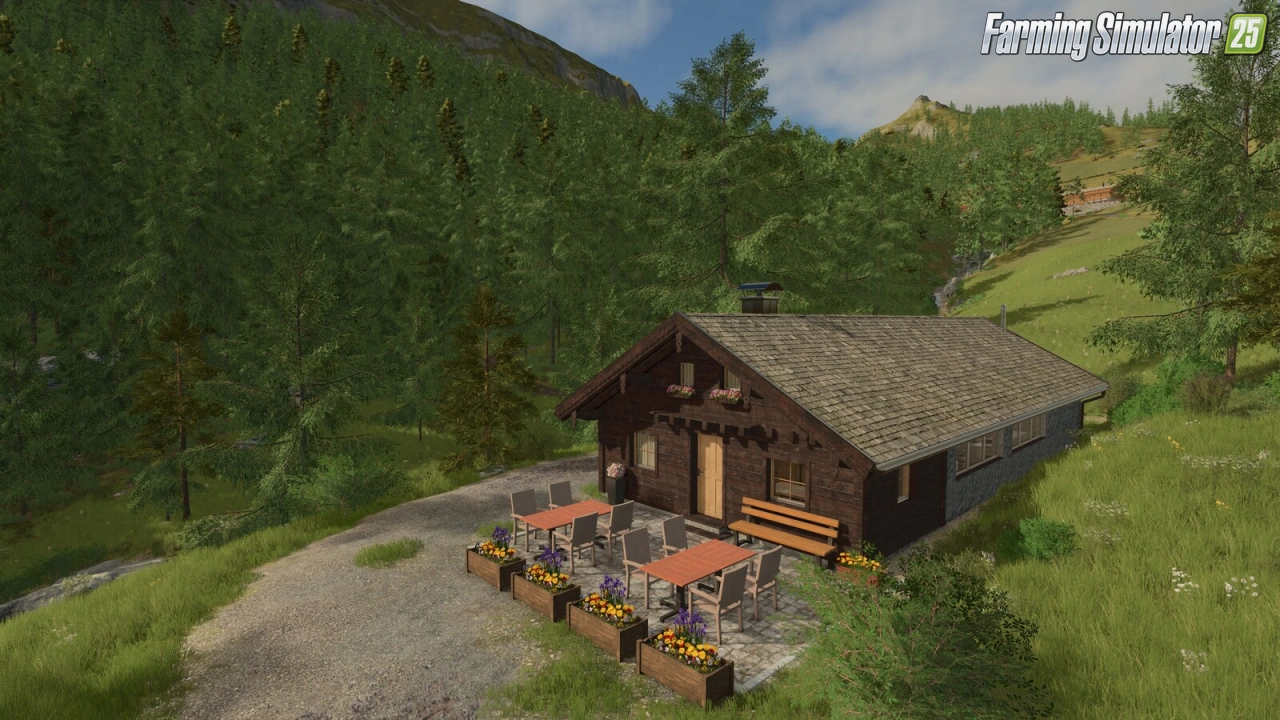
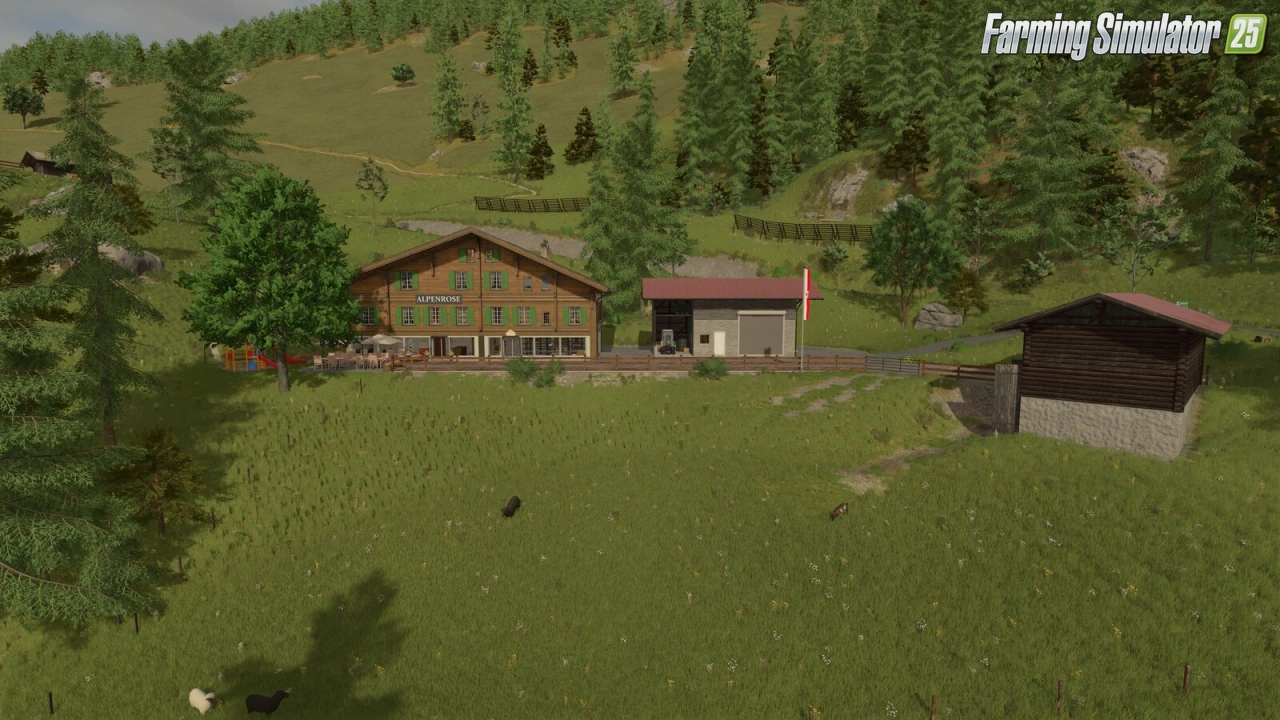
🗺️ Tyrolean Whitecreek Valley Map for FS25 – this modification takes you high into the Tyrolean Weißenbachtal, on a mountain farm at 1607 m above sea level in the Northern Tyrolean Alps. Based on real terrain and authentic elevation data from the author’s home region, the map offers a pure alpine grassland farming experience with steep meadows, forestry and traditional mountain farm life.
Features Tyrolean Whitecreek Valley:
– 🏔️ Real terrain based on elevation data from Tyrol with strongly increased scaling for a true alpine landscape
– 🏡 Two mountain farms: large Obertalerhof (cows, goats/sheep, hay barn, modern hay drying facility with hay crane) and small Oberhaberlhof (timber operation with sawmill and chicken coop)
– 🧀 Cheese dairy as selling point / production
– 🍺 Mountain inn with shop as additional selling point
– 🌲 Large and varied forest areas for challenging forestry work
– 🪵 Dedicated wood and woodchips buyer
– 🐄 Pre-placed animals (cows and goats) ready to be fed
– 🐄 Small livestock dealer next to the main dealer
– 🌱 Pure grassland farming with steep meadows + one standard field
– 🌲 Custom tree species (mountain pine / Latschen)
– 🌿 Improved foliage and realistic meadow plants
– ❄️ Adjusted high-altitude climate (snow possible in spring and autumn)
– 🪧 Custom Austrian/Tyrolean license plates
– 🏔️ Custom decorative objects (avalanche barriers, snow poles)
– 💧 Mountain stream with flowmap
– 🛠️ Adjusted feeding system and lighting
Changes in v1.0.0.1:
– 🔄 Updated environment.xml (rain, hail, snow and dust effects) for compatibility with game patch 1.24
Required Mods:
- Lindner Unitrac Pack, Tyrolean Dairy, Wooden Fountain
👉️ Tested on game version 1.24.x
Screenshots of «Tyrolean Whitecreek Valley Map v1.0.0.1 for FS25»

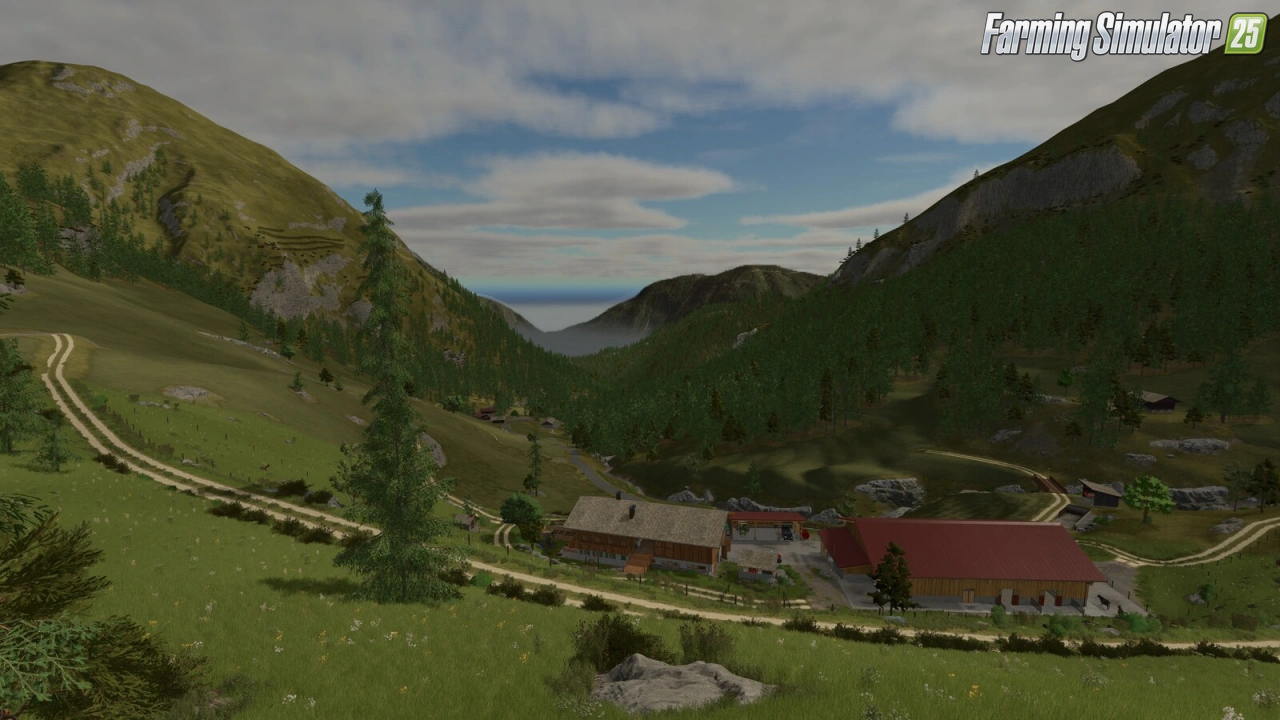
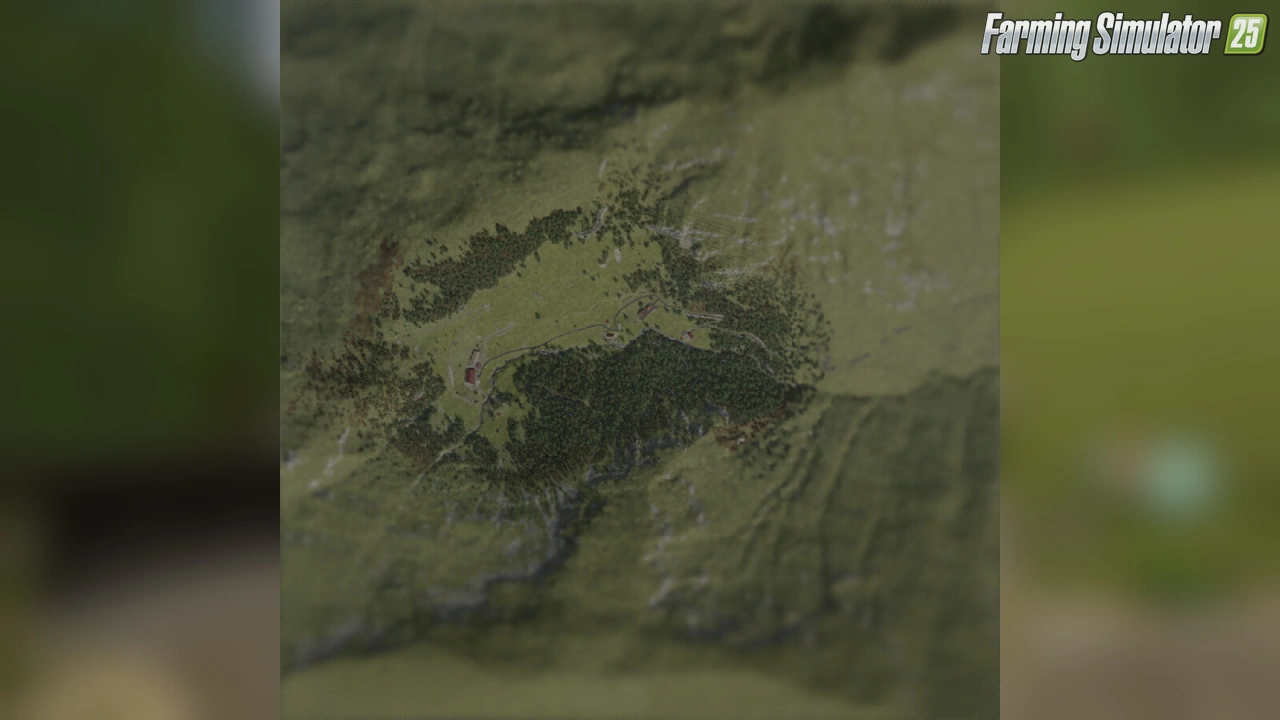
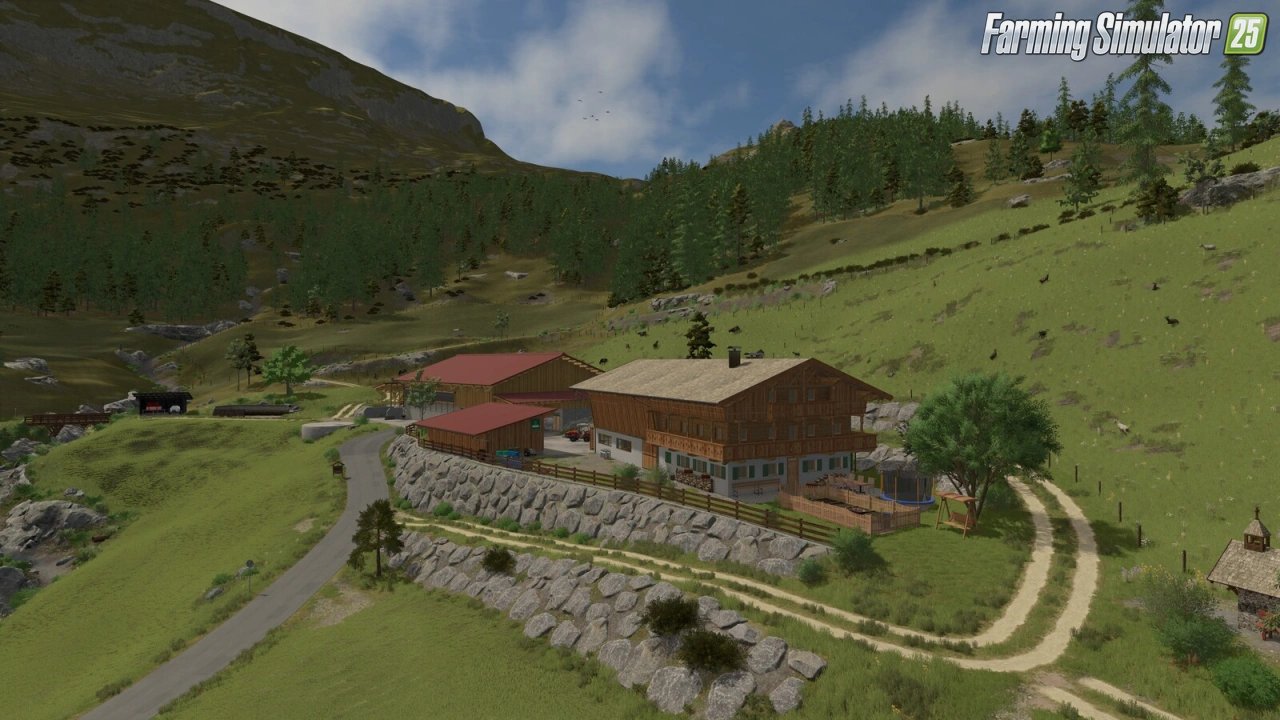

Gameplay Videos with «Tyrolean Whitecreek Valley Map v1.0.0.1 for FS25»
Changelogs for «Tyrolean Whitecreek Valley Map v1.0.0.1 for FS25»
Changes in v1.0
- First release
How to install «Tyrolean Whitecreek Valley Map v1.0.0.1 for FS25»
- Download the modClick a download link below and save the
.zipfile to your computer. - Open the mods folderGo to
My Documents > My Games > FarmingSimulator2025 > mods. Create it if it doesn't exist. - Copy the .zip fileMove the downloaded
.zipstraight into themodsfolder. Do not extract it. - Launch FS25Start Farming Simulator 25, open Mods in the menu, find «Tyrolean Whitecreek Valley Map v1.0.0.1 for FS25» and enable it.
- PlayStart a new save or load an existing one. The mod is now active. Enjoy! 🌾
Download Links — Policy & Disclaimer
This page may contain links to third-party content and websites. External links are reviewed when a page is published, however we are not responsible for the content of external websites. All mod files belong to their respective authors. FarmerPlayer is not affiliated with GIANTS Software GmbH. If you would like a link to your website removed, please contact us.
You Might Also Like
-
 v1.21.x
Lindner Unitrac Pack v1.0 for FS25
v1.21.x
Lindner Unitrac Pack v1.0 for FS25
-
 v1.11.x
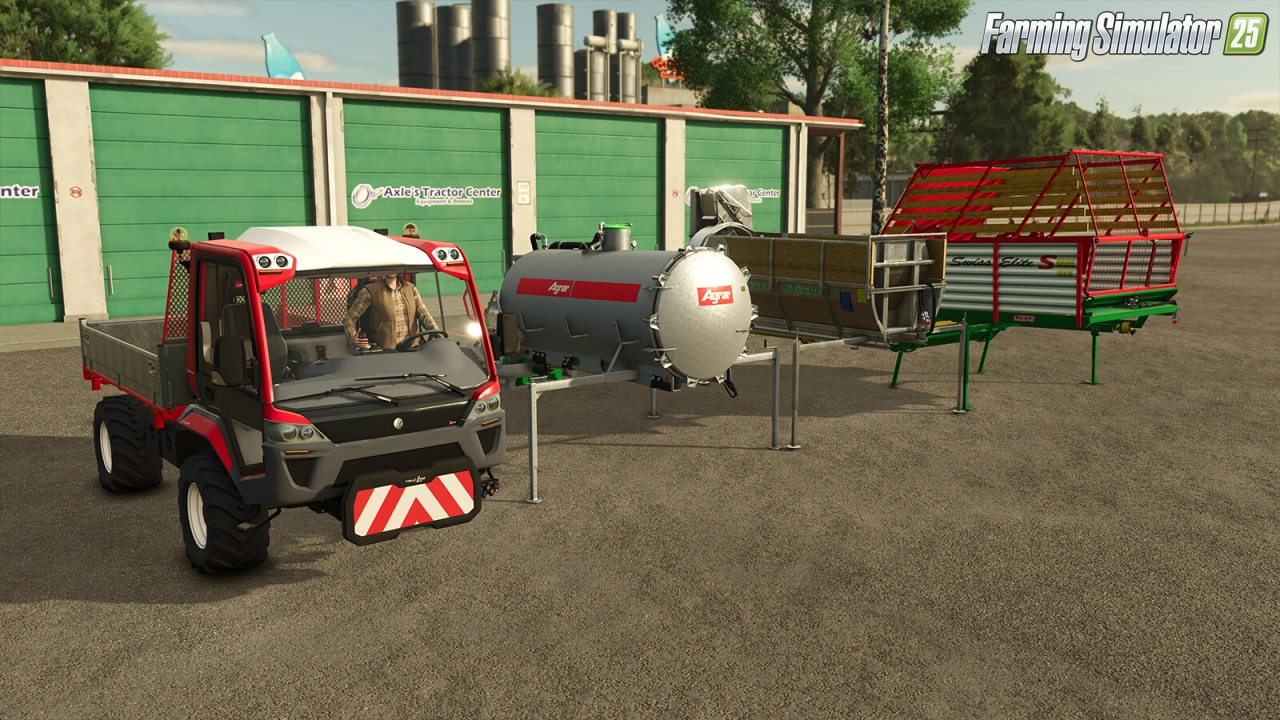
Lindner Unitrac Pack v1.0.0.2 for FS25
v1.11.x
Lindner Unitrac Pack v1.0.0.2 for FS25
-
 v1.14.x
Riverbend Springs Map v1.0.1.4 Edit By Stevie for FS25
v1.14.x
Riverbend Springs Map v1.0.1.4 Edit By Stevie for FS25
-
 v1.17.x
Fliegl SDS Lowloader Pack Trailers v1.0.0.1 for FS25
v1.17.x
Fliegl SDS Lowloader Pack Trailers v1.0.0.1 for FS25
-
 v1.10.x
Stara and Connect Modding Pack v1.0 for FS25
v1.10.x
Stara and Connect Modding Pack v1.0 for FS25
-
 v1.20.x
Hinterkaifeck Map v1.0 for FS25
v1.20.x
Hinterkaifeck Map v1.0 for FS25
-
 v1.11.x
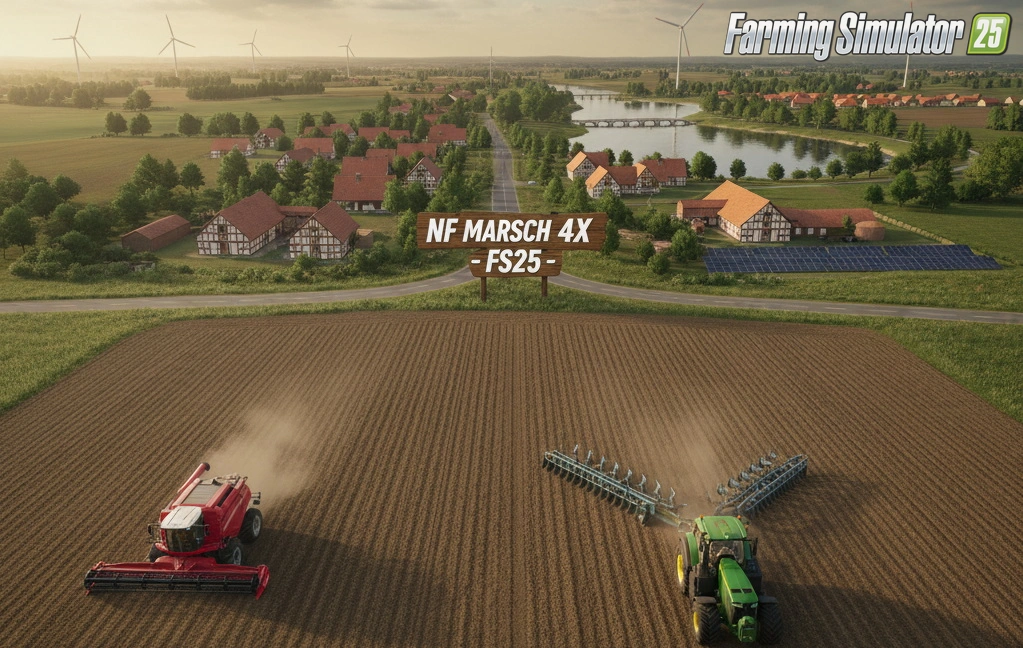
NF Marsch 4fach Map v1.7 for FS25
v1.11.x
NF Marsch 4fach Map v1.7 for FS25
-
 v1.24.x
The Alps Map v1.0.0.5 for FS25
v1.24.x
The Alps Map v1.0.0.5 for FS25
Download links lead to external third-party websites. FarmerPlayer.com does not host any mod files directly. All links are reviewed before publishing, however we cannot guarantee the content of external sites at all times. By clicking a download link you agree to our Privacy Policy and Terms & Conditions. If you encounter a broken or suspicious link, please use the Report button above.