AutoDrive Script Mod v3.0.0.6 for FS25
0

AutoDrive for FS25 - is a highly popular and innovative mod that enhances the gameplay experience by adding automated driving features for farmers players. This mod introduces advanced autonomous vehicle navigation systems, allowing players to automate routes and tasks for their farming vehicles. AutoDrive allows players to establish a network of routes for vehicles to drive autonomously. Once these routes are set up, you can instruct any vehicle near the network to travel to specific points like shops, fields, or sell points. This mod significantly reduces the manual driving aspect, providing an automated solution for managing large farming operations or complex tasks within the game.
Features AutoDrive:
- Converted from FS22 to FS25;
- You can use them for pure transport from point A to B;
- They can be used to unload harvesters or fill silage clamps;
- Customizable routes;
- Intelligent navigation;
- Task automation;
- User-Friendly interface;
- Advanced features;
- Enhanced realism.
Tested on game version 1.7.x
Screenshots of «AutoDrive Script Mod v3.0.0.6 for FS25»


Gameplay Videos with «AutoDrive Script Mod v3.0.0.6 for FS25»
Changelogs for «AutoDrive Script Mod v3.0.0.6 for FS25»
Changes in v3.0.0.6:
- Several dozen fixes
- It is possible to record two lines at the same time (dual recording):
only possible if the offset between the lines is not 0
LCTRL + LMB on the record button = 2 directions of travel, normal (green line)
LCTRL + RMB on the record button = 2 lines that can be walked in both directions (blue)
LCTRL + LShift + LMB on the record button = 2 directions of travel, normal secondary route (orange line)
LCTRL + LShift + RMB on the record button = 2 two-way lines as secondary route (brown)
- New feature:
Delete waypoints in the zoom area:
select a waypoint (marked waypoint turns green)
press LALT and hold
use the mouse wheel to zoom in or out of the selection area (circle)
pressing LMB deletes the selected waypoints
release LALT to exit the mode
reactivate the same area (circle), but it can be customized
Changes in v3.0:
- based on the latest FS22 version
- it may still contain errors as Giants has changed a lot in the background
- if error or problemes occur please report them as issue on github
How to install «AutoDrive Script Mod v3.0.0.6 for FS25»
- Download the modClick a download link below and save the
.zipfile to your computer. - Open the mods folderGo to
My Documents > My Games > FarmingSimulator2025 > mods. Create it if it doesn't exist. - Copy the .zip fileMove the downloaded
.zipstraight into themodsfolder. Do not extract it. - Launch FS25Start Farming Simulator 25, open Mods in the menu, find «AutoDrive Script Mod v3.0.0.6 for FS25» and enable it.
- PlayStart a new save or load an existing one. The mod is now active. Enjoy! 🌾
Download Links — Policy & Disclaimer
This page may contain links to third-party content and websites. External links are reviewed when a page is published, however we are not responsible for the content of external websites. All mod files belong to their respective authors. FarmerPlayer is not affiliated with GIANTS Software GmbH. If you would like a link to your website removed, please contact us.
You Might Also Like
-
 News
Farming Simulator 25 - Patch 1.24 Released for Download
News
Farming Simulator 25 - Patch 1.24 Released for Download
-
 v1.10.x
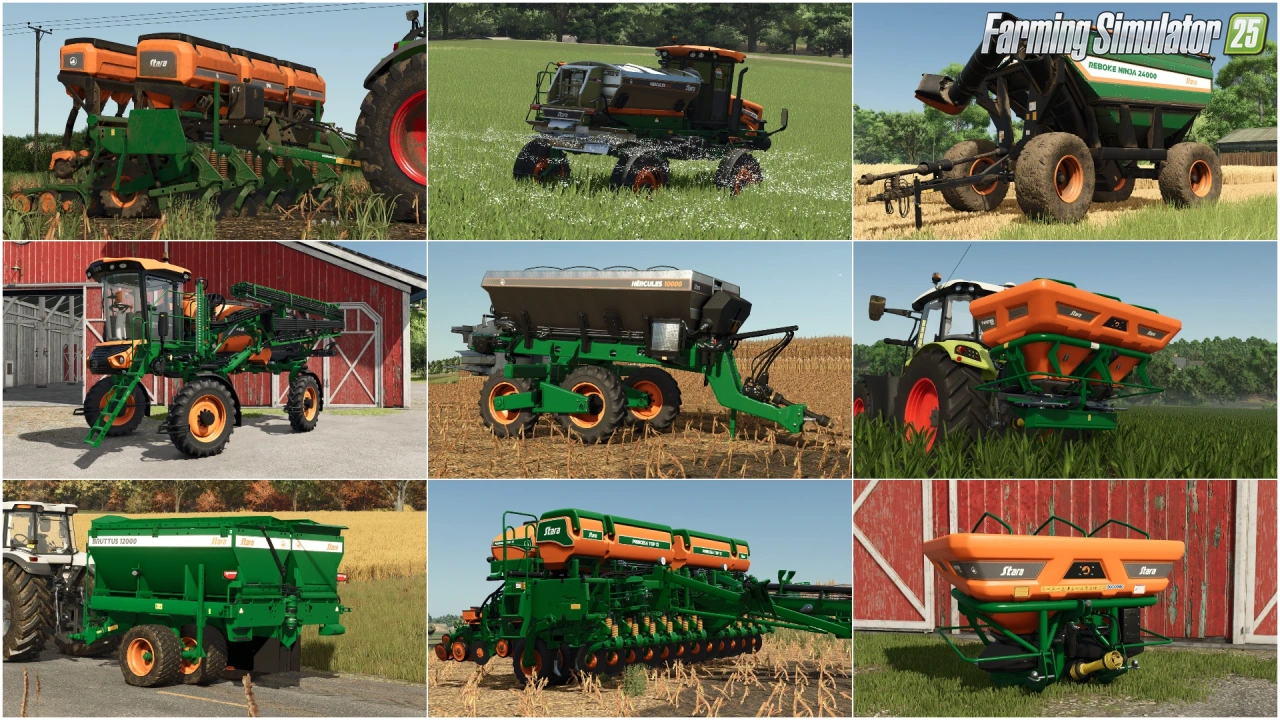
Stara and Connect Modding Pack v1.0 for FS25
v1.10.x
Stara and Connect Modding Pack v1.0 for FS25
-
 v1.14.x
Riverbend Springs Map v1.0.1.4 Edit By Stevie for FS25
v1.14.x
Riverbend Springs Map v1.0.1.4 Edit By Stevie for FS25
-
 v1.10.x
CoursePlay Mod v8.1 for FS25
v1.10.x
CoursePlay Mod v8.1 for FS25
-
 v1.10.x
Liftable Pallets And Bales v1.0.4 for FS25
v1.10.x
Liftable Pallets And Bales v1.0.4 for FS25
-
 v1.20.x
Hinterkaifeck Map v1.0 for FS25
v1.20.x
Hinterkaifeck Map v1.0 for FS25
-
 v1.10.x
Shader Mod v1.2 By mihajlomiki for FS25
v1.10.x
Shader Mod v1.2 By mihajlomiki for FS25
-
 v1.11.x
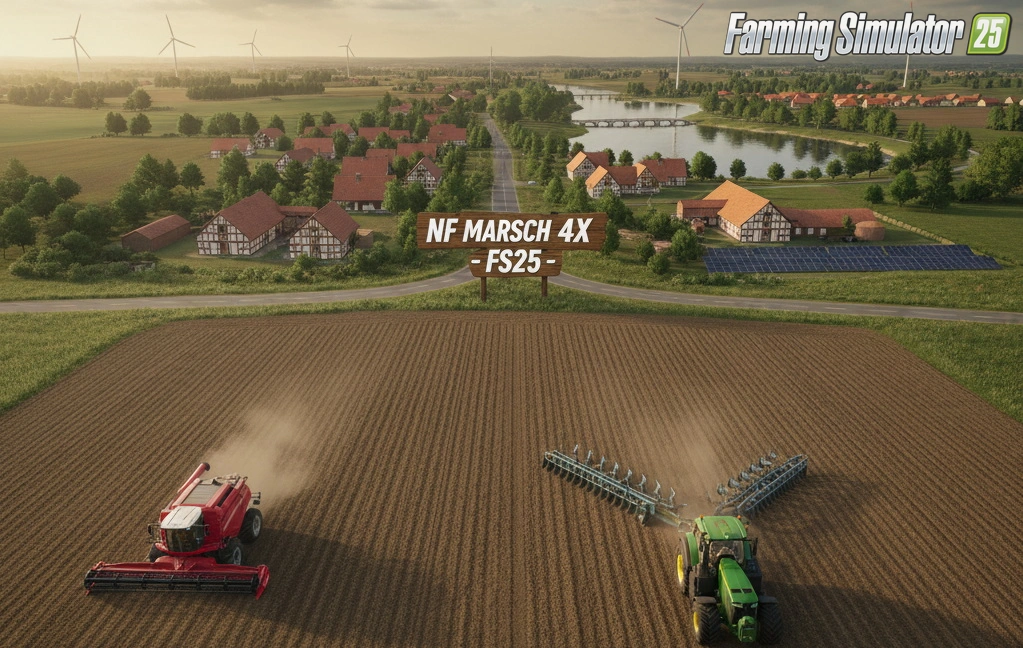
NF Marsch 4fach Map v1.7 for FS25
v1.11.x
NF Marsch 4fach Map v1.7 for FS25
Download links lead to external third-party websites. FarmerPlayer.com does not host any mod files directly. All links are reviewed before publishing, however we cannot guarantee the content of external sites at all times. By clicking a download link you agree to our Privacy Policy and Terms & Conditions. If you encounter a broken or suspicious link, please use the Report button above.