Prairie Farm Michigan Map v1.2 for FS25
0
Prairie Farm Michigan for FS25 - welcome to Prairie Farm Michigan. The map represents one-third of a real-life location in Michigan. The map terrain closely matches this location as well as the field layouts and ditches. A standout feature is the custom sugar beet piler factory, which adds realism to sugar beet harvesting by producing tare dirt that players can return to fields (dirt piles disappear when leveled with field implements). The map also introduces alfalfa as a new crop, integrated with animal feeding systems, and includes unique collectibles (100 wooden toys, 5 sugar beets, 5 Massey Ferguson 1155 model tractors, and 1 special item) for exploration.
Features Prairie Farm Michigan:
- Converted from FS22 to FS25
- 18 fields of different sizes;
- Number of purchasable fields: 18
- Average acre size: 49.82
- Number of purchasable forestry land: 4
- Water retrieval sources: Build your own.
- Alfalfa crop added and implemented with the animals. You can feed alfalfa hay to animals.
- Collectable Toy Tractors, and Sugar Beets are scattered around map for collecting.
Changes in v1.2:
- Corn harvest texture and yield increased
- Soybean harvest texture, row spacing, and yield increased
- Sugar beet row spacing to match Amity equipment and yield increased
- More paintable ground textures
- Sheds have gutter and downspouts with water affect when raining
- Flat Rolling texture
- After collecting 10 collectables the rest will show on the mini map.
- Chopped Alfalfa & Alfalfa Haylage filltypes added for full Alfalfa Integration.
- 4 base game modded bunk silos added to the map for making Alfalfa Haylage. You must use these bunkers. You cannot use any other modded ones or the base game bunkers to make Alfalfa Haylage.
- Alfalfa Haylage bales can be made by wrapping wet alfalfa bales.
- Custom soil map for Precision Farming Mod
- Modded Cow Barn with robot feeder added to map to work with the Alfalfa implementation
Tested on game version v1.8.x
Screenshots of «Prairie Farm Michigan Map v1.2 for FS25»


Gameplay Videos with «Prairie Farm Michigan Map v1.2 for FS25»
Changelogs for «Prairie Farm Michigan Map v1.2 for FS25»
Changes in v1.1:
- Removed fence in field
- Fixed tare dirt not showing in price list
- Fixed the ability to create flooded rice fields.
How to install «Prairie Farm Michigan Map v1.2 for FS25»
- Download the modClick a download link below and save the
.zipfile to your computer. - Open the mods folderGo to
My Documents > My Games > FarmingSimulator2025 > mods. Create it if it doesn't exist. - Copy the .zip fileMove the downloaded
.zipstraight into themodsfolder. Do not extract it. - Launch FS25Start Farming Simulator 25, open Mods in the menu, find «Prairie Farm Michigan Map v1.2 for FS25» and enable it.
- PlayStart a new save or load an existing one. The mod is now active. Enjoy! 🌾
Download Links — Policy & Disclaimer
This page may contain links to third-party content and websites. External links are reviewed when a page is published, however we are not responsible for the content of external websites. All mod files belong to their respective authors. FarmerPlayer is not affiliated with GIANTS Software GmbH. If you would like a link to your website removed, please contact us.
You Might Also Like
-
 v1.14.x
Riverbend Springs Map v1.0.1.4 Edit By Stevie for FS25
v1.14.x
Riverbend Springs Map v1.0.1.4 Edit By Stevie for FS25
-
 News
Farming Simulator 25 - Patch 1.24 Released for Download
News
Farming Simulator 25 - Patch 1.24 Released for Download
-
 v1.10.x
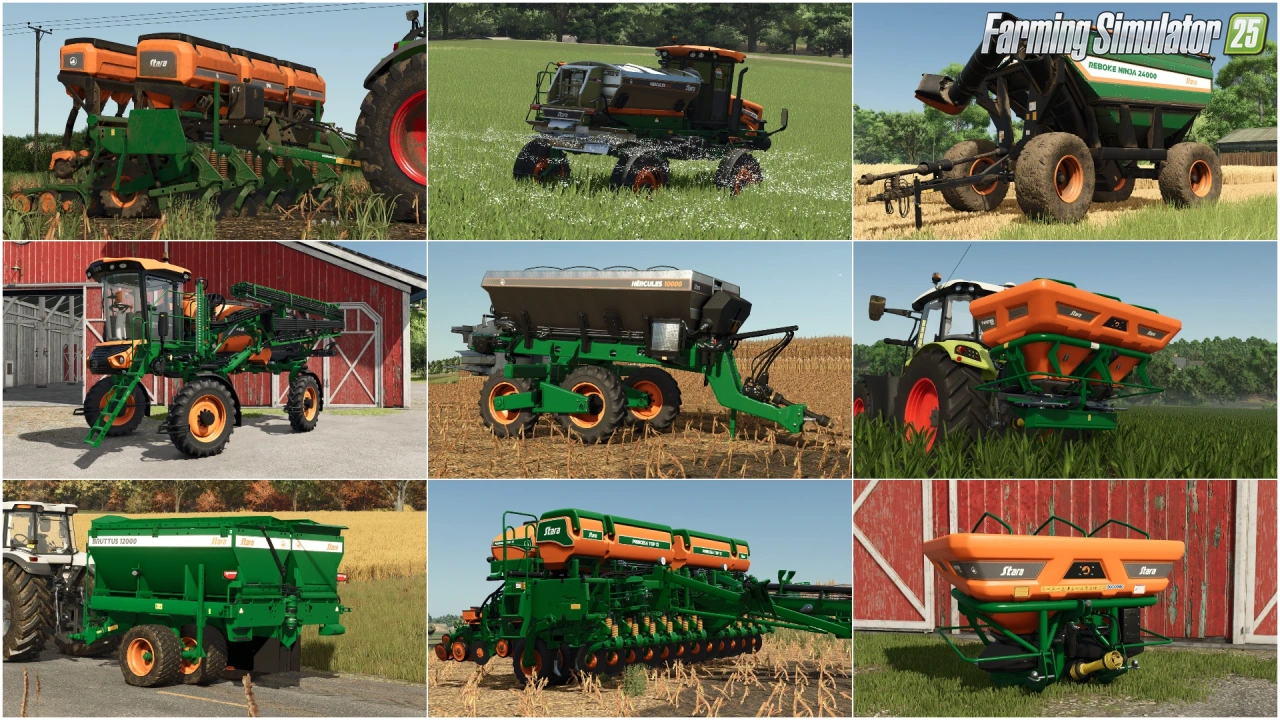
Stara and Connect Modding Pack v1.0 for FS25
v1.10.x
Stara and Connect Modding Pack v1.0 for FS25
-
 v1.20.x
Hinterkaifeck Map v1.0 for FS25
v1.20.x
Hinterkaifeck Map v1.0 for FS25
-
 News
Welcome to Kinlaig | Highlands Fishing Map Preview for FS25
News
Welcome to Kinlaig | Highlands Fishing Map Preview for FS25
-
 v1.11.x
NF Marsch 4fach Map v1.7 for FS25
v1.11.x
NF Marsch 4fach Map v1.7 for FS25
-
 v1.24.x
Pallegney Map v1.2.3 By MA7Studio for FS25
v1.24.x
Pallegney Map v1.2.3 By MA7Studio for FS25
-
 v1.18.x
Pinewood Forest Map v2.2 for FS25
v1.18.x
Pinewood Forest Map v2.2 for FS25
Download links lead to external third-party websites. FarmerPlayer.com does not host any mod files directly. All links are reviewed before publishing, however we cannot guarantee the content of external sites at all times. By clicking a download link you agree to our Privacy Policy and Terms & Conditions. If you encounter a broken or suspicious link, please use the Report button above.