Forest River Map v3.0 for FS25
0
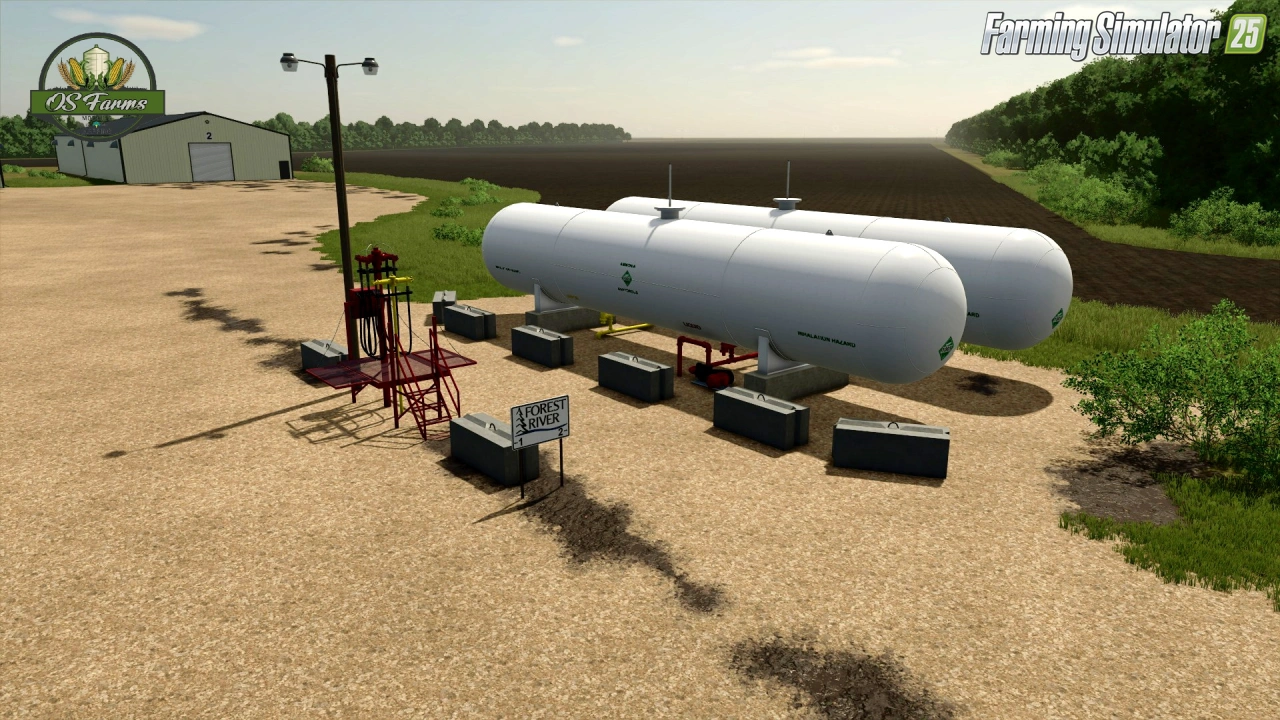
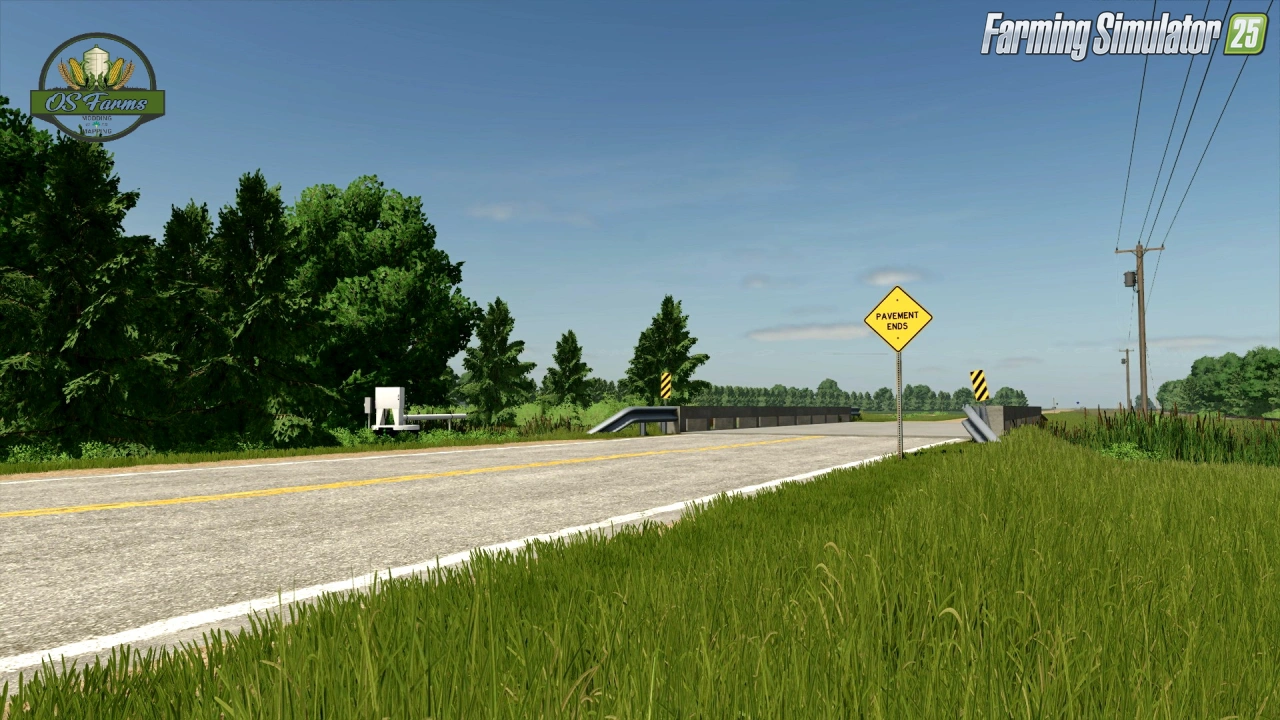
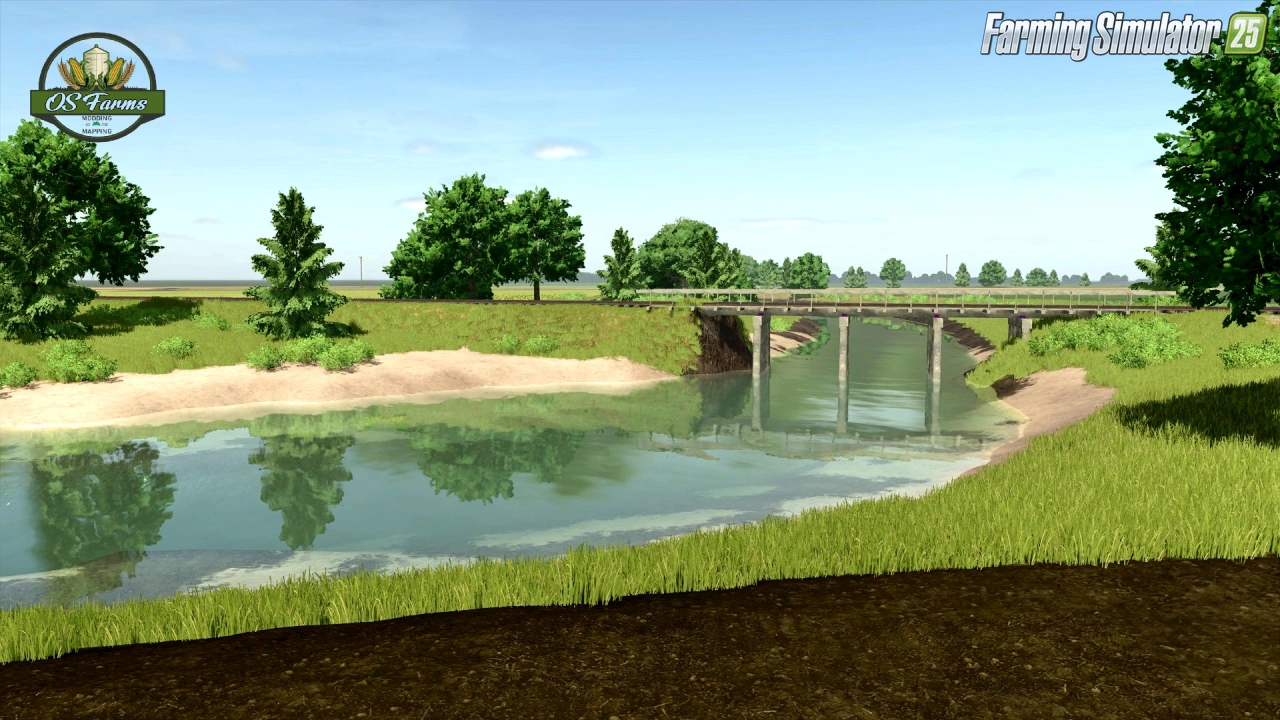
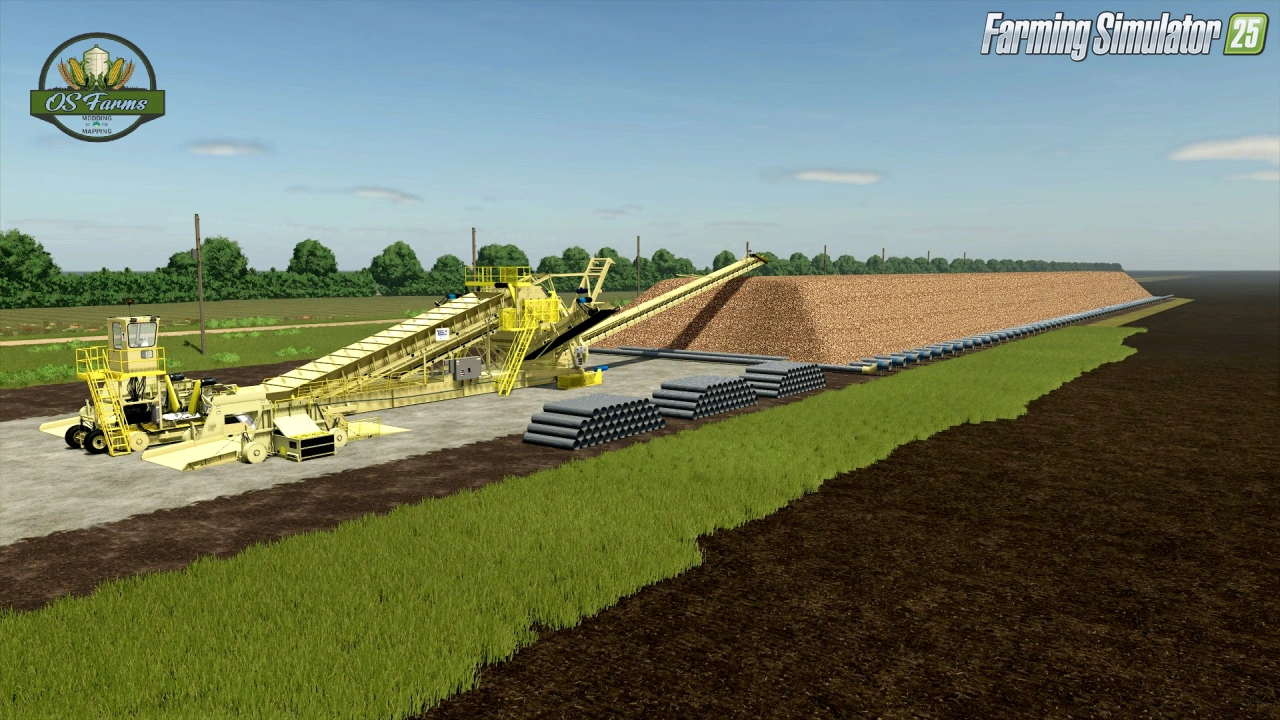
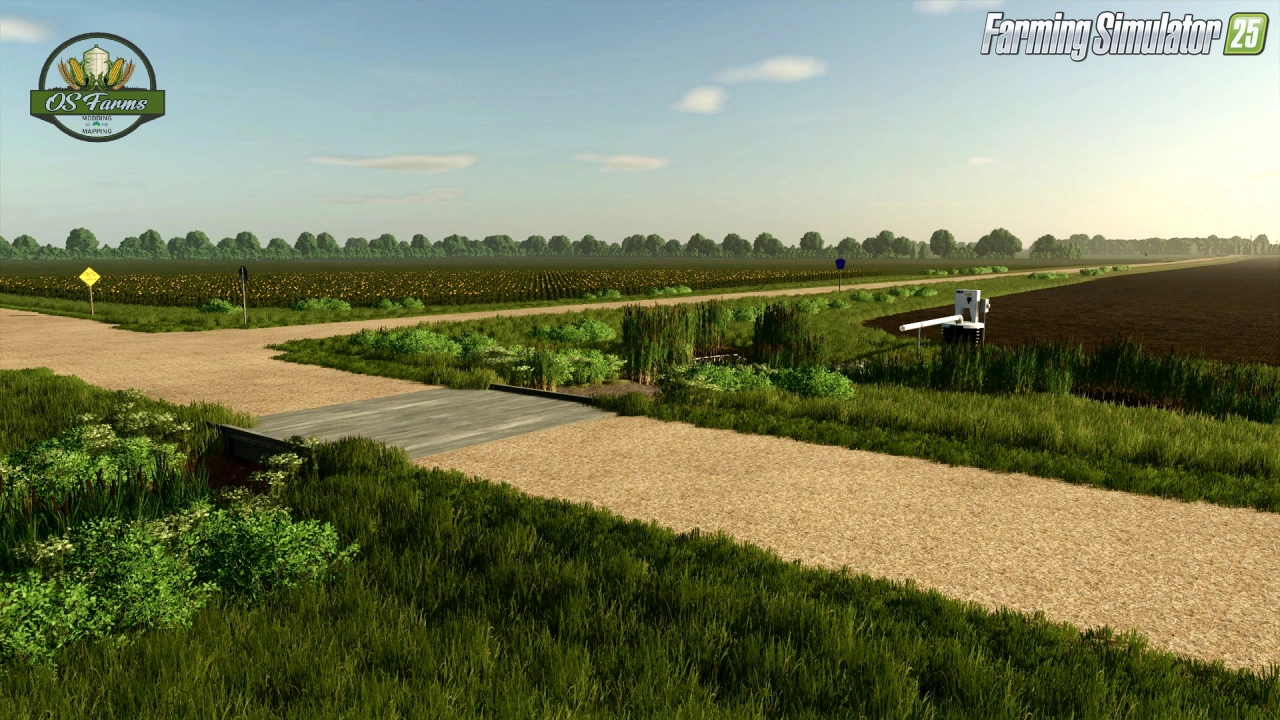
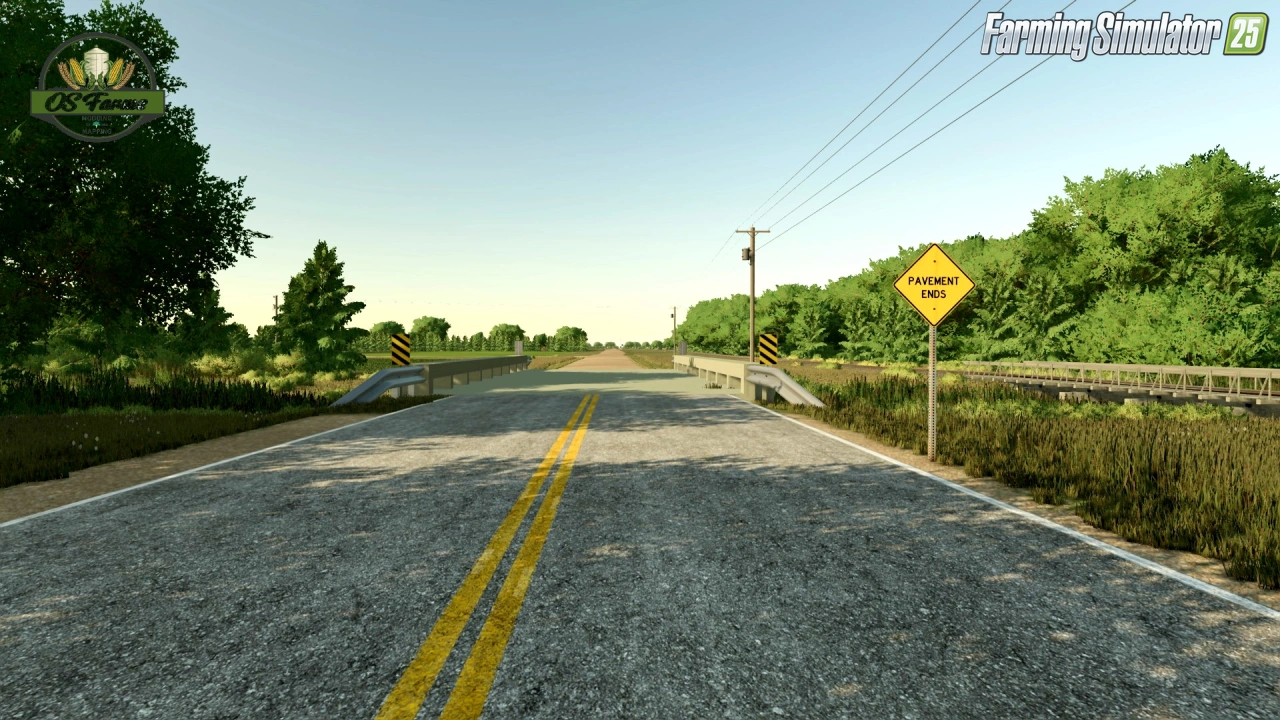
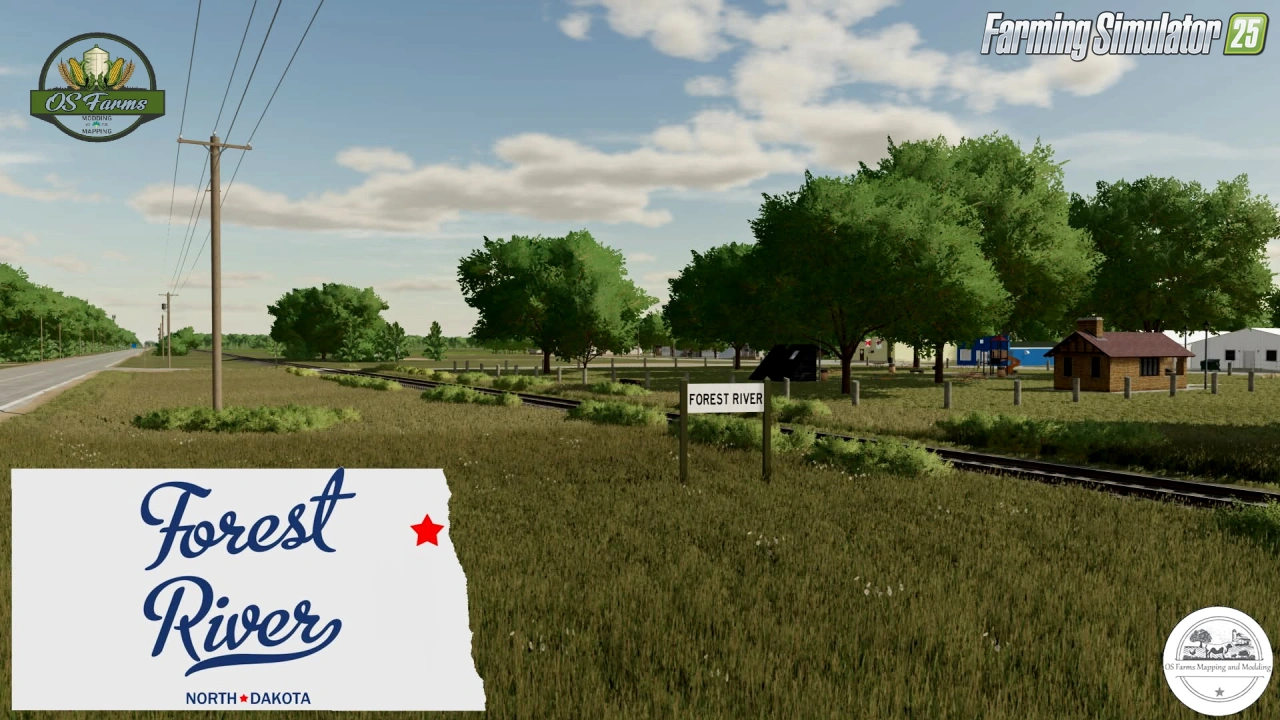
Forest River Map for FS25 - is a highly anticipated and detailed map for Farming Simulator 25, designed for players who enjoy large-scale farming in an immersive American setting. While it's a fictional map, it draws inspiration from the agricultural landscapes of central Montana and North Dakota, offering a blend of expansive fields and natural beauty.
Features Forest River:
- Beta version for testing;
- Converted from FS22 to FS25;
- 4x Map size;
- Massive fields;
- Seasonal color changes;
- Montana/North Dakota license plates;
- Multiple farm areas;
- Alfalfa and Clover;
- Custom Productions: A wide array of new production possibilities, such as Whiskey, Beer, Wine, Ethanol, Soymilk, Pasta, Pizza and more;
- Extensive train system;
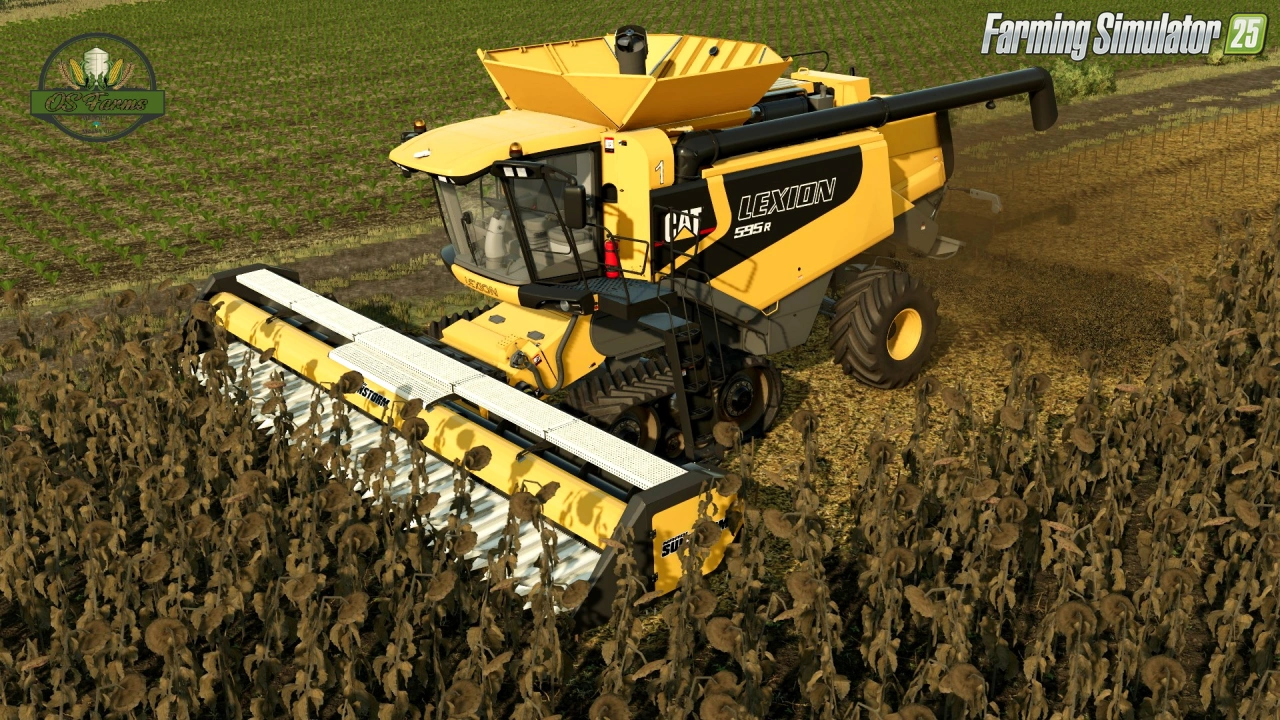
- New harvest ready sunflower texture courtesy of 7L Farms Inc.
- Added ADS ground water pump stations
- Tweaked terrain ditches to allow better combining (no skips)
- Adjusted render distances
- New ground textures fixed
- Fields (mostly) object free
- Compatable with NH3 addon
Tested on game version 1.8.x
Screenshots of «Forest River Map v3.0 for FS25»
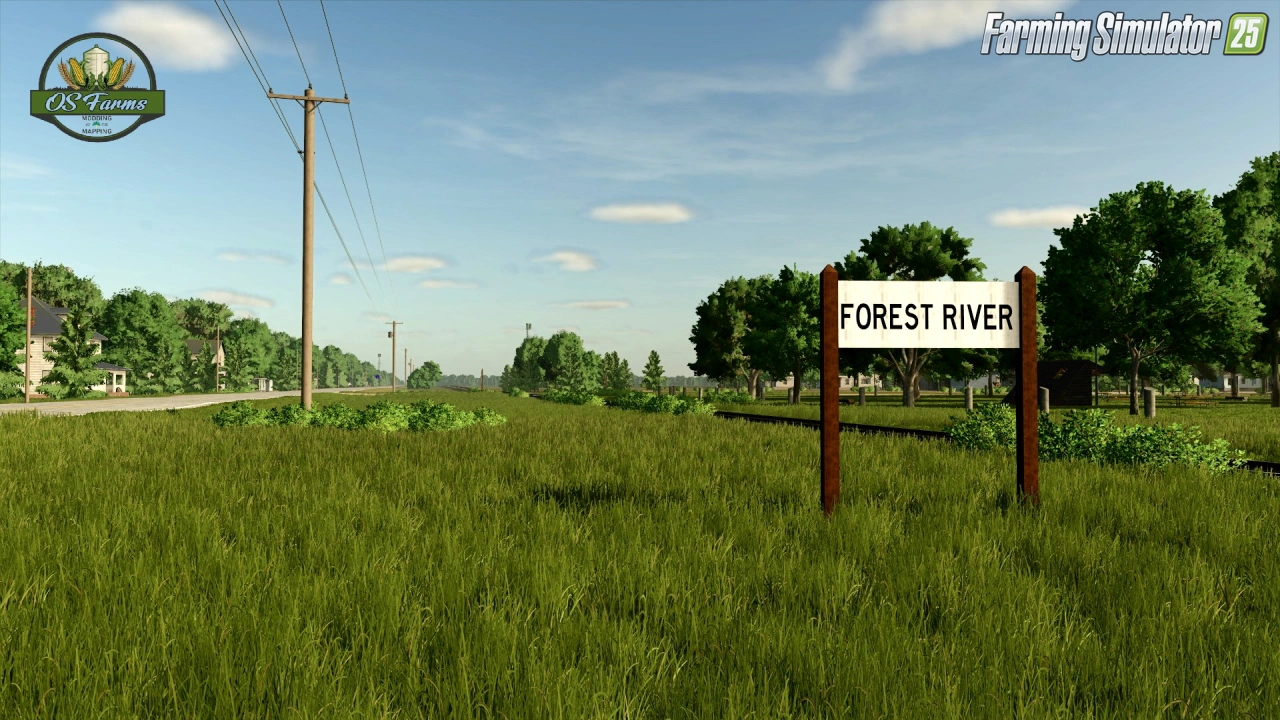
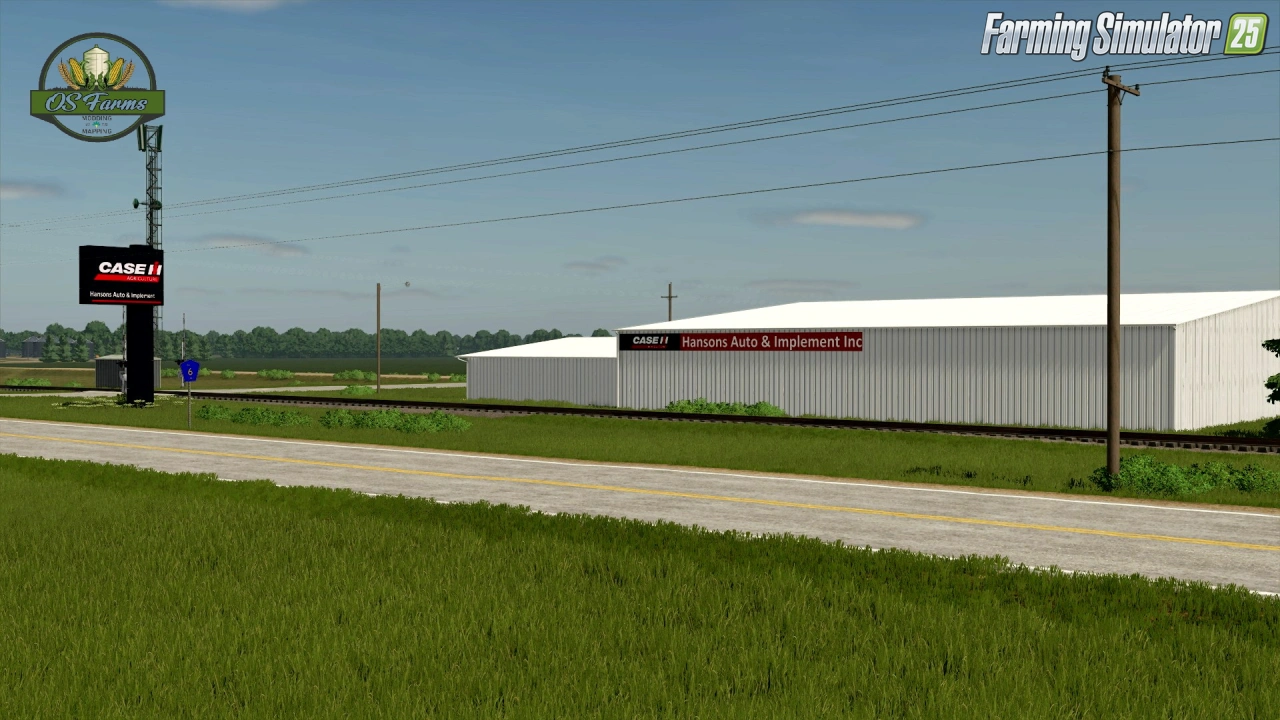
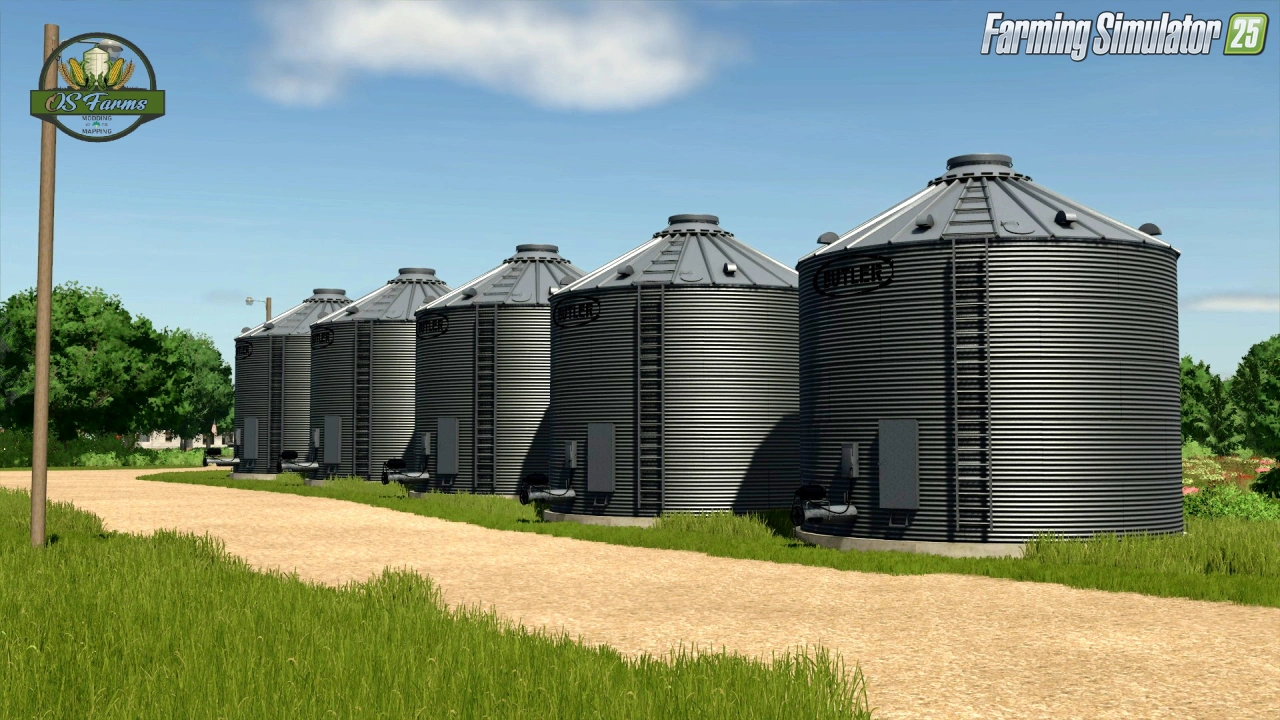
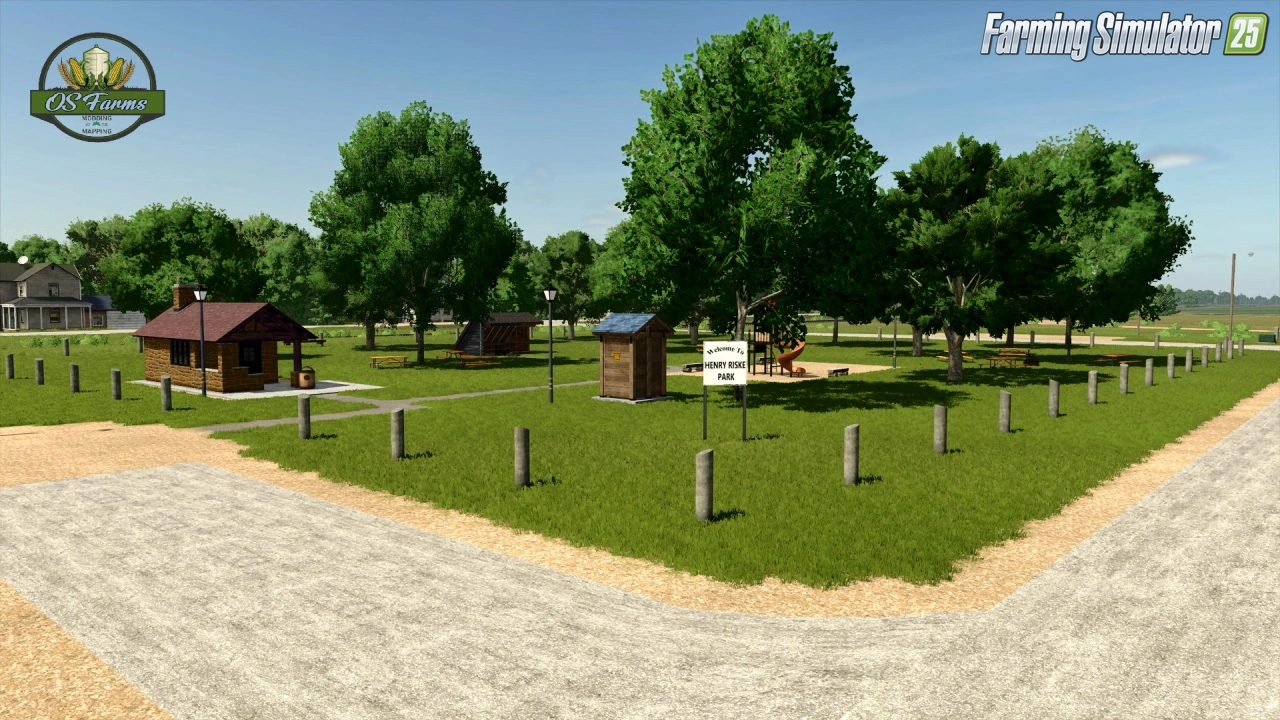
Gameplay Videos with «Forest River Map v3.0 for FS25»
Changelogs for «Forest River Map v3.0 for FS25»
Changes in v3.0:
- Unknown changes
How to install «Forest River Map v3.0 for FS25»
- Download the modClick a download link below and save the
.zipfile to your computer. - Open the mods folderGo to
My Documents > My Games > FarmingSimulator2025 > mods. Create it if it doesn't exist. - Copy the .zip fileMove the downloaded
.zipstraight into themodsfolder. Do not extract it. - Launch FS25Start Farming Simulator 25, open Mods in the menu, find «Forest River Map v3.0 for FS25» and enable it.
- PlayStart a new save or load an existing one. The mod is now active. Enjoy! 🌾
Download Links — Policy & Disclaimer
This page may contain links to third-party content and websites. External links are reviewed when a page is published, however we are not responsible for the content of external websites. All mod files belong to their respective authors. FarmerPlayer is not affiliated with GIANTS Software GmbH. If you would like a link to your website removed, please contact us.
You Might Also Like
-
 News
Farming Simulator 25 - Patch 1.24 Released for Download
News
Farming Simulator 25 - Patch 1.24 Released for Download
-
 v1.14.x
Riverbend Springs Map v1.0.1.4 Edit By Stevie for FS25
v1.14.x
Riverbend Springs Map v1.0.1.4 Edit By Stevie for FS25
-
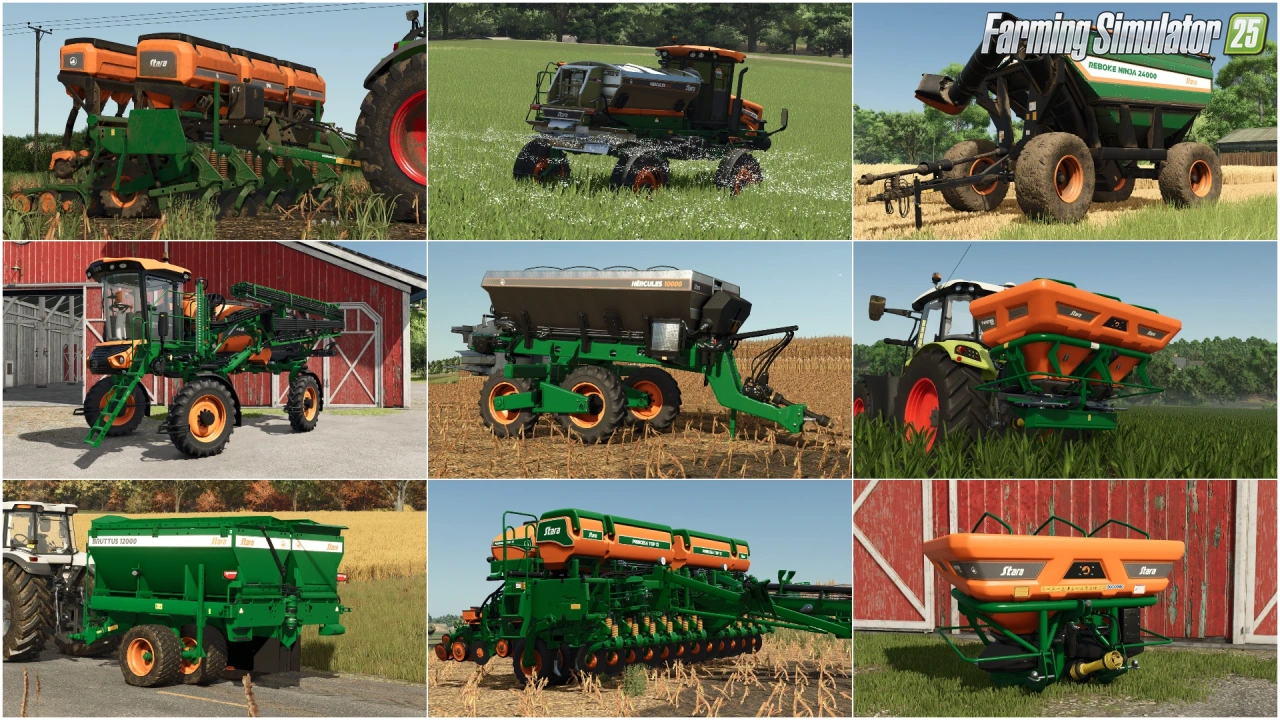 v1.10.x
Stara and Connect Modding Pack v1.0 for FS25
v1.10.x
Stara and Connect Modding Pack v1.0 for FS25
-
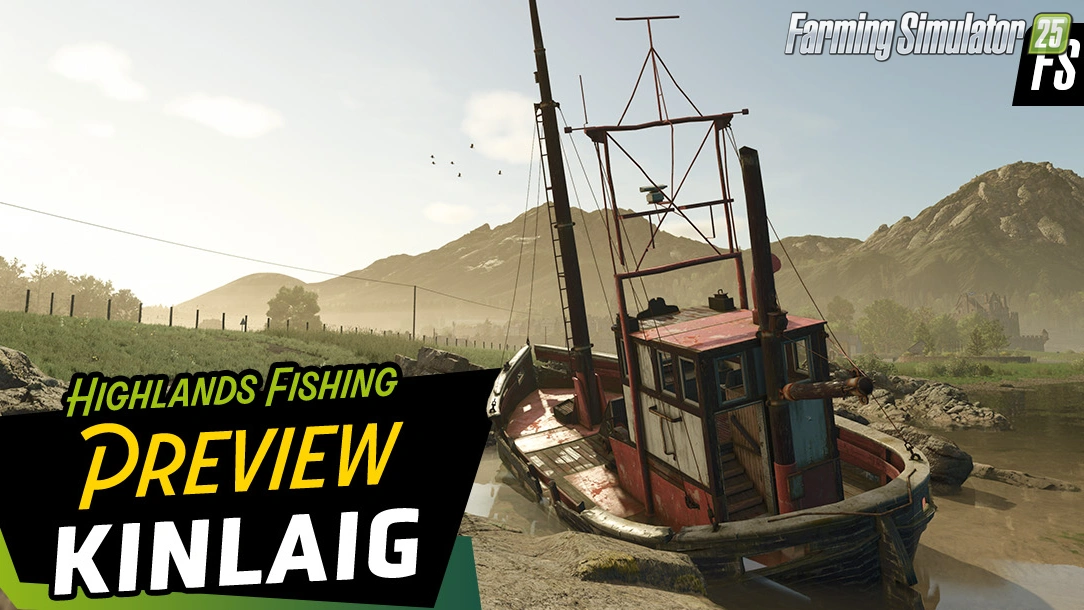 News
Welcome to Kinlaig | Highlands Fishing Map Preview for FS25
News
Welcome to Kinlaig | Highlands Fishing Map Preview for FS25
-
 v1.20.x
Hinterkaifeck Map v1.0 for FS25
v1.20.x
Hinterkaifeck Map v1.0 for FS25
-
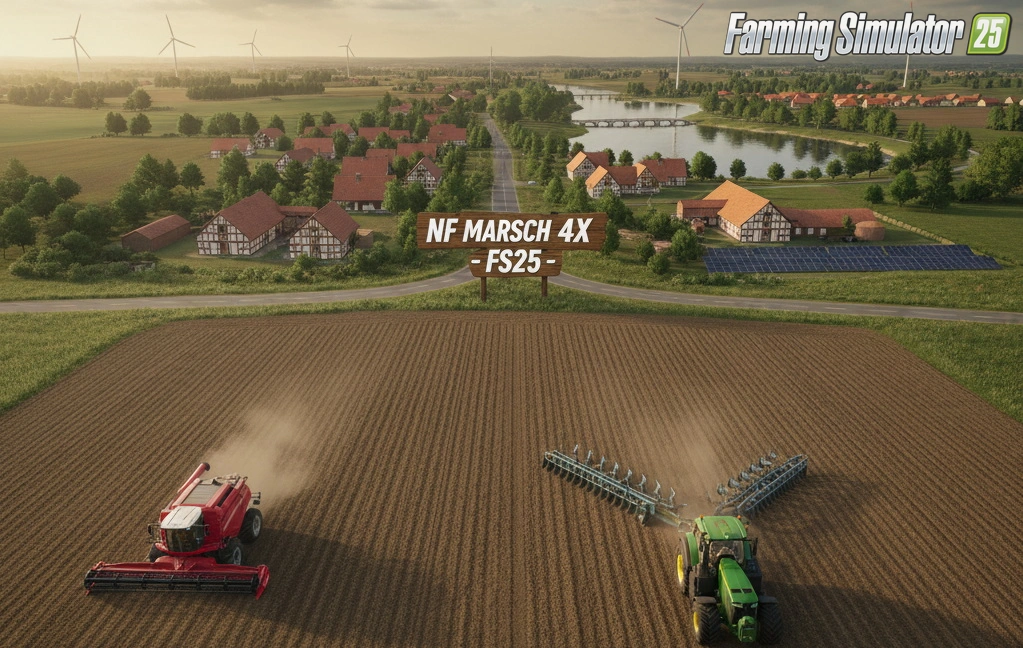 v1.11.x
NF Marsch 4fach Map v1.7 for FS25
v1.11.x
NF Marsch 4fach Map v1.7 for FS25
-
 v1.18.x
Pinewood Forest Map v2.2 for FS25
v1.18.x
Pinewood Forest Map v2.2 for FS25
-
 v1.24.x
Pallegney Map v1.2.3 By MA7Studio for FS25
v1.24.x
Pallegney Map v1.2.3 By MA7Studio for FS25
Download links lead to external third-party websites. FarmerPlayer.com does not host any mod files directly. All links are reviewed before publishing, however we cannot guarantee the content of external sites at all times. By clicking a download link you agree to our Privacy Policy and Terms & Conditions. If you encounter a broken or suspicious link, please use the Report button above.