The Elm Rochester Map v1.1 for FS25
0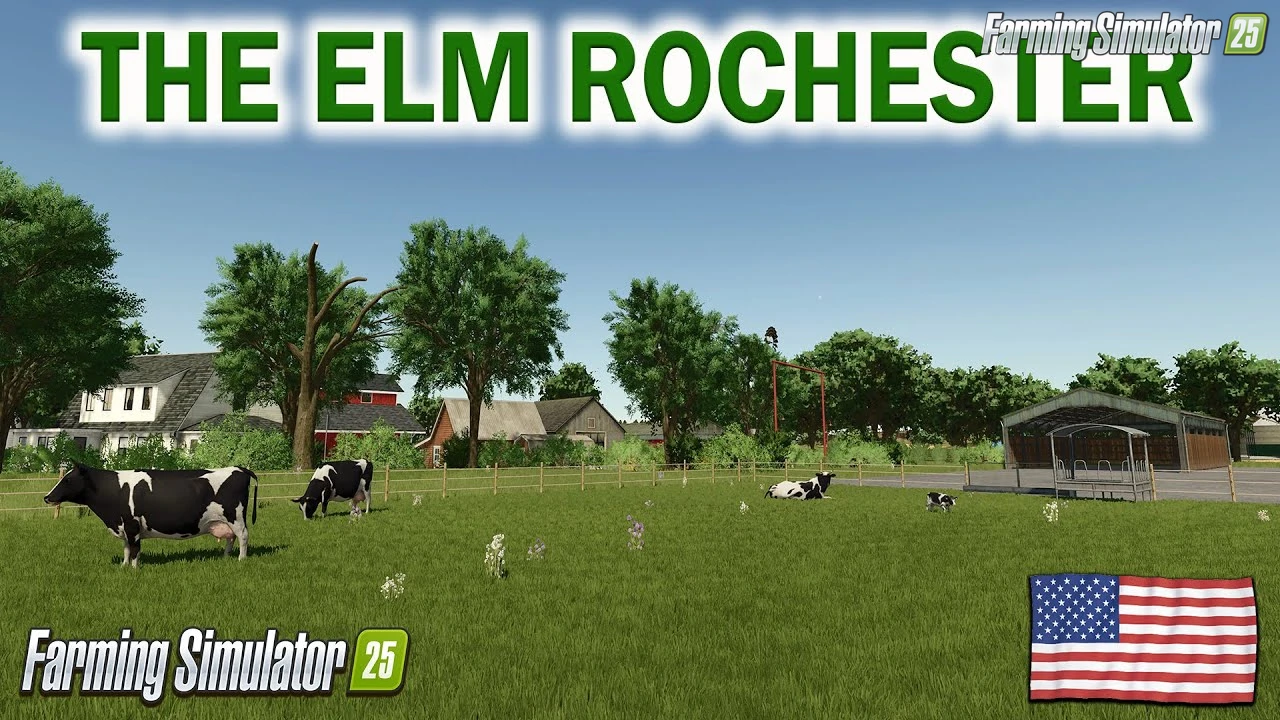
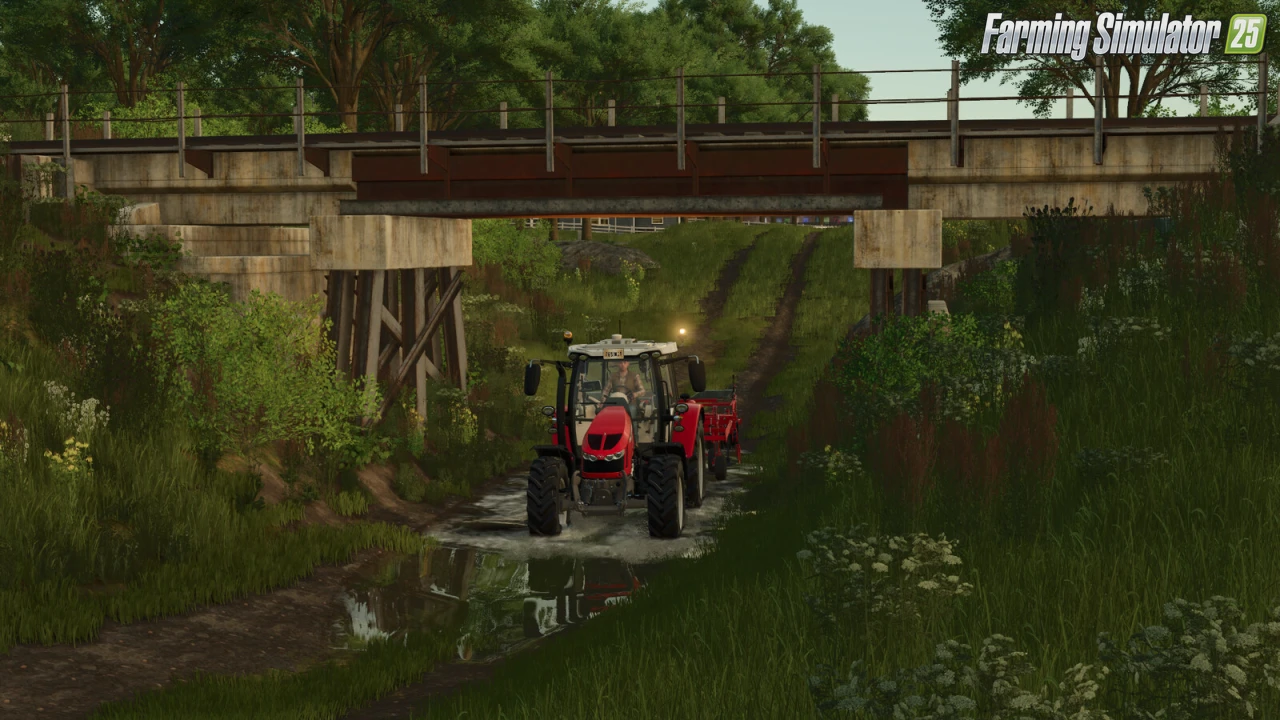
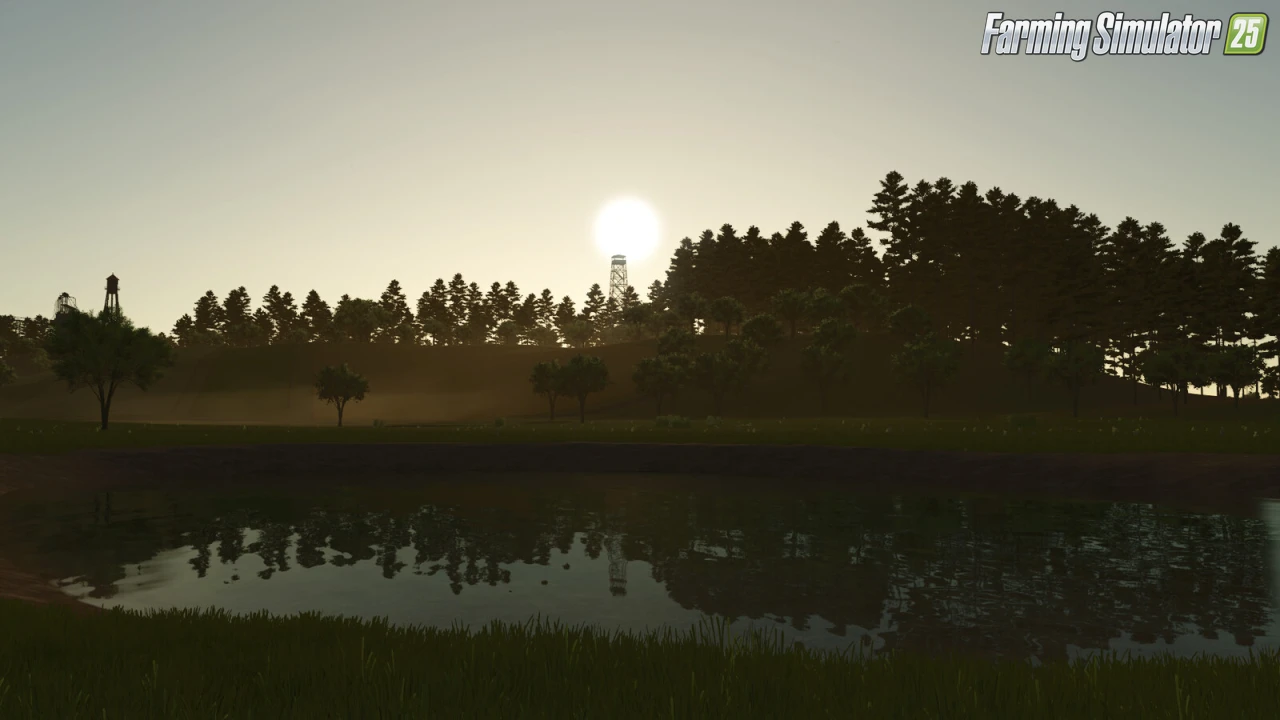
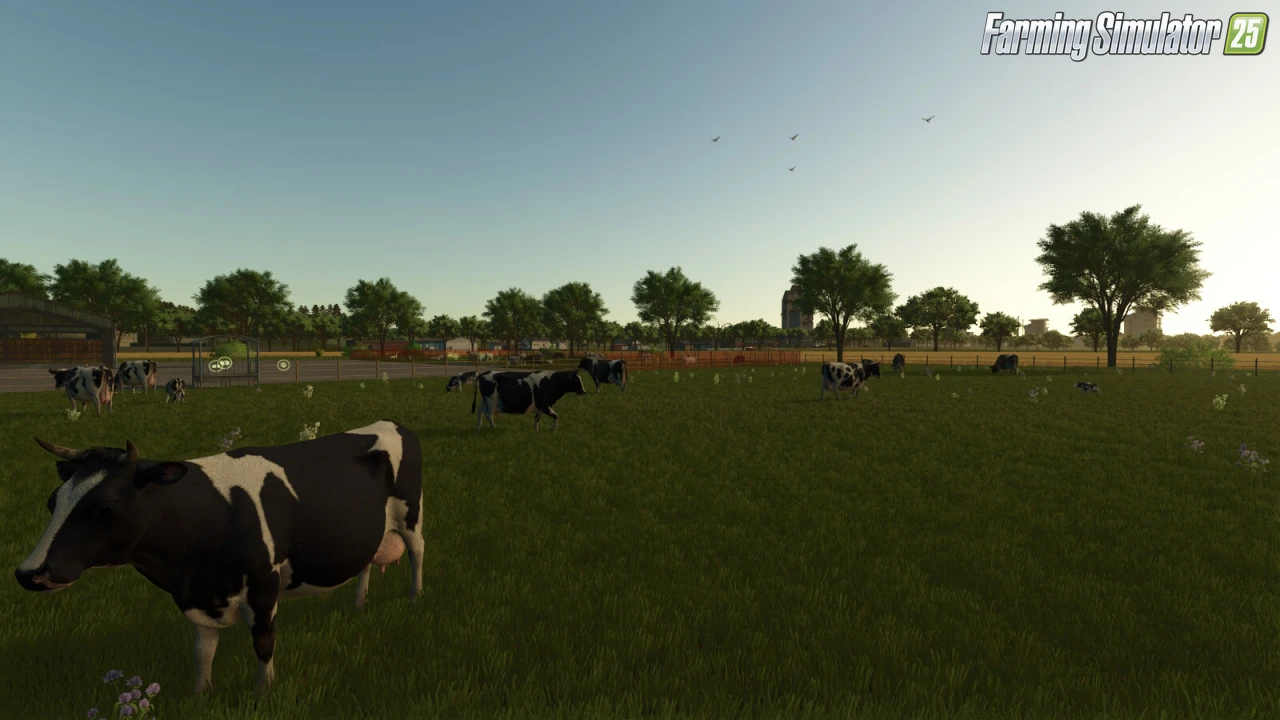
The Elm Rochester by AE MAPING for FS25 - this mod brings the authentic Rochester-inspired farmlands of New York, USA to FS25 players as a standalone North American map, perfect for multi-crop fieldwork, livestock husbandry, forestry, diverse production chains, and expansive farming across flat plains, hilly highlands, and wooded areas with 79 fields and BGA support.
Features The Elm Rochester:
– Standalone North American Map (All Platforms: PC/MAC/PS5/Xbox Series, Crossplay Compatible)
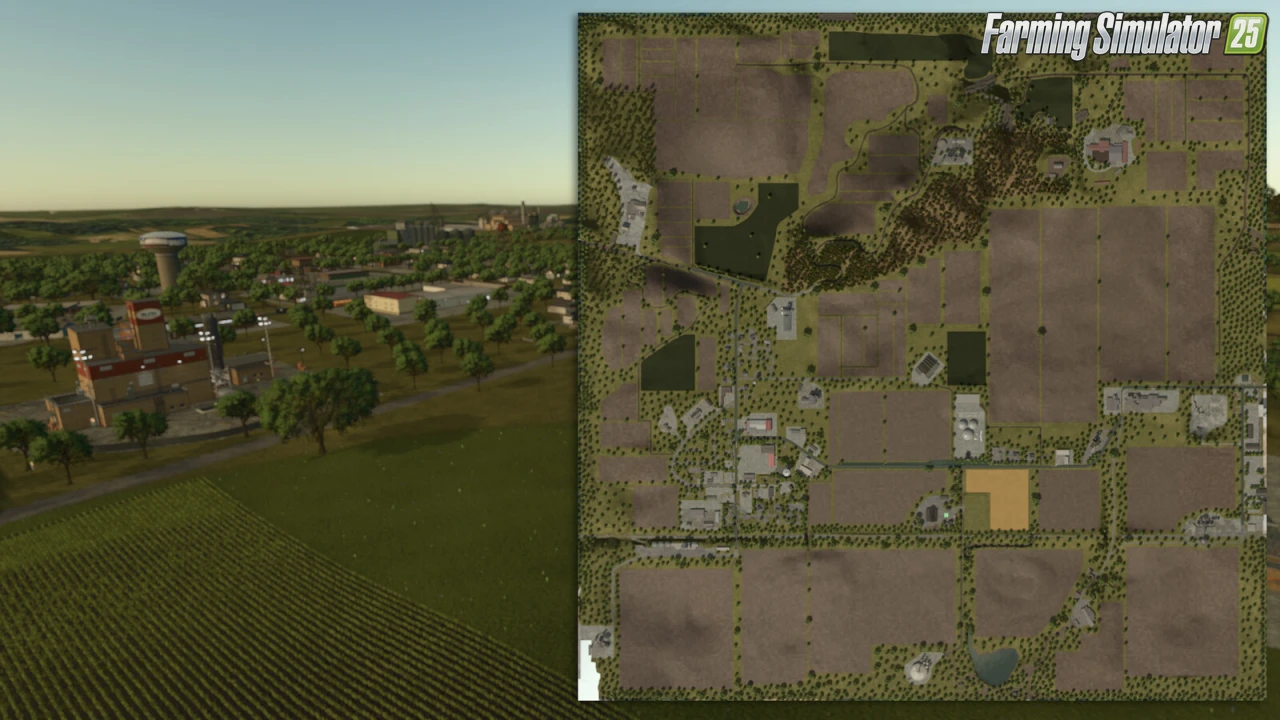
– 87 Buyable Farmlands
– 79 Fields (Small to Large, incl. 5 Grass Fields)
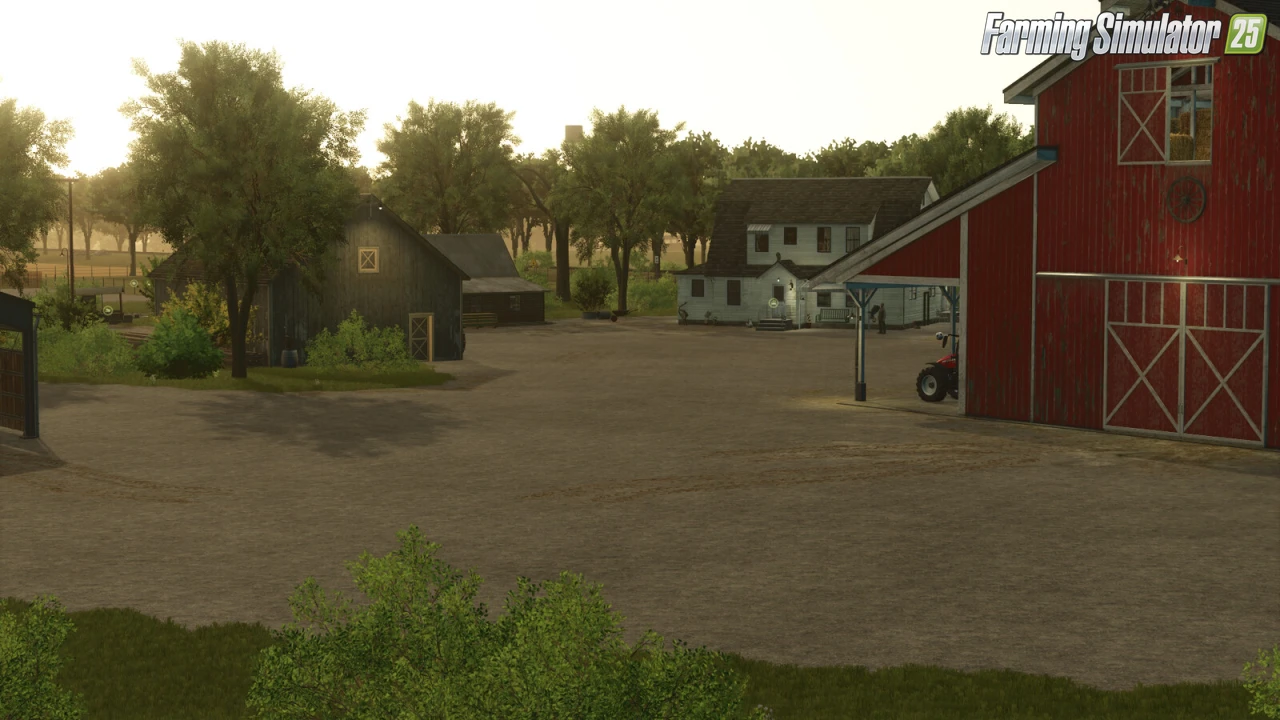
– Main Farm: Cow Barn, Sheep Barn, 2 Fields + Starting Equipment
– 1 Small Woodland + 1 Large Woodland
– BGA (Standard Map Features)
– Productions: Sawmill, Dairy Farm, Rope Manufacturer, Cannery, Tailor Shop, Cement Factory, Barrel Maker, Bakery, Grain Mill, Oil Mill
– Buildable: Granary, Museum
– Traffic, Pedestrians & Train Sales Point
– v1.1 Updates: Rye, Triticale, Spelt, Grain Maize, Green Rye, Vetch Rye, Field Grass, Silage Maize; Object & Placeable Fixes
– High-Quality Terrain, Seamless Multiplayer & AI Worker Compatibility
Tested on game version 1.16.x
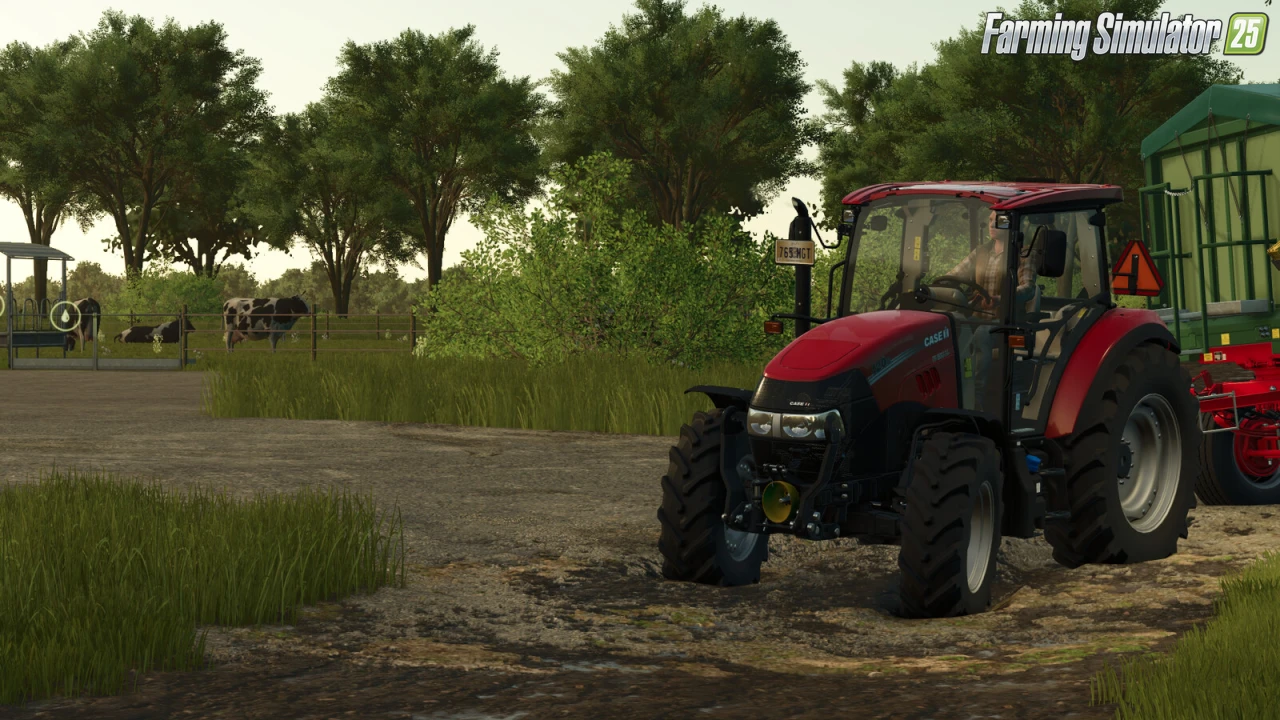
Screenshots of «The Elm Rochester Map v1.1 for FS25»
Gameplay Videos with «The Elm Rochester Map v1.1 for FS25»
Changelogs for «The Elm Rochester Map v1.1 for FS25»
Changelog 1.1.0.0:
7 new products have been added.
- Rye
- Triticale
- Spelt
- Grain maize
- Green rye
- Vetch rye
- Field grass
- Silage maize
- Object corrections have been made.
- Placeable errors have been fixed. (e.g., inability to sleep at home)
How to install «The Elm Rochester Map v1.1 for FS25»
- Download the modClick a download link below and save the
.zipfile to your computer. - Open the mods folderGo to
My Documents > My Games > FarmingSimulator2025 > mods. Create it if it doesn't exist. - Copy the .zip fileMove the downloaded
.zipstraight into themodsfolder. Do not extract it. - Launch FS25Start Farming Simulator 25, open Mods in the menu, find «The Elm Rochester Map v1.1 for FS25» and enable it.
- PlayStart a new save or load an existing one. The mod is now active. Enjoy! 🌾
Download Links — Policy & Disclaimer
This page may contain links to third-party content and websites. External links are reviewed when a page is published, however we are not responsible for the content of external websites. All mod files belong to their respective authors. FarmerPlayer is not affiliated with GIANTS Software GmbH. If you would like a link to your website removed, please contact us.
You Might Also Like
-
 News
Farming Simulator 25 - Patch 1.24 Released for Download
News
Farming Simulator 25 - Patch 1.24 Released for Download
-
 News
Welcome to Kinlaig | Highlands Fishing Map Preview for FS25
News
Welcome to Kinlaig | Highlands Fishing Map Preview for FS25
-
 v1.14.x
Riverbend Springs Map v1.0.1.4 Edit By Stevie for FS25
v1.14.x
Riverbend Springs Map v1.0.1.4 Edit By Stevie for FS25
-
 v1.10.x
Stara and Connect Modding Pack v1.0 for FS25
v1.10.x
Stara and Connect Modding Pack v1.0 for FS25
-
 v1.20.x
Hinterkaifeck Map v1.0 for FS25
v1.20.x
Hinterkaifeck Map v1.0 for FS25
-
 v1.11.x
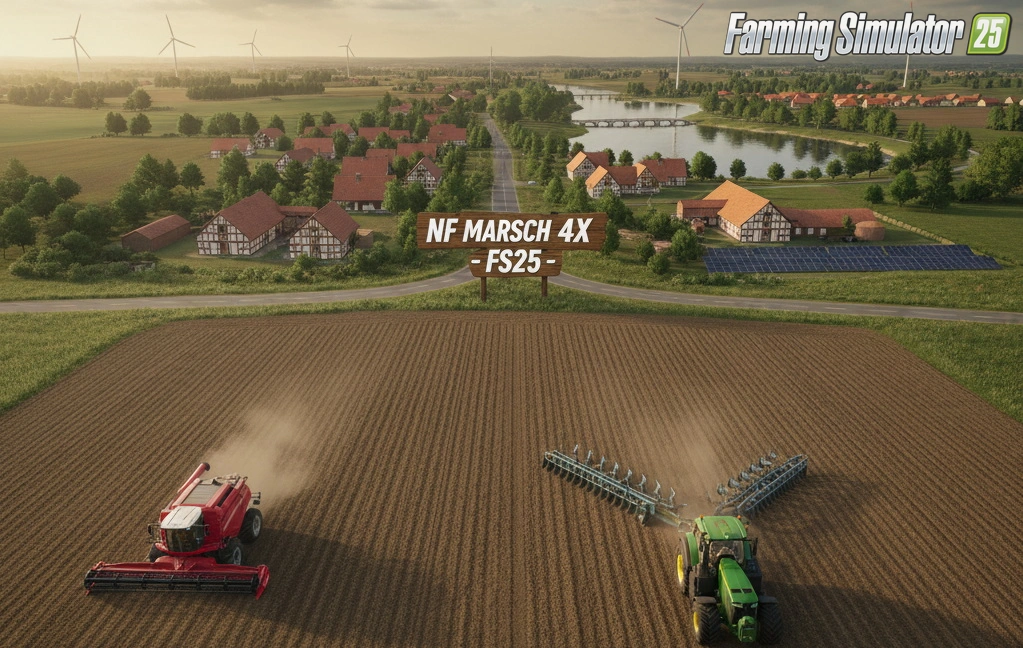
NF Marsch 4fach Map v1.7 for FS25
v1.11.x
NF Marsch 4fach Map v1.7 for FS25
-
 v1.24.x
Pallegney Map v1.2.3 By MA7Studio for FS25
v1.24.x
Pallegney Map v1.2.3 By MA7Studio for FS25
-
 v1.18.x
Pinewood Forest Map v2.2 for FS25
v1.18.x
Pinewood Forest Map v2.2 for FS25
Download links lead to external third-party websites. FarmerPlayer.com does not host any mod files directly. All links are reviewed before publishing, however we cannot guarantee the content of external sites at all times. By clicking a download link you agree to our Privacy Policy and Terms & Conditions. If you encounter a broken or suspicious link, please use the Report button above.