Enhanced Mod Menu v1.7 for FS25
0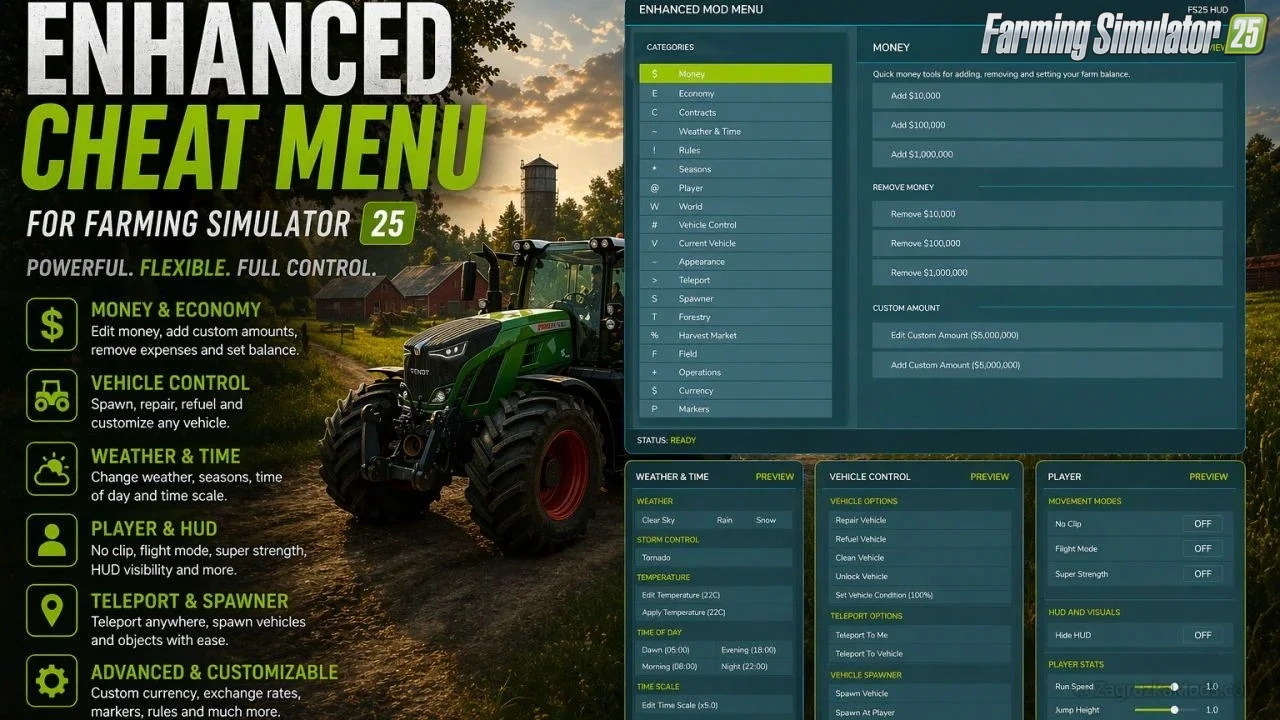
This FS25 modification adds a mod and cheat menu with a huge range of functionality. Dozens of features are available.
General Menu Features:
– Full in-game Enhanced Mod Menu for Farming Simulator 25, opened with Left Alt + M;
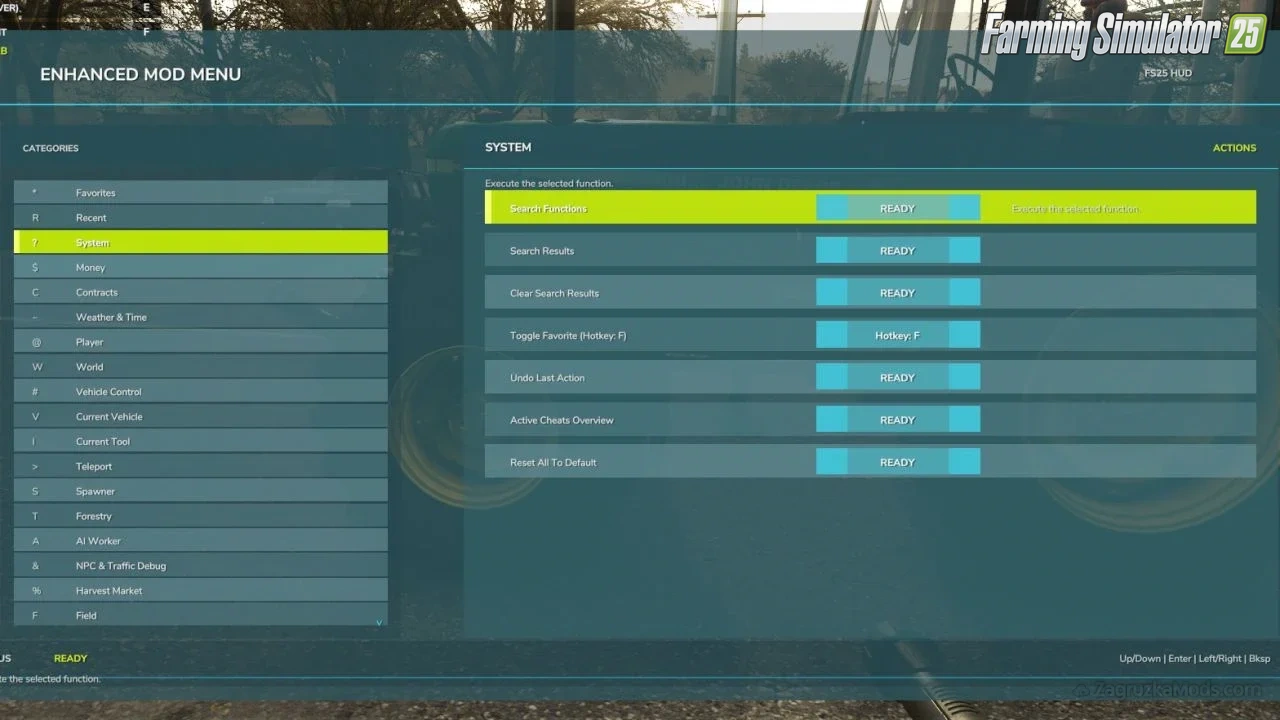
– Favorites system for quick access to frequently used functions;
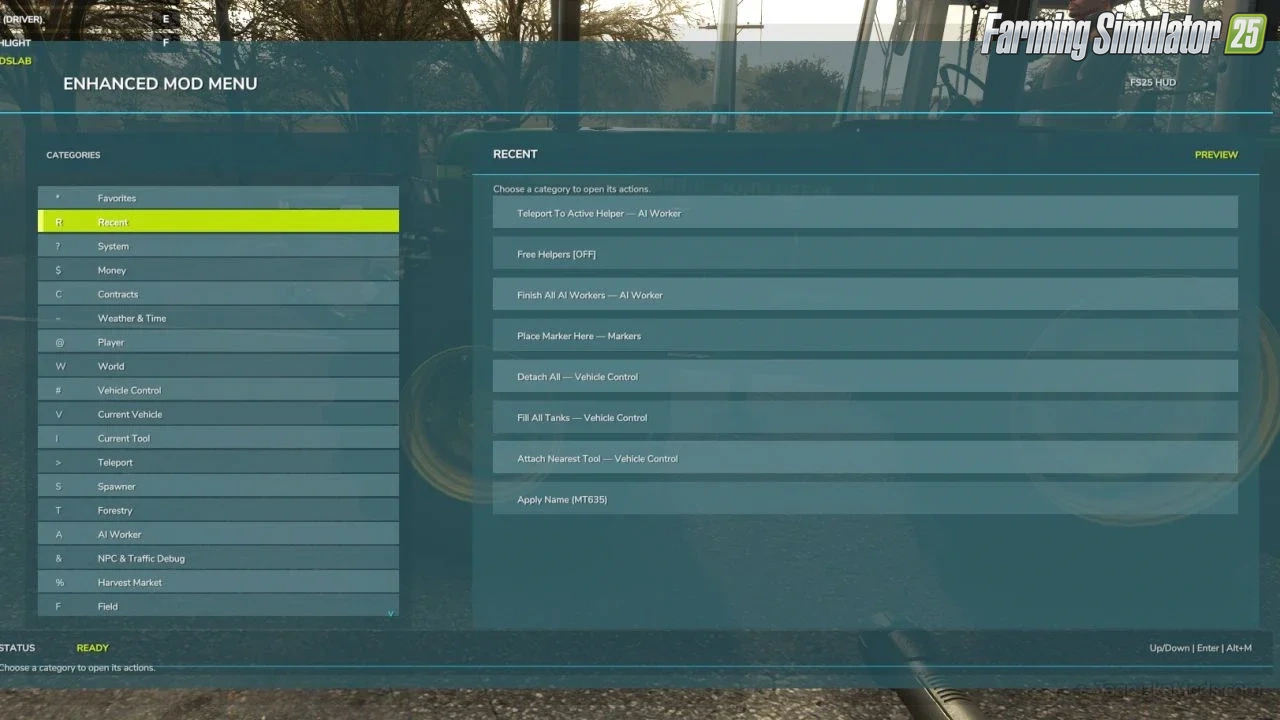
– Recent actions section;
– Function search with search results;
– Active cheats overview;
– Undo option for the last action;
– Reset button to restore supported changes to default values;
Money And Economy:
– Preset money options: add or remove $10,000, $100,000, or $1,000,000;
– Custom money editing: add, remove, or set the balance to a custom amount;
– Ideal Market option;
– Dynamic Difficulty Breaker option;
– Refund All Costs;
– Free Purchases;
– Free Buildings;
– Daily costs toggle;
– Instant Production Payback;
– Currency selector with multiple currencies;
– Custom currency creation with editable code, name, symbol, and exchange rate;
Contracts:
– Infinite Contracts;
– Custom contract reward multiplier;
– Instant completion for all contracts;
– Contract board refresh;
Time, Weather And Seasons:
– Weather control: clear sky, rain, snow, and tornado;
– Editable temperature;
– Calendar date selection;
– Custom clock and time editing;
– Quick time presets: dawn, morning, noon, evening, and night;
– Time skip options: 1 day, 2 days, 7 days, 1 month, 3 months, 6 months, or 1 year;
– Editable time scale;
– Freeze Time option;
– Season switching: spring, summer, autumn, and winter;
– Field requirements override;
– Weather impact override;
– Always Ideal Conditions mode;
Player Tools:
– No Clip mode;
– Flight Mode;
– Super Strength;
– Player Invisible mode;
– Default HUD toggle;
– Editable player run speed;
– Editable player jump height;
World Cleanup And Markers:
– Traffic toggle;
– Pedestrian toggle;
– Owned pallet cleanup;
– Owned bale cleanup;
– Loose owned freight cleanup;
– Tracking markers for owned pallets and bales;
– Freight marker cleanup;
Vehicle Tools:
– Vehicle repair;
– Fuel refill;
– Full tank refill for all vehicle tanks;
– Vehicle washing;
– Vehicle dirt option;
– Paint wear removal;
– Paint wear adding;
– Full vehicle appearance restoration;
– Vehicle cloning;
– Current vehicle selling;
– Current vehicle deletion;
– Prevent Vehicle Flips mode;
– Vehicle teleportation to the map marker;
– Repair for all attached implements;
– Full tank refill for the attached vehicle/tool chain;
– Lift all attached implements;
– Lower all attached implements;
Vehicle Editing:
– Current vehicle max speed editing;
– Current vehicle reverse speed editing;
– Current vehicle power editing;
– Power reset option;
– Current vehicle mass editing;
– Crop damage toggle for the current vehicle;
– Ghost Mode for the current vehicle;
– Vehicle name editing;
– Vehicle configuration browser;
– Vehicle configuration option switching;
– Selected vehicle configuration application;
– Vehicle configuration information display;
Tool Editing:
– Current tool target selection;
– Tool work width editing;
– Tool work speed editing;
– Required power editing for tools;
– Current tool cloning;
Teleportation:
– Teleport destination filters;
– Destination selection;
– Teleportation to selected destinations;
Spawner:
– Spawner menu with category selection;
– Selected item spawning;
– Pile material selection;
– Custom pile amount editing;
– Pile spawning;
Forestry:
– Tree selection;
– Tree growth stage selection;
– Plant one tree ahead of the player;
– Plant five trees ahead of the player;
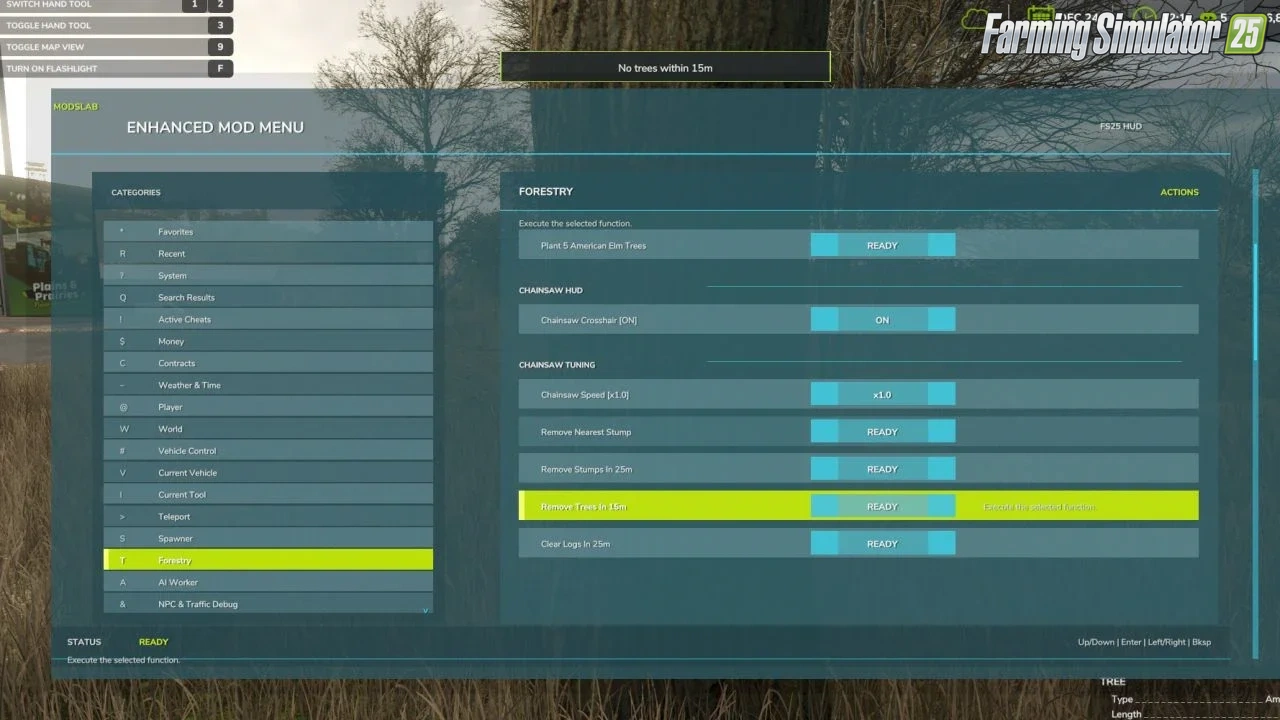
– Chainsaw Crosshair;
– Chainsaw speed switching;
– Remove living trees within 15 meters;
– Remove cut stumps within 25 meters;
– Remove the nearest cut stump;
– Clear cut logs within 25 meters;
AI Helpers:
– Free Helpers;
– Finish all AI workers;
– Teleportation to an active helper;
Traffic Control:
– Traffic cleanup around the player within 50 meters;
– Freeze Traffic;
– Traffic respawn;
Market And Crop Prices:
– Insider Trading for the harvest market;
– Peak Forecast information;
– Auto Trader;
– Custom harvest sales multiplier;
– Sales multiplier reset;
– Emergency restoration of all crop prices;
– Crop selection;
– Custom crop price editing;
– Set selected crop to the maximum price;
– Restore selected crop to the normal market price;
Field And Crop Tools:
– Perfect Field;
– Custom growth editing;
– Instant Grow;
– Instant Harvest;
– Crop selection for field planting;
– Plant selected crop;
– Auto Remove Weeds;
– Disable Stones;
– Soil state cycling;
– Instant plowing;
– Instant cultivating;
– Instant sowing;
– Instant fertilizing;
– Instant rolling;
Field Ownership And Field State:
– Selected field switching;
– Field selection by number;
– Field under player selection;
– Free purchase of the selected field;
– Selected field selling;
– Make all fields owned by the player;
– Reset ownership on all fields;
– Field state controls: lime, mulched, plowed, and rolled;
– Field fertilizer controls: 0%, 50%, and 100%;
– Weed removal for the selected field;
– Stone removal for the selected field;
Custom Map Markers:
– Custom map markers;
– Marker name editing;
– Marker description editing;
– Place marker at the player position;
– Marker selection;
– Teleportation to selected markers;
– Marker deletion;
– Delete all custom markers.
Conflicts:
– Grow now (thanks CollapsingVoid for test)
– Other scripts that interact with the same code/functions as the Mod Menu.
Screenshots of «Enhanced Mod Menu v1.7 for FS25»
Gameplay Videos with «Enhanced Mod Menu v1.7 for FS25»
Changelogs for «Enhanced Mod Menu v1.7 for FS25»
Changes in v1.7:
– Added the ability to change the capacity of the body, fuel tank, and other capacities for vehicles, trailers, and tools. If you are inside a tractor, you will only be able to change the fuel tank capacity. In a harvester, you will be able to change the fuel tank capacity, grain tank capacity, and loading speed. If a trailer or other tools are attached to a tractor or other vehicle, you will also be able to change their capacity/unloading speed. All new options are located in the Current Vehicle and Current Tool categories.
– Added text color selection for the menu in the System category.
– Power, maximum speed, and other settings are now saved after exiting the game. After entering the game, it may take some time for the vehicles to load and for the settings to be applied again.
How to install «Enhanced Mod Menu v1.7 for FS25»
- Download the modClick a download link below and save the
.zipfile to your computer. - Open the mods folderGo to
My Documents > My Games > FarmingSimulator2025 > mods. Create it if it doesn't exist. - Copy the .zip fileMove the downloaded
.zipstraight into themodsfolder. Do not extract it. - Launch FS25Start Farming Simulator 25, open Mods in the menu, find «Enhanced Mod Menu v1.7 for FS25» and enable it.
- PlayStart a new save or load an existing one. The mod is now active. Enjoy! 🌾
Download Links — Policy & Disclaimer
This page may contain links to third-party content and websites. External links are reviewed when a page is published, however we are not responsible for the content of external websites. All mod files belong to their respective authors. FarmerPlayer is not affiliated with GIANTS Software GmbH. If you would like a link to your website removed, please contact us.
You Might Also Like
-
 News
Farming Simulator 25 - Patch 1.24 Released for Download
News
Farming Simulator 25 - Patch 1.24 Released for Download
-
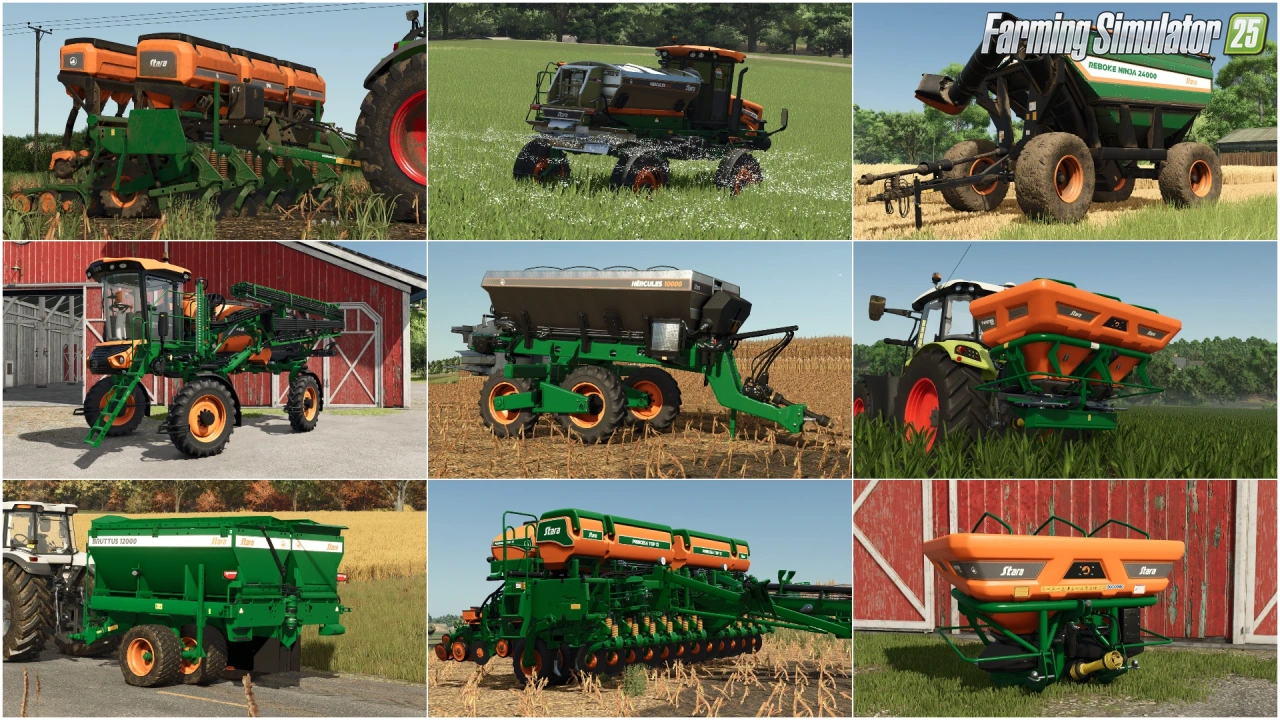 v1.10.x
Stara and Connect Modding Pack v1.0 for FS25
v1.10.x
Stara and Connect Modding Pack v1.0 for FS25
-
 v1.14.x
Riverbend Springs Map v1.0.1.4 Edit By Stevie for FS25
v1.14.x
Riverbend Springs Map v1.0.1.4 Edit By Stevie for FS25
-
 v1.10.x
Liftable Pallets And Bales v1.0.4 for FS25
v1.10.x
Liftable Pallets And Bales v1.0.4 for FS25
-
 v1.10.x
CoursePlay Mod v8.1 for FS25
v1.10.x
CoursePlay Mod v8.1 for FS25
-
 v1.20.x
Hinterkaifeck Map v1.0 for FS25
v1.20.x
Hinterkaifeck Map v1.0 for FS25
-
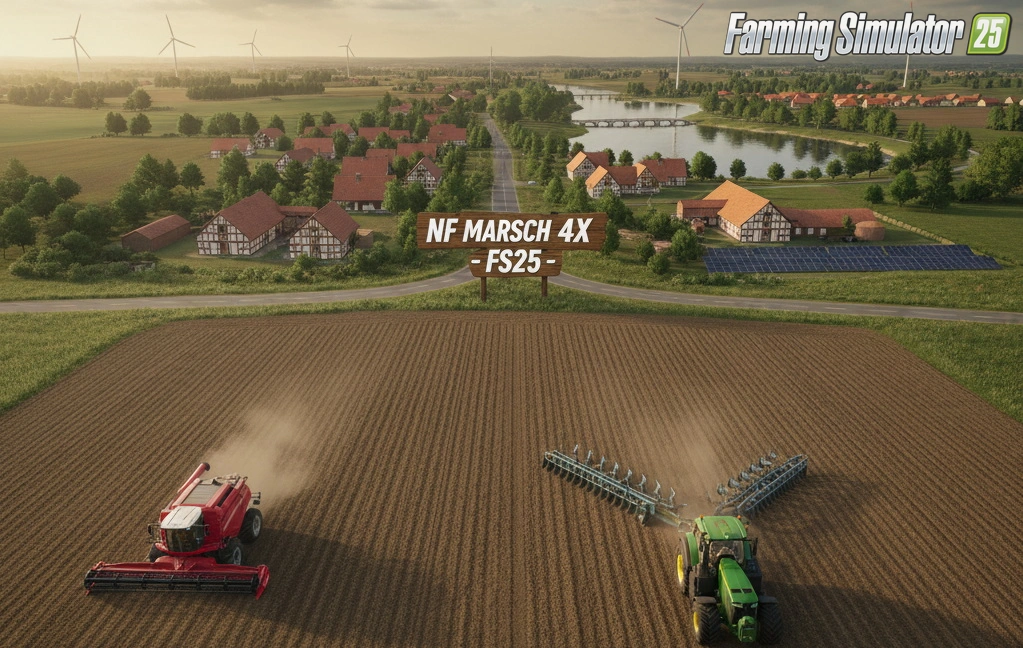 v1.11.x
NF Marsch 4fach Map v1.7 for FS25
v1.11.x
NF Marsch 4fach Map v1.7 for FS25
-
 News
Farming Simulator 26 is coming soon!
News
Farming Simulator 26 is coming soon!
Download links lead to external third-party websites. FarmerPlayer.com does not host any mod files directly. All links are reviewed before publishing, however we cannot guarantee the content of external sites at all times. By clicking a download link you agree to our Privacy Policy and Terms & Conditions. If you encounter a broken or suspicious link, please use the Report button above.