How To Install Mods In FS25 Game with Full Guide - Video
0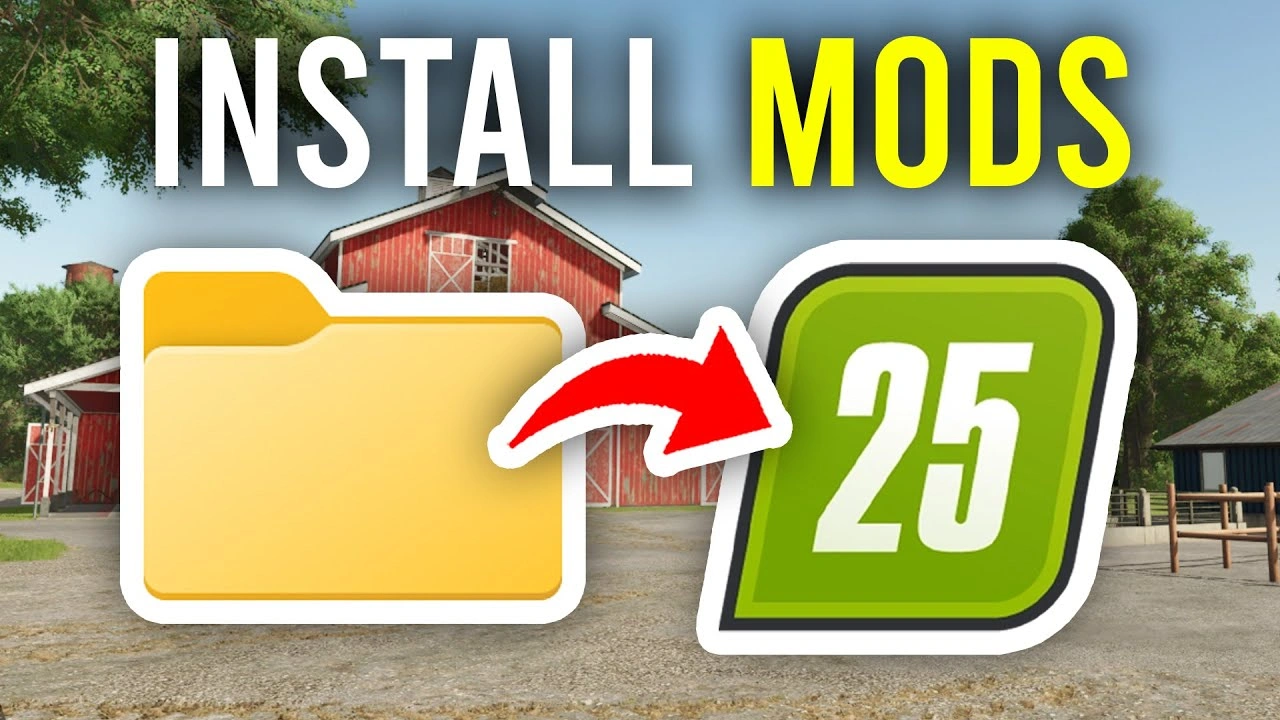
Gameplay videos presenting How To Install Mods In FS25 Game with Full Guide for Farming Simulator 25 game.
How To Install Mods in Farming Simulator 25 (Simple Method)
– 📥 Download the mod file (usually a .zip or .rar).
– 📂 Open your FS25 mods folder located at: Documents → My Games → FarmingSimulator25 → mods
– 📦 Place the downloaded mod file inside the mods folder (Do not unzip it unless the mod creator says so).
– ▶️ Start the game and go to Mod Manager.
– ✔️ Activate the mod by checking the box.
– 🚜 Load your savegame and enjoy the new mod.
You Might Also Like
-
 News
Farming Simulator 25 - Patch 1.24 Released for Download
News
Farming Simulator 25 - Patch 1.24 Released for Download
-
 v1.14.x
Riverbend Springs Map v1.0.1.4 Edit By Stevie for FS25
v1.14.x
Riverbend Springs Map v1.0.1.4 Edit By Stevie for FS25
-
 v1.10.x
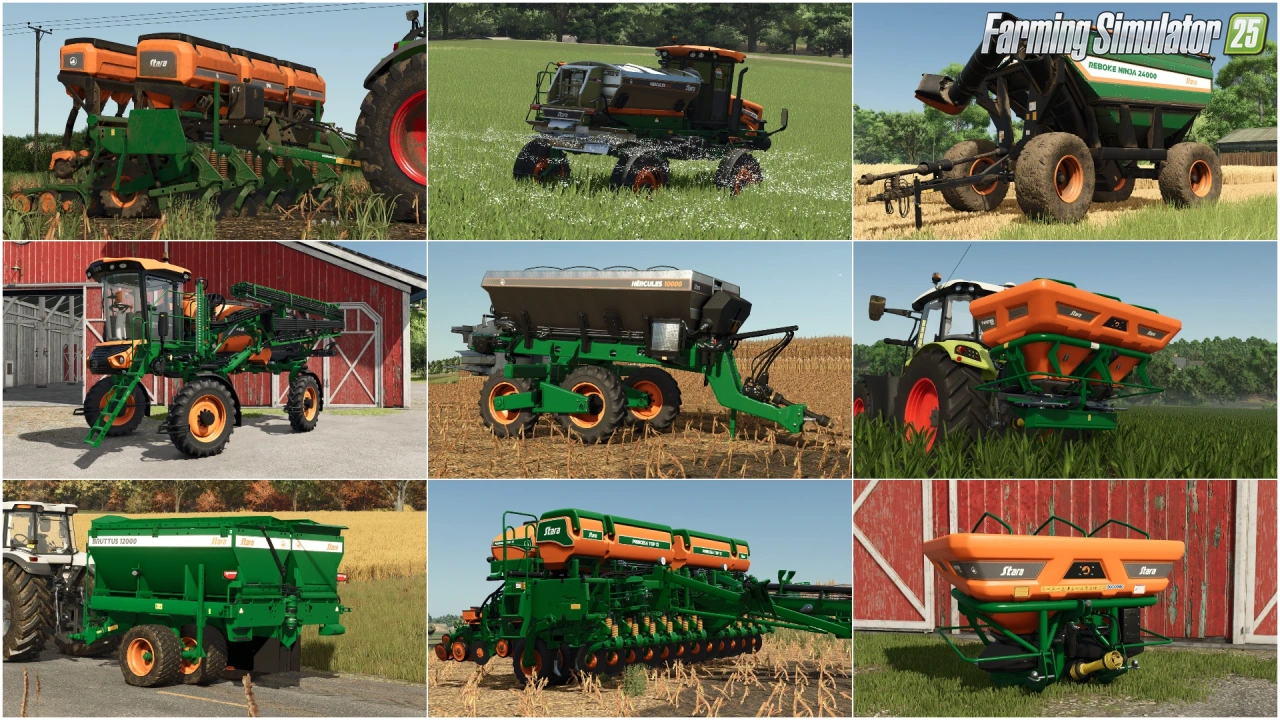
Stara and Connect Modding Pack v1.0 for FS25
v1.10.x
Stara and Connect Modding Pack v1.0 for FS25
-
 v1.10.x
CoursePlay Mod v8.1 for FS25
v1.10.x
CoursePlay Mod v8.1 for FS25
-
 News
Farming Simulator 26 is coming soon!
News
Farming Simulator 26 is coming soon!
-
 v1.15.x
Universal Autoload v1.0.1.6 By loki79uk for FS25
v1.15.x
Universal Autoload v1.0.1.6 By loki79uk for FS25
-
 v1.10.x
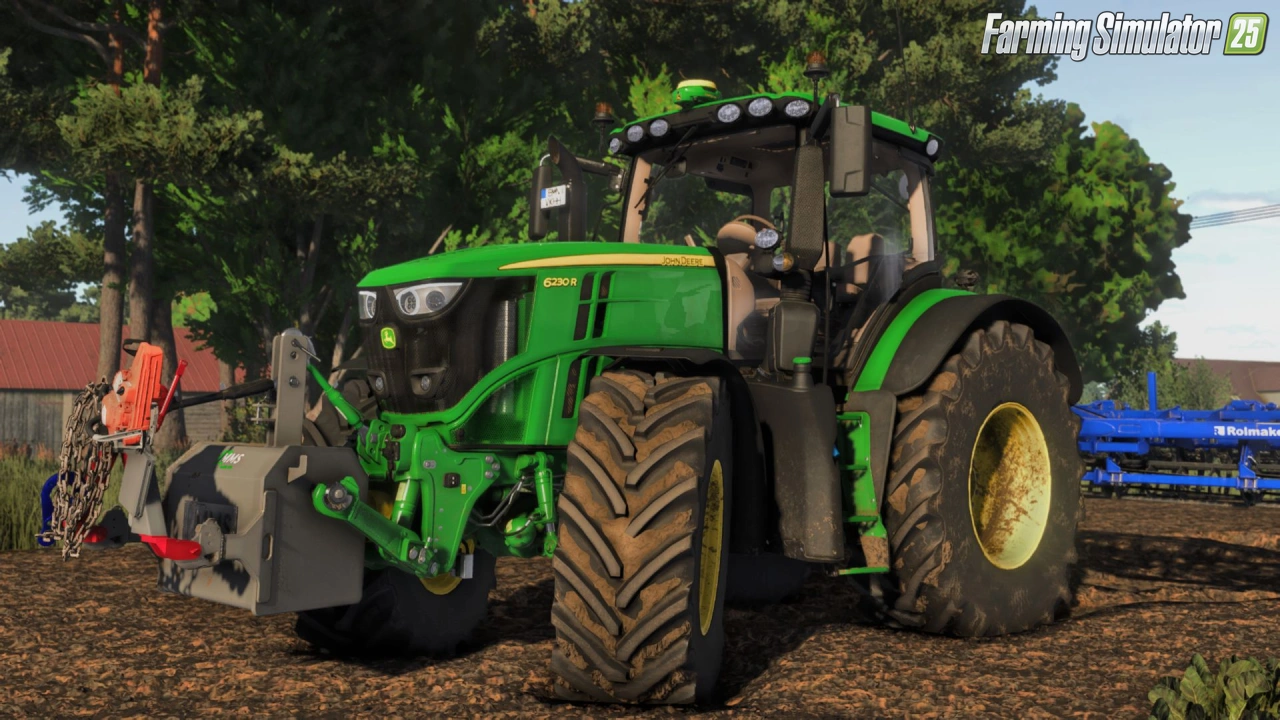
Shader Mod v1.2 By mihajlomiki for FS25
v1.10.x
Shader Mod v1.2 By mihajlomiki for FS25
-
 v1.10.x
Liftable Pallets And Bales v1.0.4 for FS25
v1.10.x
Liftable Pallets And Bales v1.0.4 for FS25
Download links lead to external third-party websites. FarmerPlayer.com does not host any mod files directly. All links are reviewed before publishing, however we cannot guarantee the content of external sites at all times. By clicking a download link you agree to our Privacy Policy and Terms & Conditions. If you encounter a broken or suspicious link, please use the Report button above.