Porcupine Mountains Michigan Map v1.0.1.1 for FS25
0
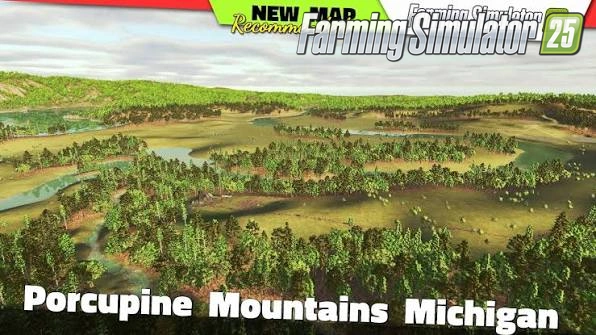
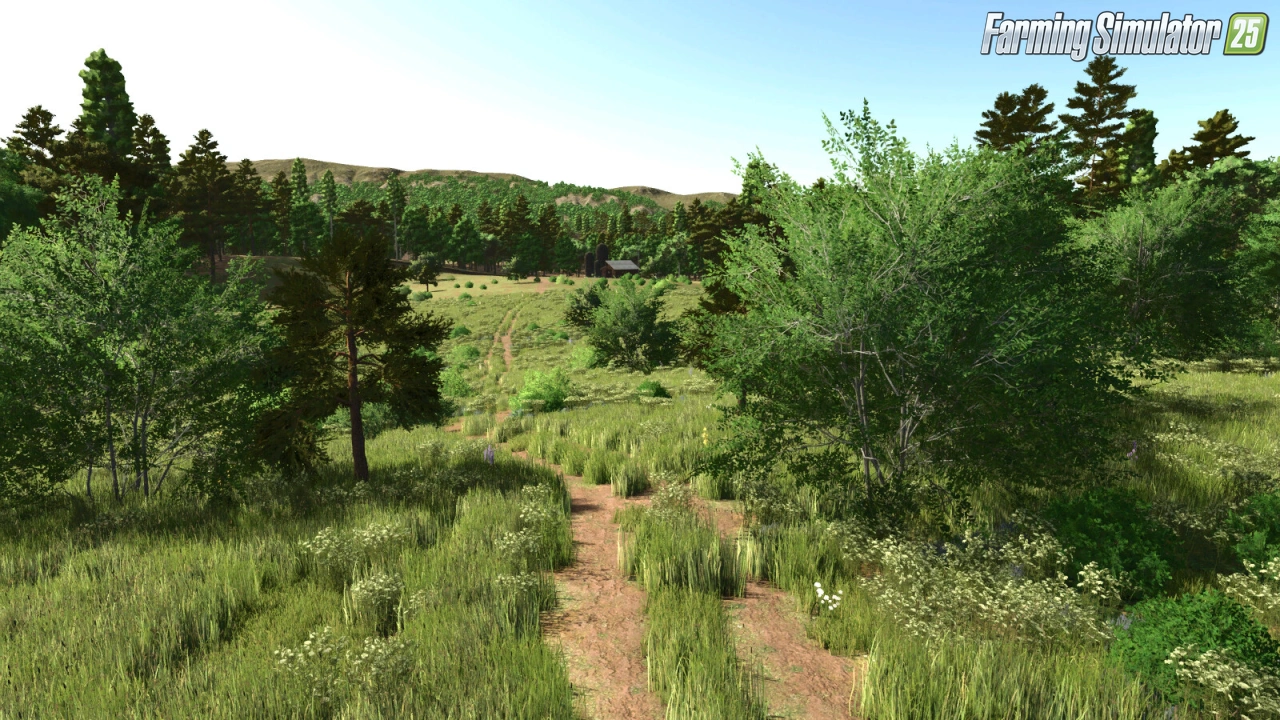
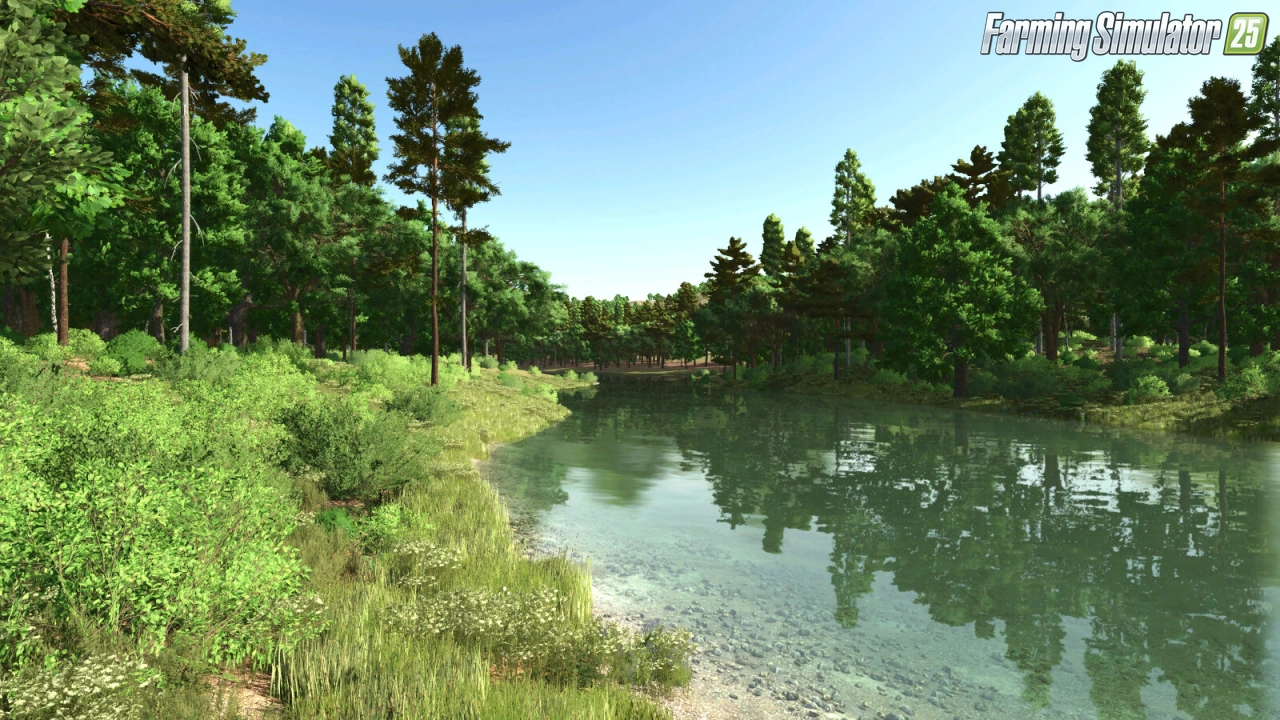
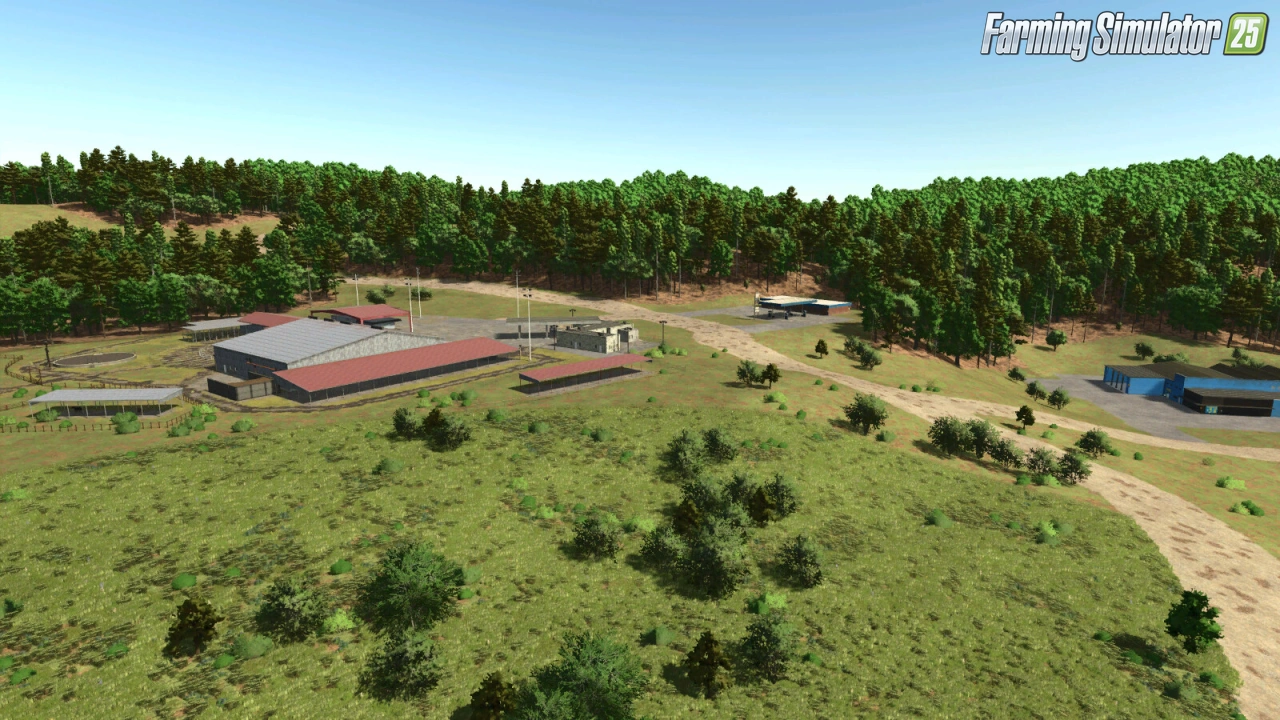
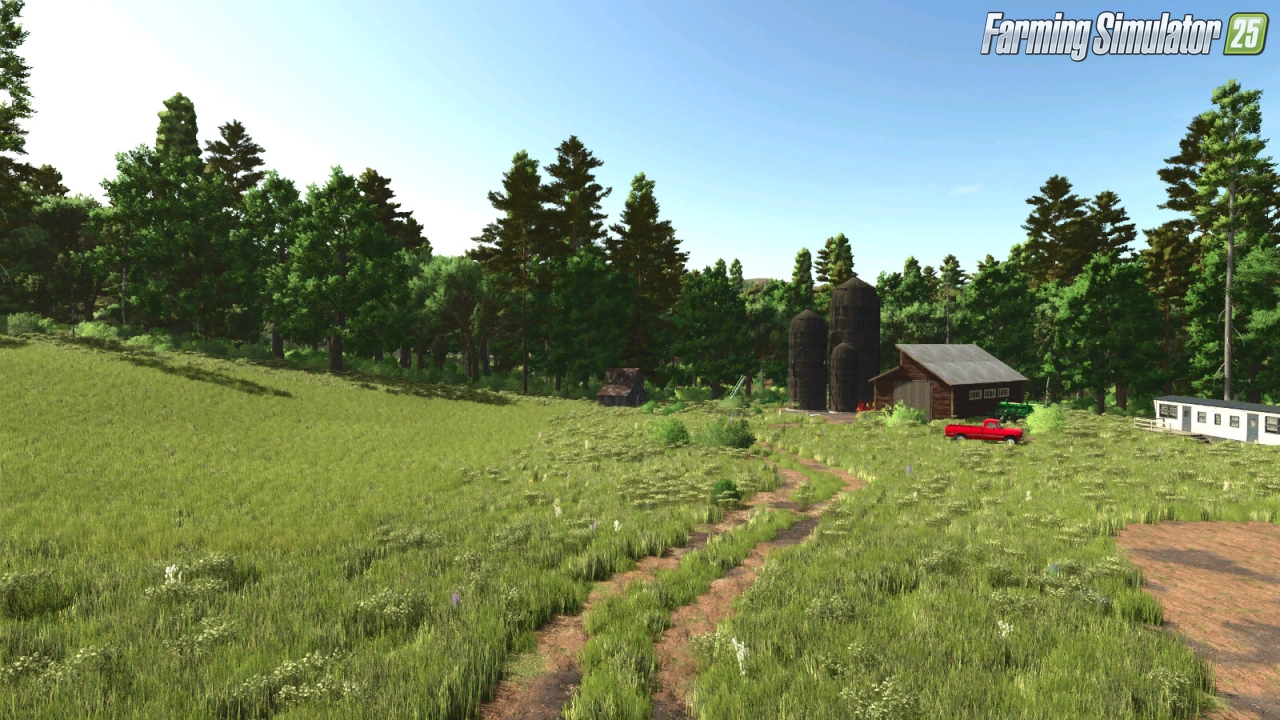
🌲 Porcupine Mountains Michigan Map for FS25 – this immersive start-from-scratch survival map brings the wilds of the Porcupine Mountains in Michigan’s Upper Peninsula to Farming Simulator 25. Featuring difficult terrain, extreme weather, vast wilderness, and no traffic, it’s perfect for players who want a challenging pioneering experience with plenty of room to build and expand.
Features Porcupine Mountains Michigan Map:
– 🌲 Start-from-scratch / survival style map
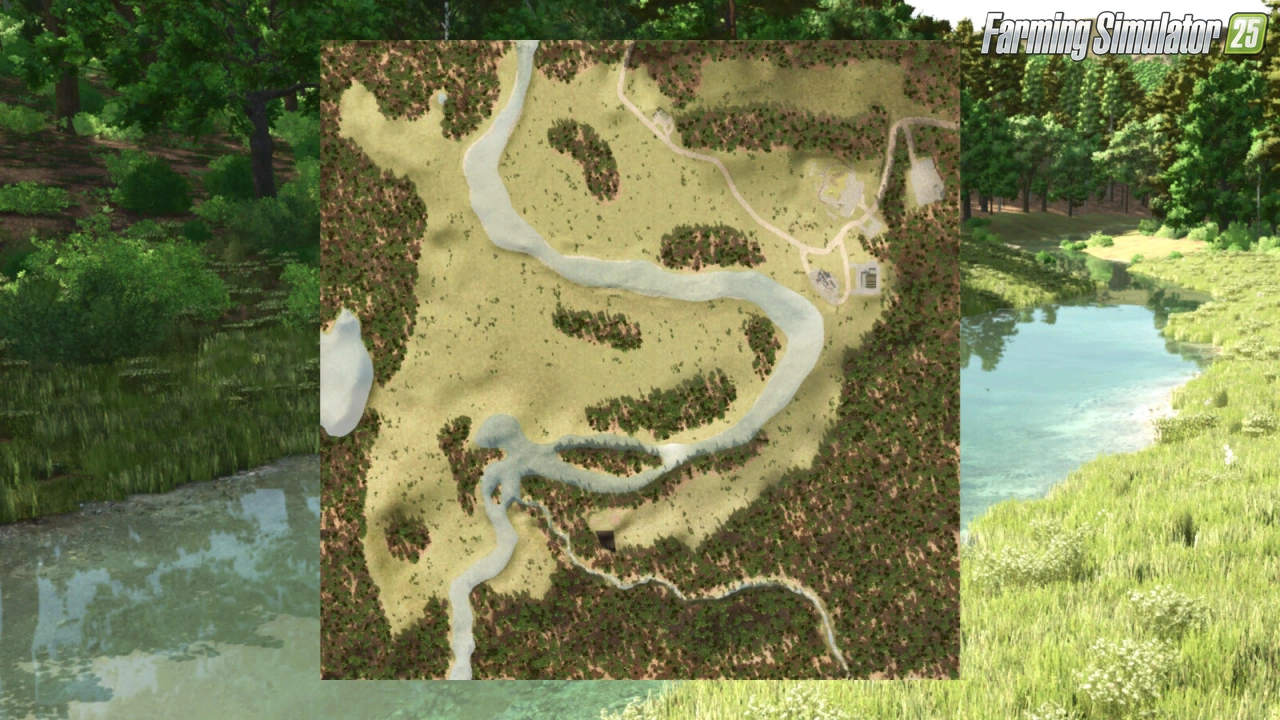
– 🏡 Small starting property with trailer house, shed, silo & used equipment
– 🌾 58 available farmlands + 1 starter field
– 🎁 50 collectibles
– 🚫 No traffic (build roads wherever you want)
– 🏭 Production & sell points: Sawmill, Grain Elevator
– 🛒 Buy points: Animal Trader, Gas Station, Warehouse, Vehicle Dealer
– 🌱 New crops: Alfalfa, Clover, Flowering Catchcrop, Green Rye, Rye, Spelt, Silage Maize, Triticale, Vetched Rye, Winter Wheat, Winter Barley
– 🌍 Ground deformation, row crop system, additional ground angles
– 🌾 Stubble destruction
– 🎨 Updated textures & more paintable surfaces
– 📅 Custom planting & harvest calendar
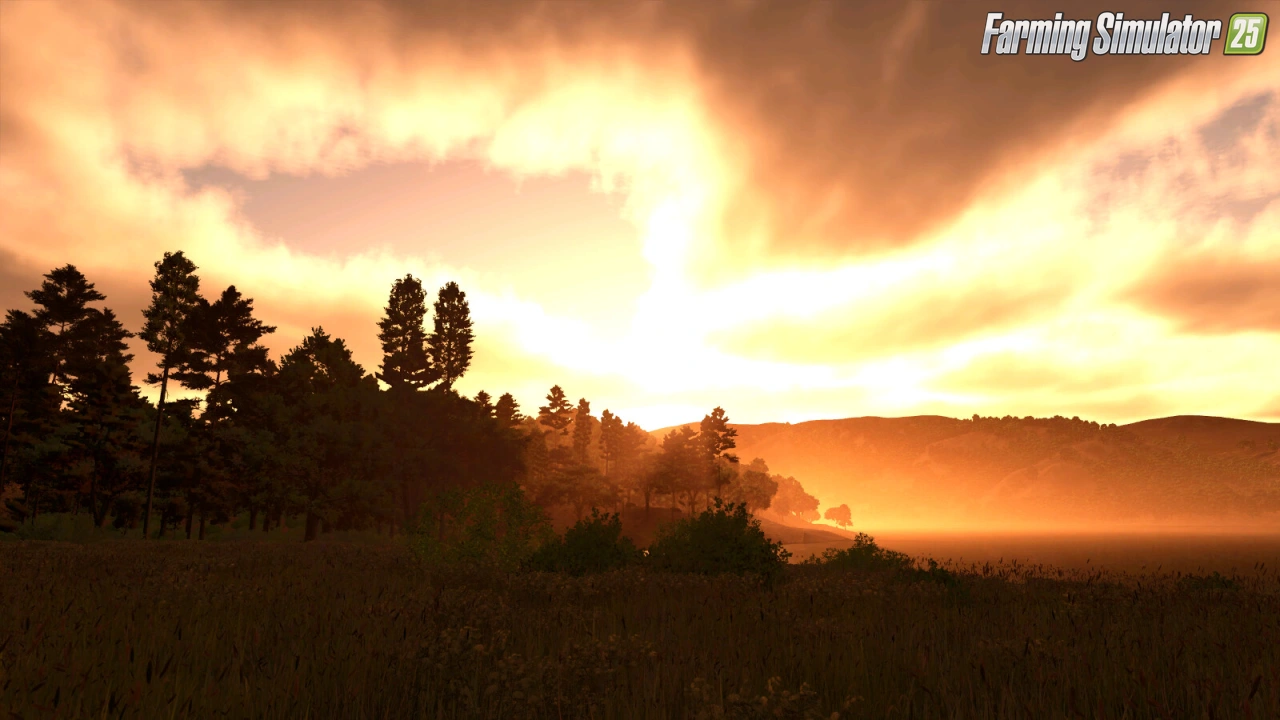
– 🌦️ Custom weather with unique sunrises/sunsets, dark nights & tornadoes
– 🐄 Realistic animal production (cows milk after 27 months, goats after 12 months)
Changes in v1.0.1.1:
– 🔄 Fixed yields for grain crops when swathing
– 🔄 Higher stubble height for better visibility of stubble destruction
– 🔄 Added more gravel paint textures
– 🔄 Dairy cattle available at 24 & 28 months (premium)
– 🔄 Goats available at 13 months (premium)
Required Mods:
– Old Grain Silo Multifruit
– Chip N' Wood Sawmill
👉️ Tested on game version 1.21+
Screenshots of «Porcupine Mountains Michigan Map v1.0.1.1 for FS25»

Gameplay Videos with «Porcupine Mountains Michigan Map v1.0.1.1 for FS25»
Changelogs for «Porcupine Mountains Michigan Map v1.0.1.1 for FS25»
Changes in v1.0.0.1:
-Fixed meadow being able to be endlessly mowed
-Fixed field grass not growing past stage 04
-Reduced crop density to improve frame rates
-Adjusted sunrises and sunsets so the green sky isnt such an intense green.
-Adjusted night coloring so it gradually gets darker and then lighter as the moon is near the horizen
-Adjusted vescosity of mud so it is much softer
-Moved deadwood mission spots away from map edges so all trees are accessable.
-Fixed some crop calendars
How to install «Porcupine Mountains Michigan Map v1.0.1.1 for FS25»
- Download the modClick a download link below and save the
.zipfile to your computer. - Open the mods folderGo to
My Documents > My Games > FarmingSimulator2025 > mods. Create it if it doesn't exist. - Copy the .zip fileMove the downloaded
.zipstraight into themodsfolder. Do not extract it. - Launch FS25Start Farming Simulator 25, open Mods in the menu, find «Porcupine Mountains Michigan Map v1.0.1.1 for FS25» and enable it.
- PlayStart a new save or load an existing one. The mod is now active. Enjoy! 🌾
Download Links — Policy & Disclaimer
This page may contain links to third-party content and websites. External links are reviewed when a page is published, however we are not responsible for the content of external websites. All mod files belong to their respective authors. FarmerPlayer is not affiliated with GIANTS Software GmbH. If you would like a link to your website removed, please contact us.
You Might Also Like
-
 v1.14.x
Riverbend Springs Map v1.0.1.4 Edit By Stevie for FS25
v1.14.x
Riverbend Springs Map v1.0.1.4 Edit By Stevie for FS25
-
 v1.20.x
Hinterkaifeck Map v1.0 for FS25
v1.20.x
Hinterkaifeck Map v1.0 for FS25
-
 v1.11.x
NF Marsch 4fach Map v1.7 for FS25
v1.11.x
NF Marsch 4fach Map v1.7 for FS25
-
 v1.10.x
Stara and Connect Modding Pack v1.0 for FS25
v1.10.x
Stara and Connect Modding Pack v1.0 for FS25
-
 v1.21.x
PGR Bruzda Map v1.4.2 for FS25
v1.21.x
PGR Bruzda Map v1.4.2 for FS25
-
 News
Welcome to Kinlaig | Highlands Fishing Map Preview for FS25
News
Welcome to Kinlaig | Highlands Fishing Map Preview for FS25
-
 v1.19.x
SKY Agriculture Pack to add 12 Machines for FS25
v1.19.x
SKY Agriculture Pack to add 12 Machines for FS25
-
 v1.15.x
Pallegney Map v1.2.2 By MA7Studio for FS25
v1.15.x
Pallegney Map v1.2.2 By MA7Studio for FS25
Download links lead to external third-party websites. FarmerPlayer.com does not host any mod files directly. All links are reviewed before publishing, however we cannot guarantee the content of external sites at all times. By clicking a download link you agree to our Privacy Policy and Terms & Conditions. If you encounter a broken or suspicious link, please use the Report button above.