Dashboard Live v2.1.0.1 for FS25
0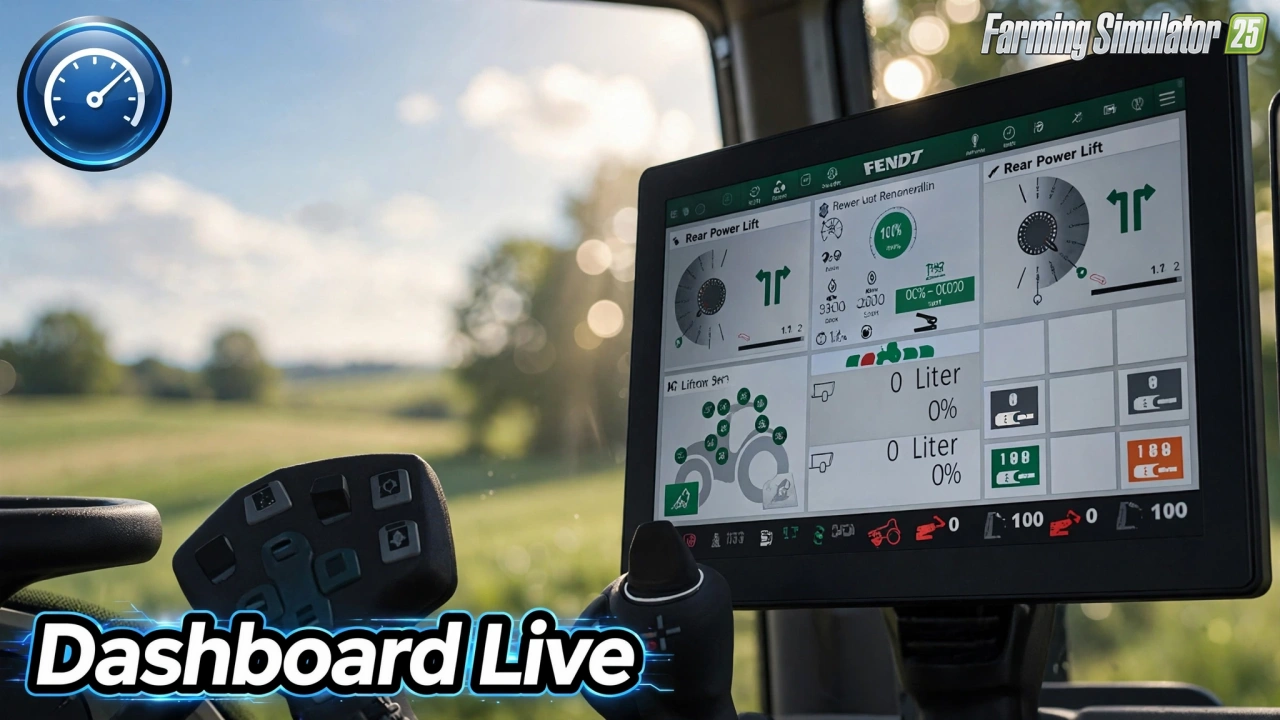
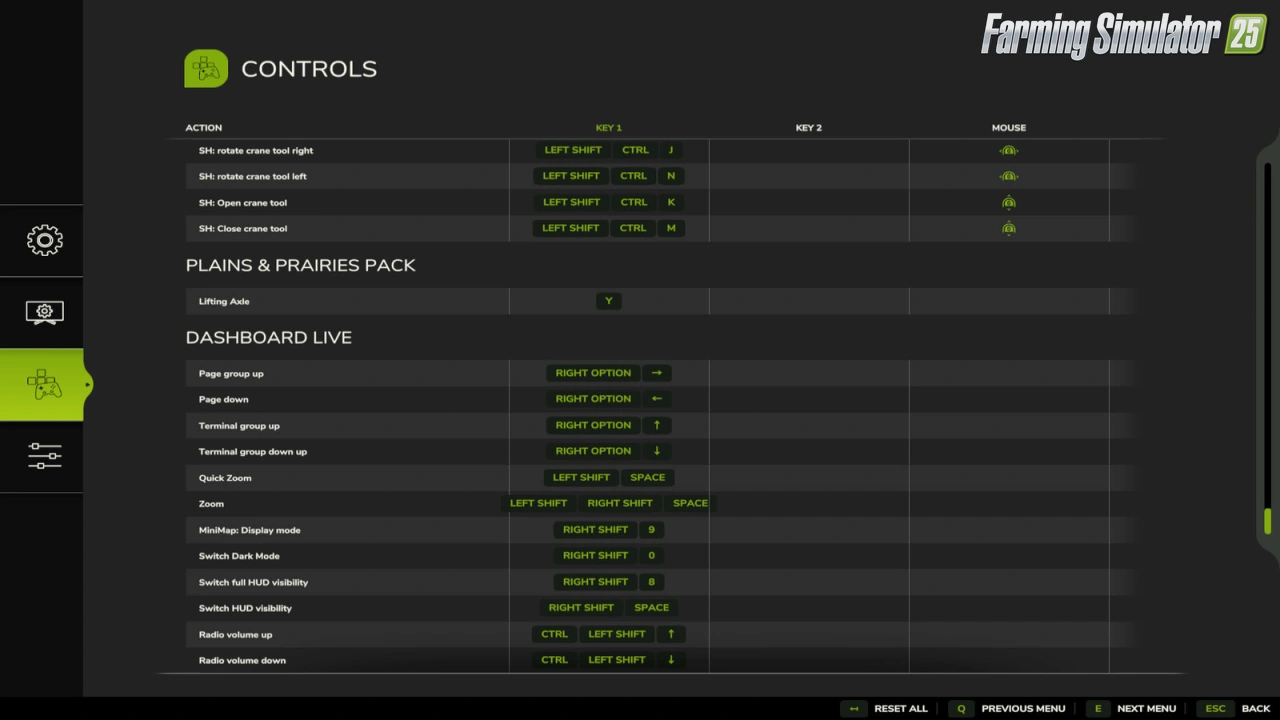
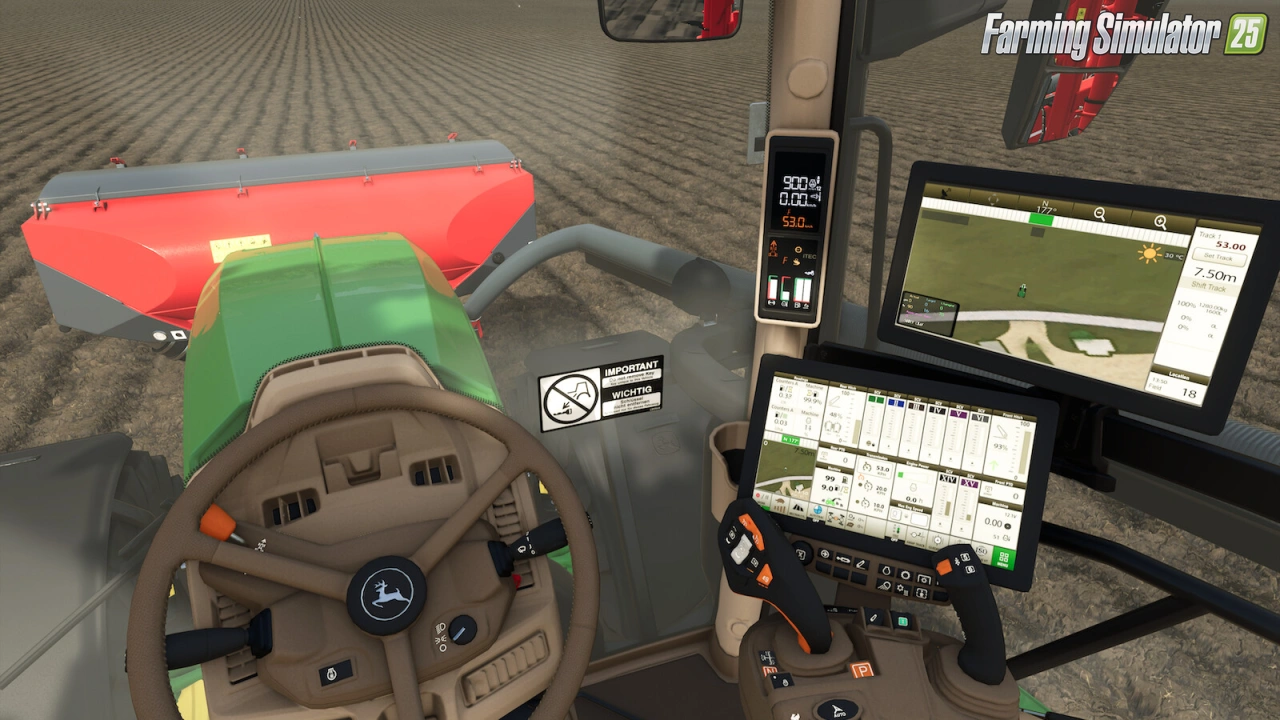
Dashboard Live for FS25 - this mod allows you to display a wide range of real-time information directly on the board computers and dashboards of tractors and vehicles in Farming Simulator 25, regardless of brand, for a much more immersive and informative driving experience.
Features of Dashboard Live:
– Displays status of front and rear linkage, attached implements, and trailers
– Filling levels, weight of loaded material, and active implement info
– Compass heading, course display, and field number
– PTO status, tipping status/side, and folding process
– Real-time clock and radio controls (on/off, station, volume)
– Minimap display in the dashboard
– Thresher-specific info (filling, chopper/swath, cutting height, pipe position)
– Baler/wrapper info (bale size and counter)
– Front loader tool position
– Dark mode and acoustic signals
– Zoom function (short and permanent)
– Multiplayer synchronization of engine temperature, fuel, and air consumption
– Optional support for VehicleControlAddon, Enhanced Vehicle, Headland Management, CombineXP, CVTaddon, realGPS, Interactive Control, and more
– ISOBUS support for custom terminals
– Vehicles must be prepared for Dashboard Live to use the displays
Tested on game version 1.21+
Screenshots of «Dashboard Live v2.1.0.1 for FS25»

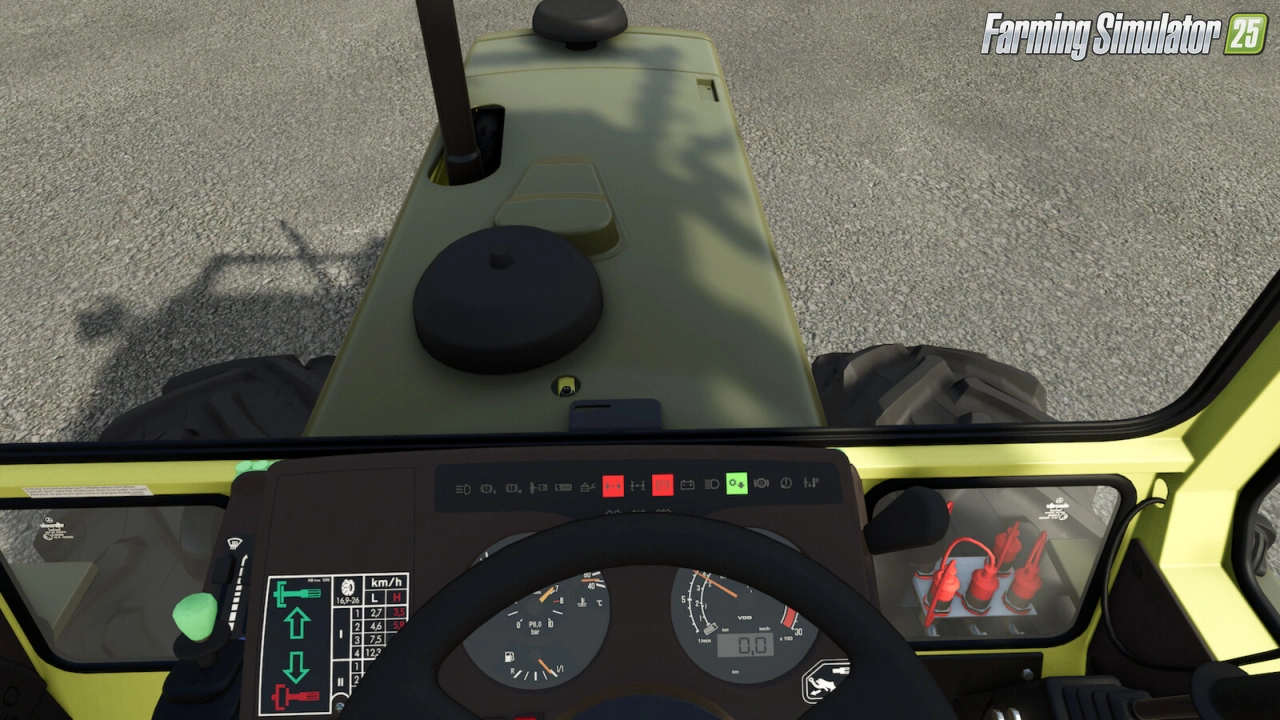
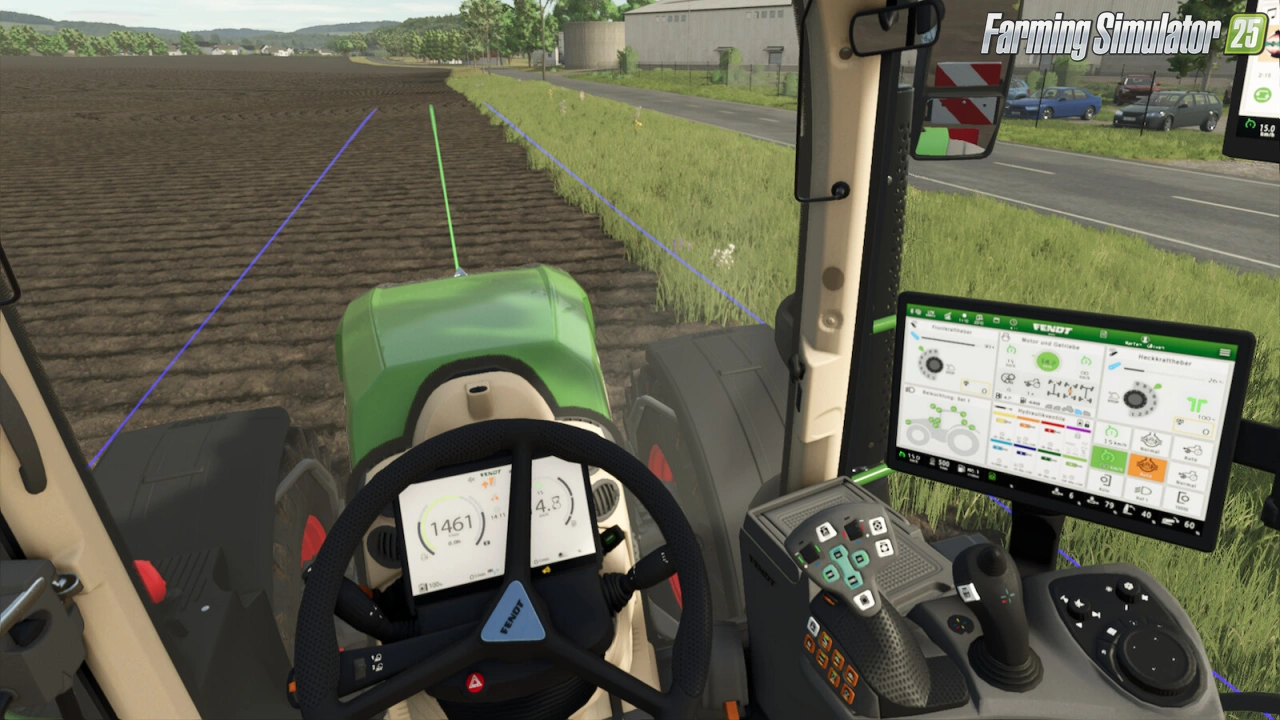
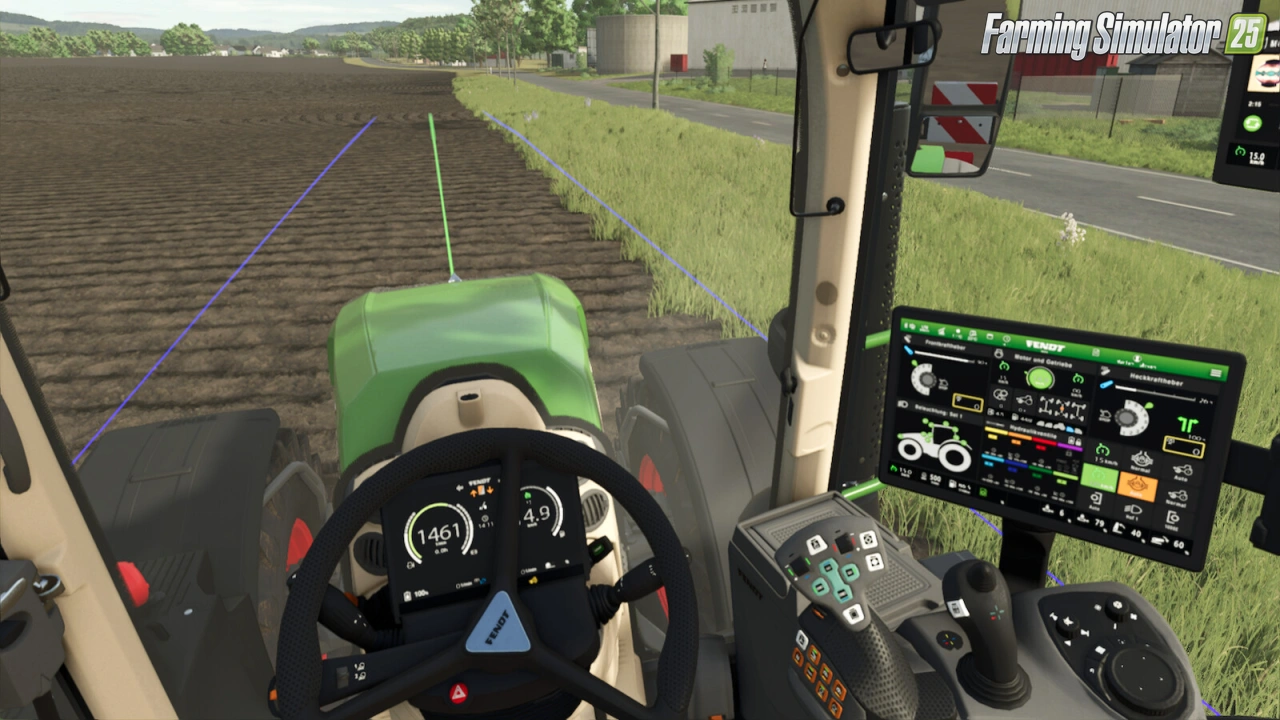
Gameplay Videos with «Dashboard Live v2.1.0.1 for FS25»
Changelogs for «Dashboard Live v2.1.0.1 for FS25»
Changes in v2.1.0.1:
- Fixed a bug that caused the terminals to keep dark in multiplayer after another client joined the game
- Fixed a duplicate factor 100 in slip calculation, triggering the slip alert in John Deere terminals to often
- Fixed incorrect return values, causing multiple warnings in the log
- Warnings regarding DBL implementations have been moved to devWarnings to avoid confusion.
How to install «Dashboard Live v2.1.0.1 for FS25»
- Download the modClick a download link below and save the
.zipfile to your computer. - Open the mods folderGo to
My Documents > My Games > FarmingSimulator2025 > mods. Create it if it doesn't exist. - Copy the .zip fileMove the downloaded
.zipstraight into themodsfolder. Do not extract it. - Launch FS25Start Farming Simulator 25, open Mods in the menu, find «Dashboard Live v2.1.0.1 for FS25» and enable it.
- PlayStart a new save or load an existing one. The mod is now active. Enjoy! 🌾
Download Links — Policy & Disclaimer
This page may contain links to third-party content and websites. External links are reviewed when a page is published, however we are not responsible for the content of external websites. All mod files belong to their respective authors. FarmerPlayer is not affiliated with GIANTS Software GmbH. If you would like a link to your website removed, please contact us.
You Might Also Like
-
 v1.10.x
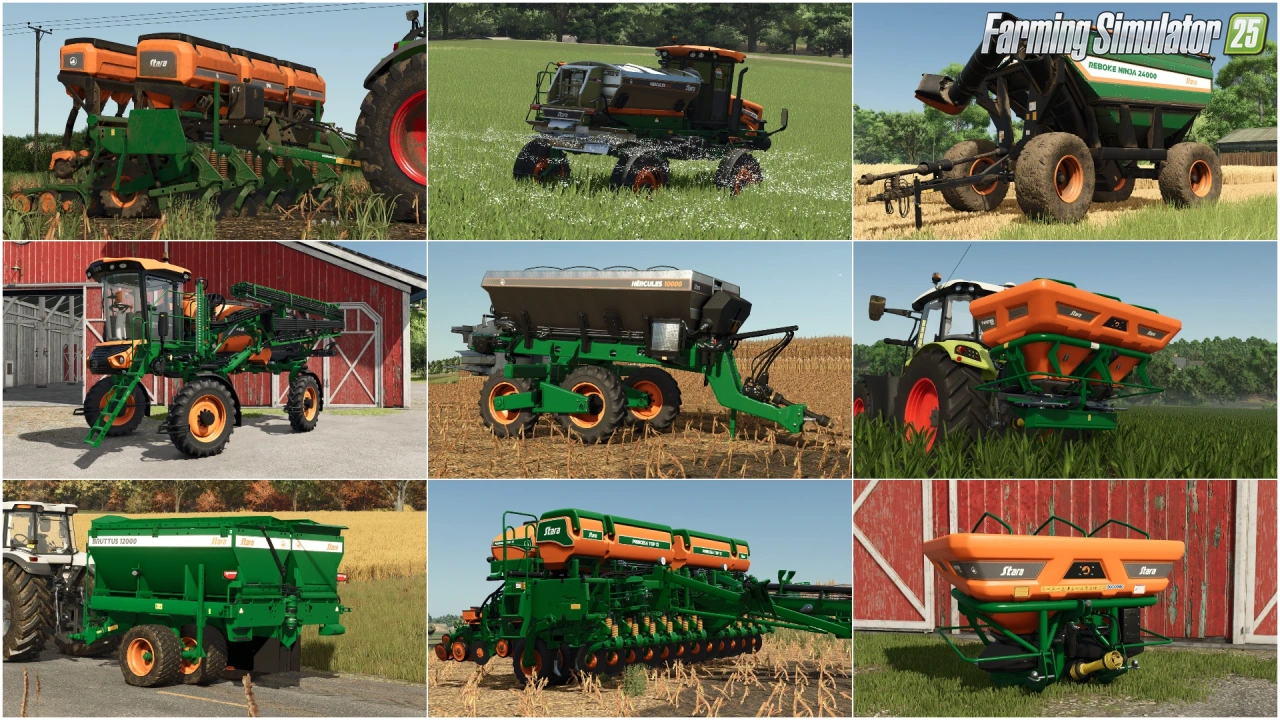
Stara and Connect Modding Pack v1.0 for FS25
v1.10.x
Stara and Connect Modding Pack v1.0 for FS25
-
 v1.14.x
Riverbend Springs Map v1.0.1.4 Edit By Stevie for FS25
v1.14.x
Riverbend Springs Map v1.0.1.4 Edit By Stevie for FS25
-
 v1.20.x
Hinterkaifeck Map v1.0 for FS25
v1.20.x
Hinterkaifeck Map v1.0 for FS25
-
 v1.11.x
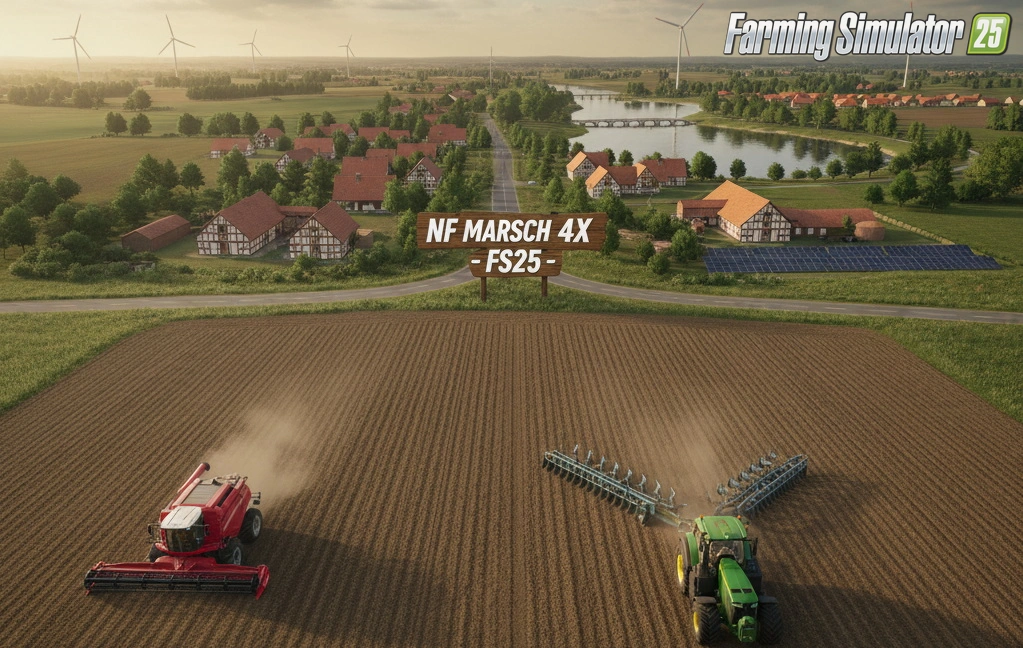
NF Marsch 4fach Map v1.7 for FS25
v1.11.x
NF Marsch 4fach Map v1.7 for FS25
-
 v1.10.x
Liftable Pallets And Bales v1.0.4 for FS25
v1.10.x
Liftable Pallets And Bales v1.0.4 for FS25
-
 News
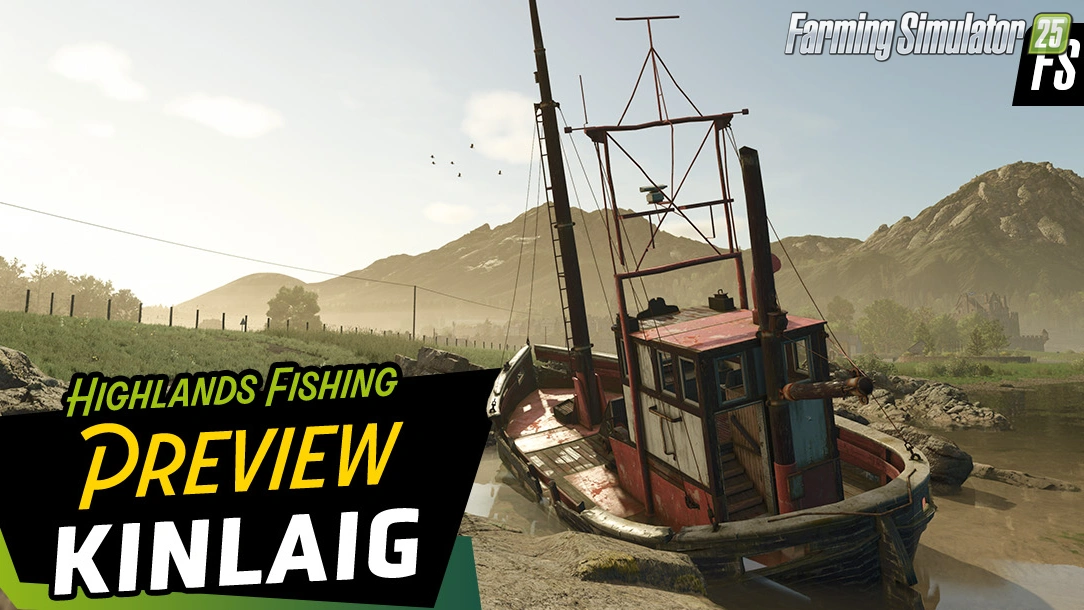
Welcome to Kinlaig | Highlands Fishing Map Preview for FS25
News
Welcome to Kinlaig | Highlands Fishing Map Preview for FS25
-
 v1.19.x
Dodge Ram 5500 v1.9 for FS25
v1.19.x
Dodge Ram 5500 v1.9 for FS25
-
 v1.6.x
Ural and Tonar Pack v1.0 for FS25
v1.6.x
Ural and Tonar Pack v1.0 for FS25
Download links lead to external third-party websites. FarmerPlayer.com does not host any mod files directly. All links are reviewed before publishing, however we cannot guarantee the content of external sites at all times. By clicking a download link you agree to our Privacy Policy and Terms & Conditions. If you encounter a broken or suspicious link, please use the Report button above.