Realistic Weather Lite v1.4.0.1 for FS25
0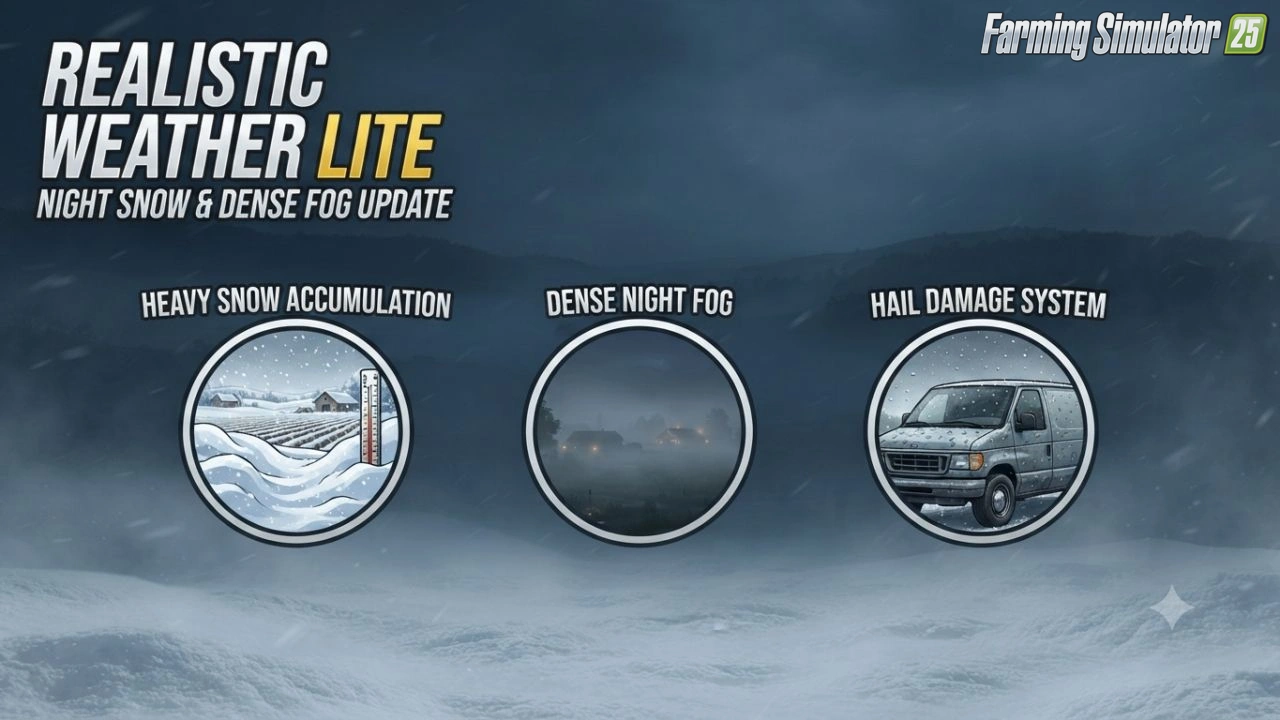
🌦️ Realistic Weather Lite for FS25 – this lightweight weather enhancement mod improves atmospheric realism in Farming Simulator 25 without the heavier systems of the full Realistic Weather mod. It focuses on denser fog, better rain effects, and more immersive weather transitions while remaining performance-friendly.
Features Realistic Weather Lite:
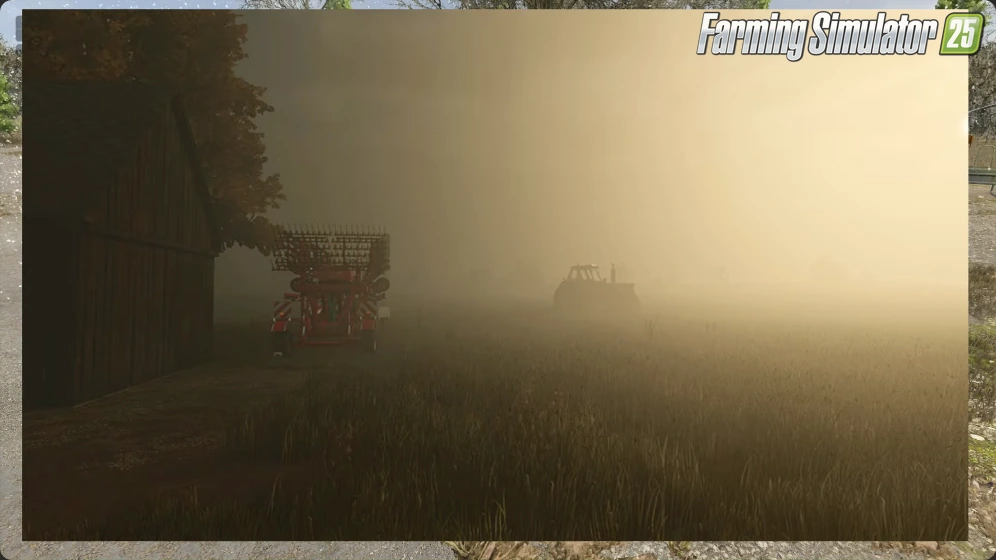
– 🌫️ Dense & dynamic fog (stronger in mornings and during rain)
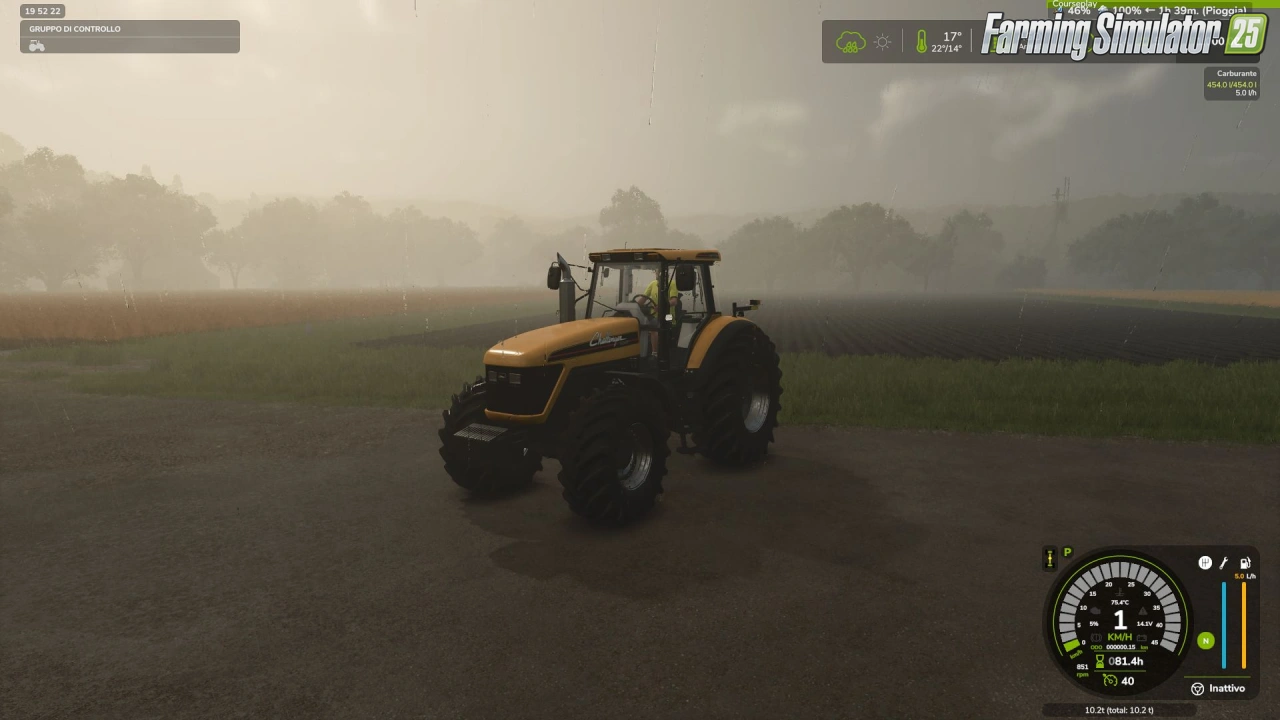
– 🌧️ Improved rain visuals and smoother weather transitions
– ❄️ Hail damage to vehicles left outdoors
– 🔔 Weather notifications
– 🔊 Proper hail and blizzard ambient sounds
– ⏱️ Dynamic damage balancing that scales with time speed
– 🖥️ In‑game settings menu (toggle notifications & hail damage)
– 🌐 Full multiplayer / dedicated server support
– ⚡ Lightweight and performance‑friendly
Changes in v1.4.0.1:
– 🌨️ Overhauled hail damage mechanics — rewritten wear algorithm to prevent overly rapid damage
– ⏩ Time scale optimization — hail wear now scales correctly with fast‑forwarded time
– 🖥️ Restored in‑game settings menu — fully reintegrated into FS25’s native settings
– 🧩 UI & layout fixes — settings toggles now refresh and sync properly
– 💾 Fixed settings persistence — user choices now save and load reliably across sessions
– 📁 Dedicated savegame XML — mod now auto‑creates realisticWeatherLiteSettings.xml inside the active savegame
👉️ Tested on game version 1.21+
Screenshots of «Realistic Weather Lite v1.4.0.1 for FS25»
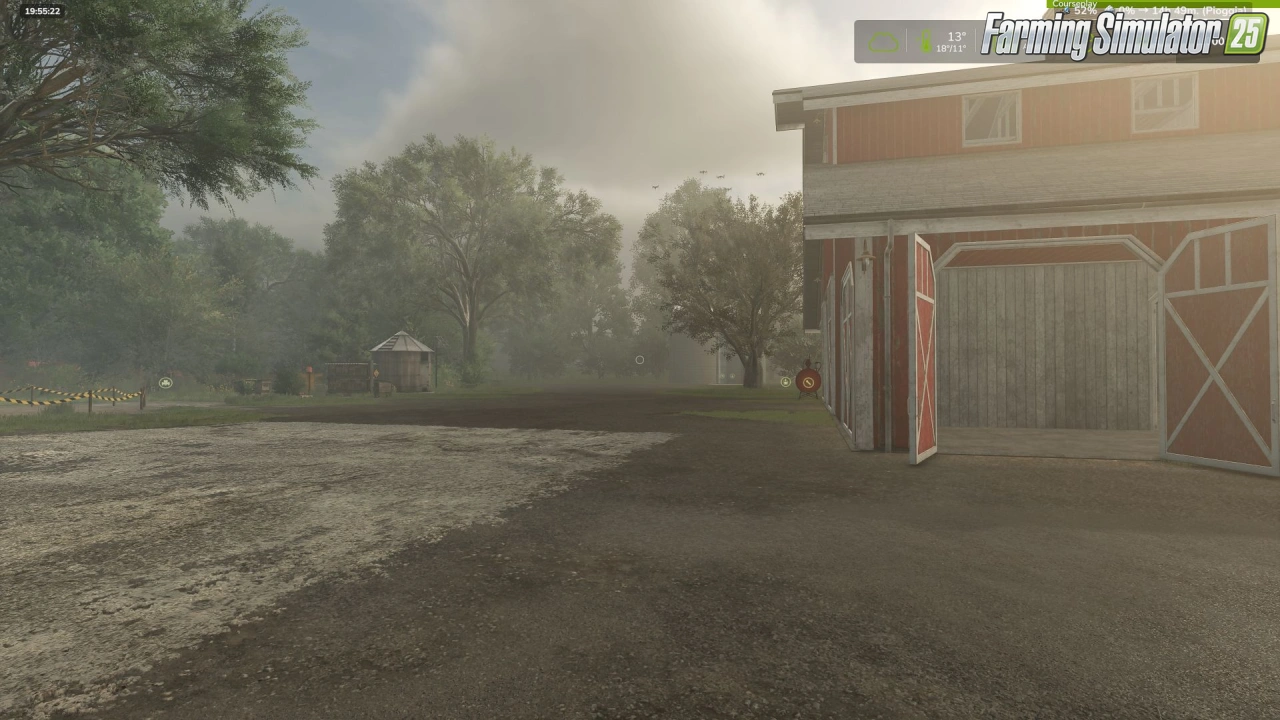
Gameplay Videos with «Realistic Weather Lite v1.4.0.1 for FS25»
Changelogs for «Realistic Weather Lite v1.4.0.1 for FS25»
Changes in v1.4:
Detailed Changes
1. Snow System & Dynamic Accumulation Rework
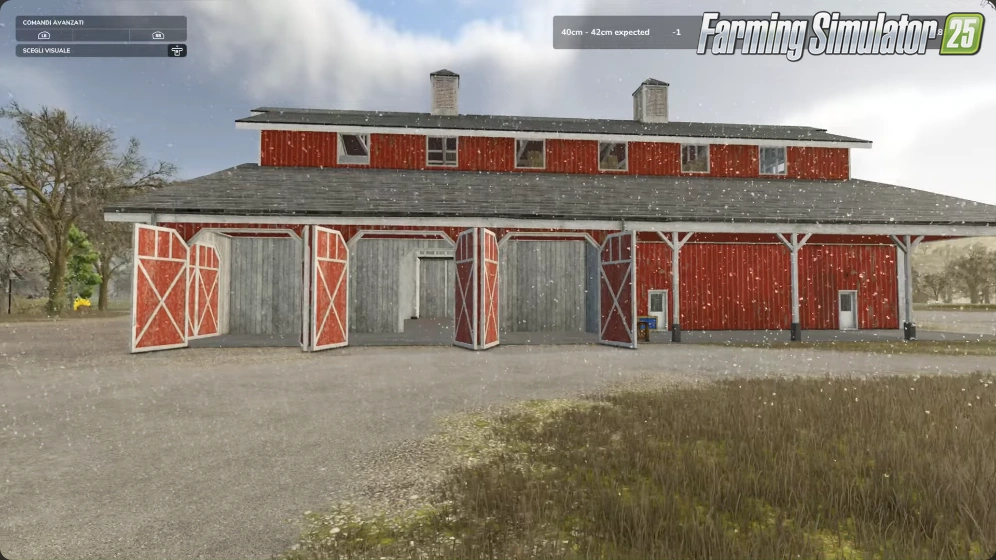
Intensity-Based Depth Scaling: Snow accumulation is no longer static. Depth now scales proportionally with snowfall severity.
Accumulation Caps: Standard snowfall events peak at a maximum depth of 50 cm. Severe blizzards and intense winter storms can now push accumulation over 1.0 meter.
Realistic Snow Fog Synergy: Snowfall no longer guarantees instant 100% dense fog. Visibility drops dynamically depending on storm severity—light snow creates subtle haze (~45%), while severe blizzards trigger dense white-outs (~95%).
2. HUD & User Interface Additions
Real-Time Snowfall Tracker: Added live HUD metrics displaying active snowfall status.
Predicted Snow Limit Display: The HUD now calculates and displays the expected maximum snow depth (in centimeters) for the current weather event, allowing players to prepare fields and clearance equipment in advance.
3. Refined Dense Fog Physics
Elimination of False Triggers: Overhauled global activation logic (fogRoll). Simple cloudy days no longer trigger accidental fog.
Wind Speed Dissipation: Integrated active wind vectors. Wind speeds exceeding 5.5 m/s (~20 km/h) actively dissipate fog or prevent its formation entirely.
Probabilistic Winter Fog: Removed unconditional winter fog forced density. Winter fog now strictly depends on active humidity, snowfall, or cold morning dew points (04:00–11:00 window).
Dynamic Density Transitions: Implemented smoothSpeed scaling tied to game speed (timeScale), ensuring smooth visual transitions during normal gameplay (1x) and fast-forwarding, with map-wide coverage up to 120 meters.
4. Compatibility, Stability & Settings Status
Temporary Settings Menu Hibernation: In-game mod settings options have been temporarily disabled in version 1.4.0.0 to prevent UI mapping conflicts and ensure maximum overall stability.
Upcoming Hotfix (v1.4.0.1): A minor update (v1.4.0.1) will be released very soon to officially restore and re-enable the fully working in-game settings menu, fix persistent saving, and resolve multiplayer UI sync (special thanks to community support and contributor feedback!).
How to install «Realistic Weather Lite v1.4.0.1 for FS25»
- Download the modClick a download link below and save the
.zipfile to your computer. - Open the mods folderGo to
My Documents > My Games > FarmingSimulator2025 > mods. Create it if it doesn't exist. - Copy the .zip fileMove the downloaded
.zipstraight into themodsfolder. Do not extract it. - Launch FS25Start Farming Simulator 25, open Mods in the menu, find «Realistic Weather Lite v1.4.0.1 for FS25» and enable it.
- PlayStart a new save or load an existing one. The mod is now active. Enjoy! 🌾
Download Links — Policy & Disclaimer
This page may contain links to third-party content and websites. External links are reviewed when a page is published, however we are not responsible for the content of external websites. All mod files belong to their respective authors. FarmerPlayer is not affiliated with GIANTS Software GmbH. If you would like a link to your website removed, please contact us.
You Might Also Like
-
 v1.14.x
Riverbend Springs Map v1.0.1.4 Edit By Stevie for FS25
v1.14.x
Riverbend Springs Map v1.0.1.4 Edit By Stevie for FS25
-
 v1.10.x
Stara and Connect Modding Pack v1.0 for FS25
v1.10.x
Stara and Connect Modding Pack v1.0 for FS25
-
 v1.10.x
Liftable Pallets And Bales v1.0.4 for FS25
v1.10.x
Liftable Pallets And Bales v1.0.4 for FS25
-
 v1.20.x
Hinterkaifeck Map v1.0 for FS25
v1.20.x
Hinterkaifeck Map v1.0 for FS25
-
 v1.21.x
Mud System Physics v1.3.3 By BMProd for FS25
v1.21.x
Mud System Physics v1.3.3 By BMProd for FS25
-
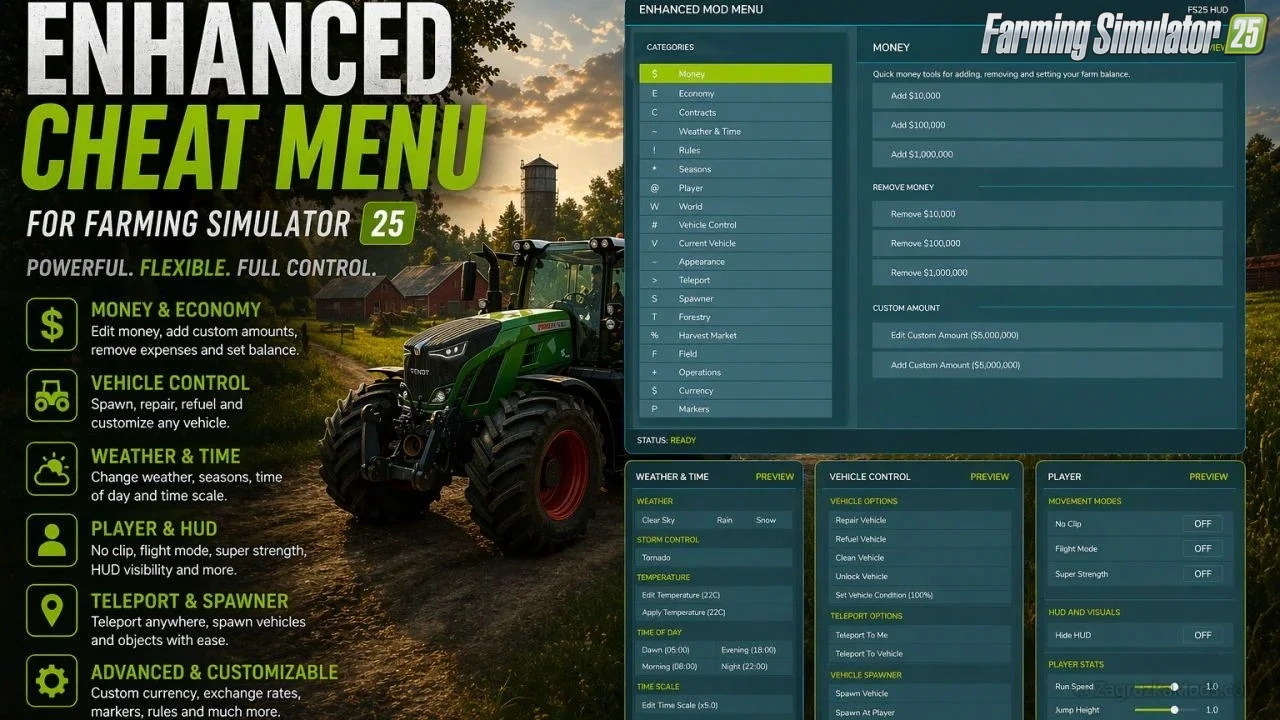 v1.18.x
Enhanced Mod Menu v1.7 for FS25
v1.18.x
Enhanced Mod Menu v1.7 for FS25
-
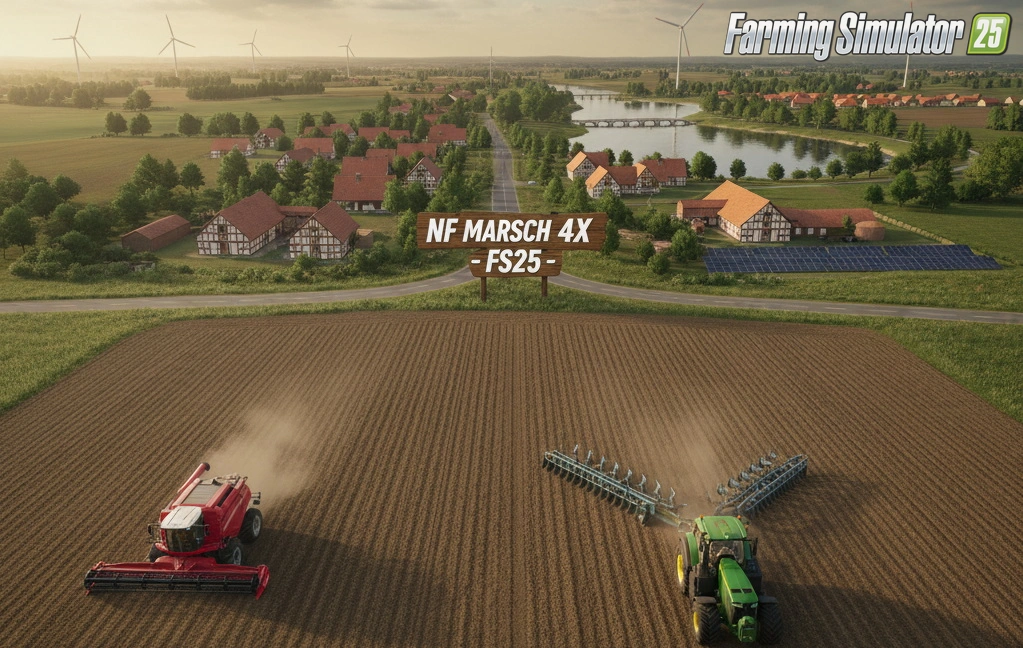 v1.11.x
NF Marsch 4fach Map v1.7 for FS25
v1.11.x
NF Marsch 4fach Map v1.7 for FS25
-
 v1.10.x
CoursePlay Mod v8.1 for FS25
v1.10.x
CoursePlay Mod v8.1 for FS25
Download links lead to external third-party websites. FarmerPlayer.com does not host any mod files directly. All links are reviewed before publishing, however we cannot guarantee the content of external sites at all times. By clicking a download link you agree to our Privacy Policy and Terms & Conditions. If you encounter a broken or suspicious link, please use the Report button above.